, 6 min read
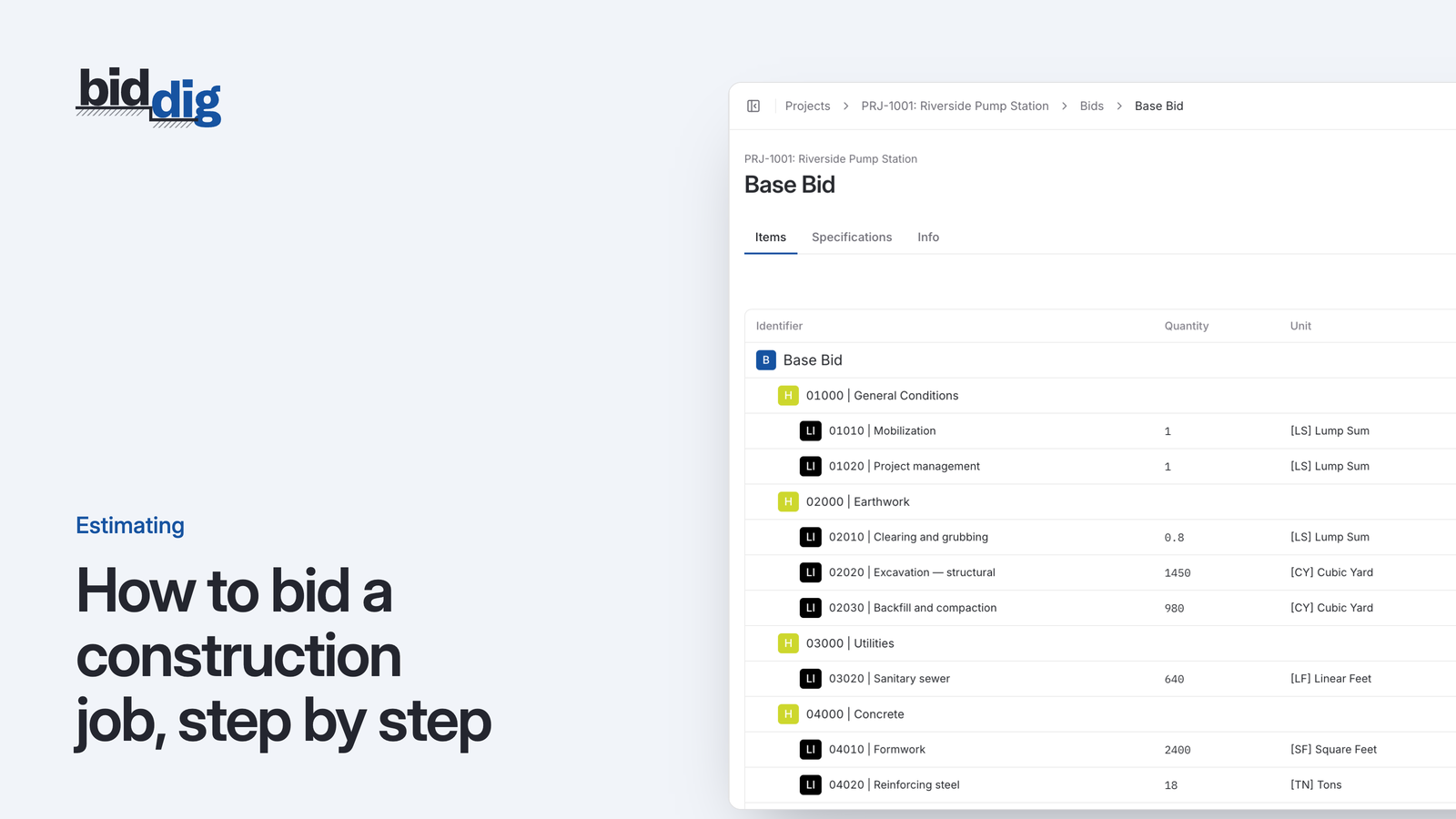
How to bid a construction job, step by step
A bid is a cost build-up with markup on top. Here are the steps in order, a worked line item, and the places where bids usually go wrong.
Every bid built from the same numbers.
Build each bid from your own catalog of bid items, crews, equipment and material prices. Tax, bond, overhead and profit are worked out the same way every time.
60-day free trial. No credit card required.
Most bids start as a copy of the last spreadsheet. The labor rate in it is from two years ago, a formula was overwritten on the job before, and the markup is whatever the estimator typed that afternoon. Two people pricing the same job get two different numbers, and neither can say exactly why.
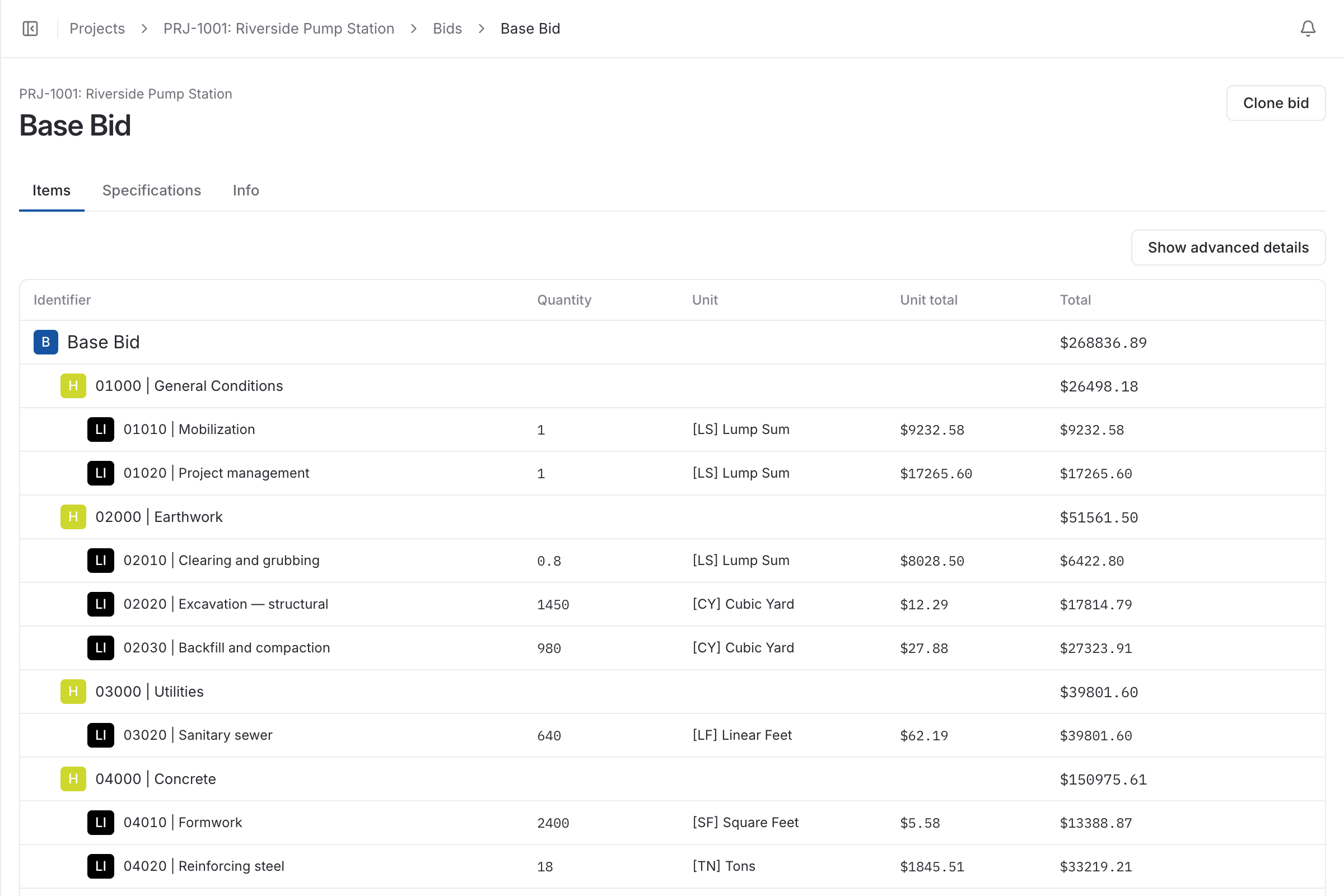
Set up your bid items, employee classifications, equipment, materials and subcontractors once. A bid is then assembled from them under headers and line items.
Tax, bond, overhead and profit are calculated on every bid from your default rates. Set them for the company, override them for one estimator, and change them on a single bid when the job calls for it.
Clone a bid to price an alternate or a similar job. Each bid moves from unsubmitted to submitted to awarded or rejected, so the project shows which number the customer actually accepted.
, 6 min read
A bid is a cost build-up with markup on top. Here are the steps in order, a worked line item, and the places where bids usually go wrong.
, 6 min read
Overhead and profit are two different numbers that do two different jobs. Here is how to find your overhead rate from a year of figures, set a profit rate, and apply both to a bid.
, 5 min read
A 20% markup is not a 20% margin. Here is the difference, the formulas for converting one to the other, and a conversion table for pricing a bid.
, 5 min read
A bid line item is built from five costs. Here is what goes in each, how a production rate drives labor and equipment, and one storm drain line worked through.
, 5 min read
There is no single right percentage. Contingency is a price for specific risks, and the way to size it is to name those risks, price each one and weigh how likely it is.
, 5 min read
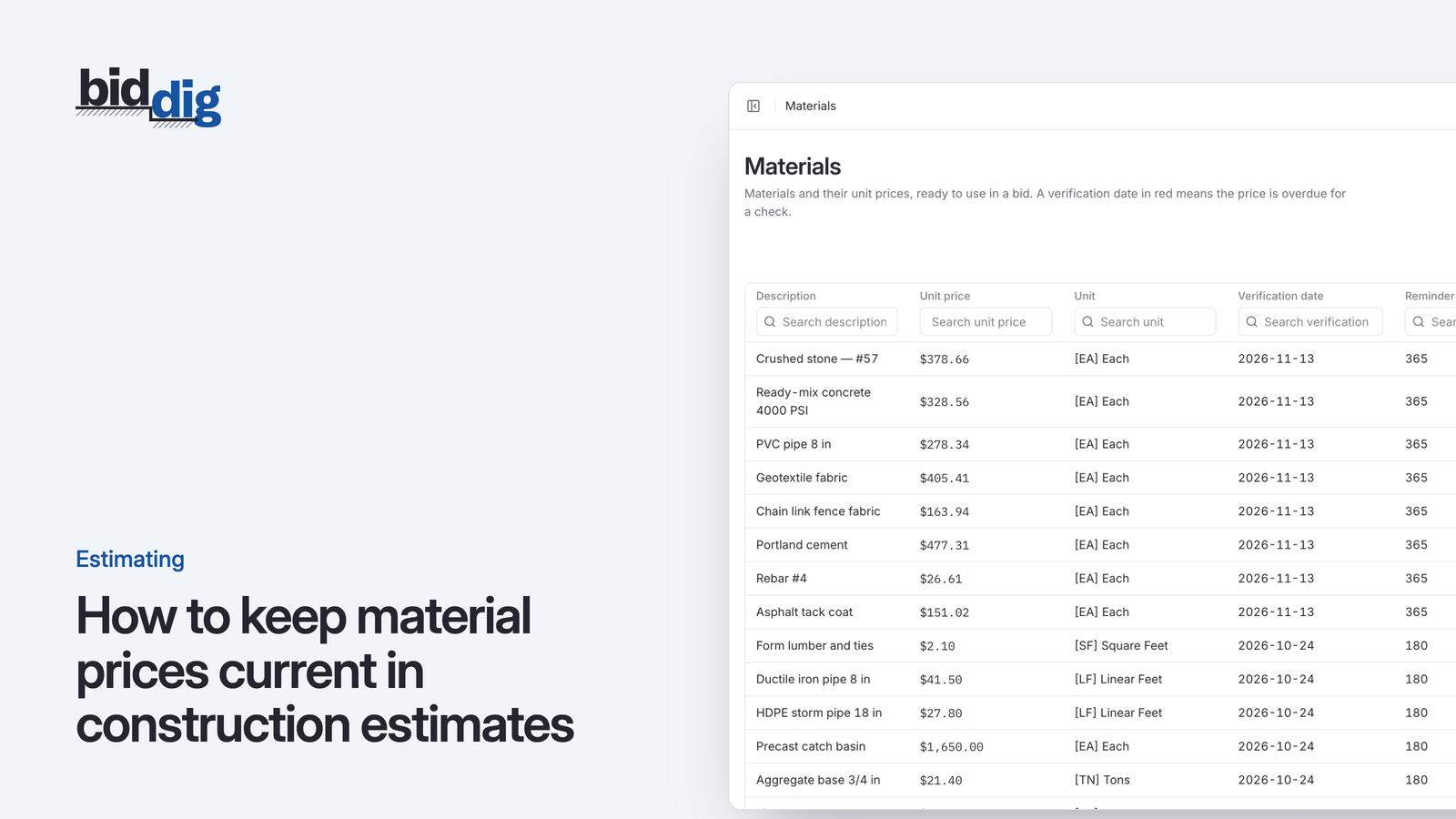
A material price is only true on the day somebody checked it. Here is a routine for re-verifying prices, and ways to protect a bid when prices move after it is sent.
, 5 min read
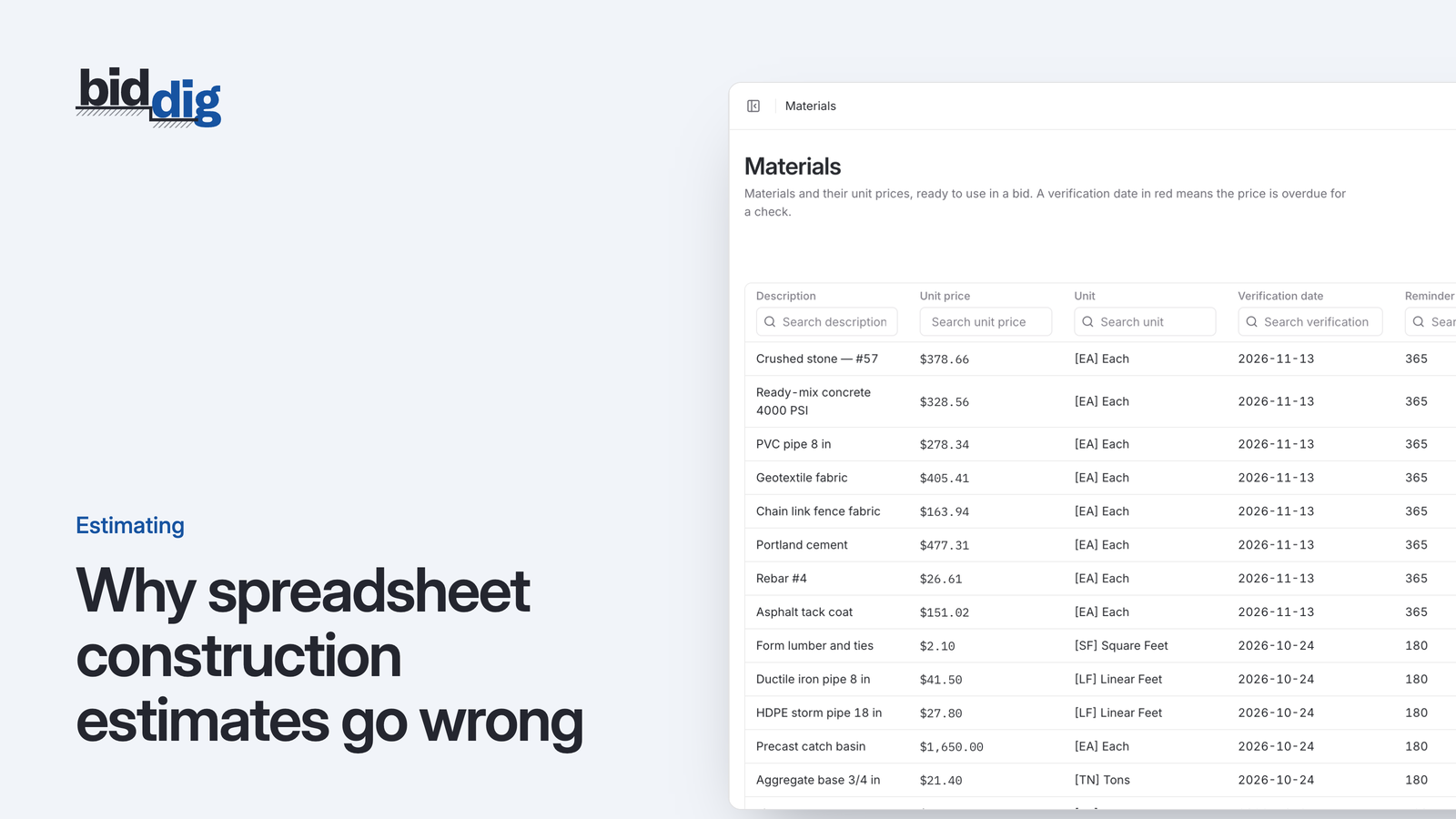
Spreadsheet estimates go wrong because the costs live inside each job file. Copy the file and old rates, broken formulas and one-off adjustments come along unnoticed.
, 6 min read
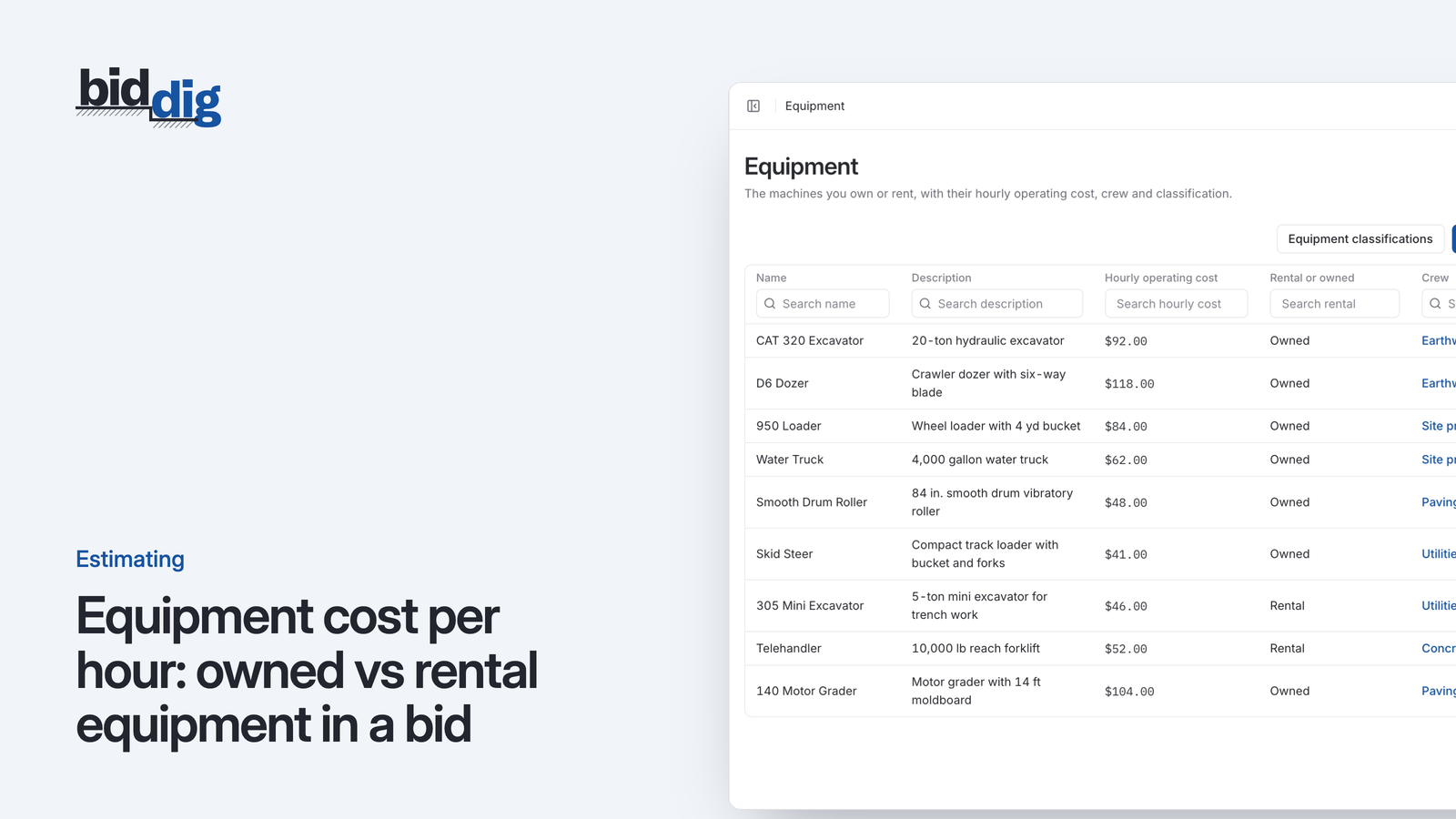
A machine you own and a machine you rent cost you money in different ways. Here is how to work out an hourly rate for each before you put it in a bid.
, 6 min read
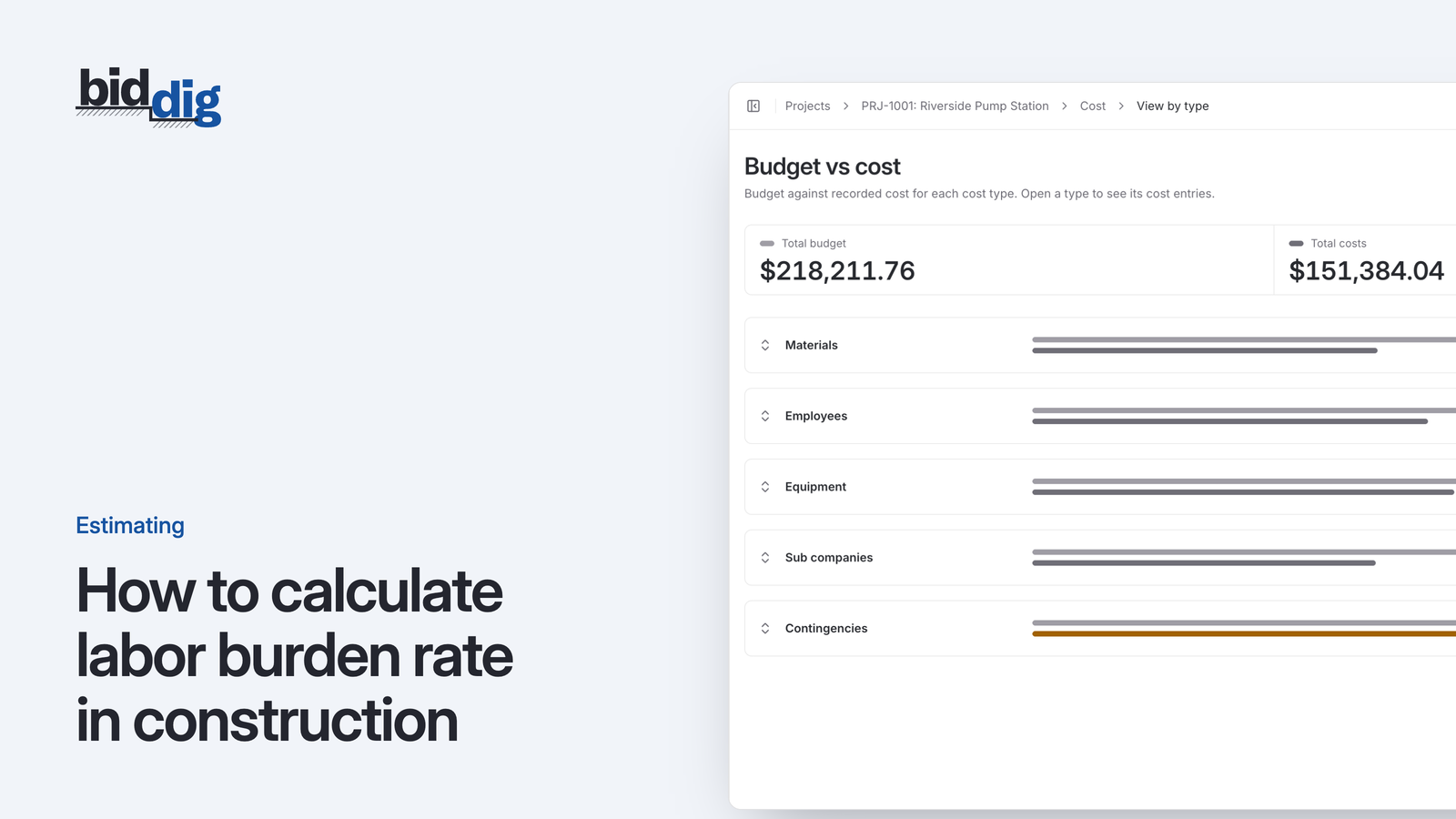
Labor burden rate is annual burden costs divided by annual wages. Here is the formula, what goes into it, and a worked example with every line of arithmetic.
This is one part of BidDig. For how the parts work together, see Construction estimating software.
Set up your catalog, build a bid and send the proposal. Then watch the job against the bid as the costs come in.
60-day free trial. No credit card required.