, 6 min read
How to bid a construction job, step by step
A bid is a cost build-up with markup on top. Here are the steps in order, a worked line item, and the places where bids usually go wrong.
Price pipe by the foot, with the crew and the iron in the number.
A foot of water main is pipe, bedding, a crew, an excavator and a production rate. Price any one of them from memory and the unit price is wrong on every foot. BidDig builds each line from your own rates, then tracks the job against it.
60-day free trial. No credit card required.
Pipe layers, operators and laborers have their own classifications. Excavators, loaders and compaction equipment carry an hourly cost. Pipe, fittings and bedding carry a unit price with the date it was last checked.
More on estimating and bidding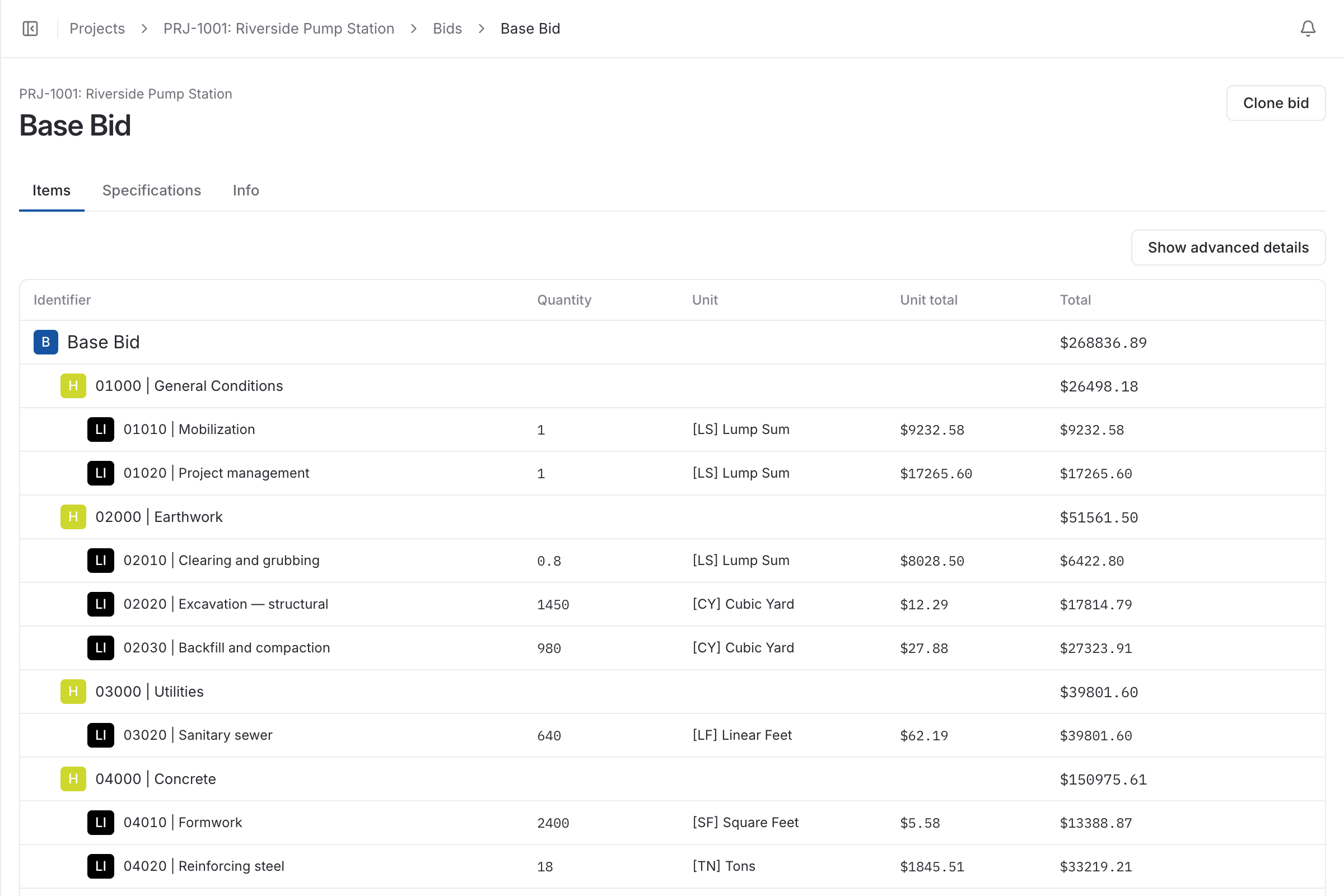
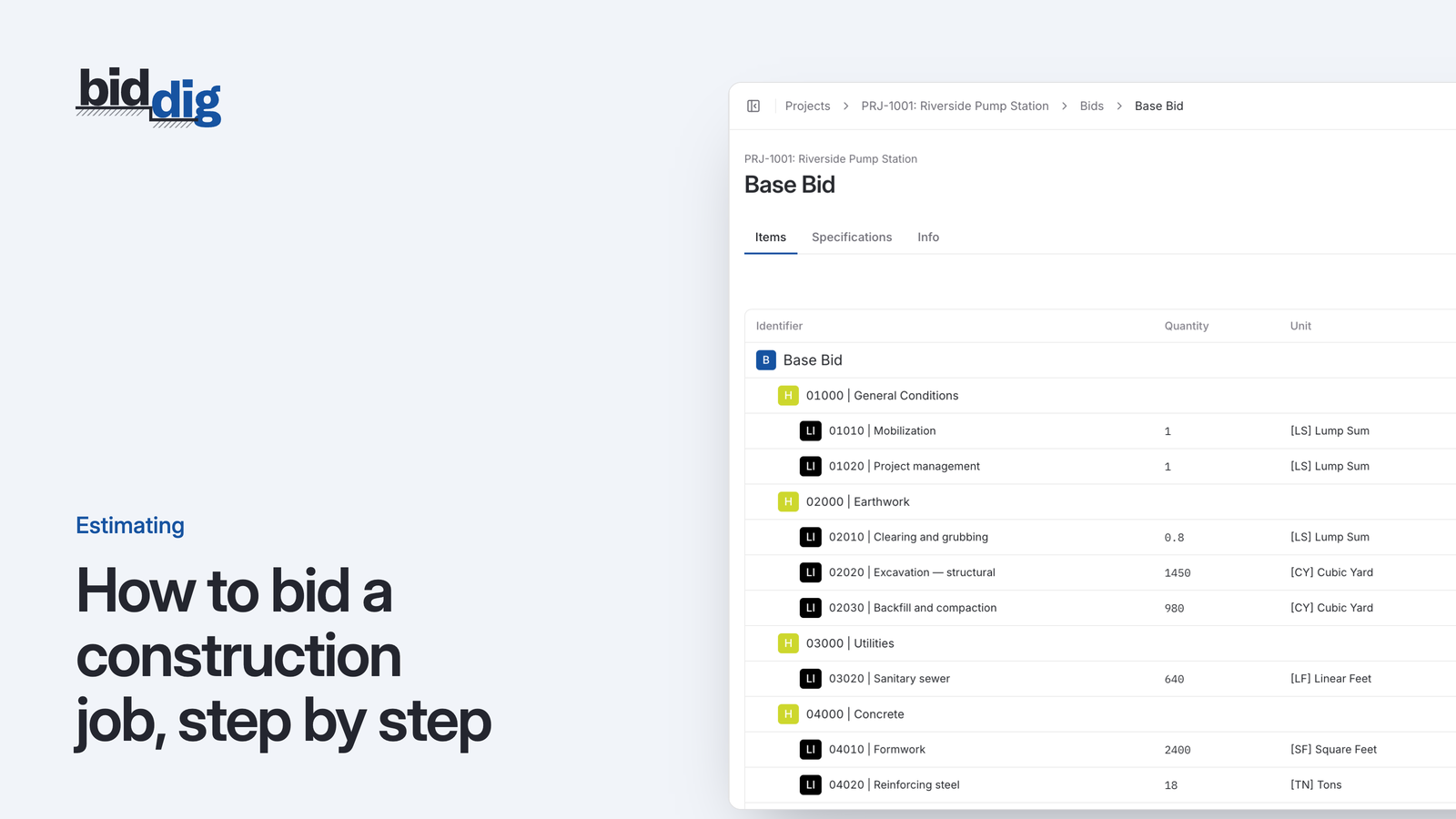
Line by line, in the unit the owner pays by. Pipe is priced per linear foot, structures and fittings each, bedding and backfill by the ton or cubic yard. Behind each unit price are four costs: the material, the crew, the equipment and how many feet that crew lays in a day.
The production rate is the judgment call, and the rest is arithmetic. Estimating software for utility work should do the arithmetic the same way every time, from rates you have set once, so your attention goes to the production.
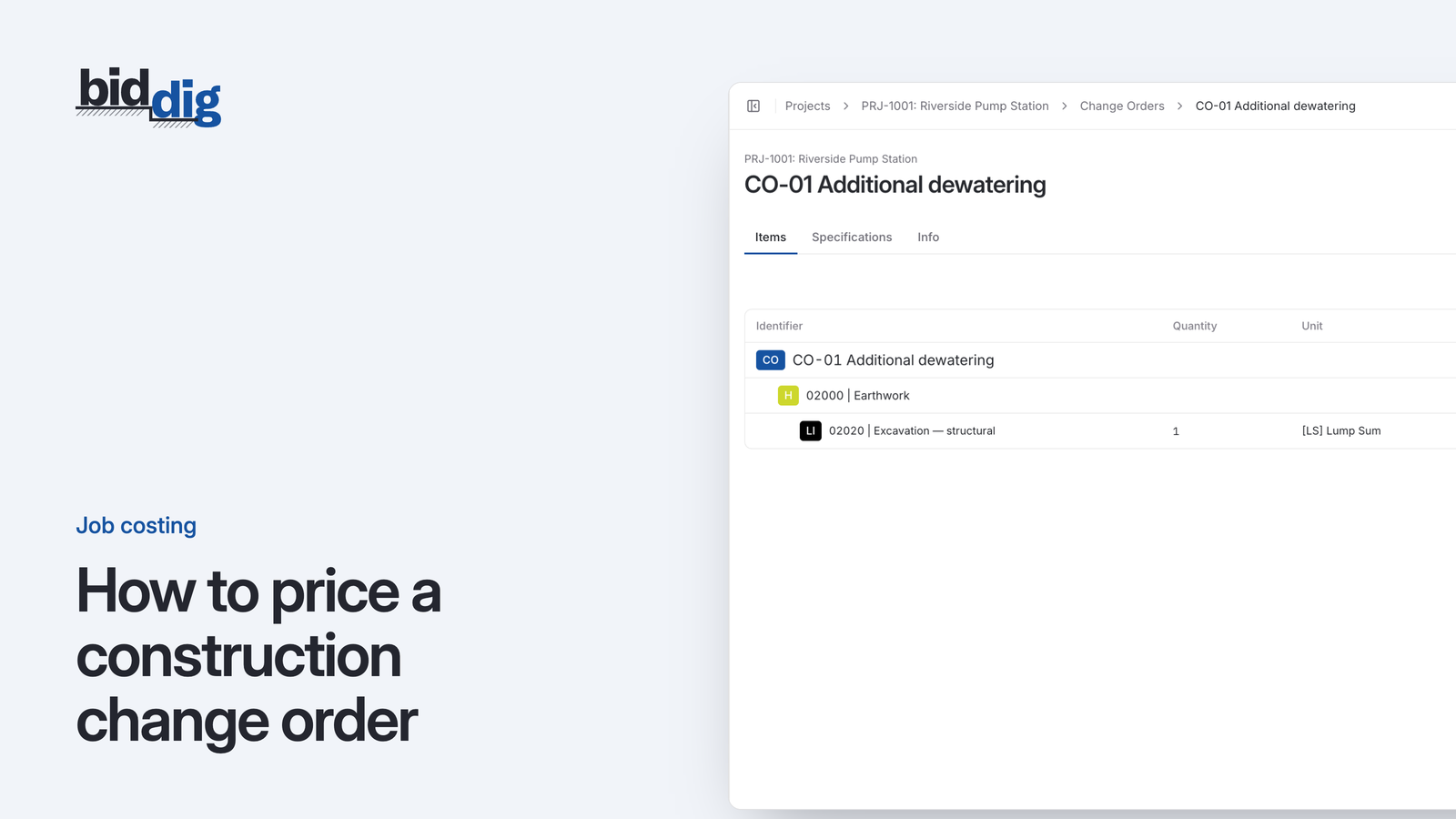
Unmarked utilities, rock and unsuitable material are part of the trade. When the work changes, a change order in BidDig is built like a bid, from the same catalog and the same markup, and added to the project once it has an awarded bid. It can be sent as a proposal and is awarded or rejected on its own, so the extra is priced before it is dug.
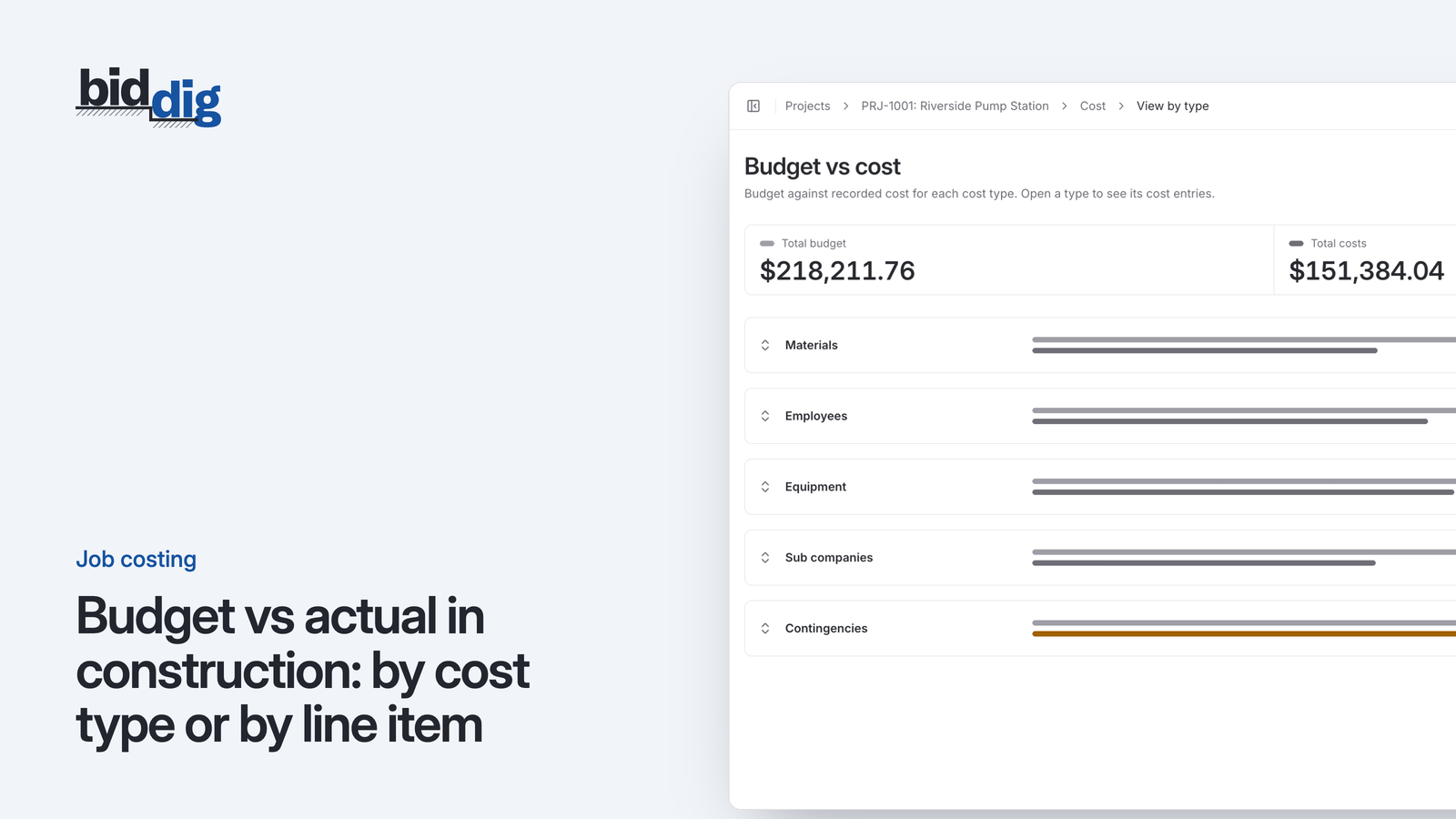
After award, each line item of the bid is a line of the budget. Pipe layers, operators and the excavator are booked to the line they worked on from the timesheet, and material and subcontractor costs are recorded against the same line. A line turns orange from 80% of its budget, which on a pipe run is your signal to compare footage installed with cost spent.
Say one excavator and a four-person crew lay 100 LF a day. At 8 hours a day, 400 LF is 32 crew hours.
| Cost | How it is worked out | Amount |
|---|---|---|
| Labor | Operator $38 + two pipe layers at $30 + laborer $24 = $122 an hour x 32 hours | $3,904.00 |
| Equipment | Excavator at $85 an hour x 32 hours | $2,720.00 |
| Pipe | 400 LF x $22 | $8,800.00 |
| Bedding | 60 TN x $18 | $1,080.00 |
| Cost before markup | $16,504.00 / 400 LF = $41.26 per LF | $16,504.00 |
Every figure here is an example. Your rates, your production and your material prices go in their place, and tax, bond, overhead and profit are applied on top.
Price the extra from the same catalog and markup as the bid, send it as a proposal and record the answer on the project.
More on change orders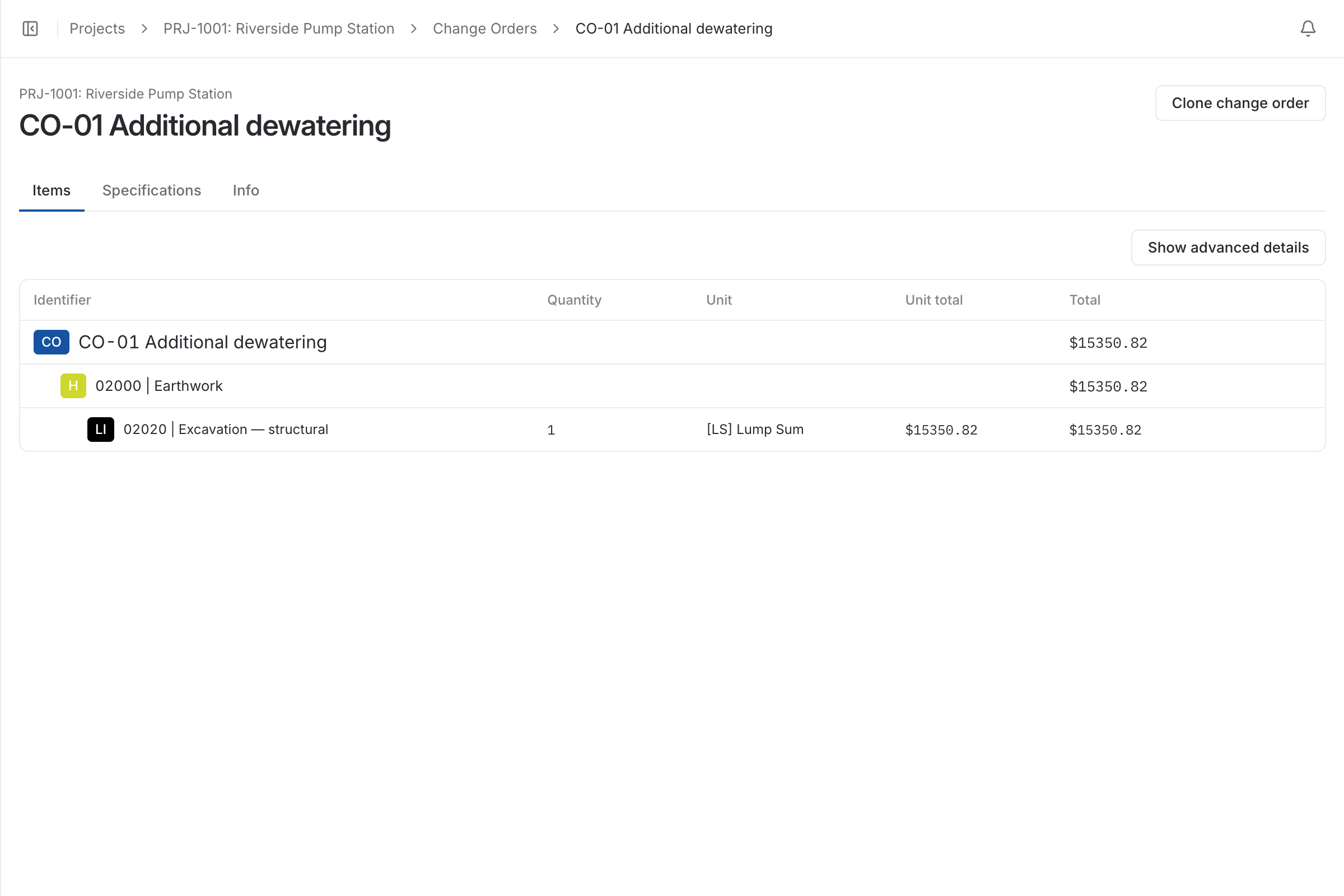
Water main, sanitary sewer, storm drain: each line item shows budget vs actual by cost type, with a warning before it goes over.
More on job costing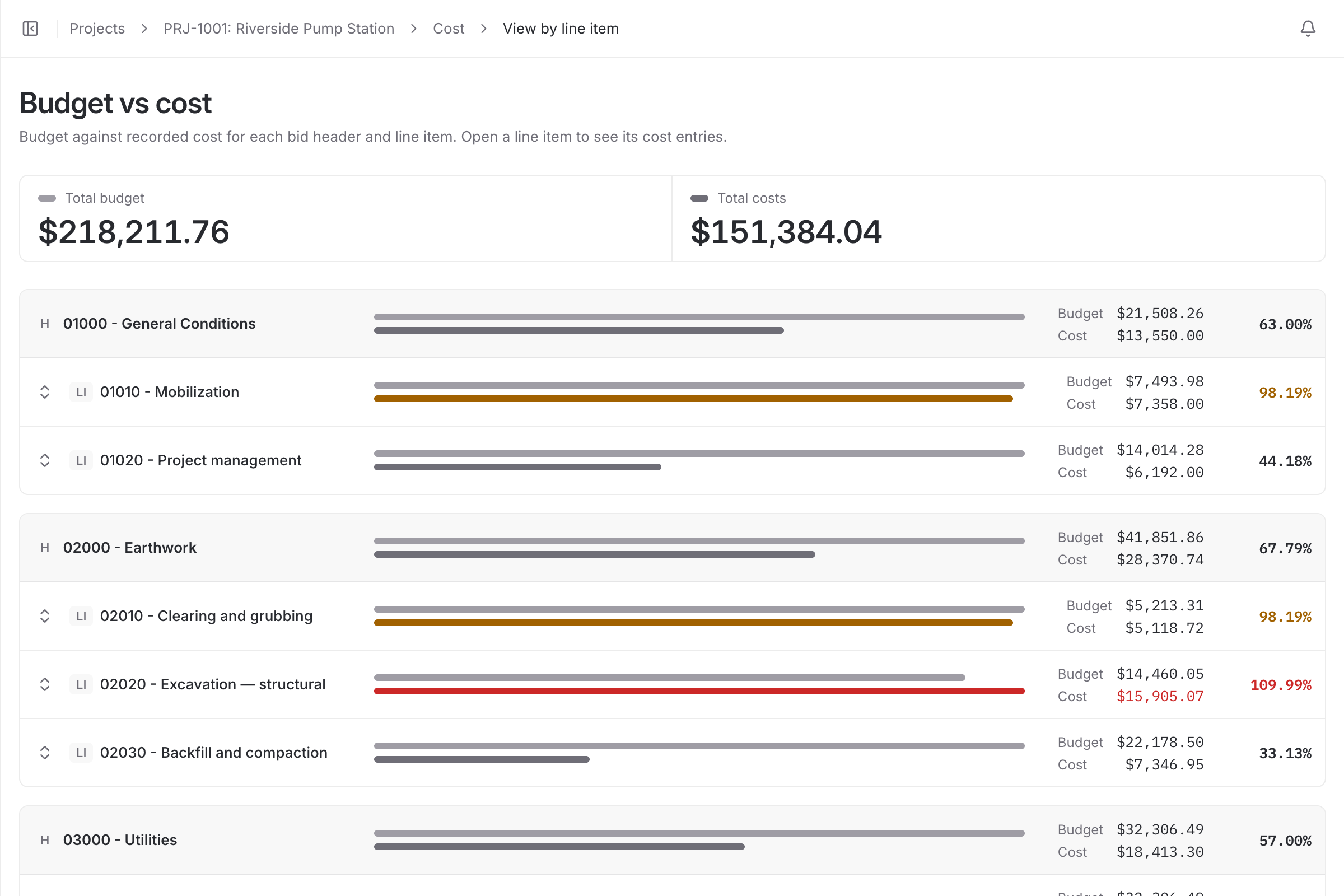
| With a spreadsheet | With BidDig | |
|---|---|---|
| Unit prices | Carried over from the last bid and adjusted by feel | Built from crew, equipment and material rates on each line |
| Pipe and fitting prices | As old as the spreadsheet | A verification date on every material price |
| Extras | Agreed on site, argued at the final bill | A priced change order with its own status |
| Cost per run | Known at closeout | Budget vs actual per line item during the job |
No. Material prices are your own, entered once in the catalog with the date each was last verified. BidDig shows a notice when a price is overdue for checking.
Yes. LF is a built-in unit, along with CY, SF, SY, TN, HR and LS, and you can add your own, such as EA for structures.
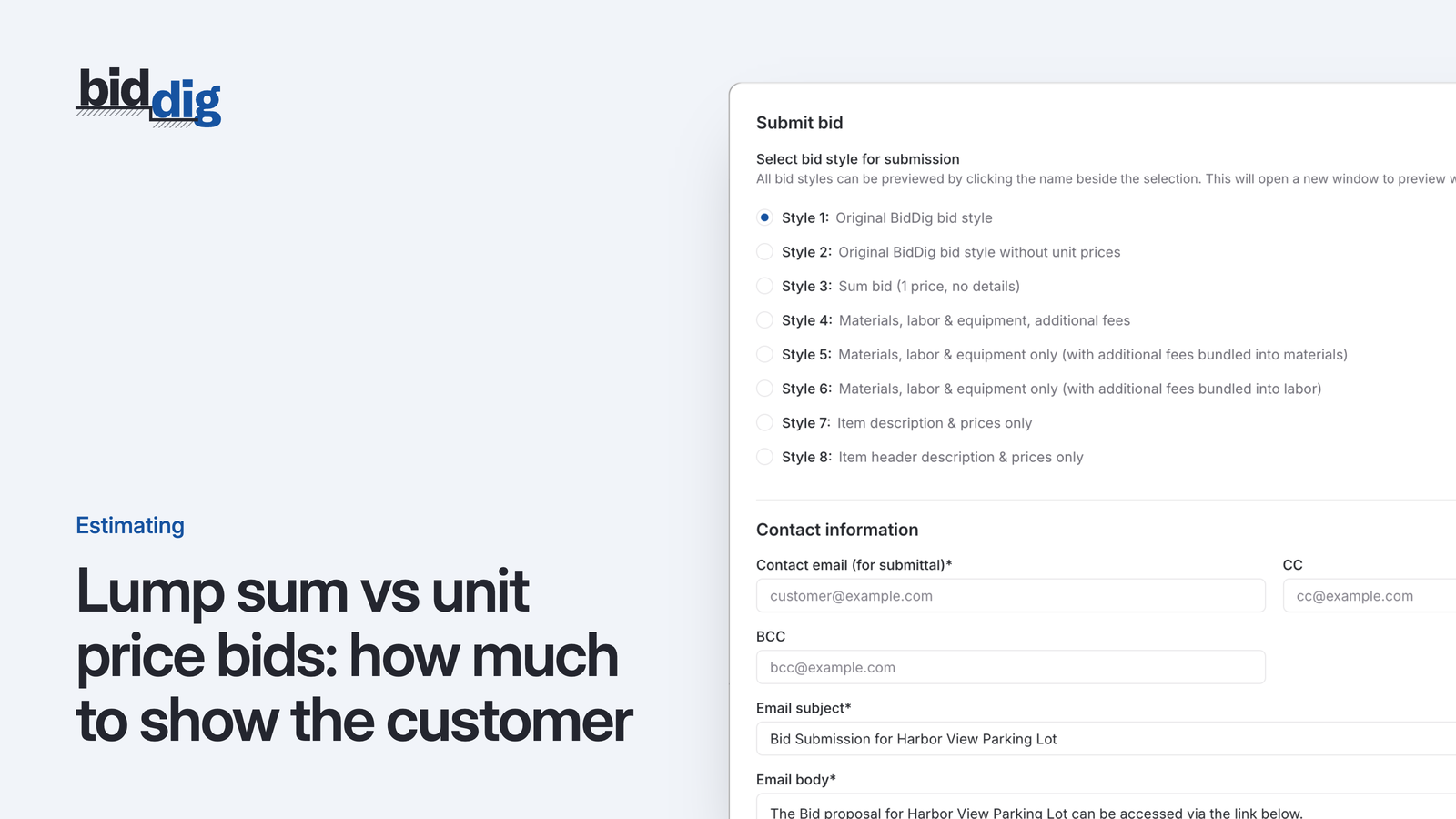
Yes. The proposal style is chosen when you send. Some styles show item descriptions and prices only, one shows a single lump sum, and others show the full breakdown.
As a change order on the project. It is built from the same catalog and markup as the bid, can be sent as a proposal, and is awarded or rejected separately from the base bid.
, 6 min read
A bid is a cost build-up with markup on top. Here are the steps in order, a worked line item, and the places where bids usually go wrong.
, 5 min read
The same estimate can go out as one number or as a page of quantities and rates. Which one you send changes who carries the risk and what the customer argues about.
, 6 min read
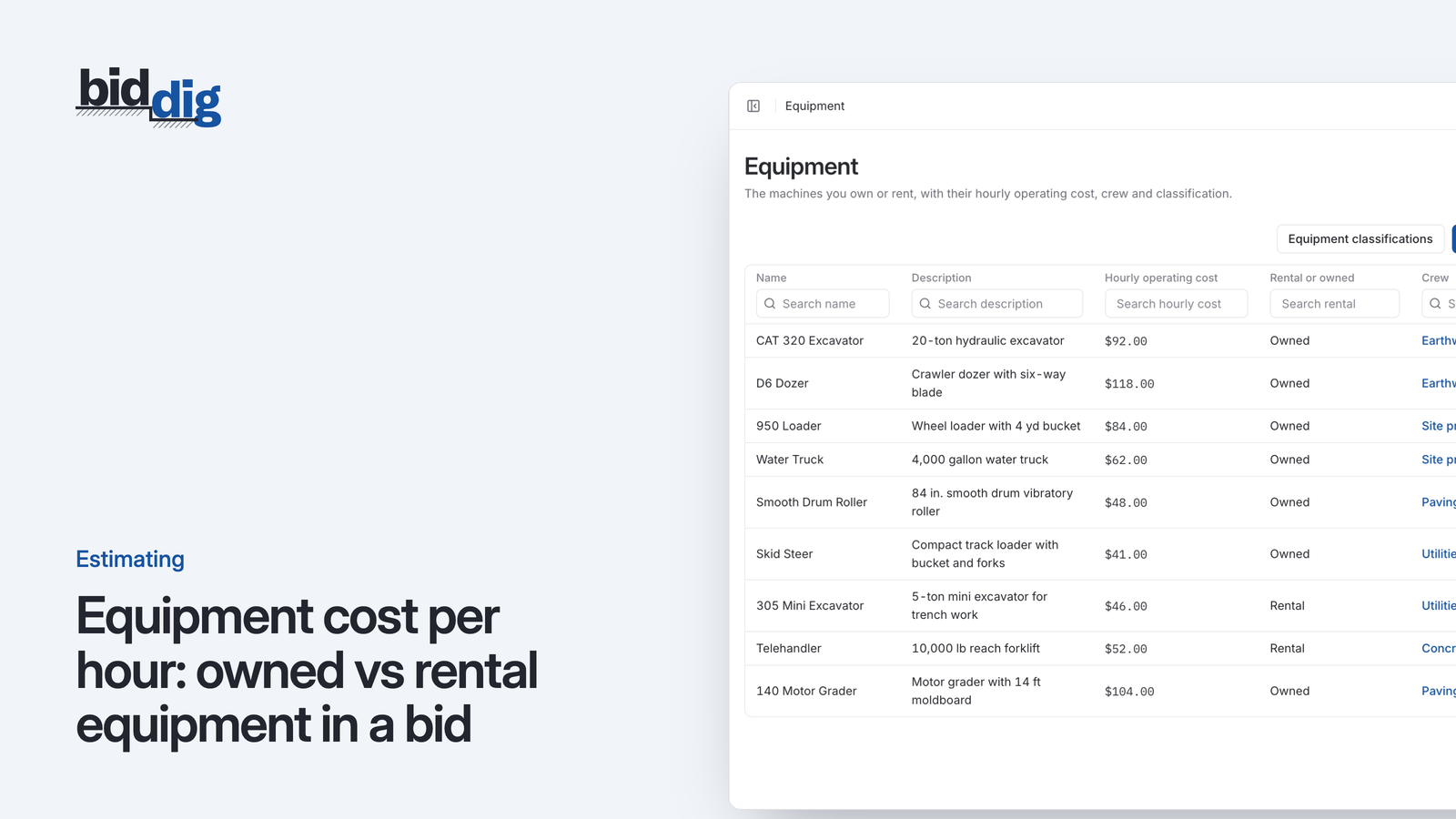
A machine you own and a machine you rent cost you money in different ways. Here is how to work out an hourly rate for each before you put it in a bid.
, 5 min read
A change agreed with a handshake on site becomes an argument at the end of the job. Pricing each change the way you priced the bid, and getting an answer before the work starts, avoids most of it.
, 6 min read
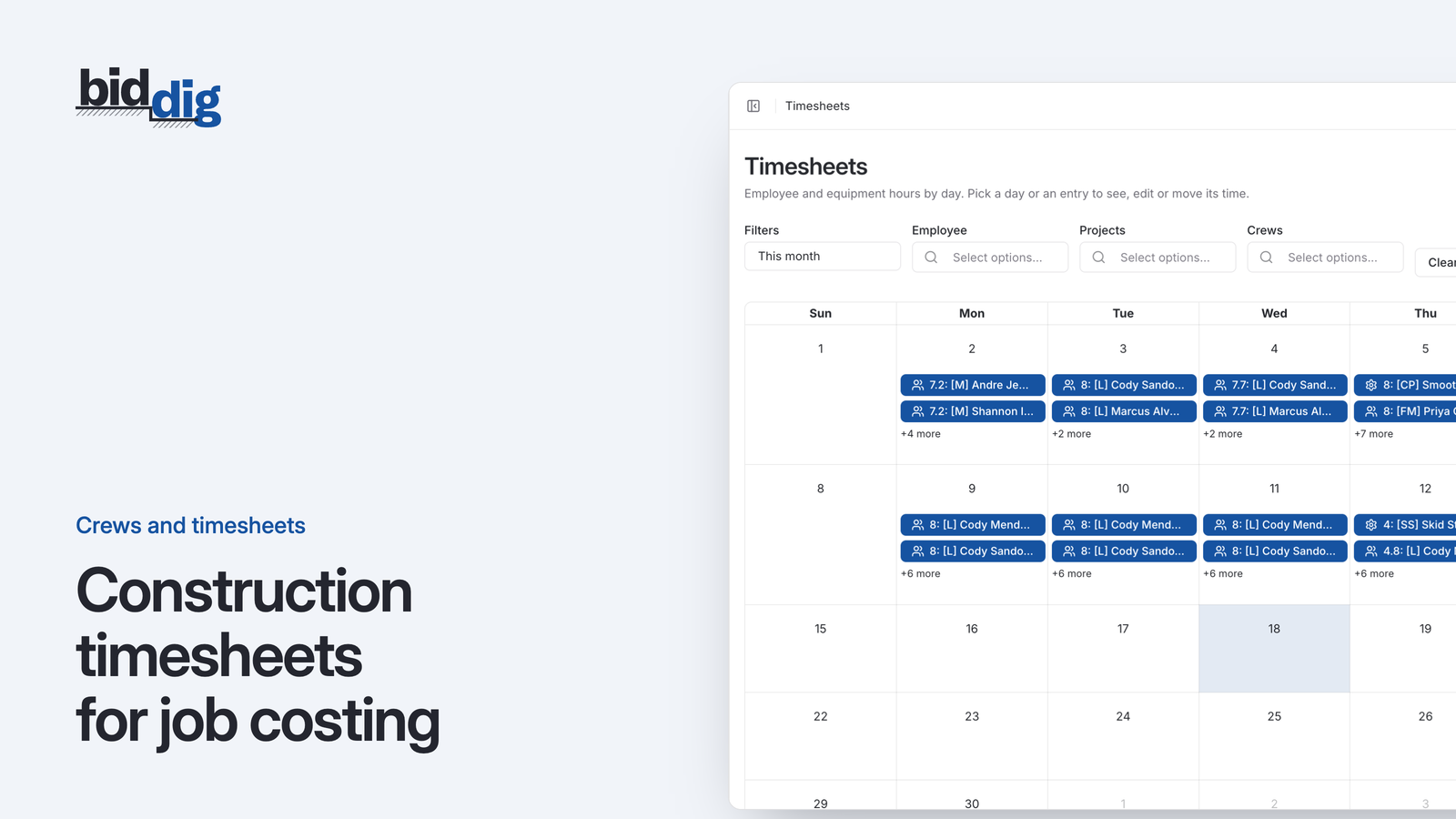
A timesheet that records only the job tells you what payroll will be. One that also records the line item, on the day the work was done, tells you whether the job is making money.
, 5 min read
The same job costs can be cut two ways. One tells you what kind of money is going out, the other tells you which piece of work is taking it. You need both, and here is why.
Set up your catalog, build a bid and send the proposal. Then watch the job against the bid as the costs come in.
60-day free trial. No credit card required.