, 6 min read
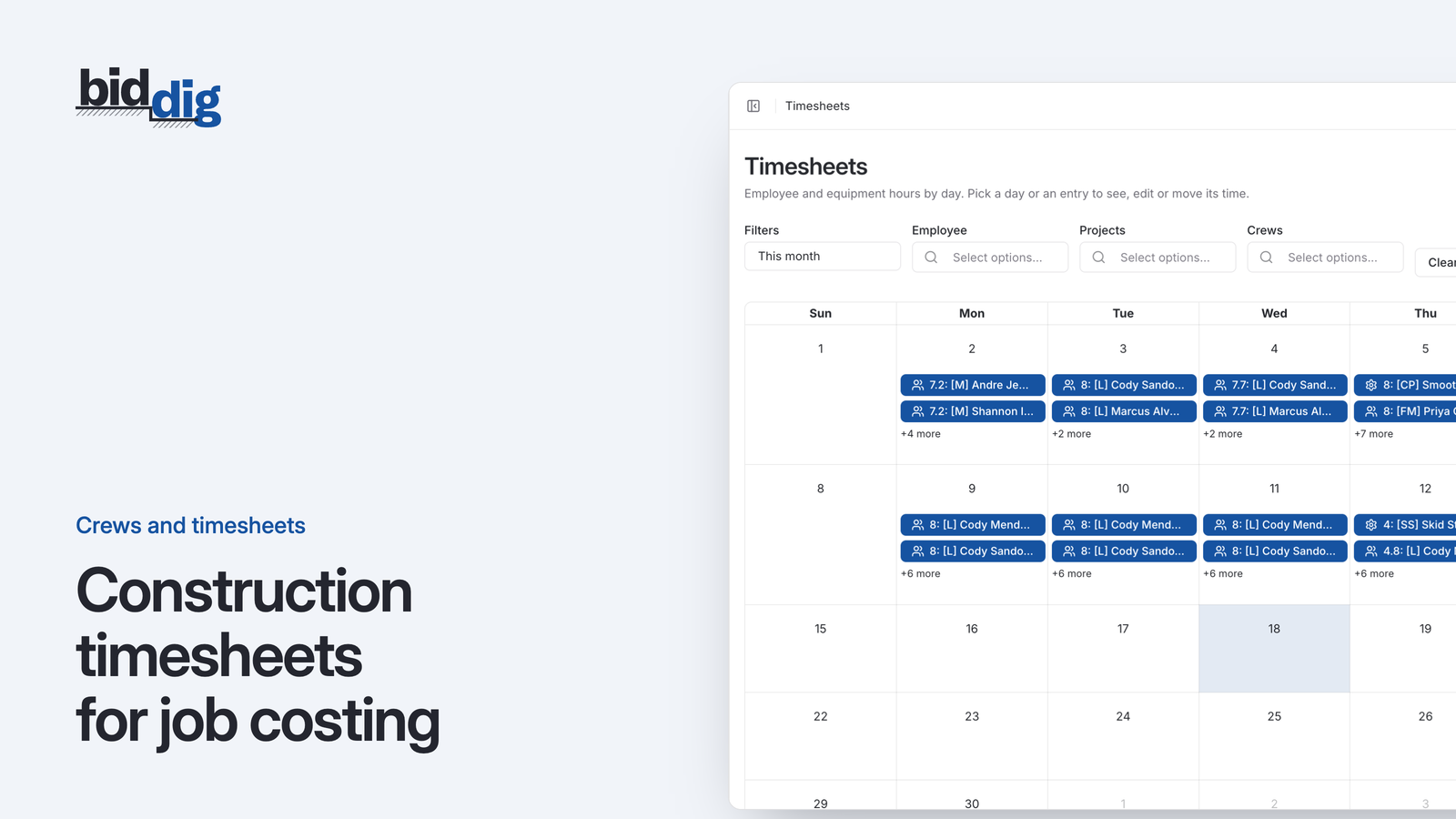
Construction timesheets for job costing
A timesheet that records only the job tells you what payroll will be. One that also records the line item, on the day the work was done, tells you whether the job is making money.
Timesheets that tell you what the job cost, not just what payroll owes.
A timesheet with a name, a date and a job number is enough to pay people. It is not enough to know whether the excavation made money. In BidDig hours are booked to the line item they were spent on, so labor and equipment show up in the job cost the day they are entered.
60-day free trial. No credit card required.
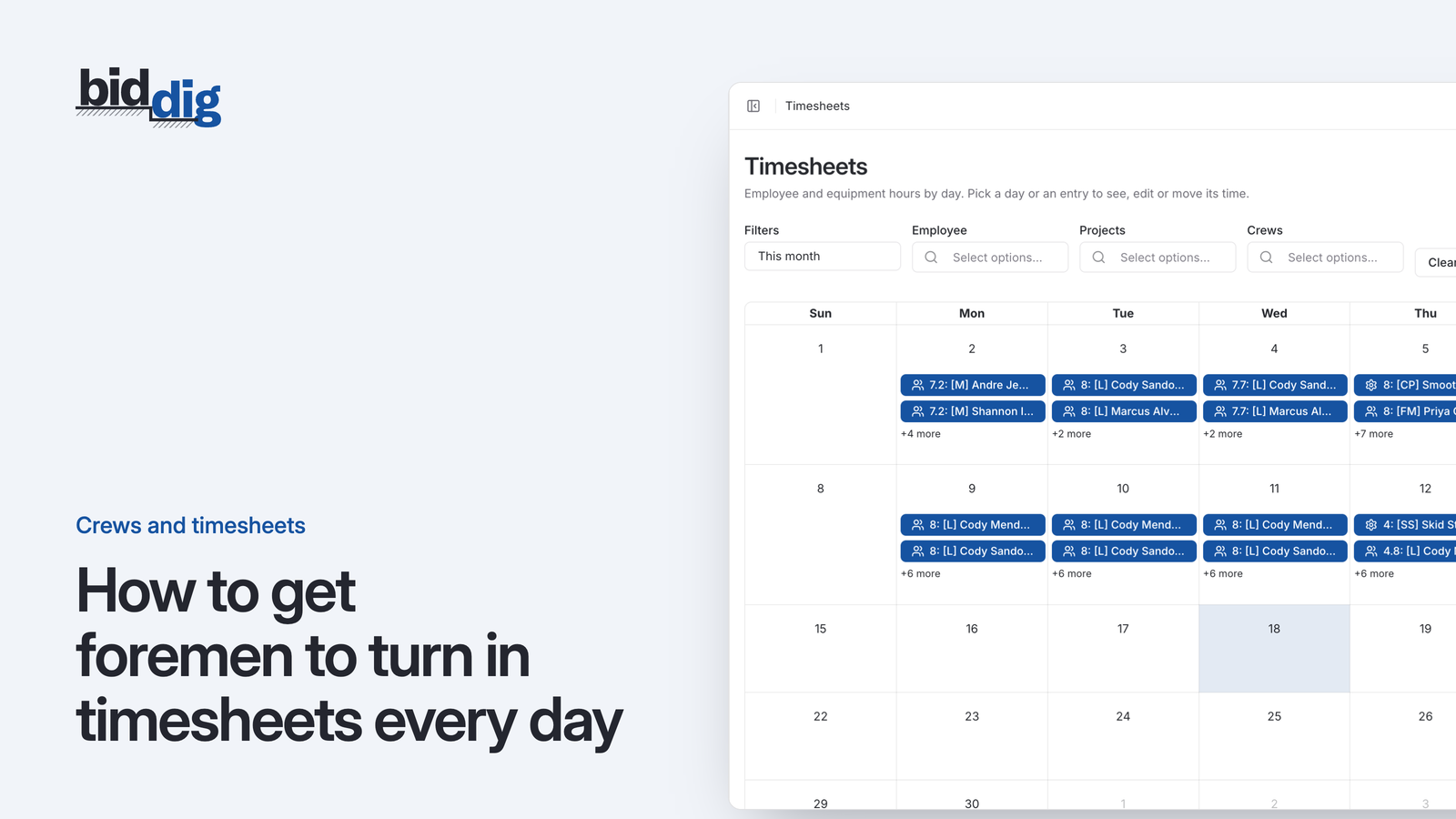
Employee hours and equipment hours are entered against a project and a line item, on a calendar you can filter by employee, project or crew.
More on timesheets and crews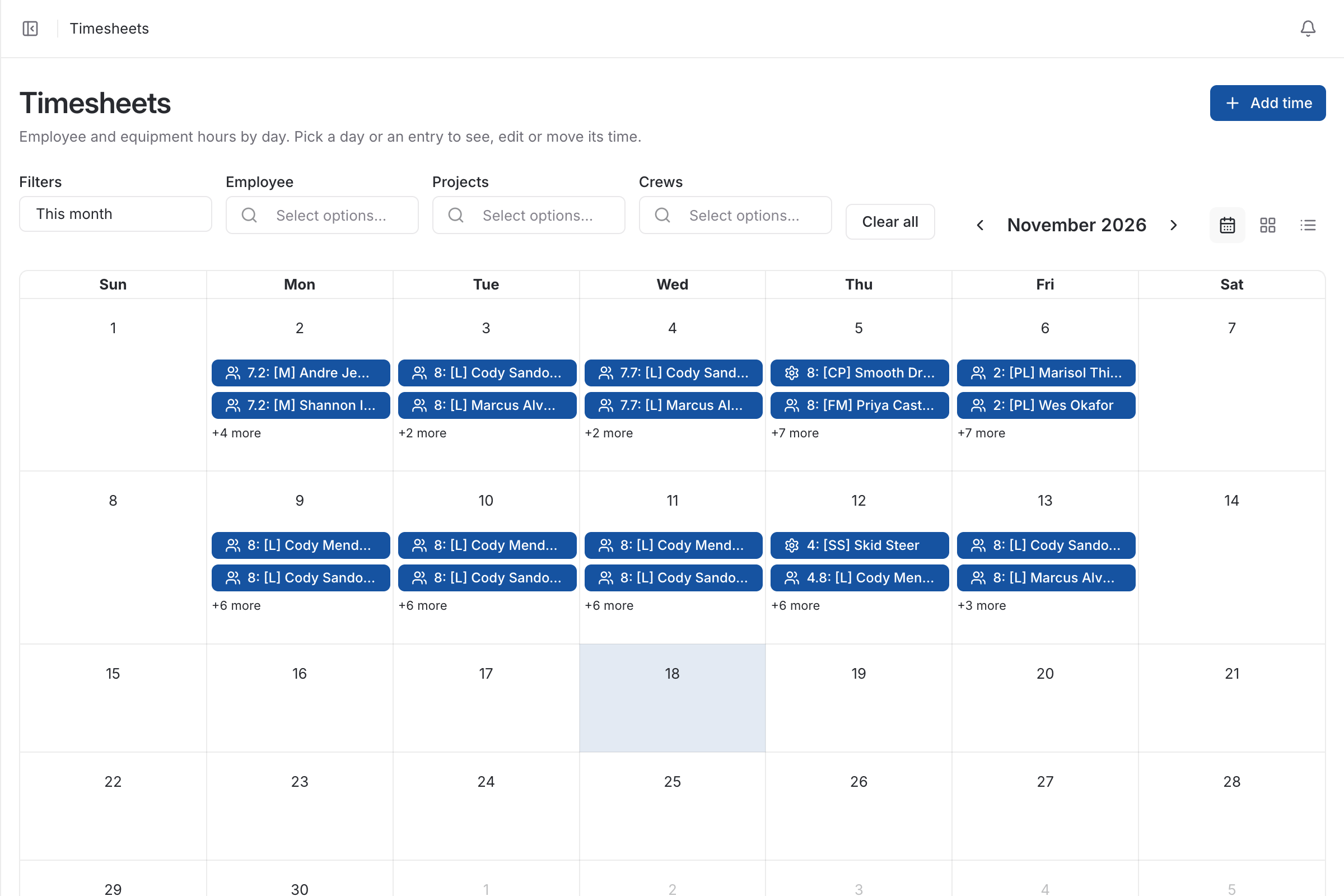
Two different jobs. Payroll needs to know how many hours each person worked. Job costing needs to know what those hours were spent on. A timesheet that records a name, a date and a job number does the first and not the second.
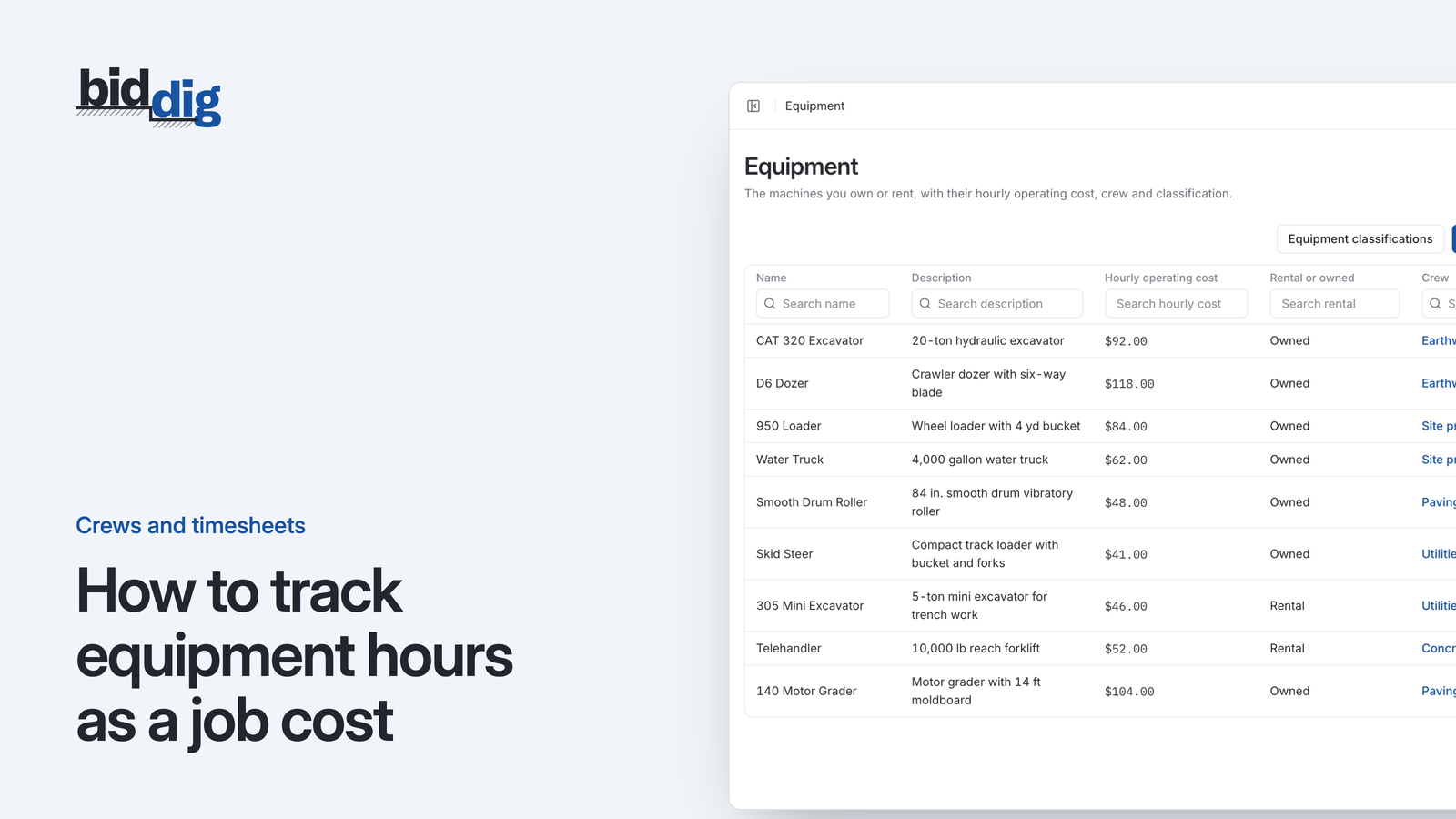
To cost a job, hours have to be booked to the part of the job they belong to, and equipment hours have to be recorded alongside labor, because the excavator on the trench cost money that day too.
The timesheet is a calendar. A foreman or superintendent opens it in a browser, on a phone or a desktop, and enters hours for an employee or a machine against a project and a line item. The calendar can be filtered by employee, by project or by crew, and an entry can be corrected or removed afterward.
The moment an entry is saved it is job cost. Labor is costed at the employee’s rate and equipment at the hourly operating cost set for that machine, and both show against the line item’s budget.
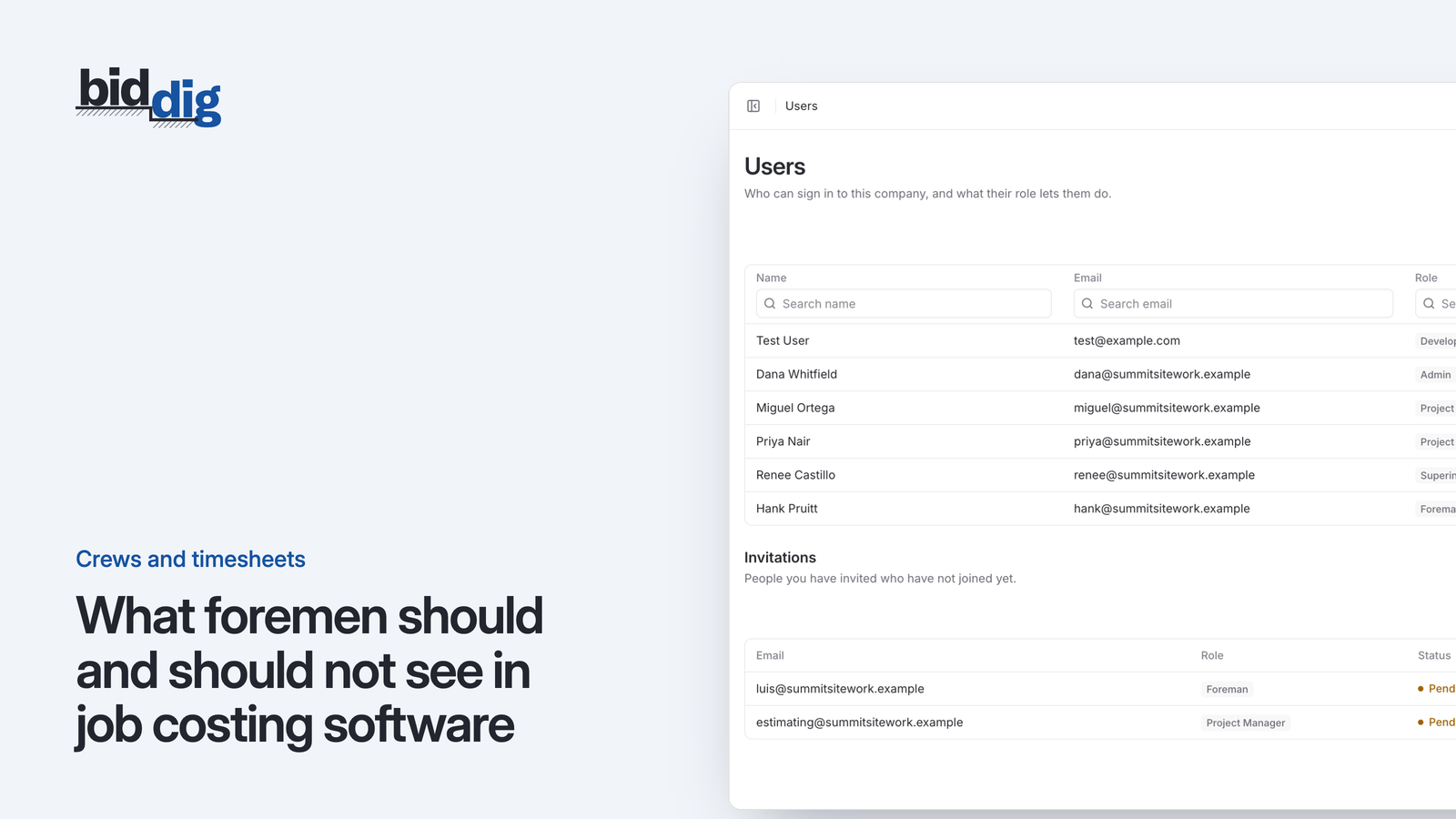
Foremen and superintendents see the projects they are assigned to and the timesheet. They do not see hourly rates, budget vs actual, or notes and documents marked administrative. The person entering eight hours for a laborer never learns what the laborer is paid or what the job is making.
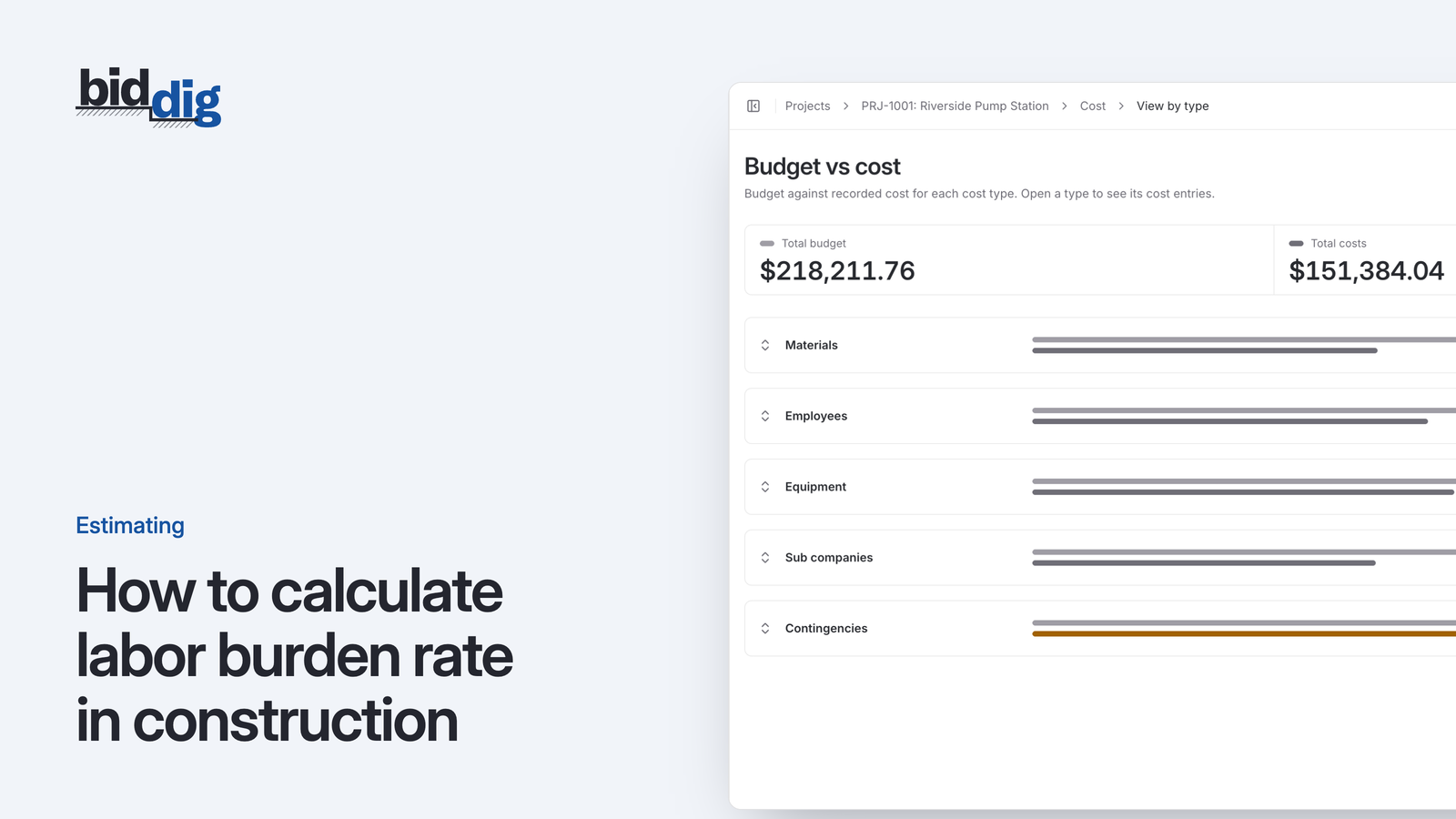
There is no second entry. The hours feed budget vs actual by cost type and by line item, and a line warns you as it nears its budget.
More on job costing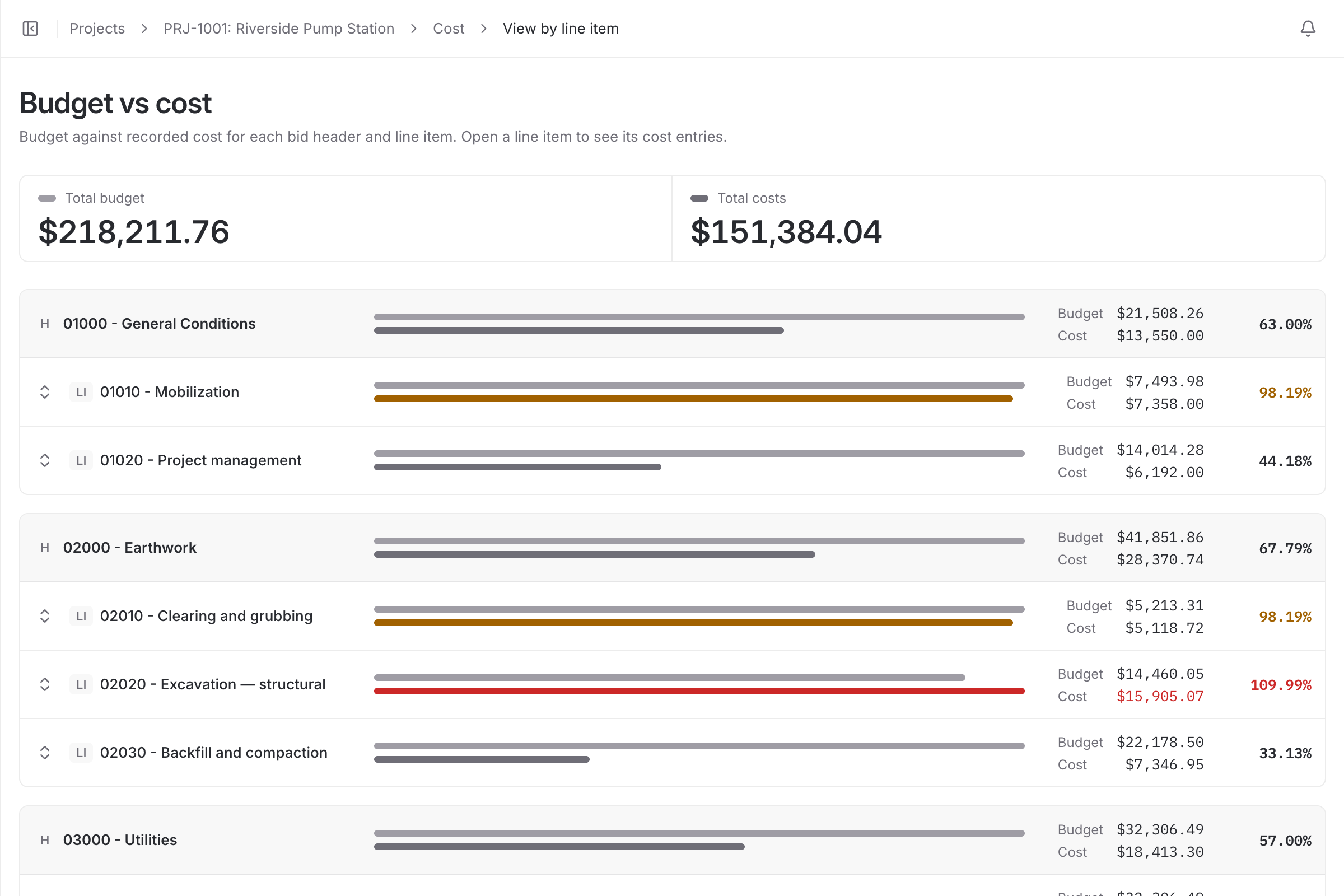
The progress estimate report shows calendar days and labor used on each awarded project, and every report exports to PDF or CSV.
More on reports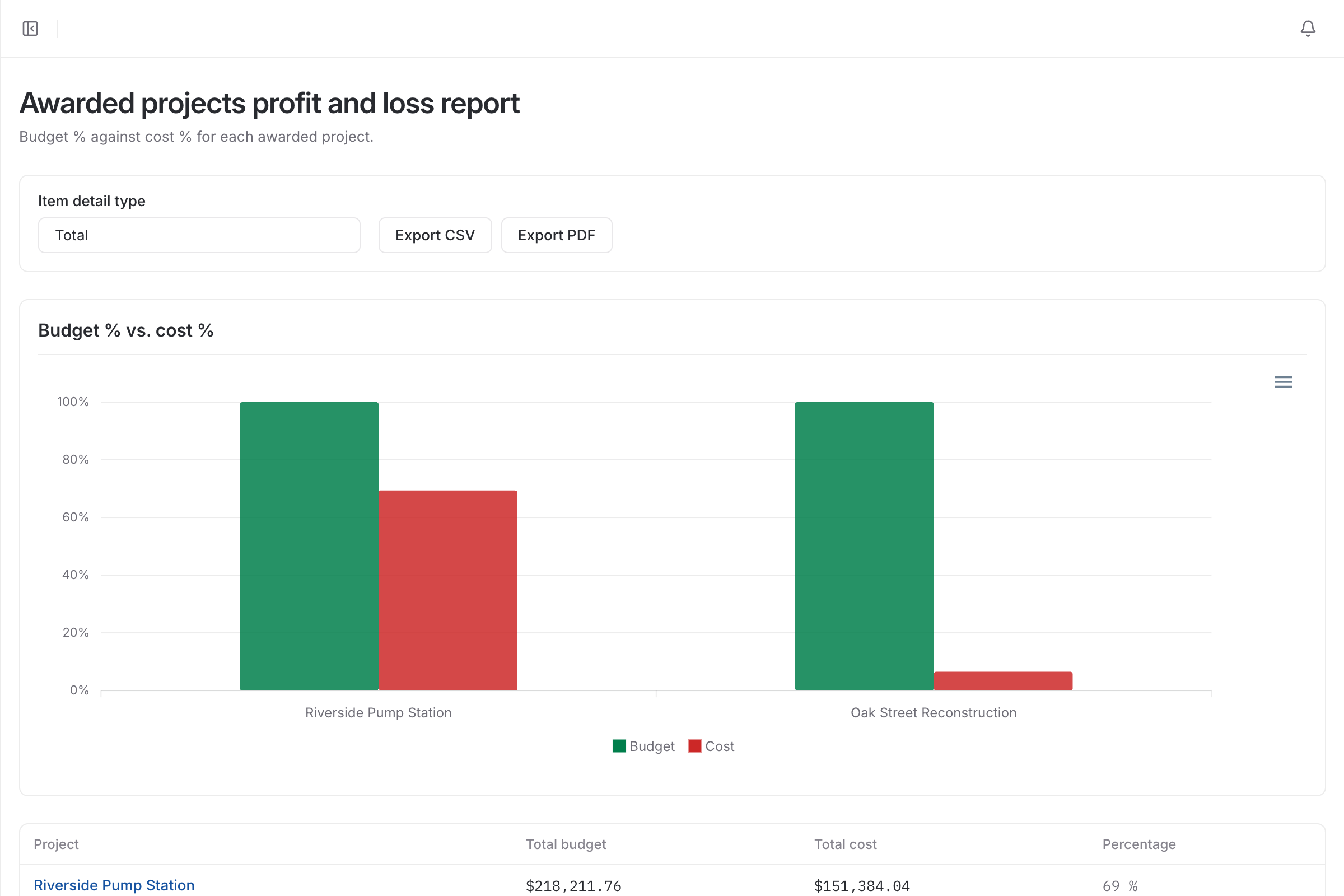
| With a spreadsheet | With BidDig | |
|---|---|---|
| Where hours are booked | To a job number | To a project and a line item |
| Equipment hours | A separate ticket, or not recorded | On the same timesheet as labor |
| When labor reaches job cost | After the office re-enters the paper sheets | When the entry is saved |
| Pay rates | Visible to whoever holds the spreadsheet | Hidden from foremen and superintendents |
Coming soon
We are building iOS and Android apps for the people doing the work. A worker will check in when they arrive on site and check out when they leave, with the location confirmed by GPS, and the timesheet will be created from those check-ins instead of being typed in afterward.
Ask to be told when they are readyCheck in on site
The worker opens the app at the job and checks in. GPS confirms they are there.
Check out when the day ends
One tap when they leave. No remembering the hours on Friday.
The timesheet writes itself
Hours are created from the check-in and check-out, ready to become job cost.
Today, hours are entered in the browser, on a phone or a desktop, by the foreman or superintendent.
Not today. Hours are entered for the day against the project and line item, usually by the foreman or superintendent. Mobile apps are in development: workers will check in and out on site, confirmed by GPS, and timesheets will be created from those check-ins.
No. It records hours for job costing. Payroll stays in the system you already use for it.
Yes. BidDig runs in the browser, including on a phone, so there is nothing to install. Native mobile apps are coming soon.
No. Superintendents and foremen can enter hours on the projects they are assigned to, but hourly rates and budget vs actual are hidden from them.
, 6 min read
A timesheet that records only the job tells you what payroll will be. One that also records the line item, on the day the work was done, tells you whether the job is making money.
, 6 min read
Foremen turn in timesheets on time when the entry is short, tied to a fixed moment in the day, checked every morning and visibly used. Here are the steps.
, 6 min read
Owned machines do not send an invoice, so their time quietly drops out of job cost. Here is how to record machine hours on the job and charge them to the work they did.
, 6 min read
The field needs to know what to build and where to book the hours. It does not need pay rates, margins or the contract file. Here is how to draw that line.
, 6 min read
Labor burden rate is annual burden costs divided by annual wages. Here is the formula, what goes into it, and a worked example with every line of arithmetic.
, 5 min read
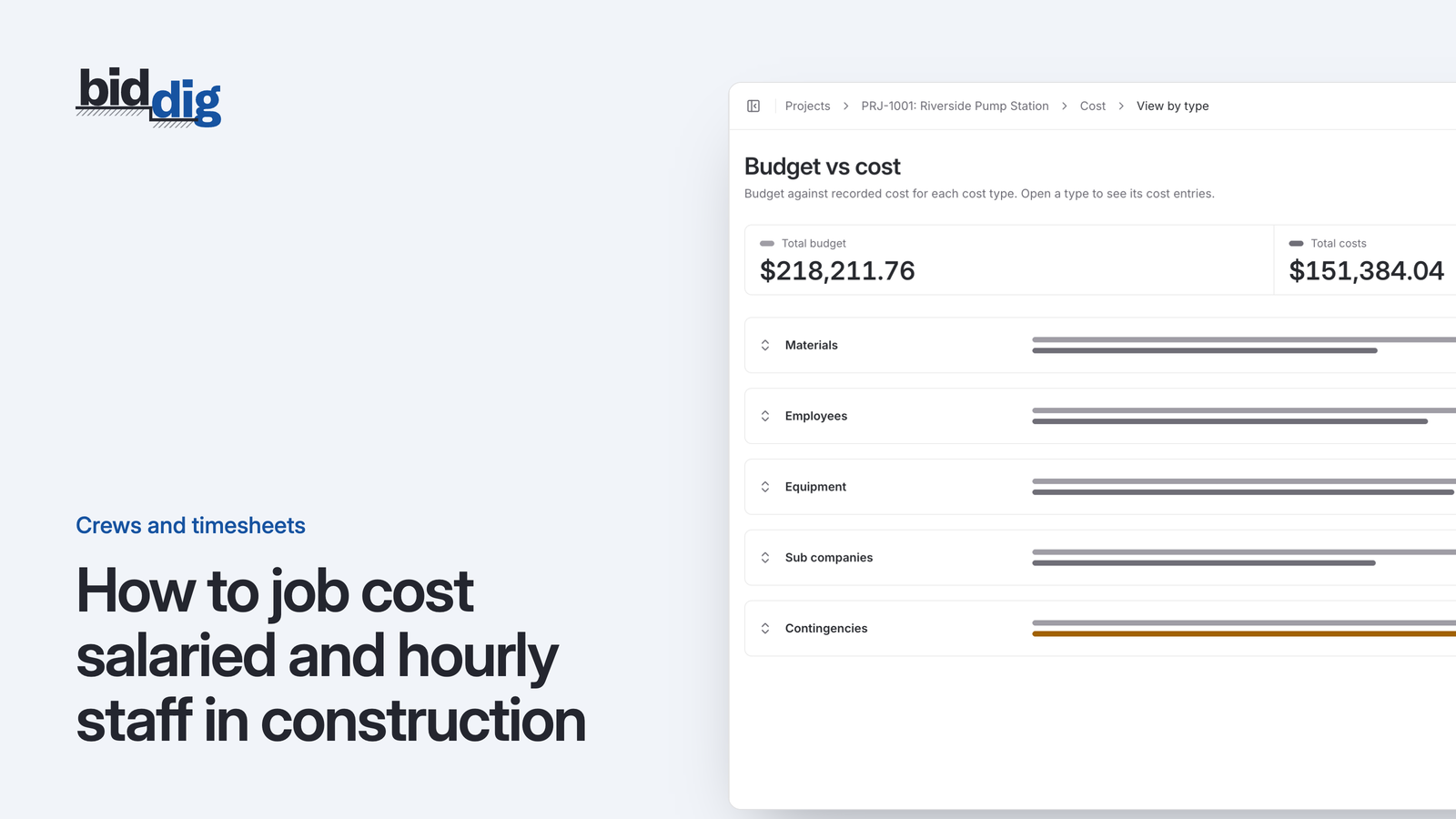
Hourly people cost a job by the hour. Salaried people cost the same whatever they do, which makes it easy to leave them out of job cost or count them twice.
Set up your catalog, build a bid and send the proposal. Then watch the job against the bid as the costs come in.
60-day free trial. No credit card required.