, 6 min read
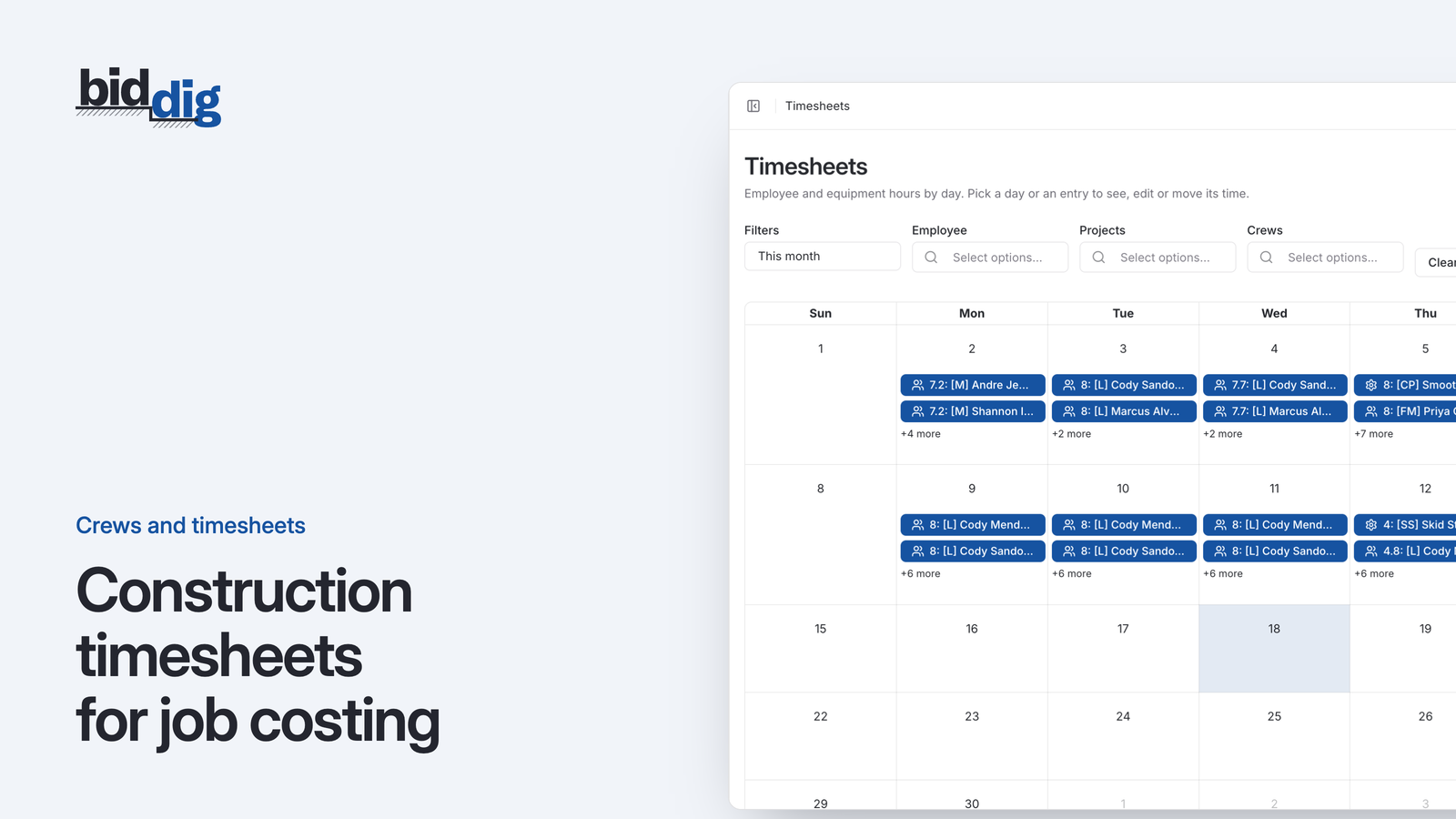
Construction timesheets for job costing
A timesheet that records only the job tells you what payroll will be. One that also records the line item, on the day the work was done, tells you whether the job is making money.
Hours from the field, in the job cost the same day.
Foremen and superintendents enter labor and equipment hours against the project. Those hours are job costs the moment they are saved, and the field never sees your rates.
60-day free trial. No credit card required.
Paper timesheets come in on Friday, if they come in. Someone in the office reads the handwriting, guesses which job the hours belong to and enters them the following week. The labor on a job is always a week or two behind the work.
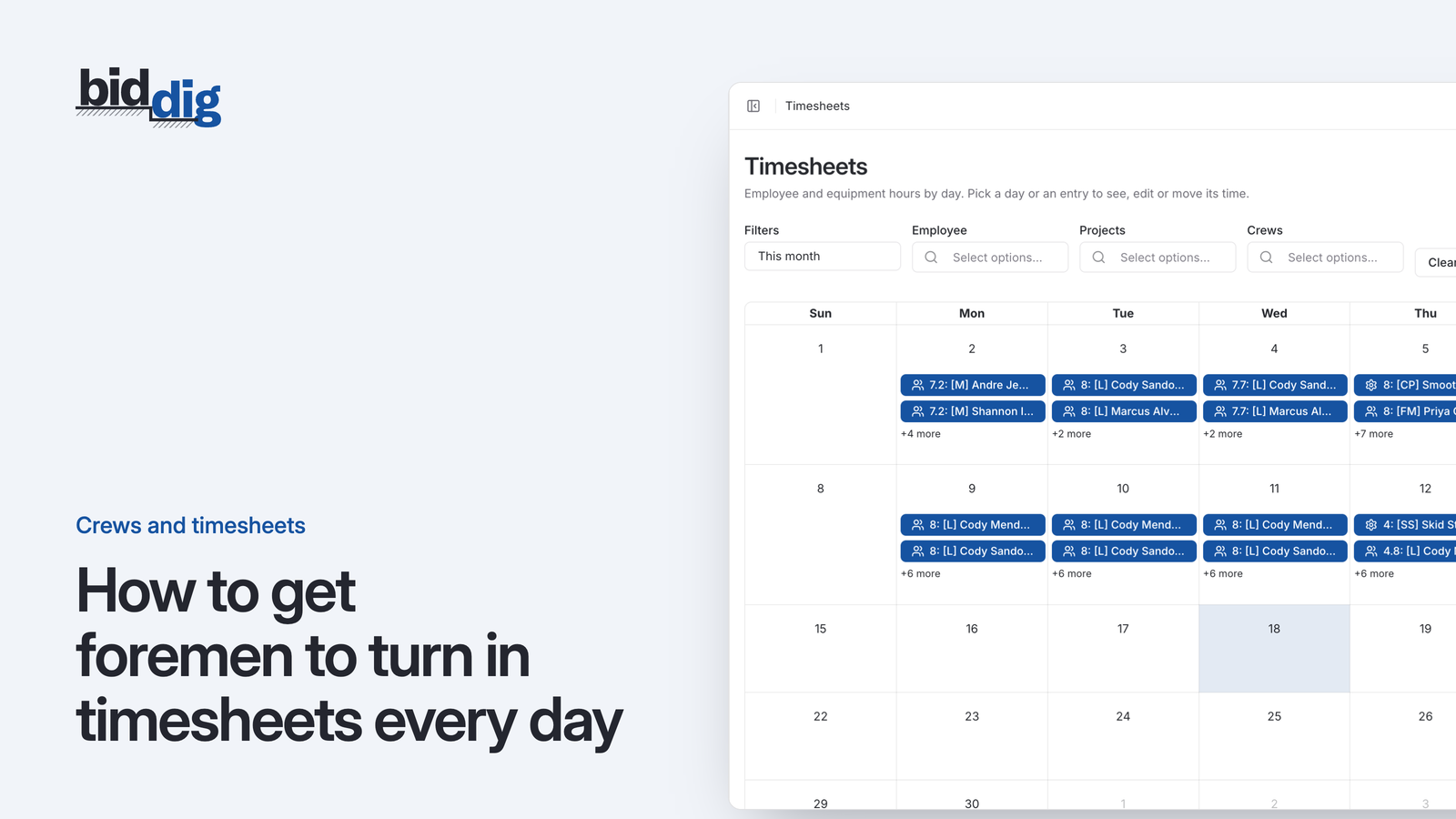
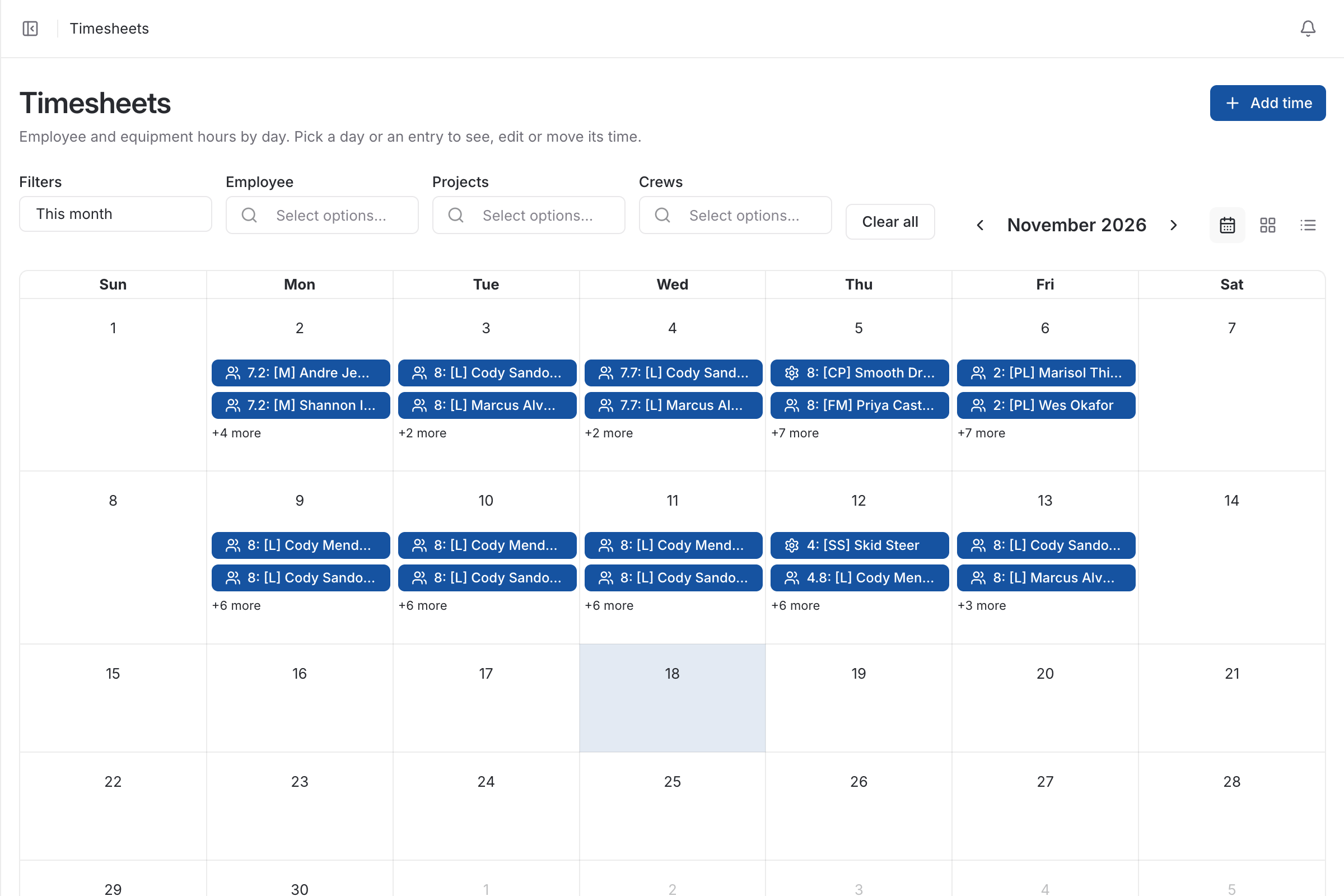
The timesheet is a calendar of labor and equipment hours that you can filter by employee, project and crew. Each entry is made against a project and a line item, so it lands in the right place in the job cost.
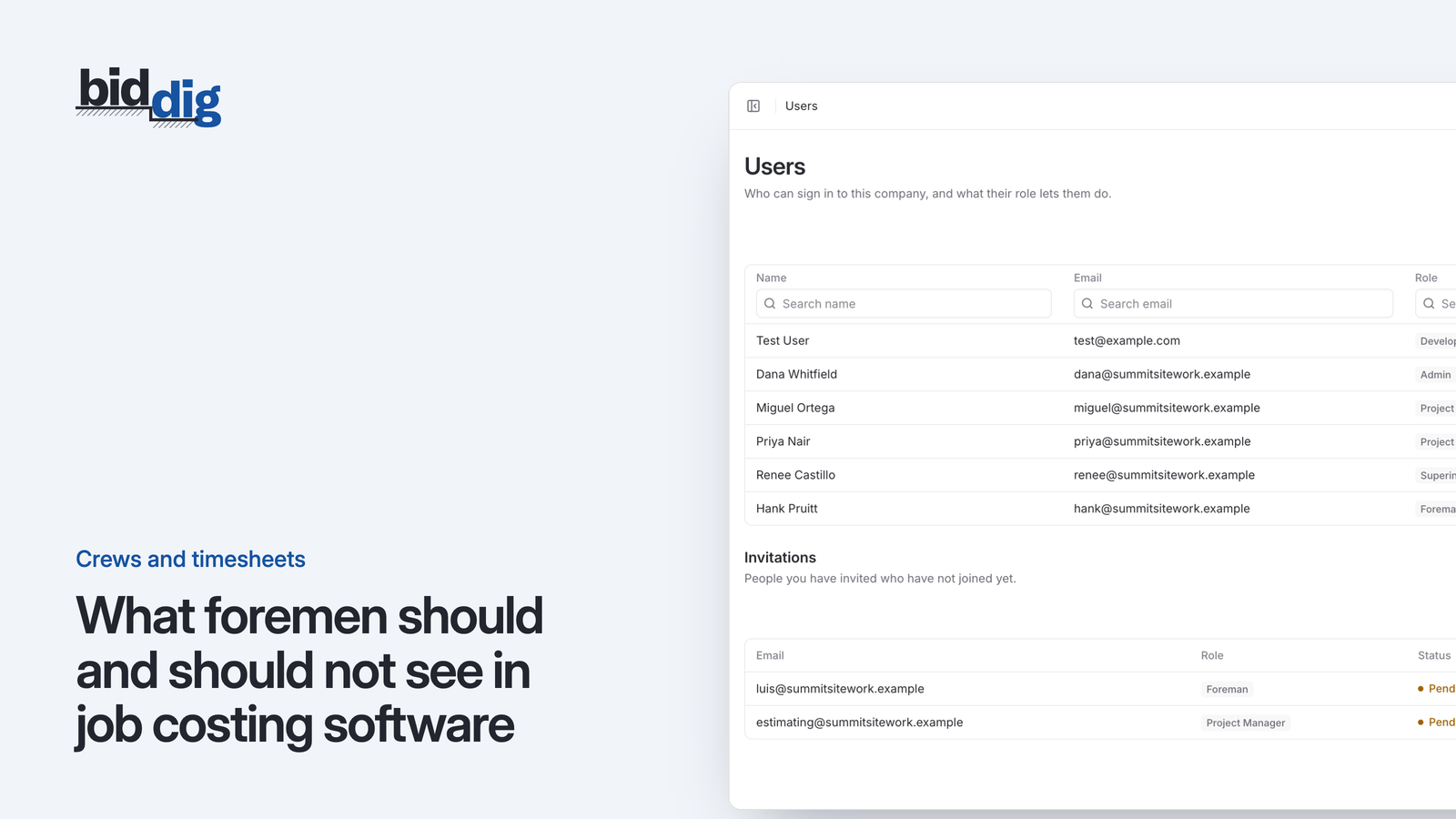
Superintendents and foremen see only the projects they are assigned to. They can enter hours, but they do not see hourly rates, the budget, or notes and documents marked administrative.
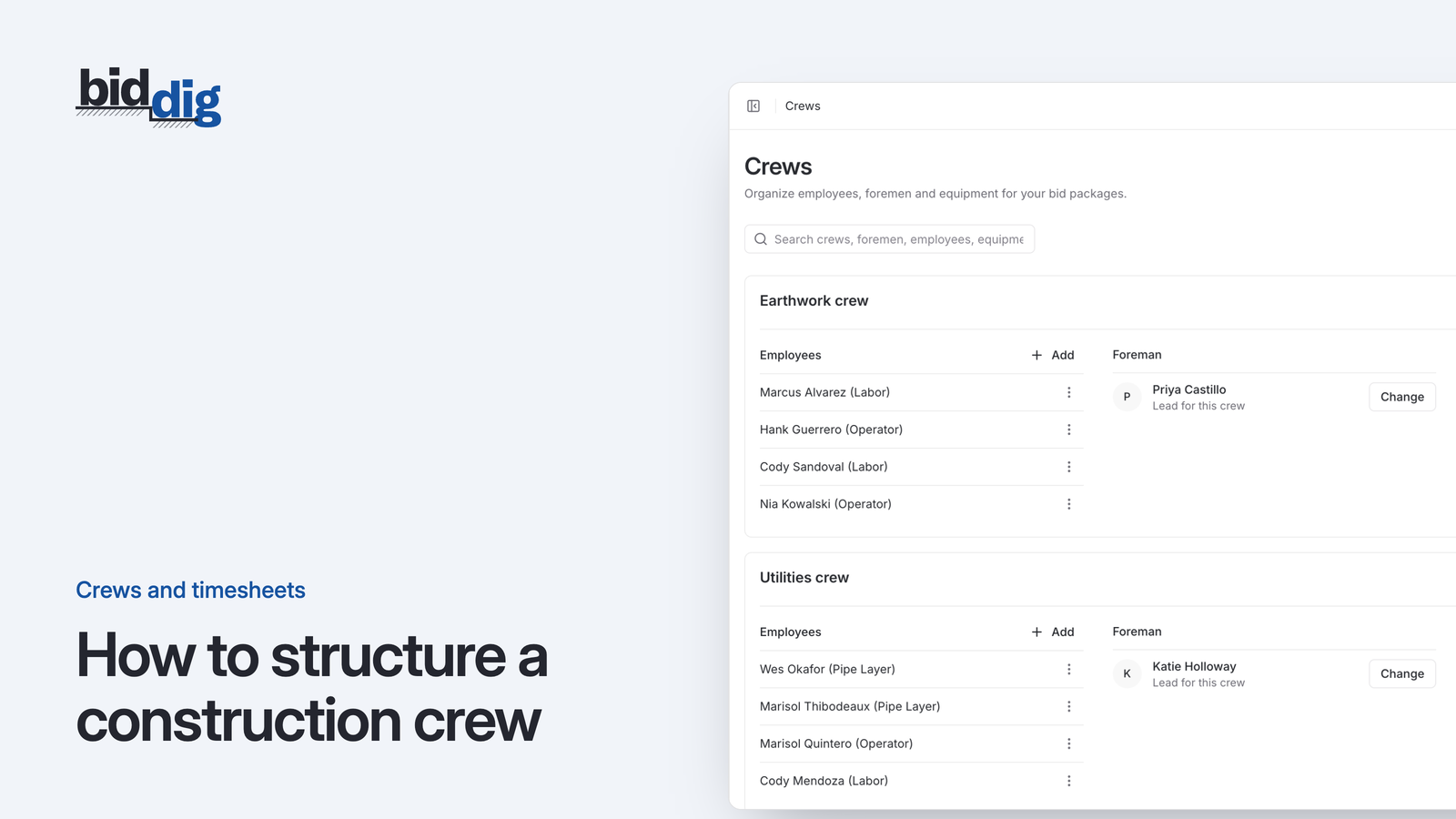
Group employees and equipment into a crew under a foreman, so the people and machines that work together are kept together.
Coming soon
We are building iOS and Android apps for the people doing the work. A worker will check in when they arrive on site and check out when they leave, with the location confirmed by GPS, and the timesheet will be created from those check-ins instead of being typed in afterward.
Ask to be told when they are readyCheck in on site
The worker opens the app at the job and checks in. GPS confirms they are there.
Check out when the day ends
One tap when they leave. No remembering the hours on Friday.
The timesheet writes itself
Hours are created from the check-in and check-out, ready to become job cost.
Today, hours are entered in the browser, on a phone or a desktop, by the foreman or superintendent.
, 6 min read
A timesheet that records only the job tells you what payroll will be. One that also records the line item, on the day the work was done, tells you whether the job is making money.
, 6 min read
Foremen turn in timesheets on time when the entry is short, tied to a fixed moment in the day, checked every morning and visibly used. Here are the steps.
, 6 min read
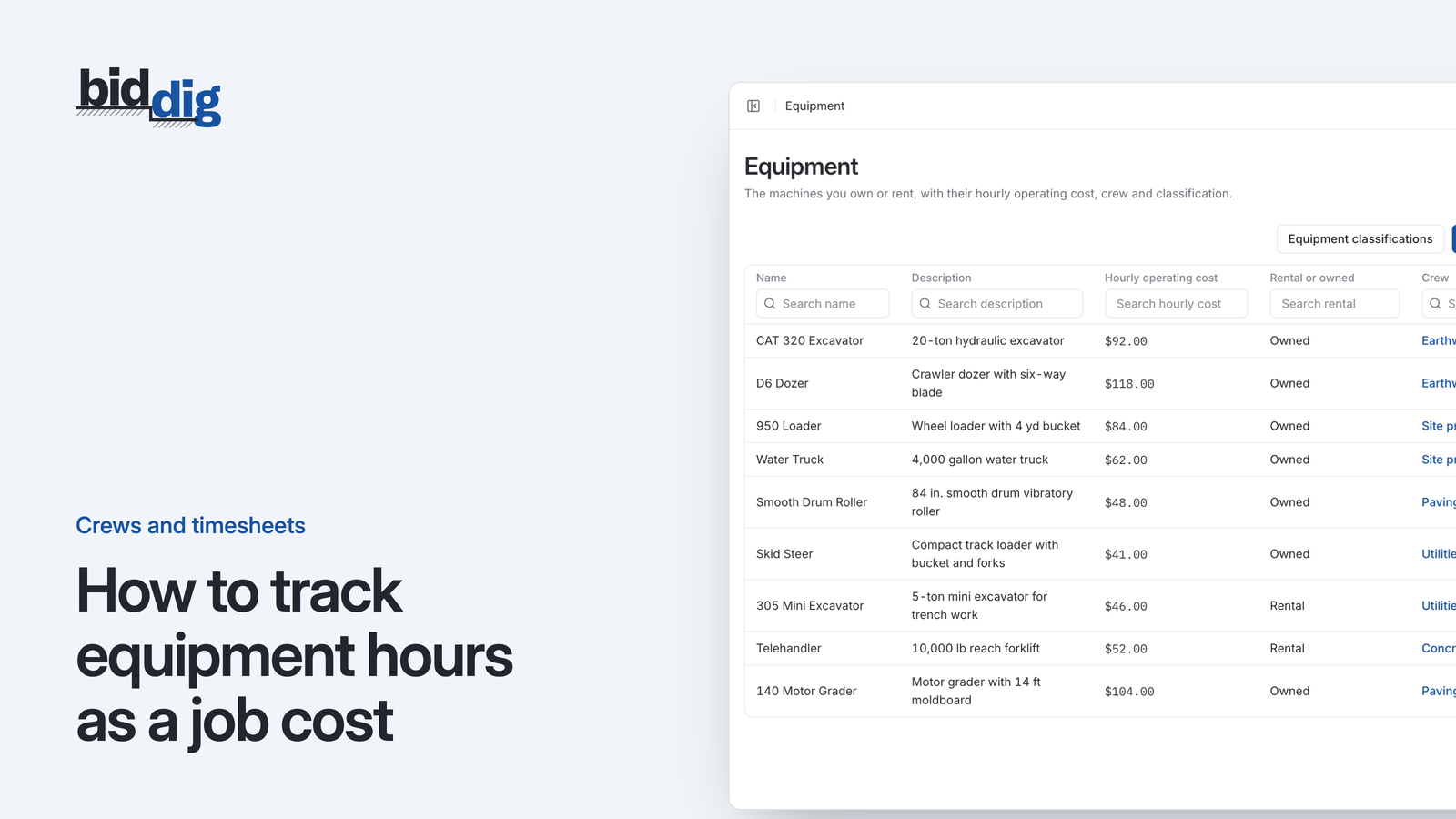
Owned machines do not send an invoice, so their time quietly drops out of job cost. Here is how to record machine hours on the job and charge them to the work they did.
, 6 min read
The field needs to know what to build and where to book the hours. It does not need pay rates, margins or the contract file. Here is how to draw that line.
, 6 min read
A crew is a set of people and machines that work together under one foreman. Keeping that set stable is what lets you compare one job's costs with the next.
, 5 min read
Hourly people cost a job by the hour. Salaried people cost the same whatever they do, which makes it easy to leave them out of job cost or count them twice.
This is one part of BidDig. For how the parts work together, see Construction timesheet software.
Set up your catalog, build a bid and send the proposal. Then watch the job against the bid as the costs come in.
60-day free trial. No credit card required.