, 6 min read
How to bid a construction job, step by step
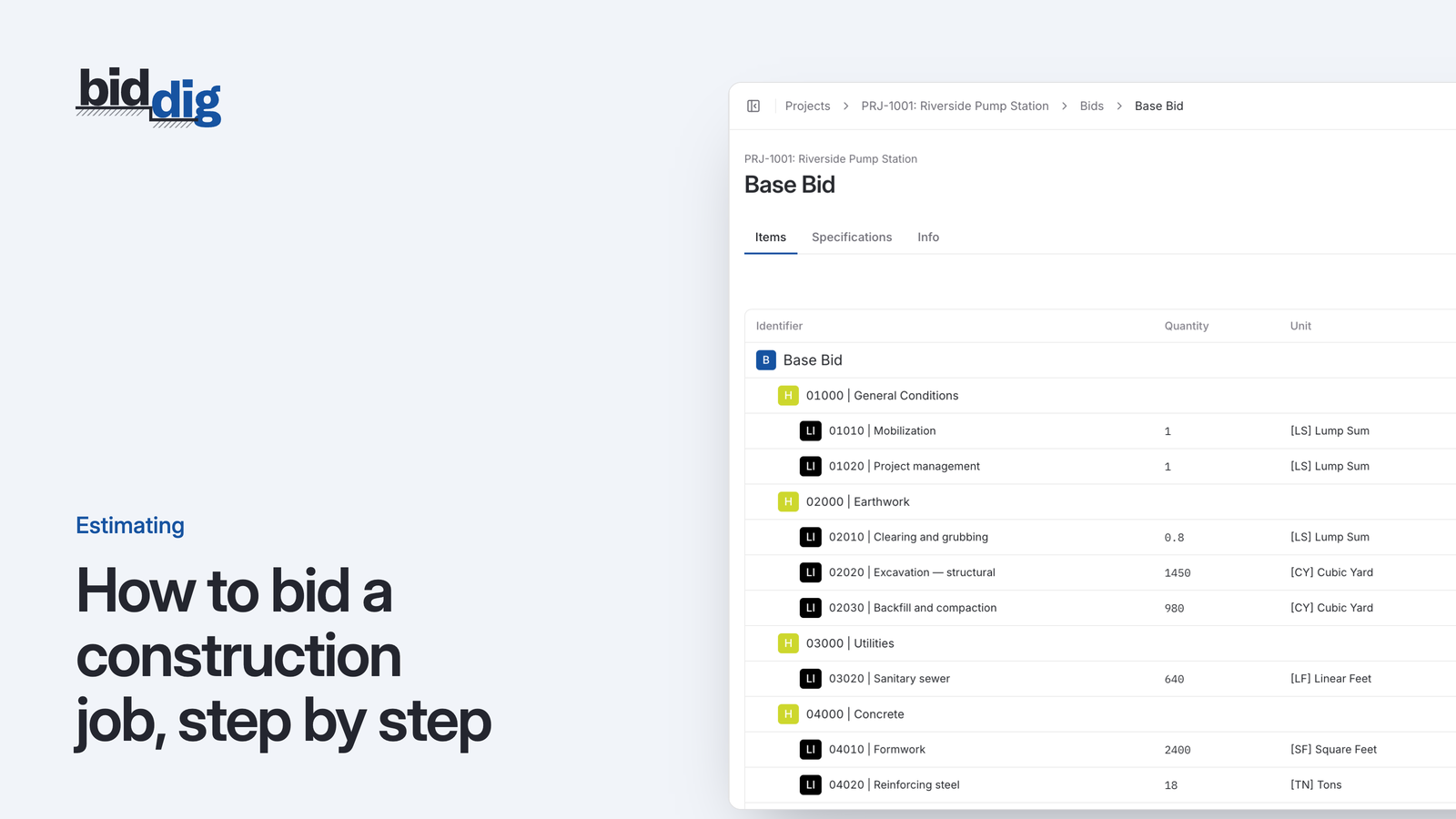
A bid is a cost build-up with markup on top. Here are the steps in order, a worked line item, and the places where bids usually go wrong.
Bid excavation and sitework by the yard, the foot and the ton.
Earthwork and utility jobs are priced on quantities and production: cubic yards moved, feet of pipe laid, hours on the excavator. BidDig is built around unit-price work, with your own crews and equipment costed into every line.
60-day free trial. No credit card required.
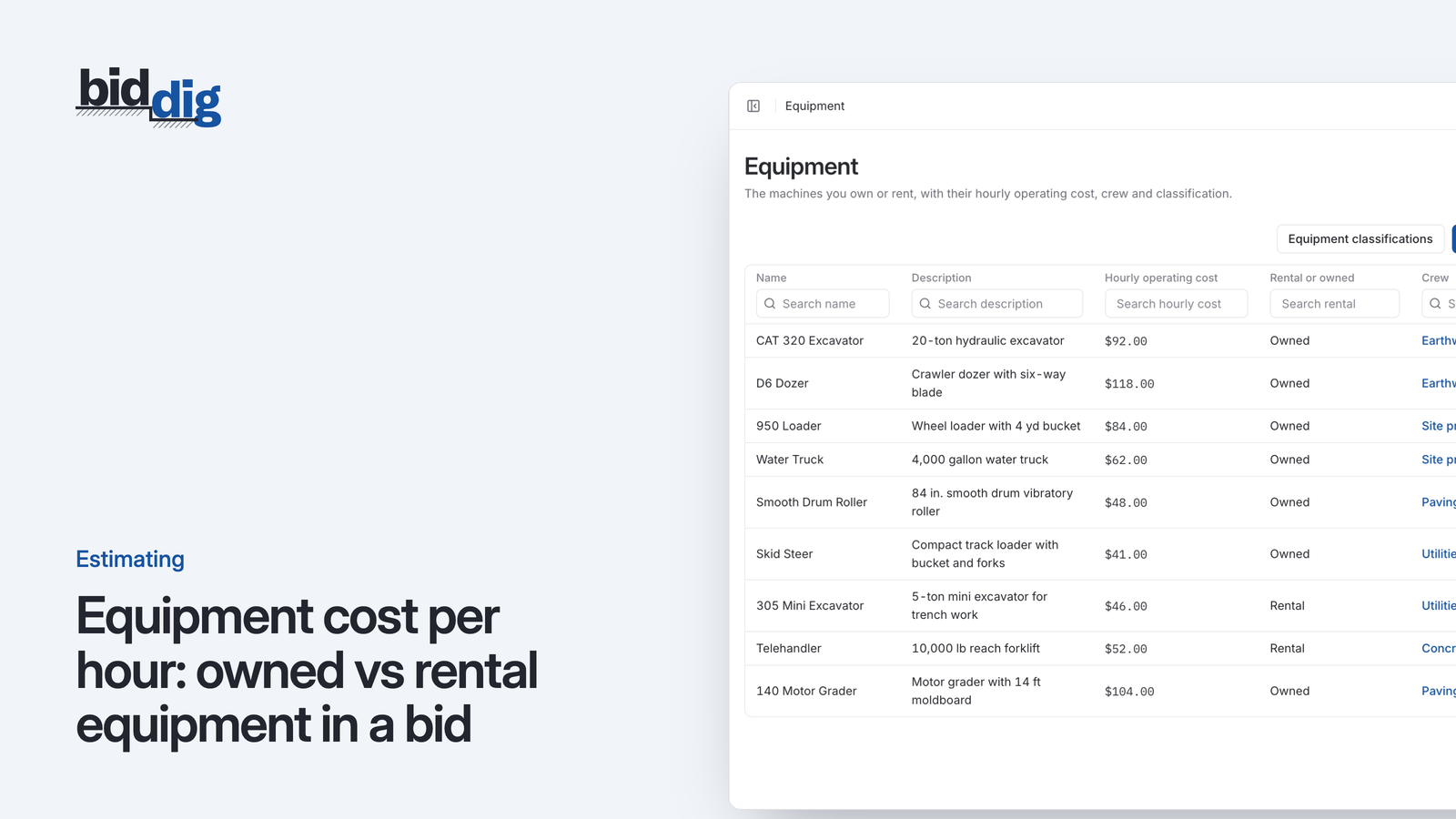
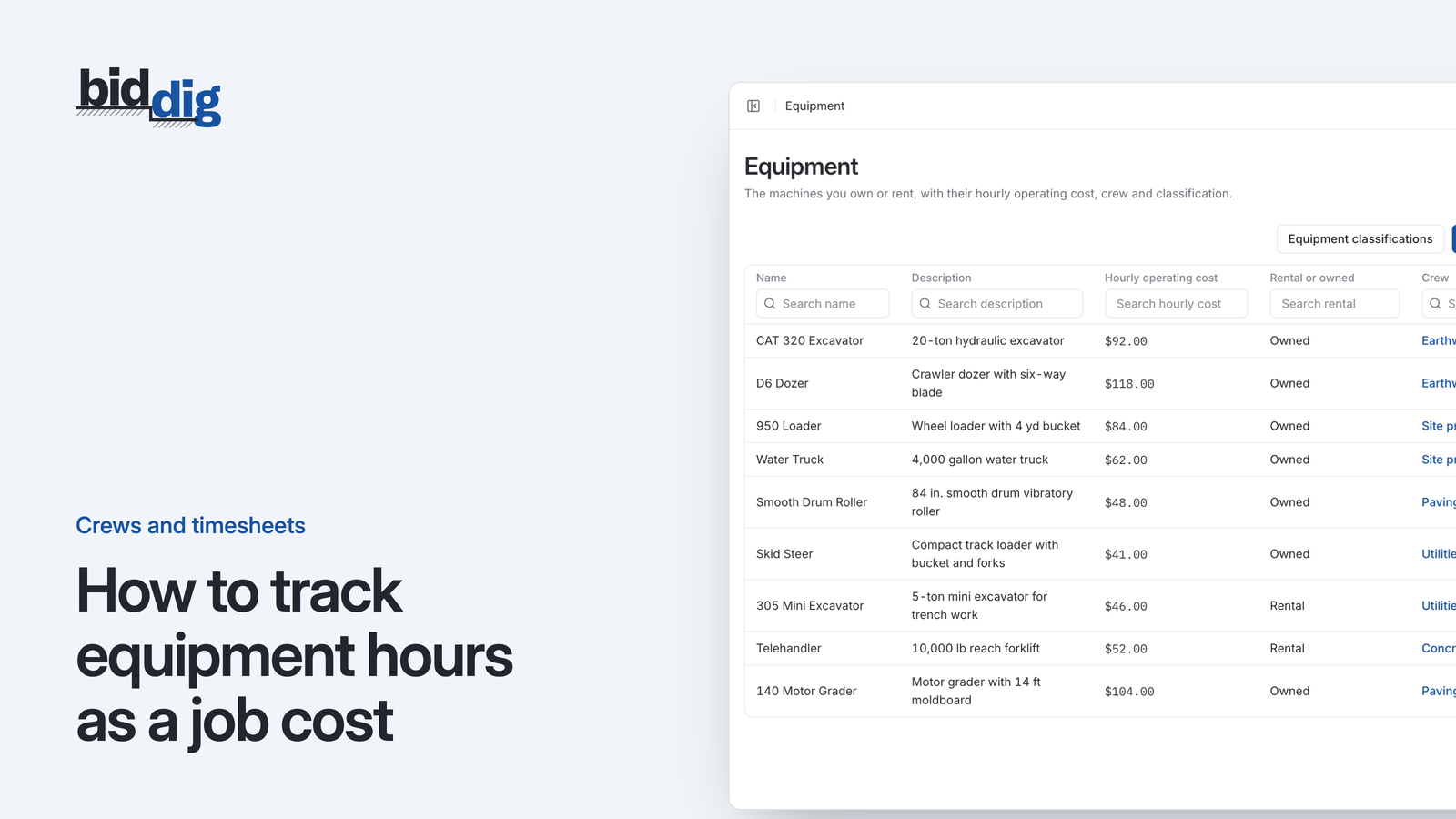
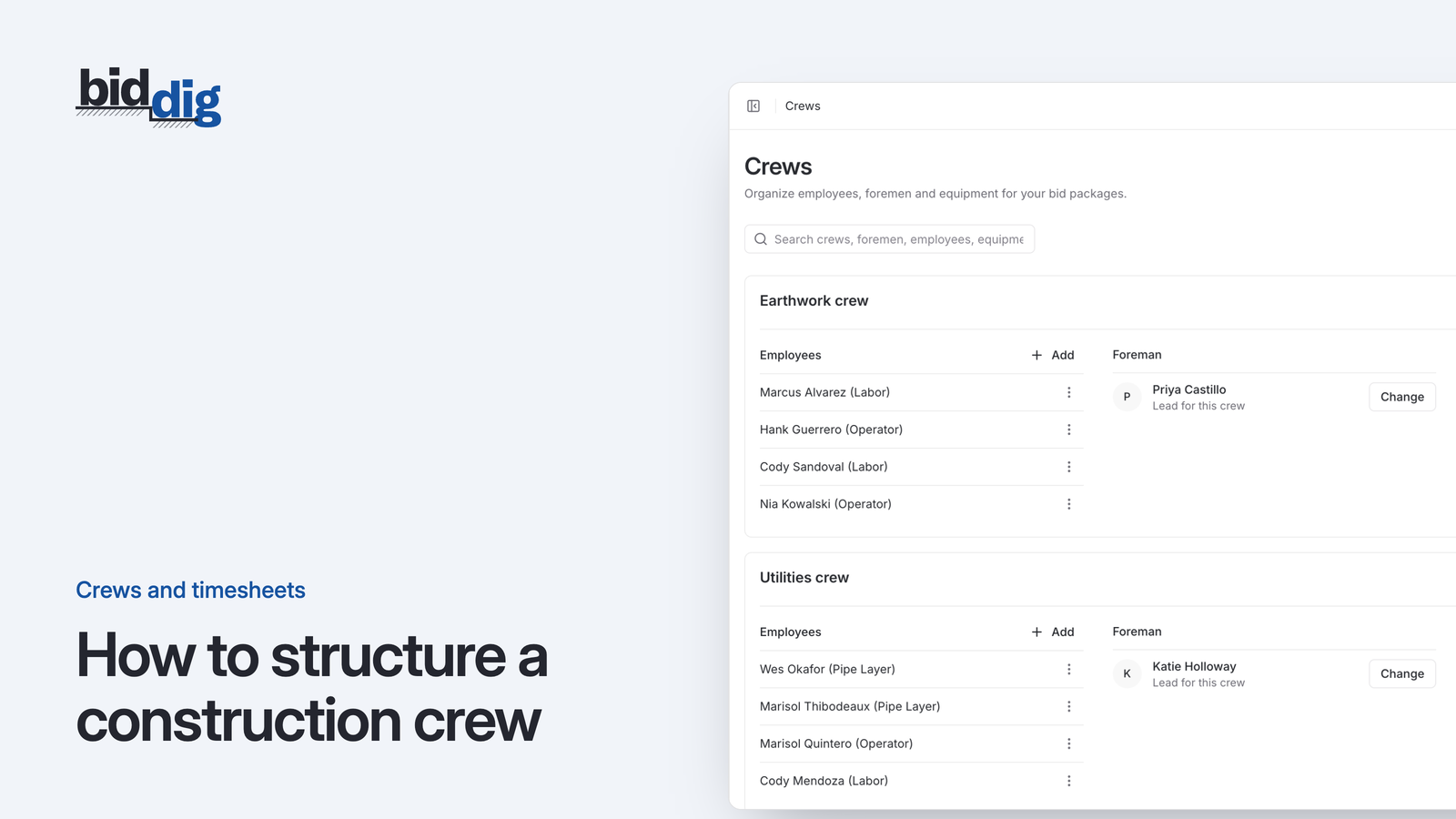
Operators, pipe layers and laborers have their own classifications and rates. Excavators, dozers, loaders and compaction equipment carry an hourly operating cost and are marked as owned or rental.
More on estimating and bidding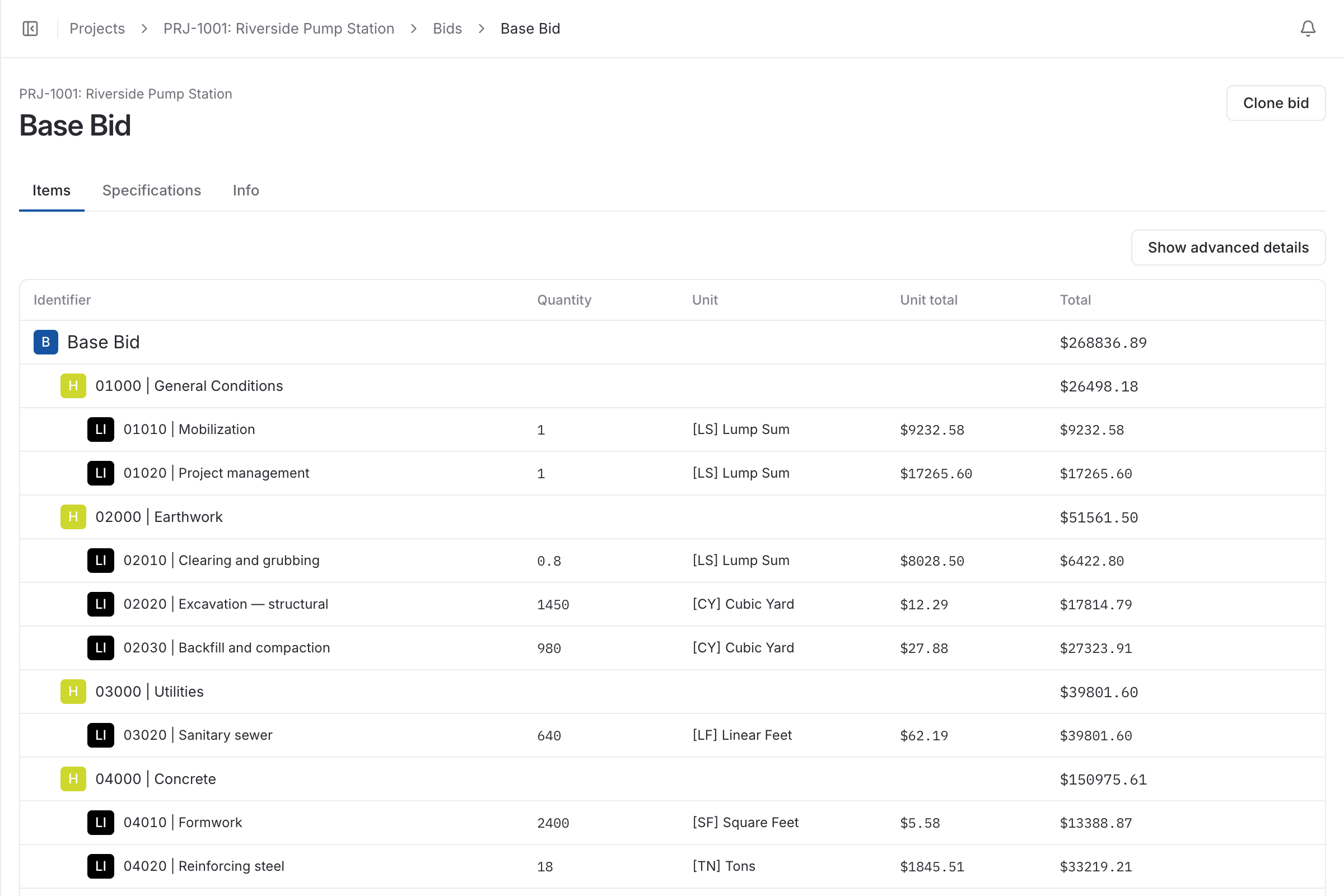
Excavation is priced on production. The quantity is known, in cubic yards or tons, and the real estimate is how many hours of which crew and which machines it takes to move it. Software built for trades that mostly buy materials treats equipment as an afterthought. For an excavation contractor it is the largest cost on most lines.
So the tool has to cost a machine by the hour, tell an owned machine from a rented one, put an operator on it at the right rate, and price the line in the unit the owner pays by.
An owned excavator costs you depreciation, insurance, fuel and repairs whether or not anyone writes it down. A rented one costs the rental rate plus fuel. Pricing both at one blended number hides which jobs are paying for your fleet. In BidDig each machine has its own hourly operating cost and is marked as owned or rental, and the two are treated differently when tax and bond are calculated.
The example below shows why. The quantity did not change and no price went up, but a drop in production from 100 to 80 cubic yards an hour raises the cost of the line by a quarter. The only place that shows up during the job is in hours booked against that line item, which is why equipment and labor hours are entered against the line and compared with its budget.
Say a line item is 2,500 CY of excavation, loaded and hauled on site with one excavator and two trucks, and you expect to move 100 CY an hour. That is 25 hours.
| Cost | How it is worked out | Amount |
|---|---|---|
| Labor | Operator $38 + two drivers at $28 = $94 an hour x 25 hours | $2,350.00 |
| Equipment | Excavator $90 + two trucks at $65 = $220 an hour x 25 hours | $5,500.00 |
| Cost before markup | $7,850.00 / 2,500 CY = $3.14 per CY | $7,850.00 |
If production comes in at 80 CY an hour, the same work takes 31.25 hours and costs $9,812.50, or about $3.93 per CY. Every figure here is an example; use your own rates and production.
Excavation, backfill, water main, storm drain: each line shows budget vs actual cost, with a warning before it goes over.
More on job costing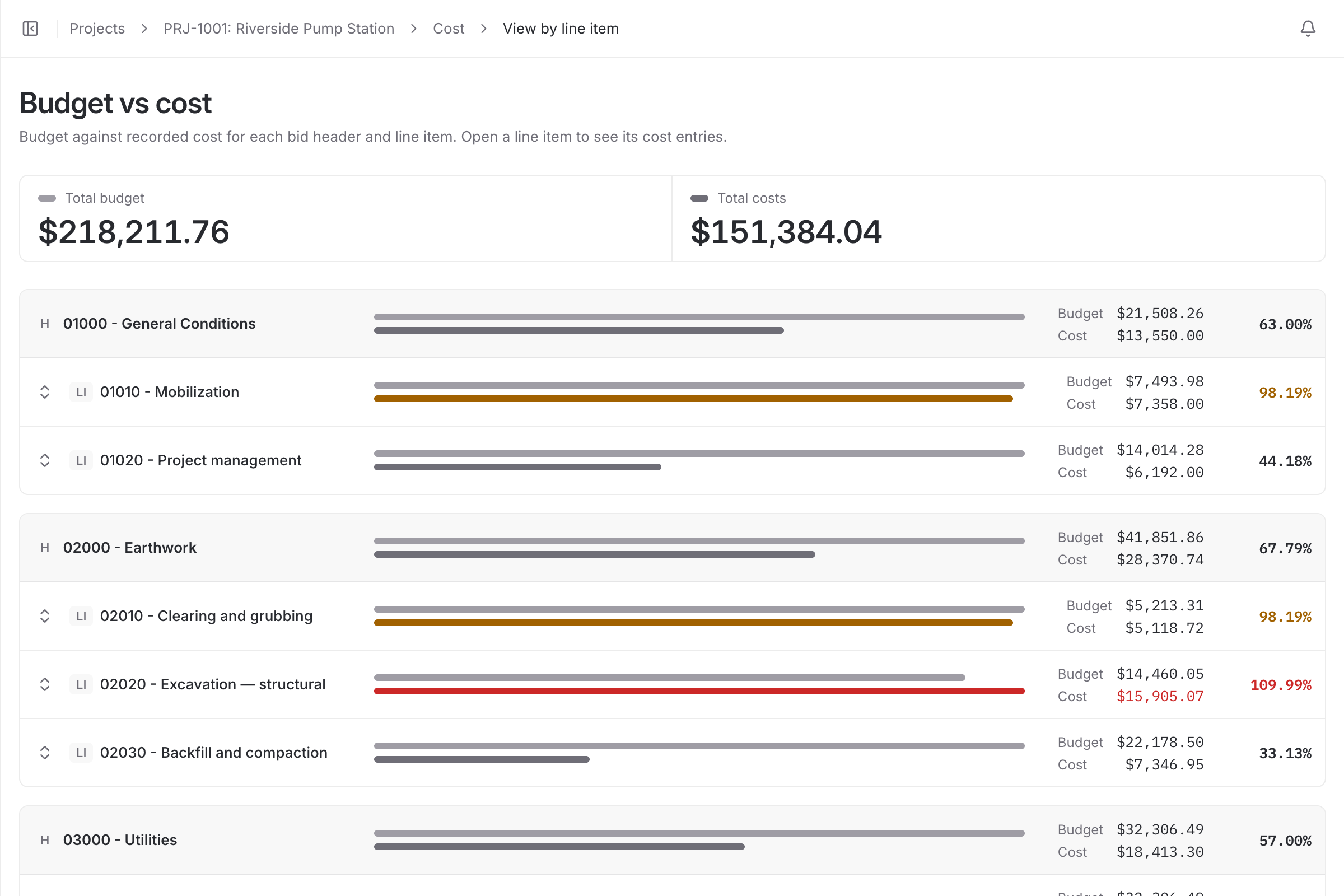
Operators and foremen book hours on machines and crews against the job, and those hours become job cost when they are saved.
More on timesheets and crews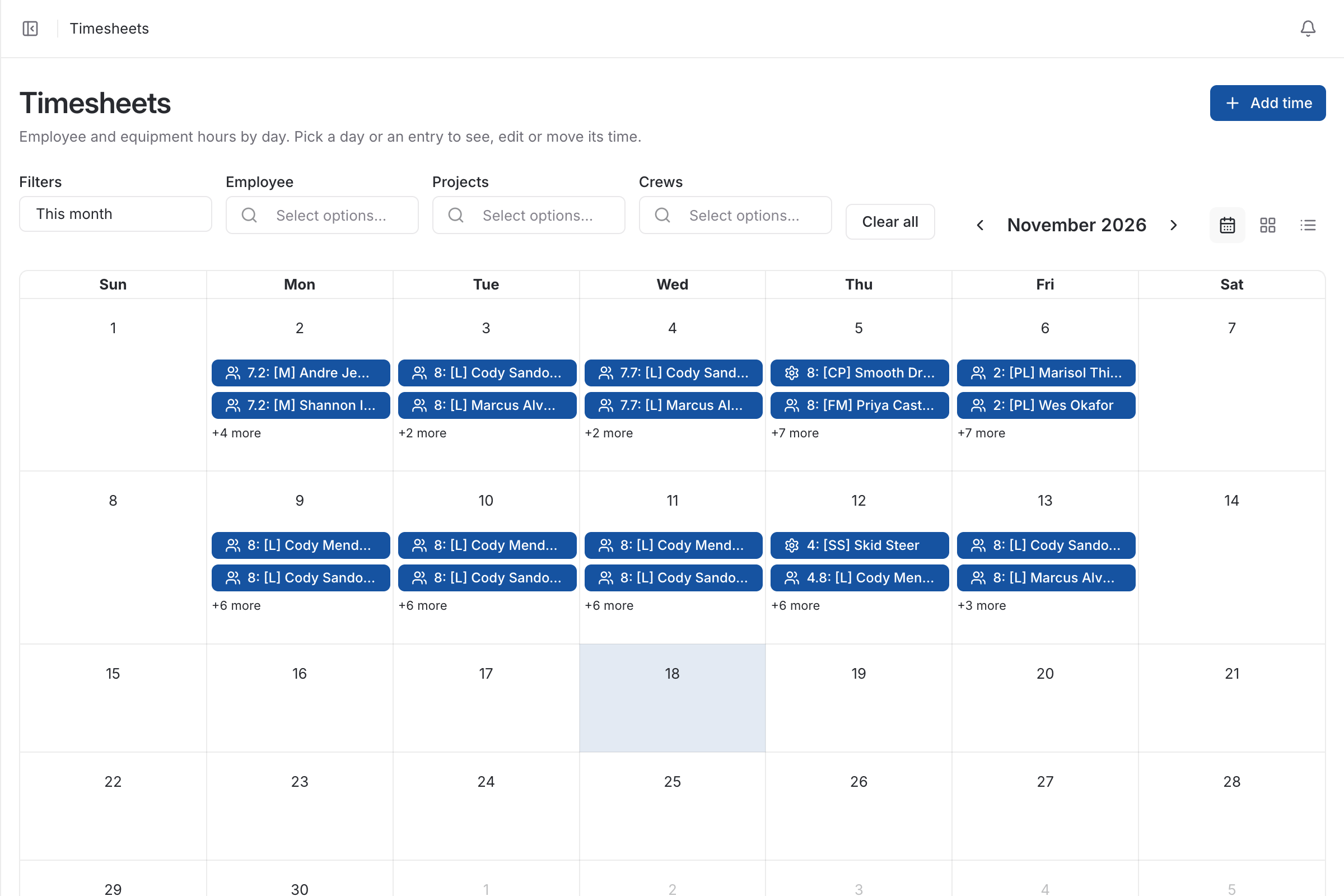
| With a spreadsheet | With BidDig | |
|---|---|---|
| Equipment cost | One blended hourly number, or left out of the line | Each machine has its own hourly operating cost |
| Owned vs rental | Priced the same | Marked on the machine, handled separately for tax and bond |
| Units | Whatever the last spreadsheet used | CY, LF, SF, SY, TN, HR and LS built in, plus your own |
| Machine hours on the job | On a paper ticket, costed weeks later | Entered on the timesheet against the line item |
Common units such as CY, LF, SF, SY, TN, HR and LS are built in, and you can add any others your work uses.
Yes. Equipment hours are entered on the timesheet against the project and become equipment cost on the job, using the hourly operating cost you set for that machine.
No. The bid catalog is entirely your own, so any contractor who bids work and then tracks its cost can use it. Excavation, sitework and utilities are simply where unit-price bidding is most common.
No. BidDig prices the quantities you enter and tracks the job against them. It does not model cut and fill volumes from a site plan.
, 6 min read
A bid is a cost build-up with markup on top. Here are the steps in order, a worked line item, and the places where bids usually go wrong.
, 6 min read
A machine you own and a machine you rent cost you money in different ways. Here is how to work out an hourly rate for each before you put it in a bid.
, 6 min read
Owned machines do not send an invoice, so their time quietly drops out of job cost. Here is how to record machine hours on the job and charge them to the work they did.
, 5 min read
The same estimate can go out as one number or as a page of quantities and rates. Which one you send changes who carries the risk and what the customer argues about.
, 5 min read
There is no single right percentage. Contingency is a price for specific risks, and the way to size it is to name those risks, price each one and weigh how likely it is.
, 6 min read
A crew is a set of people and machines that work together under one foreman. Keeping that set stable is what lets you compare one job's costs with the next.
Set up your catalog, build a bid and send the proposal. Then watch the job against the bid as the costs come in.
60-day free trial. No credit card required.