Why spreadsheet construction estimates go wrong
Spreadsheet estimates go wrong because the costs live inside each job file. Copy the file and old rates, broken formulas and one-off adjustments come along unnoticed.
By the BidDig team, , 5 min read
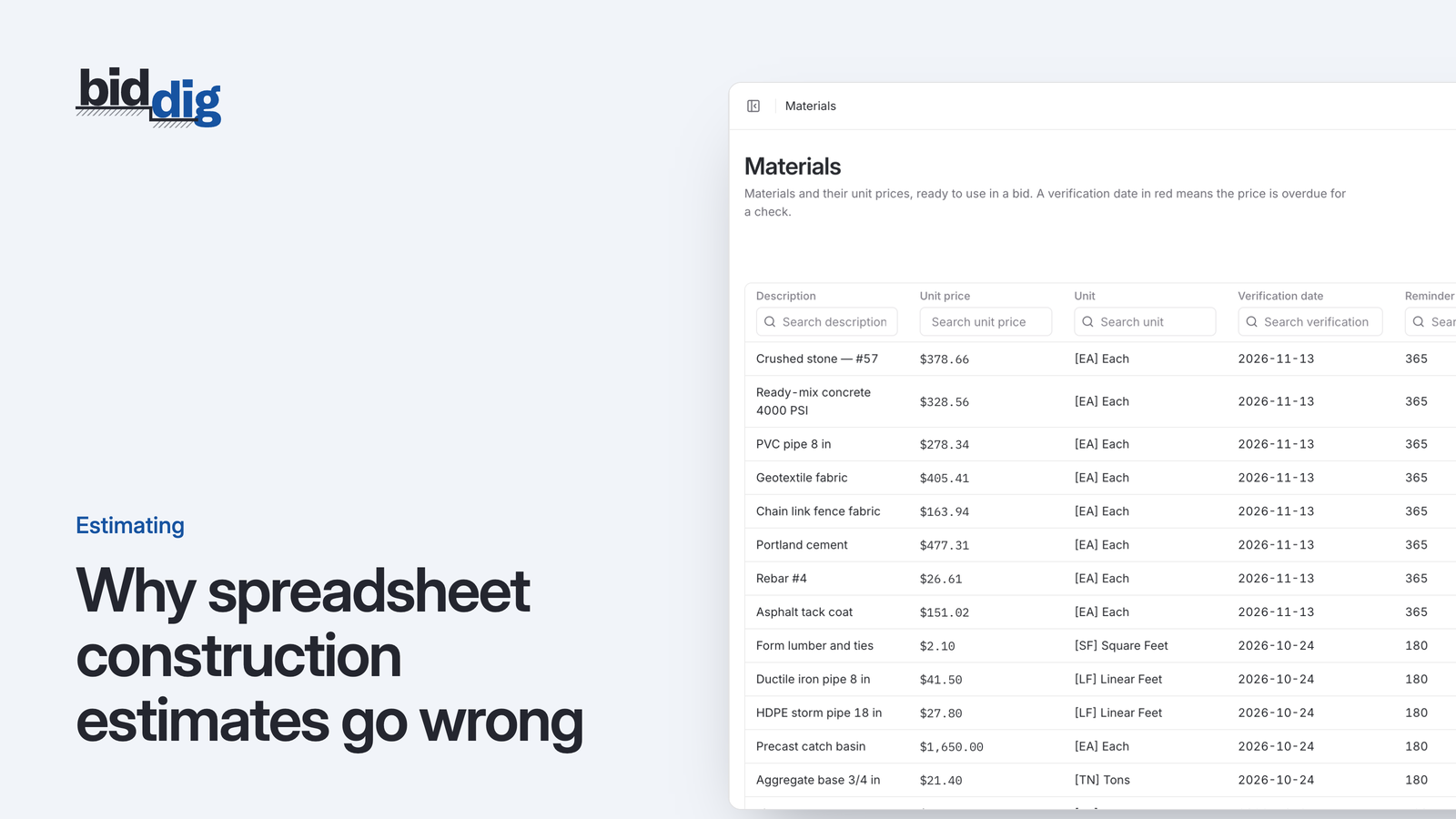
Spreadsheet construction estimates go wrong because every cost is stored inside the job file. When that file is copied for the next bid, old labor rates, old material prices, overwritten formulas and one-off adjustments are copied with it, and nothing flags them. The fix is to keep rates in one shared list that every estimate reads from.
Here is how it usually happens. A new job comes in that looks a lot like one you bid in the spring. So you open that spreadsheet, save it under a new name, change the quantities and send the price.
It works, and that is the problem. It works well enough that nobody checks what else came along with the copy. Each copy carries the previous job's rates, adjustments and mistakes into the next one, and after a few generations the file no longer describes what anything costs you today.
Why do copied estimates carry old rates?
A spreadsheet estimate stores each rate inside the job. The labor rate, the price of stone and the excavator's hourly cost are all typed into cells in that file. When you copy the file, you copy the rates as they were on the day the original was priced.
Say a copied estimate carries a laborer at $38.00 an hour and the true cost today is $41.00. On a job with 600 labor hours, the bid is short by 3.00 x 600 = $1,800 before overhead and profit are even applied. Nothing in the file flags it.
The same happens with material. A price quoted for one job, on one date, at one quantity, becomes "the price" for every job copied from it. See keeping material prices current between bids for a routine that deals with this.
Common spreadsheet estimating errors
At some point in every spreadsheet's life, somebody types a number over a formula. Usually there is a good reason: a sub gave a lump sum, so the calculated figure was replaced with the quote. The cell looks the same as its neighbors. Then the file is copied, the quantity changes, and that one line does not move.
Other common ways the arithmetic breaks:
- A row is inserted outside the range the total adds up, so the new line is priced but never counted.
- A markup cell is changed for one competitive bid and stays changed in every copy made from it.
- A line is hidden, not deleted, and its cost is still in the total.
None of these produce an error. The only check is a person recalculating by hand, which is the work the spreadsheet was supposed to save.
One-off adjustments that outlive the job
One-off adjustments travel the same way. The spring job had a tight site, so you raised the crew hours on the pipe work. It had a long haul, so trucking was heavy. It was for a customer you wanted to keep, so profit was shaved.
Each of those was a sound decision for that job. In the copy they are just numbers, with nothing to say they were special. The new job inherits a tight-site production rate on an open site, or a discounted profit for a customer who never asked for one.
Why do two estimators get different prices for the same job?
In a company with more than one person pricing work, each estimator ends up with their own best file, built over years and trusted. Each has its own labor rates, its own idea of what the loader costs, and its own way of applying markup.
Hand the same drawings to both and you get two prices. That is not because one of them is wrong about the job. It is because they started from different costs. The company then has no single answer to a basic question: what does an hour of this crew cost us?
How do you stop estimates from drifting?
The cure is to stop storing costs inside the job. Keep them in one shared list, and have each estimate refer to it:
- Labor classifications with the current hourly cost for each.
- Equipment with an hourly rate for each machine.
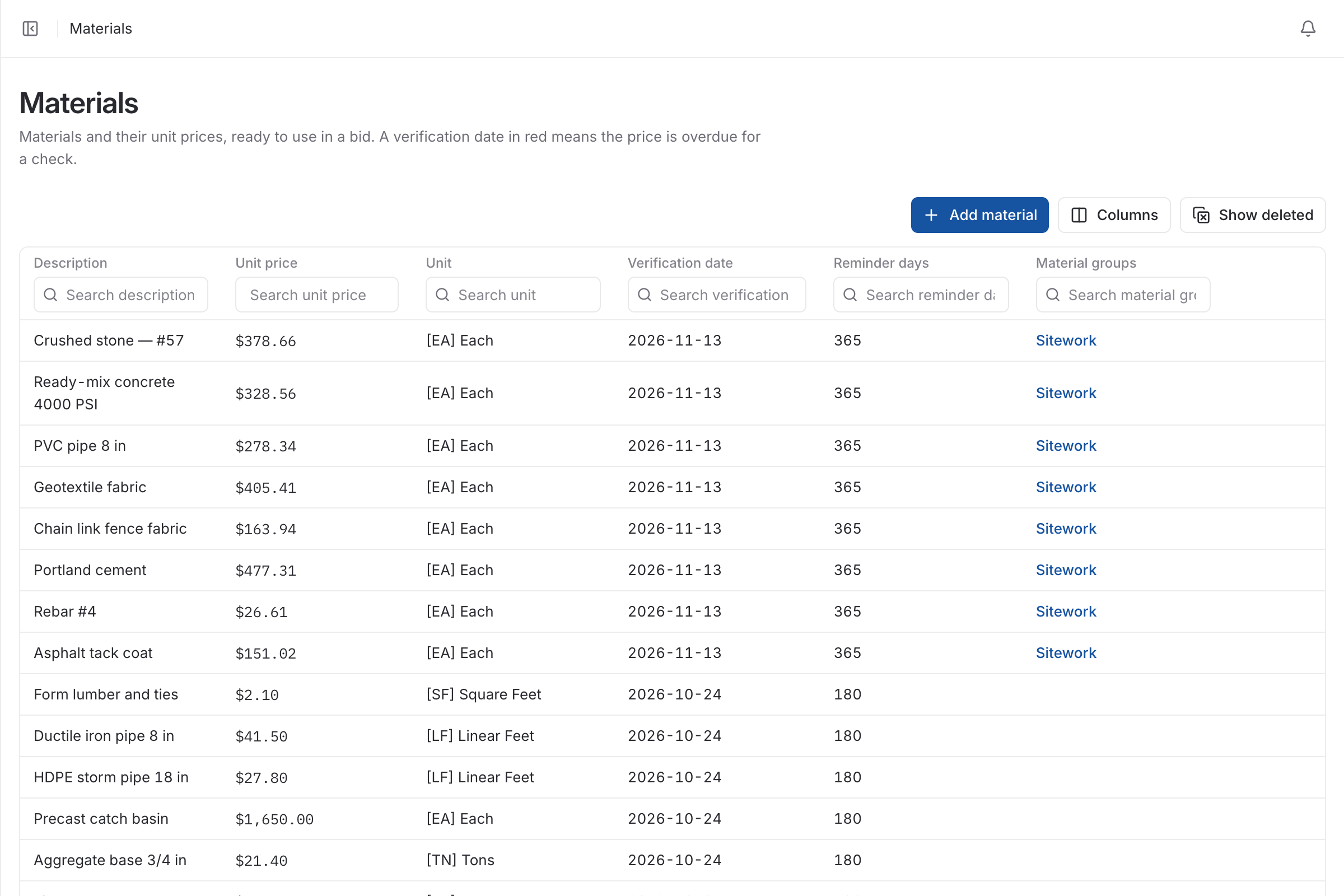
- Materials with a unit, a price and the date that price was last checked.
- Subcontractors you use.
- Standard items of work, named the same way on every bid.
- Markup rates for overhead, profit, tax and bond, set once.
| Stored in each job file | Stored in one catalog |
|---|---|
| A rate is updated in one file only | A rate is updated once for all new bids |
| Each estimator has their own costs | Everyone prices from the same costs |
| Old one-off adjustments ride along | A change on one bid stays on that bid |
| Checking a bid means auditing formulas | Checking a bid means reading quantities and rates |
Starting from a previous bid is still a good idea. What matters is what the copy brings with it: the structure of the job, yes; a private set of old costs, no.
If you are staying with spreadsheets
You can get part of the way without changing tools:
- Keep every rate on one protected sheet that each estimate links to.
- Never type a rate into a job sheet.
- Mark every manual override in a color, with a note saying why.
- Start new bids from a clean template, not from the last job.
- Before a bid goes out, check the total by adding the lines a second way.
How do you check an estimate against actual job cost?
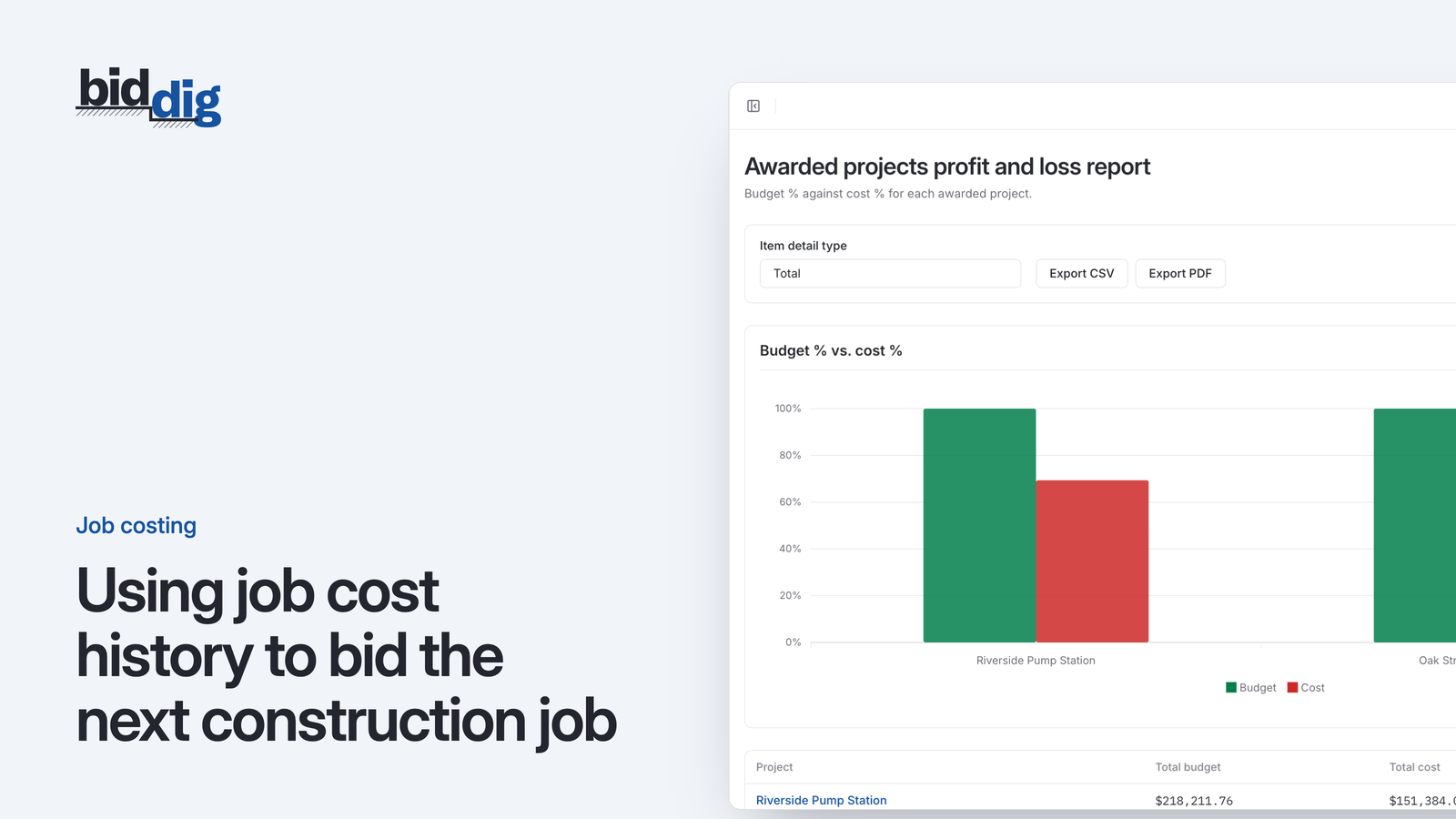
Drift is easiest to see when you compare what was bid with what the work cost. If the pipe crew is over its labor budget on three jobs running, the rate or the production assumption in the estimate is wrong and should be changed at the source. Without that loop, the same number gets copied forward indefinitely. Construction job costing explained covers how to set that comparison up.
How BidDig handles it
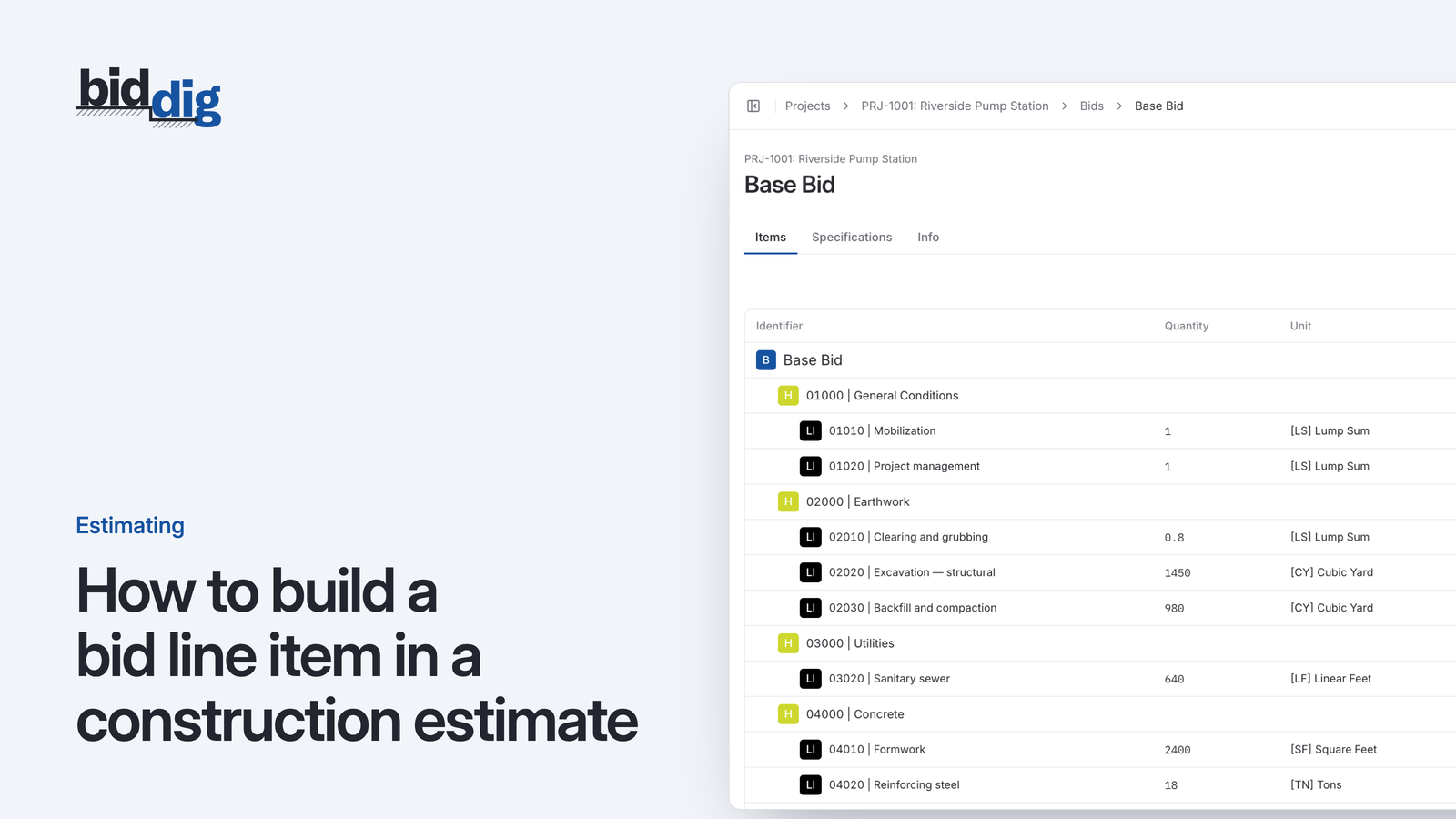
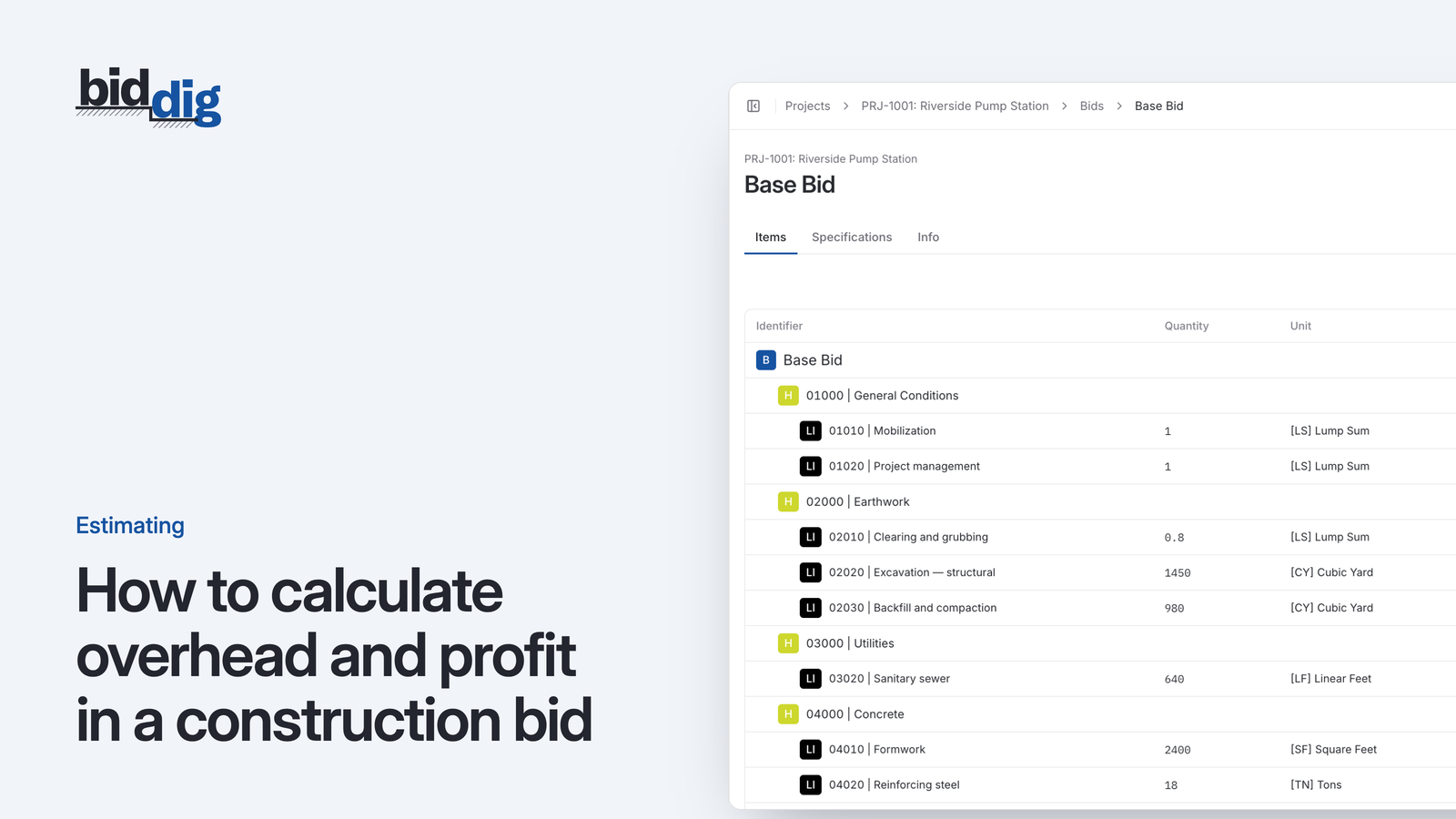
In BidDig, bids are built from the company's own catalog: bid item headers and line items, employee classifications, equipment with an hourly operating cost, materials with a unit and unit price, subcontractors and units. Tax, bond, overhead and profit come from default rates that can be changed on a bid. A bid can be cloned when a new job resembles an old one. Each material price has a verification date, and the app shows a notice when prices are overdue for checking. See the estimating and bidding page. For how the pieces fit together, see construction estimating software. If you are starting from scratch, read how to bid a construction job, step by step.