, 6 min read
How to bid a construction job, step by step
A bid is a cost build-up with markup on top. Here are the steps in order, a worked line item, and the places where bids usually go wrong.
Concrete is bought by the yard and lost by the hour.
The yards are easy to price. The margin on a concrete job goes in labor: forming, placing and finishing hours that ran past what the bid allowed. BidDig prices labor from your own crew rates and then shows the hours against the bid while the pour schedule can still change.
60-day free trial. No credit card required.
Each line item is costed as material, labor, equipment, subcontractor and contingency, in CY, SF, LF or your own units, from rates you set once.
More on estimating and bidding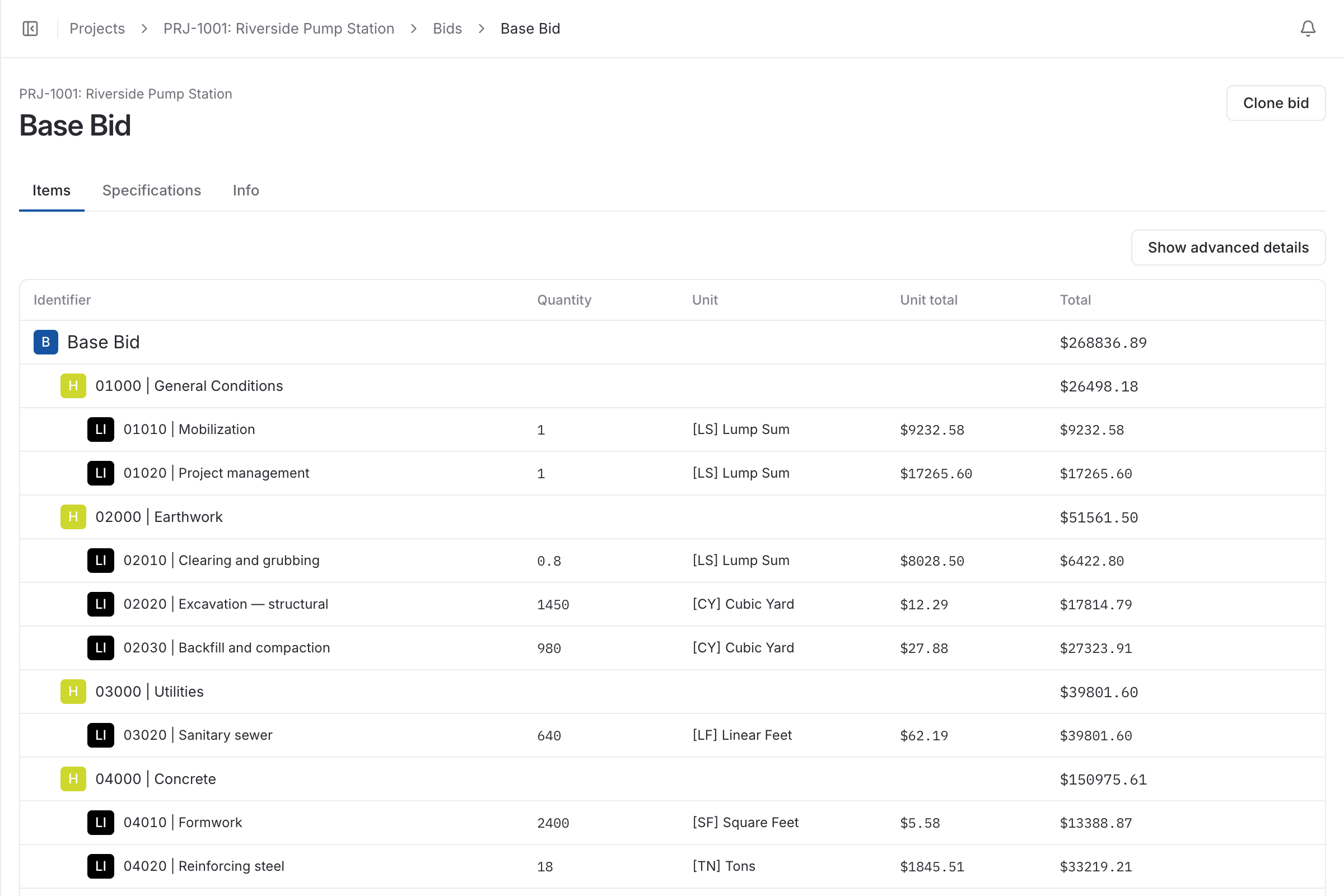
Volume first: area times thickness gives cubic yards, plus an allowance for waste. Then everything the volume does not tell you: forming, reinforcing, placing, finishing, curing and pumping. On flatwork the concrete itself is often the smaller half of the line.
An estimate that prices the yards carefully and the labor by rule of thumb is precise about the wrong thing. The labor needs the same treatment as the material: a crew, a rate and a number of hours on every line.
In BidDig each employee classification, such as finisher, form setter or laborer, has its own rate, and labor is a separate cost on every line item. When the bid is awarded those labor costs become the labor budget for each line.
Hours entered on the timesheet are booked to the line item, so the slab on grade and the footings each show their own labor against budget. A line turns orange from 80% of its budget. If the footings have used most of their labor budget with a third of them still to form, you learn that this week.
Pump trucks, testing and sawcutting are usually subcontracted. Each line item carries a subcontractor cost alongside material, labor and equipment, so hired work is in the price of the line it belongs to and is tracked there after award.
Say 3,000 SF at 4 inches is 3,000 x 0.333 ft / 27 = 37 CY, and you order 39 CY to allow about 5% for waste.
| Cost | How it is worked out | Amount |
|---|---|---|
| Concrete | 39 CY x $165 | $6,435.00 |
| Wire mesh | 3,000 SF x $0.35 | $1,050.00 |
| Labor | Crew of five at an average $32 an hour x 16 hours | $2,560.00 |
| Pump (subcontractor) | One pour, lump sum | $900.00 |
| Cost before markup | $10,945.00 / 3,000 SF = $3.65 per SF | $10,945.00 |
Every figure here is an example. If the crew takes 22 hours instead of 16, labor is $3,520.00 and the line is $960.00 over before anything else changes.
The foreman books the crew’s hours to the line they worked on, from a phone browser, and those hours are job cost when they are saved.
More on timesheets and crews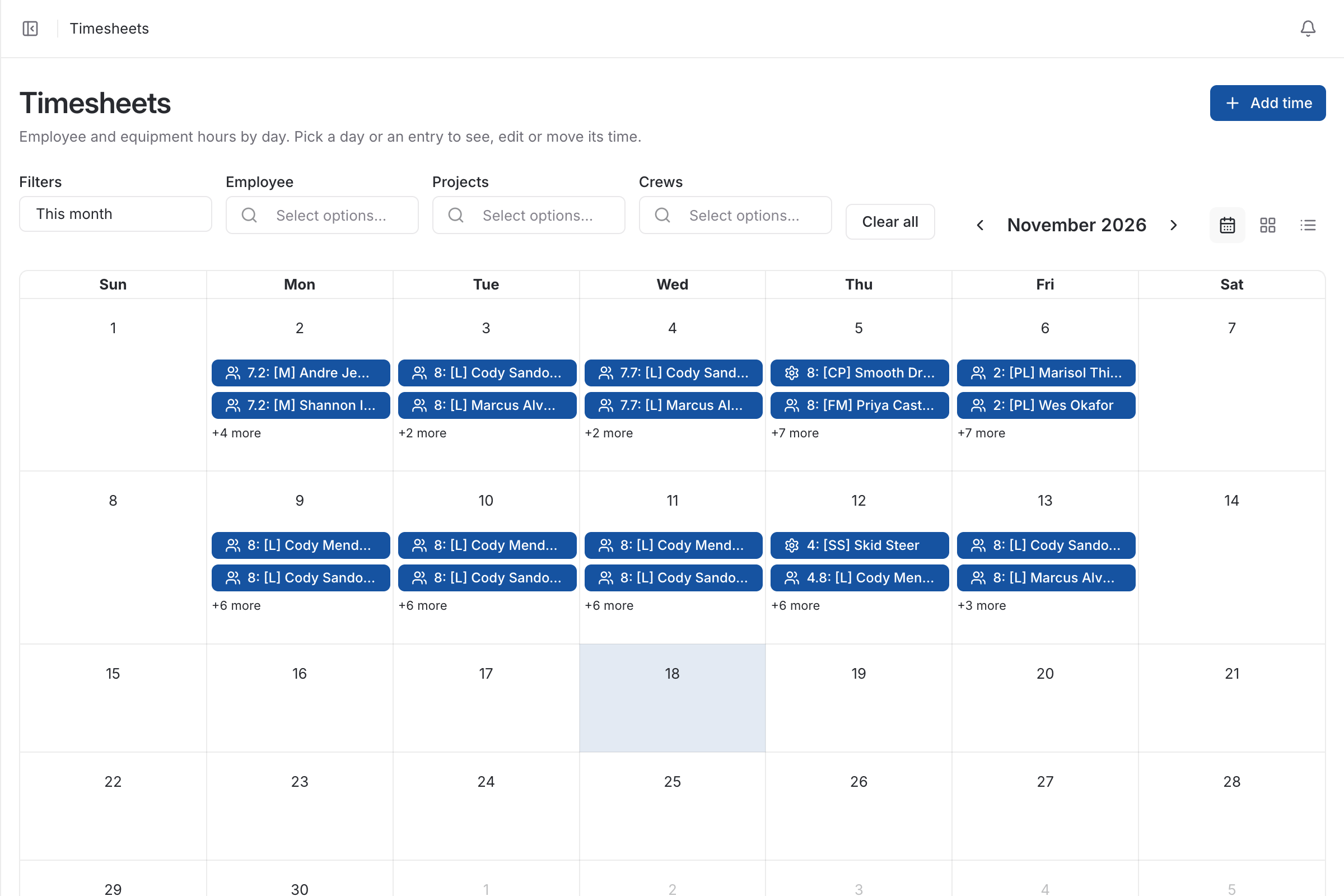
Budget vs actual by cost type shows labor on its own, and each line item warns you before it goes over.
More on job costing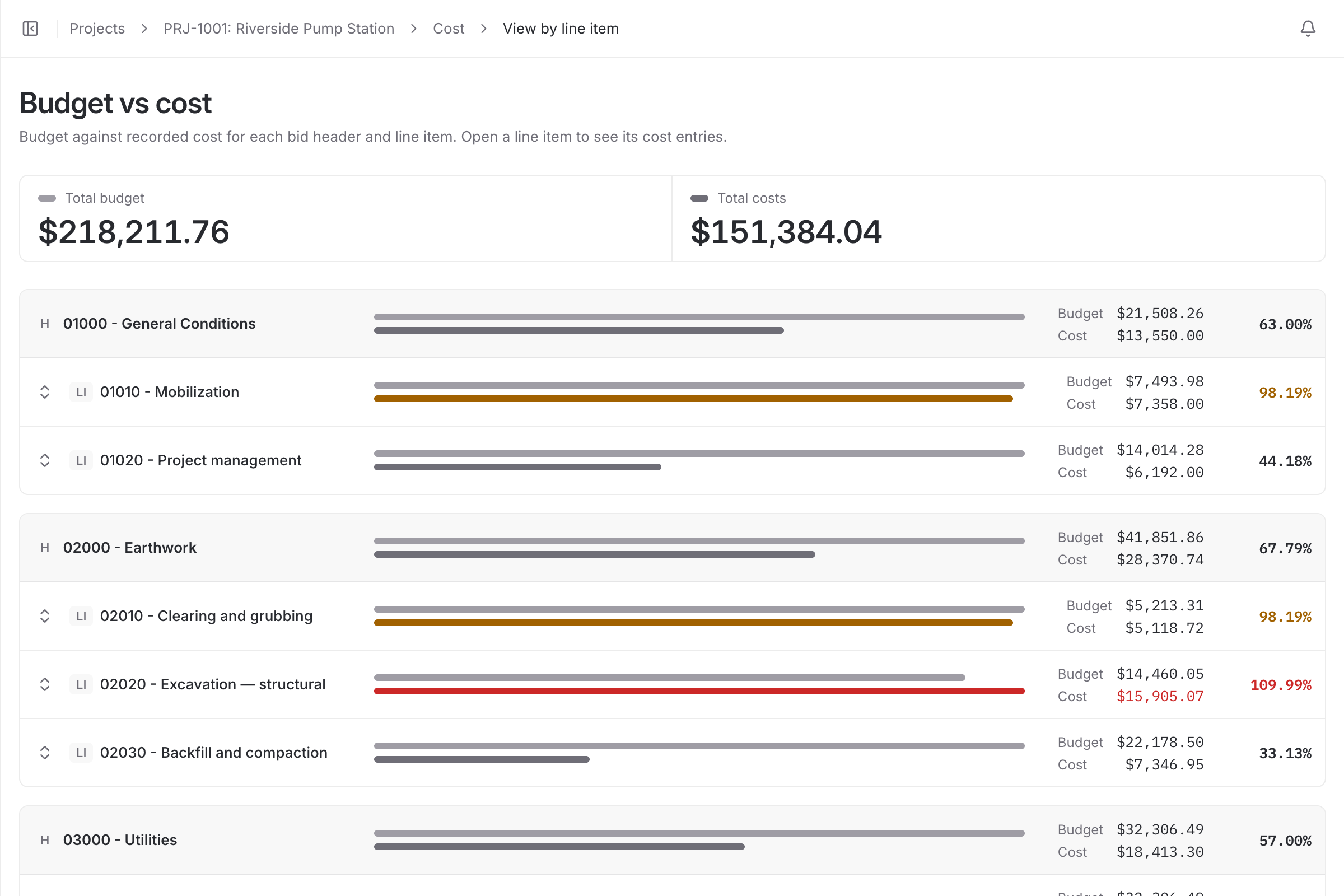
| With a spreadsheet | With BidDig | |
|---|---|---|
| Labor on the bid | A rate per square foot from memory | Crew classifications and hours on each line |
| Labor on the job | Total hours for the week, by person | Hours booked to the line item they were spent on |
| Pump and testing | Remembered at the end, or not | A subcontractor cost on the line |
| Finding the overrun | When the job is finished | Orange at 80% of the line’s budget |
No. You enter the quantity for each line item, in cubic yards or any other unit. BidDig prices it from your rates and tracks cost against it.
Yes. Budget vs actual is shown by cost type, so labor, material, equipment and subcontractor cost are each compared with their own budget, for the job and for each line item.
Hours are usually entered by the foreman or superintendent, for the people on their crew, against the project and line item. They do not see pay rates or the budget.
Contingency is one of the five costs on every line item, so it is carried where the risk is and tracked as its own cost type after award.
, 6 min read
A bid is a cost build-up with markup on top. Here are the steps in order, a worked line item, and the places where bids usually go wrong.
, 5 min read
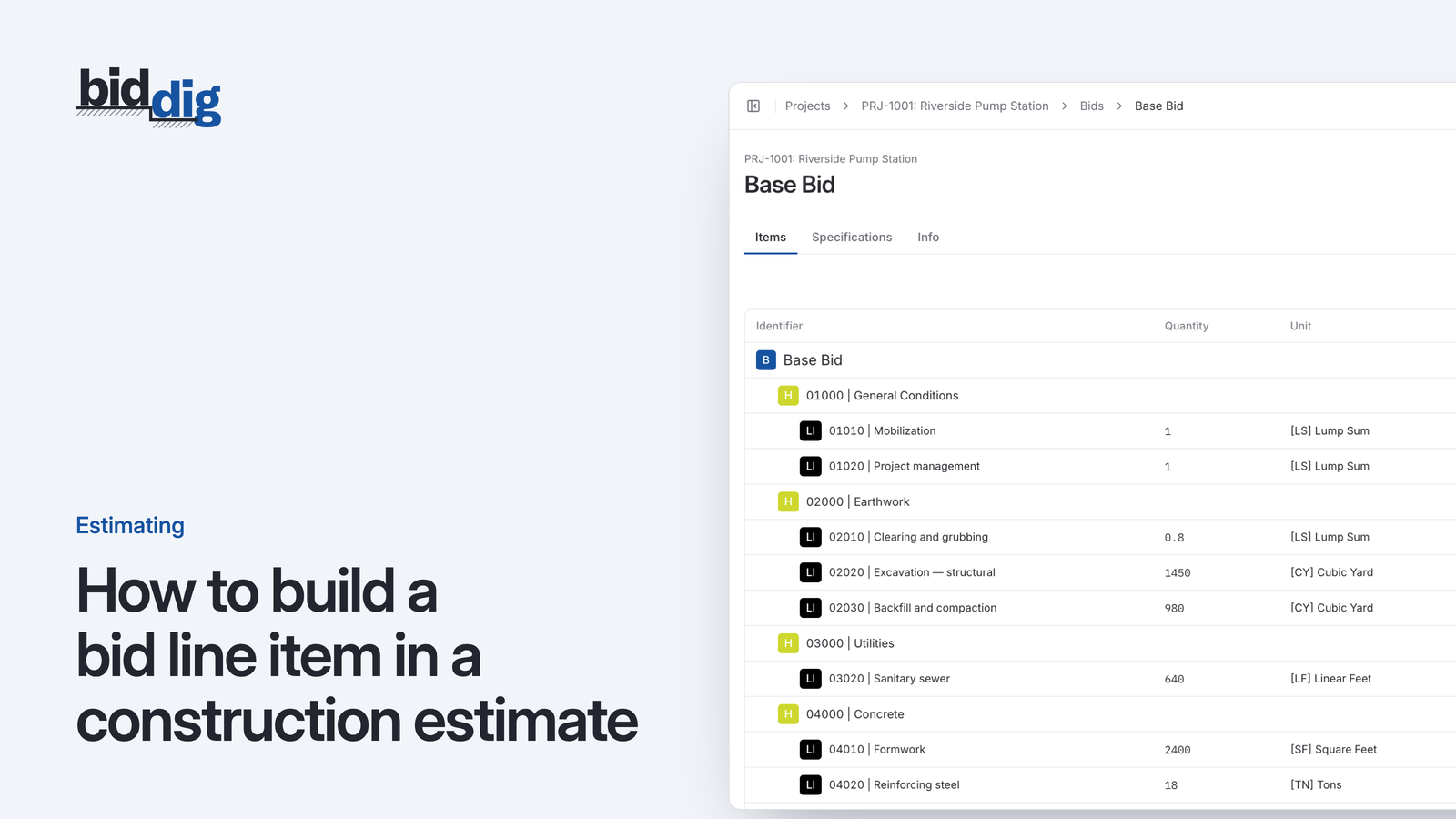
A bid line item is built from five costs. Here is what goes in each, how a production rate drives labor and equipment, and one storm drain line worked through.
, 5 min read
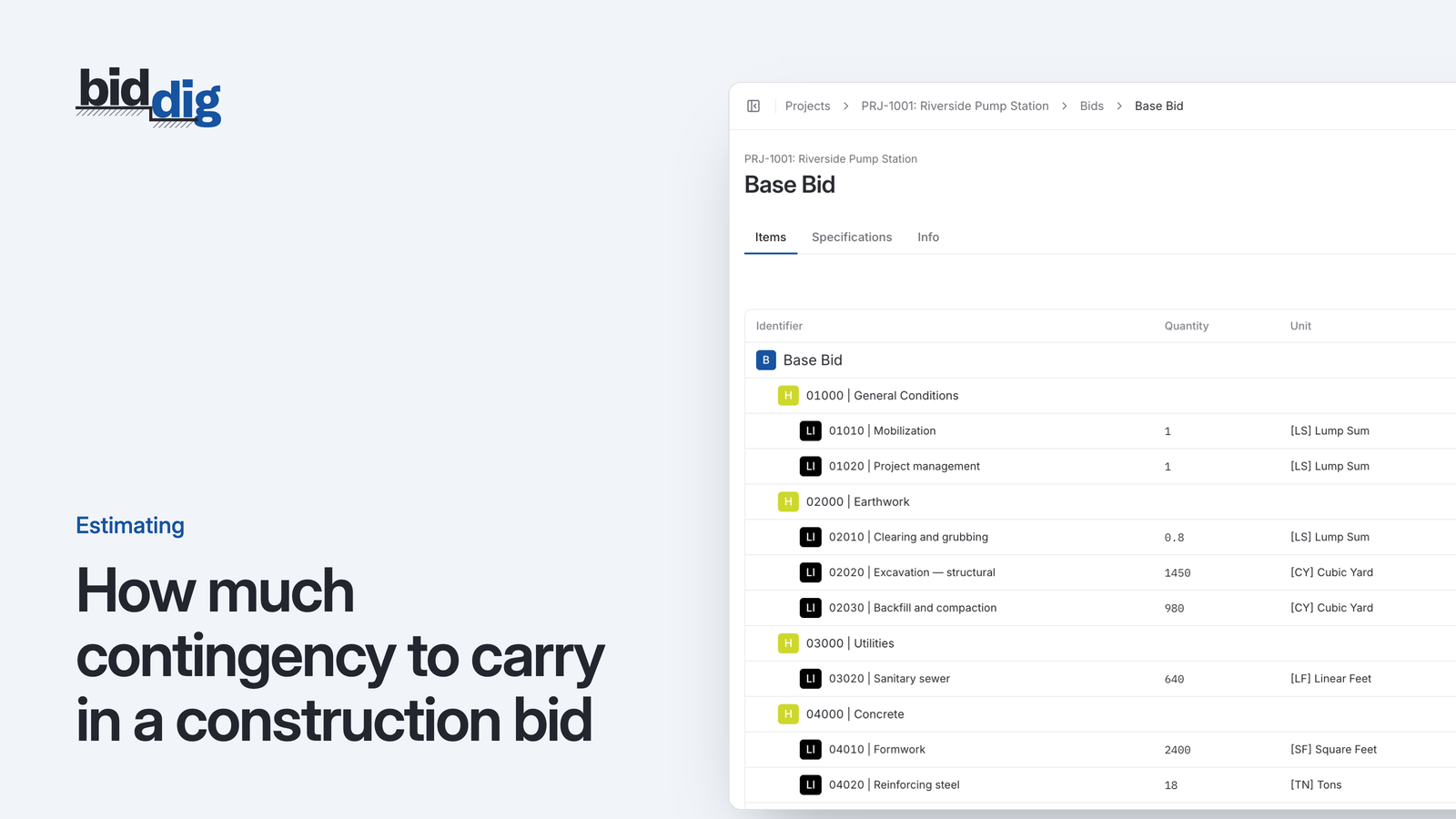
There is no single right percentage. Contingency is a price for specific risks, and the way to size it is to name those risks, price each one and weigh how likely it is.
, 6 min read
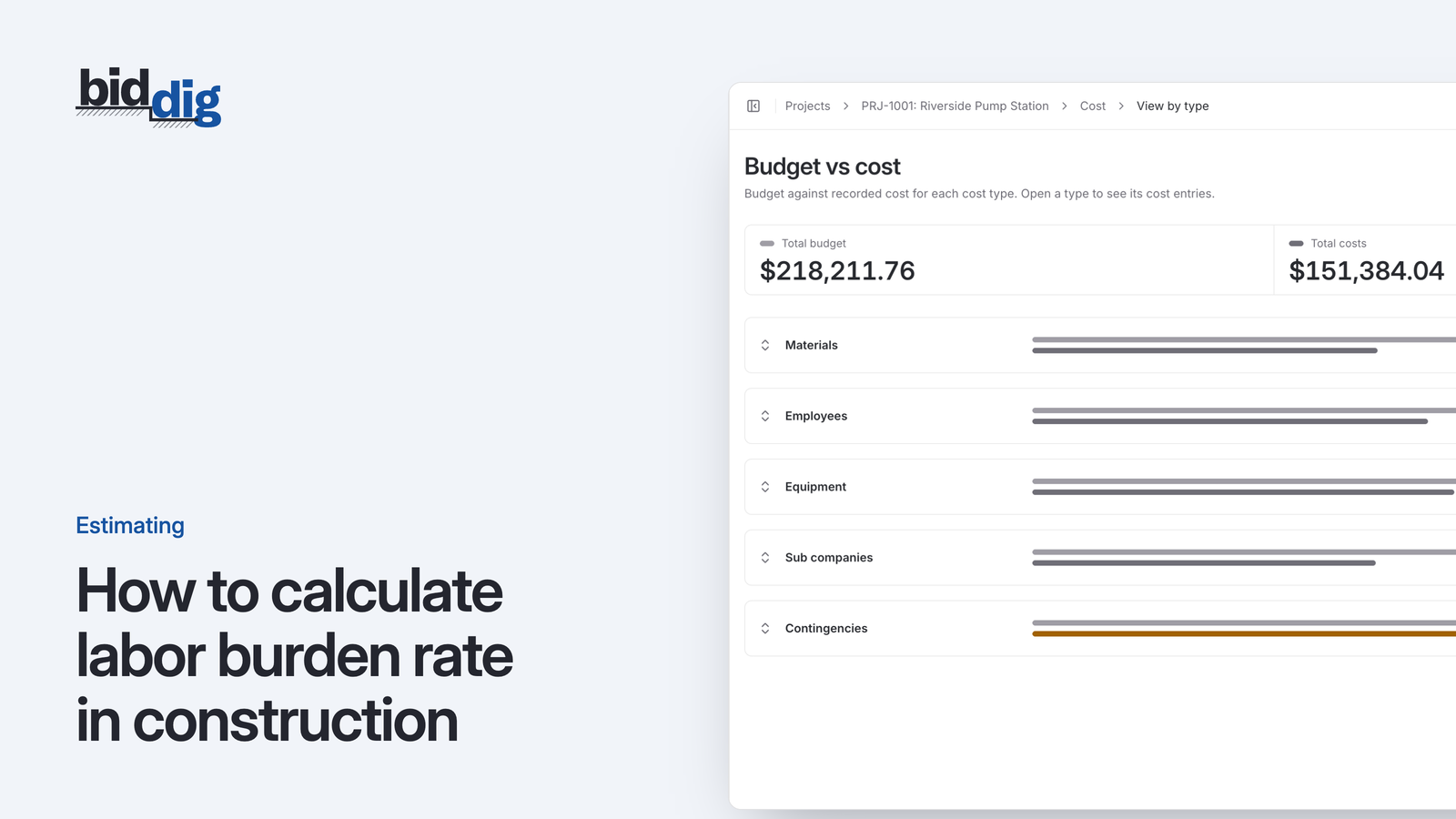
Labor burden rate is annual burden costs divided by annual wages. Here is the formula, what goes into it, and a worked example with every line of arithmetic.
, 5 min read
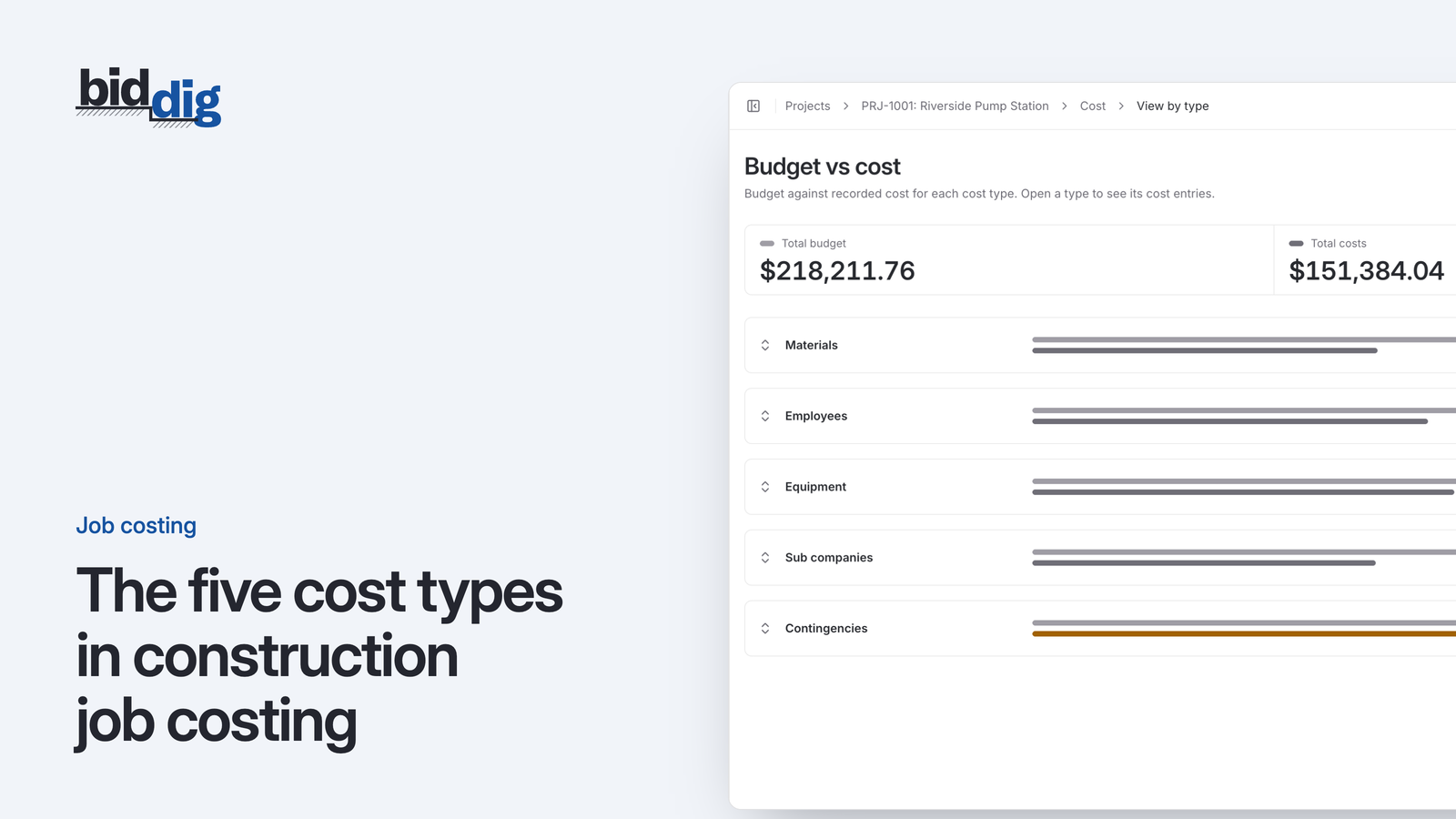
Material, labor, equipment, subcontractor and miscellaneous. What belongs in each, where costs commonly get put in the wrong one, and why it matters for the next bid.
, 5 min read
Job costing means comparing what a job was bid to cost against what it is actually costing, line by line, while there is still time to do something about it.
Set up your catalog, build a bid and send the proposal. Then watch the job against the bid as the costs come in.
60-day free trial. No credit card required.