, 6 min read
How to bid a construction job, step by step
A bid is a cost build-up with markup on top. Here are the steps in order, a worked line item, and the places where bids usually go wrong.
Estimating software that remembers how you price.
A spreadsheet can price one job. It cannot make sure the next estimator uses the same labor rate, the same equipment cost and the same markup. BidDig keeps those in one catalog and builds every bid from it.
60-day free trial. No credit card required.
Bid items, crews, equipment and material prices are set up once. Each line item is costed as material, labor, equipment, subcontractor and contingency, then tax, bond, overhead and profit are applied from your rates.
More on estimating and bidding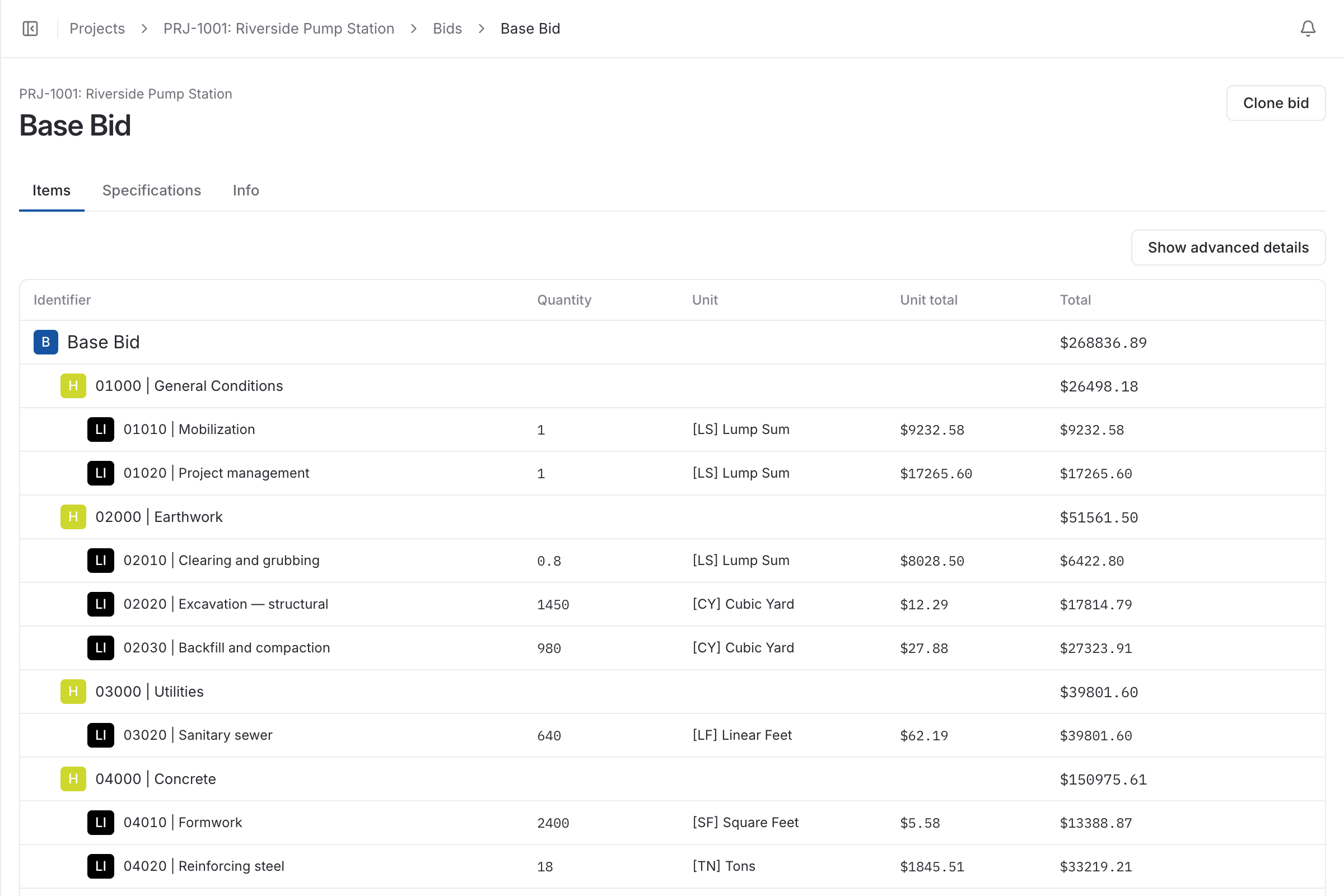
Three things a spreadsheet cannot. It should hold one set of rates that every estimate draws from, so a labor rate changed once is changed everywhere. It should apply markup by rule, not by a cell formula somebody can overwrite. And it should keep the estimate alive after the job is won, because an estimate that is filed on award can never tell you whether it was right.
Templates, reports and integrations matter less than those three. If two estimators pricing the same job can still arrive at two different numbers, the software has not fixed the problem you bought it for.
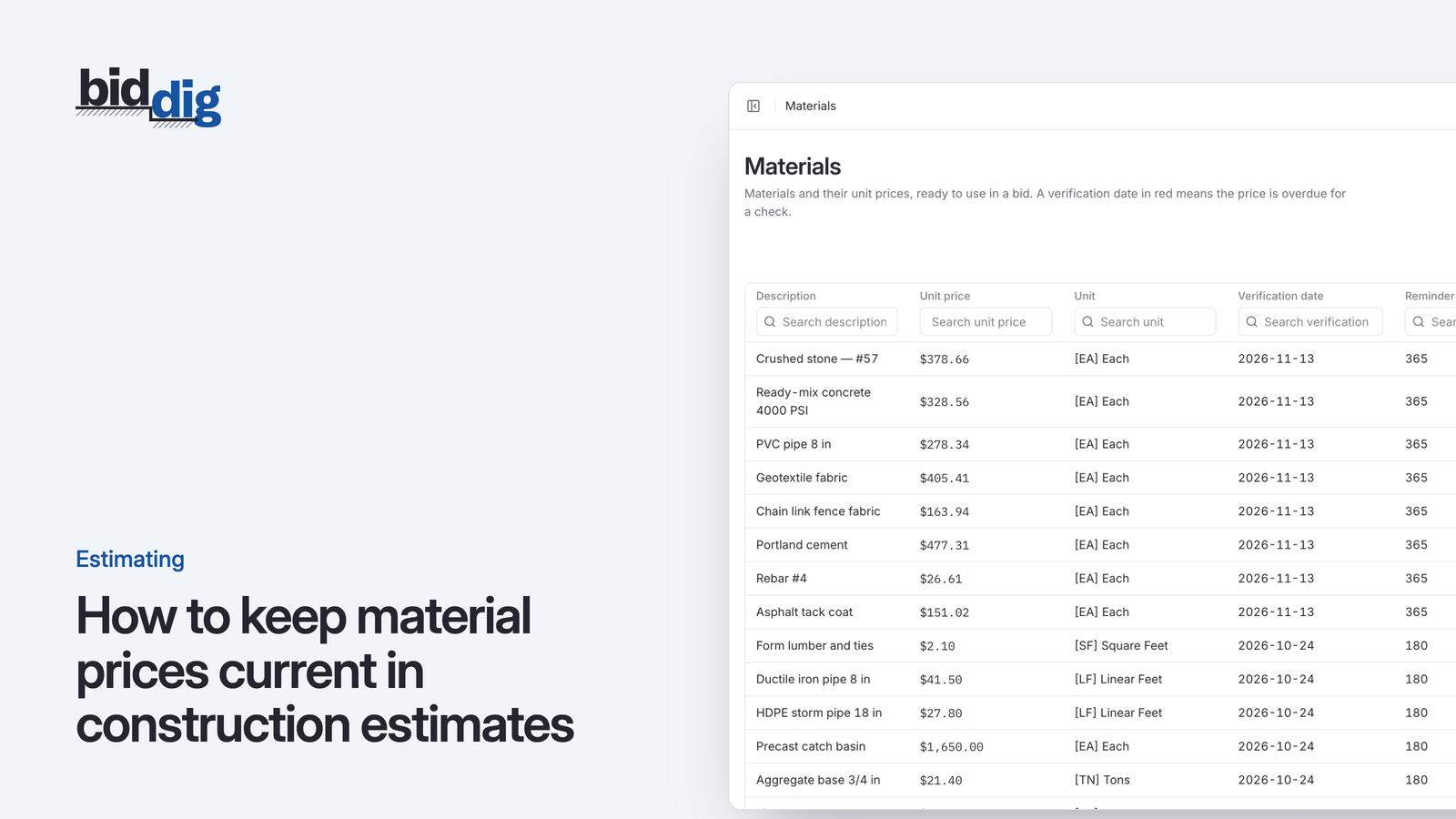
You set up the catalog once. Employee classifications carry a rate. Each piece of equipment carries an hourly operating cost and is marked as owned or rental. Each material carries a unit price, a unit and the date the price was last verified. Subcontractors and your own units of measure sit alongside them.
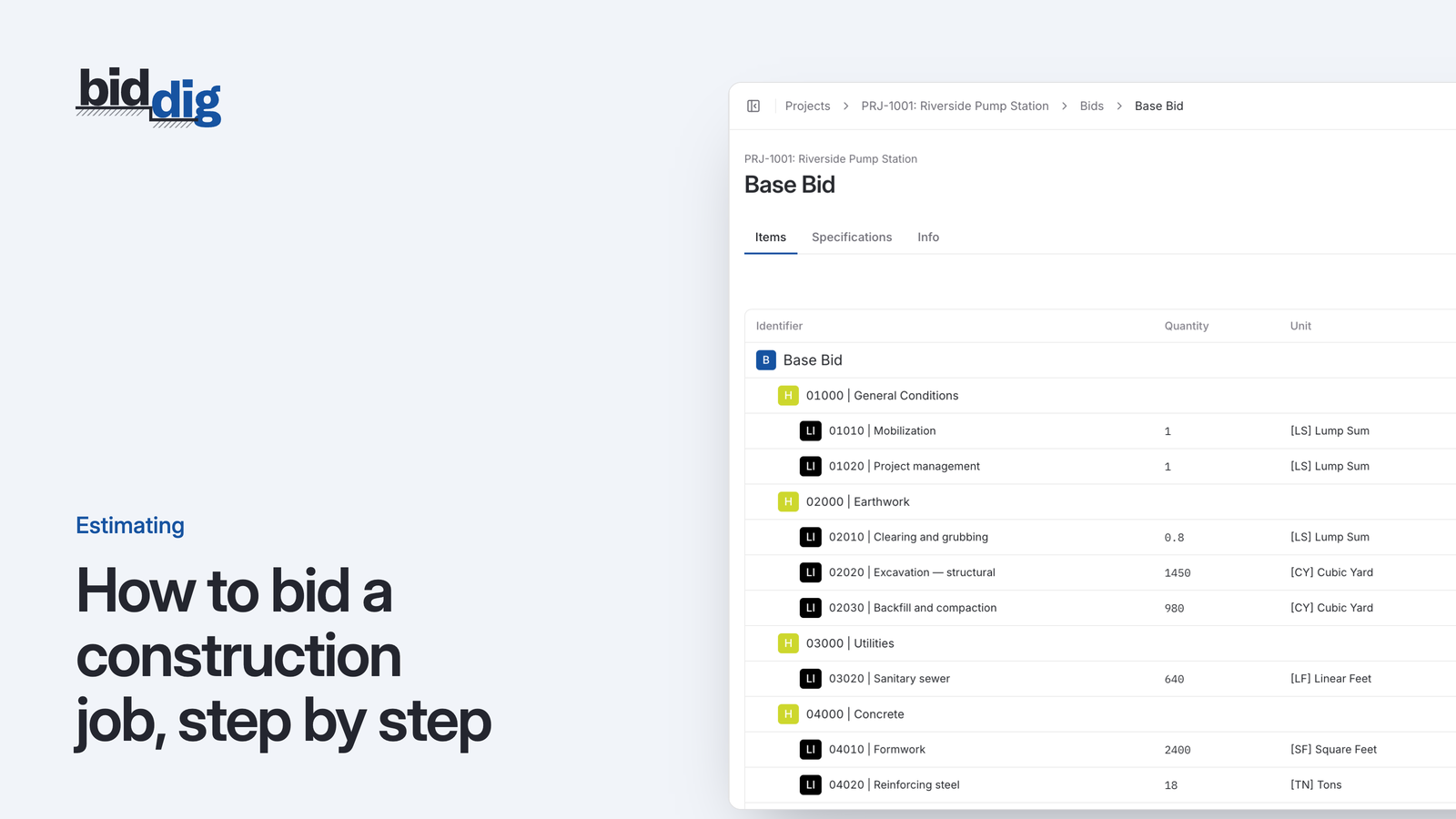
A bid is then a set of headers and line items picked from that catalog. Every line is costed five ways: material, labor, equipment, subcontractor and contingency. Tax, bond, overhead and profit are calculated from the default rates you set for the company, and can be changed on one bid without touching the defaults.
The spreadsheet does not fail on the first job. It fails on the twentieth, when it has been copied from job to job and nobody remembers which copy has the current labor rate. A material price typed in two years ago is still there because nothing ever asked whether it was true. One overwritten formula changes the markup on every bid made from that copy.
None of this shows on bid day. It shows months later as a job that should have made money and did not, with no way to trace the number back to where it went wrong.
Choose one of eight proposal styles, email it from the project and see whether it was delivered and viewed.
More on proposals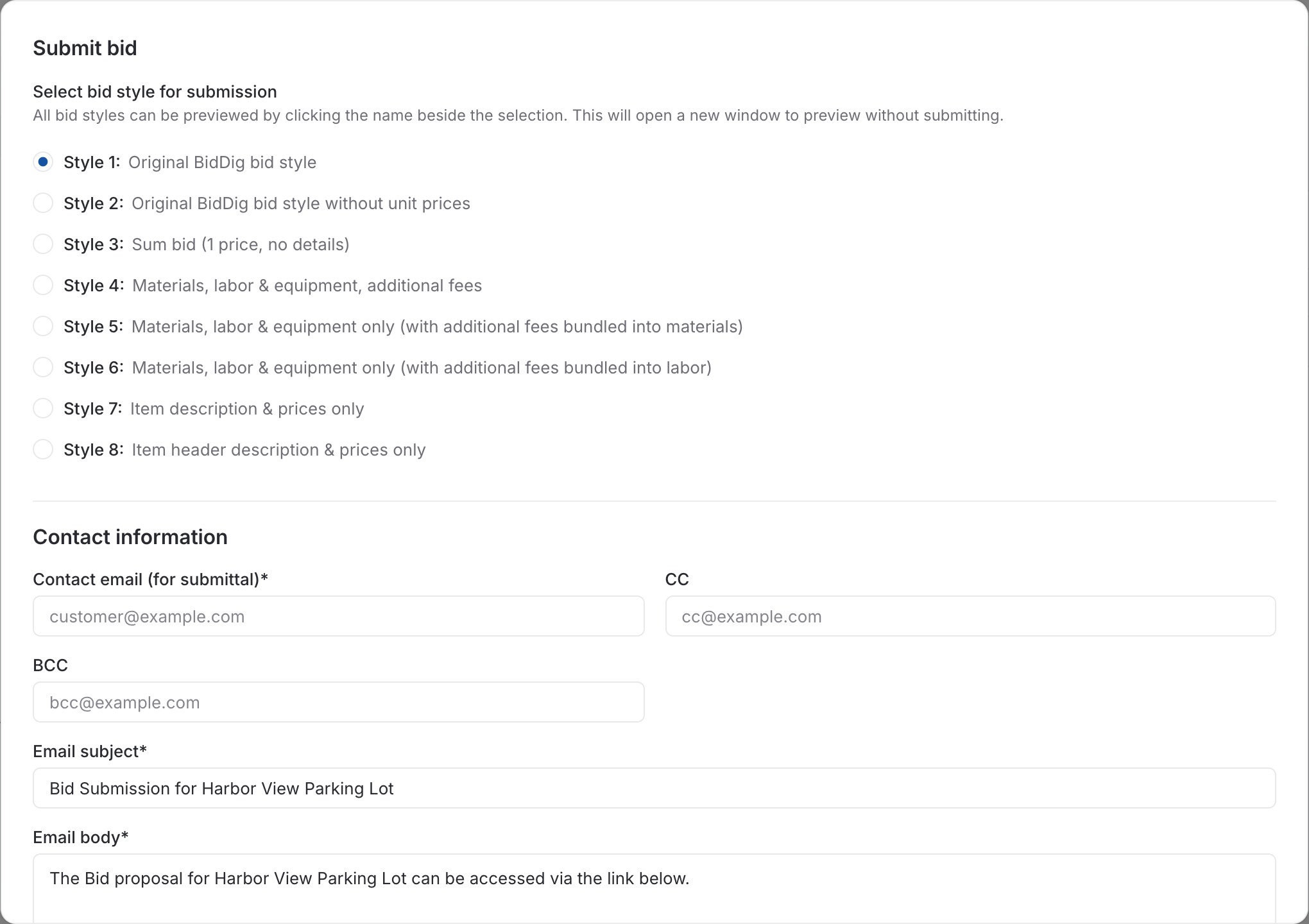
Extra work is priced as a change order from the same catalog and markup, and stays on the project with its own status.
More on change orders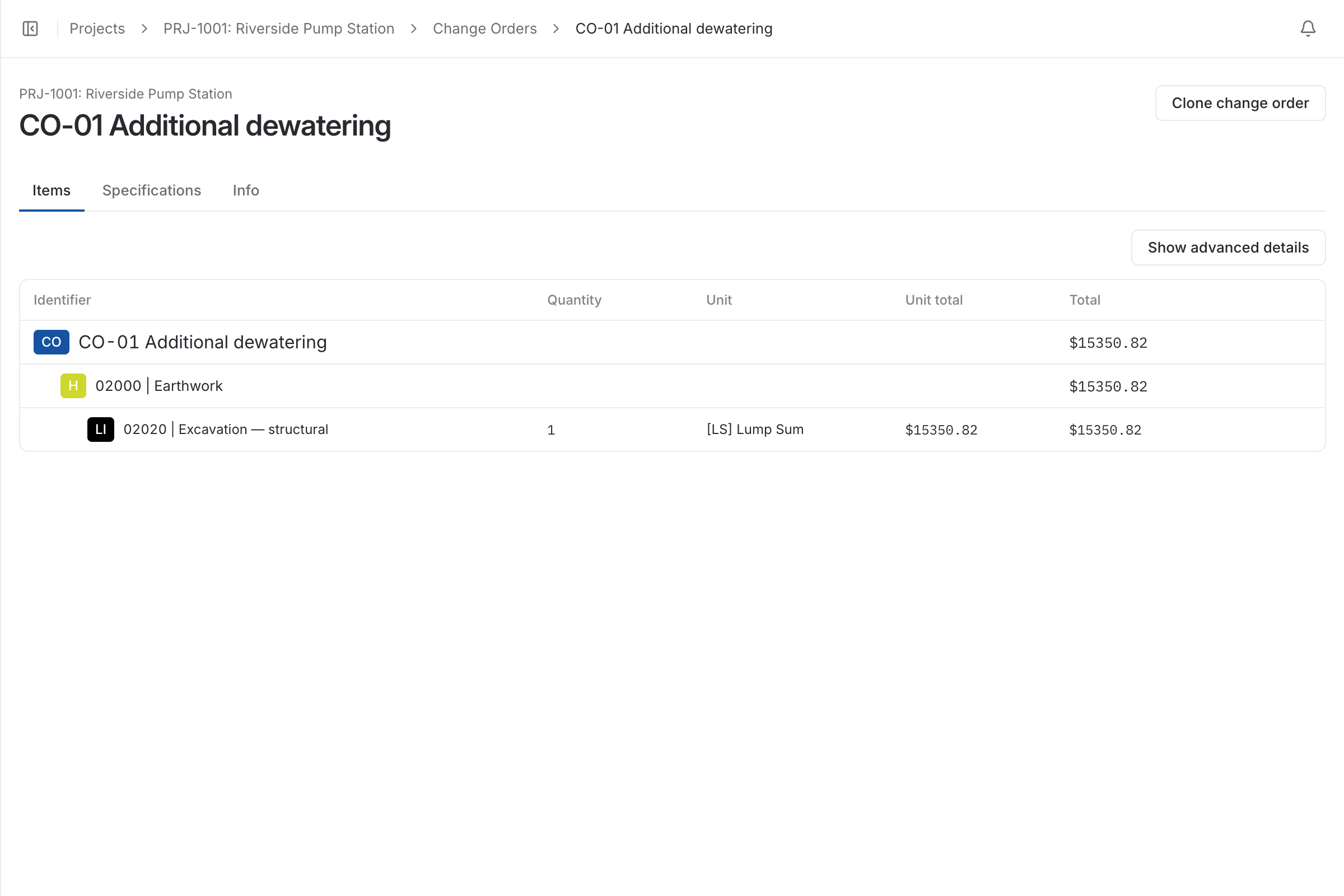
| With a spreadsheet | With BidDig | |
|---|---|---|
| Labor and equipment rates | Typed into each estimate, or carried over from the last one | Kept once in the catalog and used by every bid |
| Material prices | Whatever was in the file you copied | Each price has a verification date and a notice when it is overdue |
| Overhead and profit | A cell formula anyone can overwrite | Calculated from company default rates, changeable per bid |
| Owned and rental equipment | Usually priced the same way | Marked on each machine and handled separately for tax and bond |
| When the job is won | The estimate is filed | Its line items become the budget the job is tracked against |
Yes. Bid items, employee classifications, equipment, materials, subcontractors and units are all your own. BidDig starts you with common classifications and units, and you add or change the rest.
Tax, bond, overhead and profit are calculated on every bid from default rates you set for the company. An individual estimator can have their own defaults, and the rates can be changed on a single bid.
Yes. Each piece of equipment is marked as owned or rental, and the two are treated differently when tax and bond are calculated.
, 6 min read
A bid is a cost build-up with markup on top. Here are the steps in order, a worked line item, and the places where bids usually go wrong.
, 6 min read
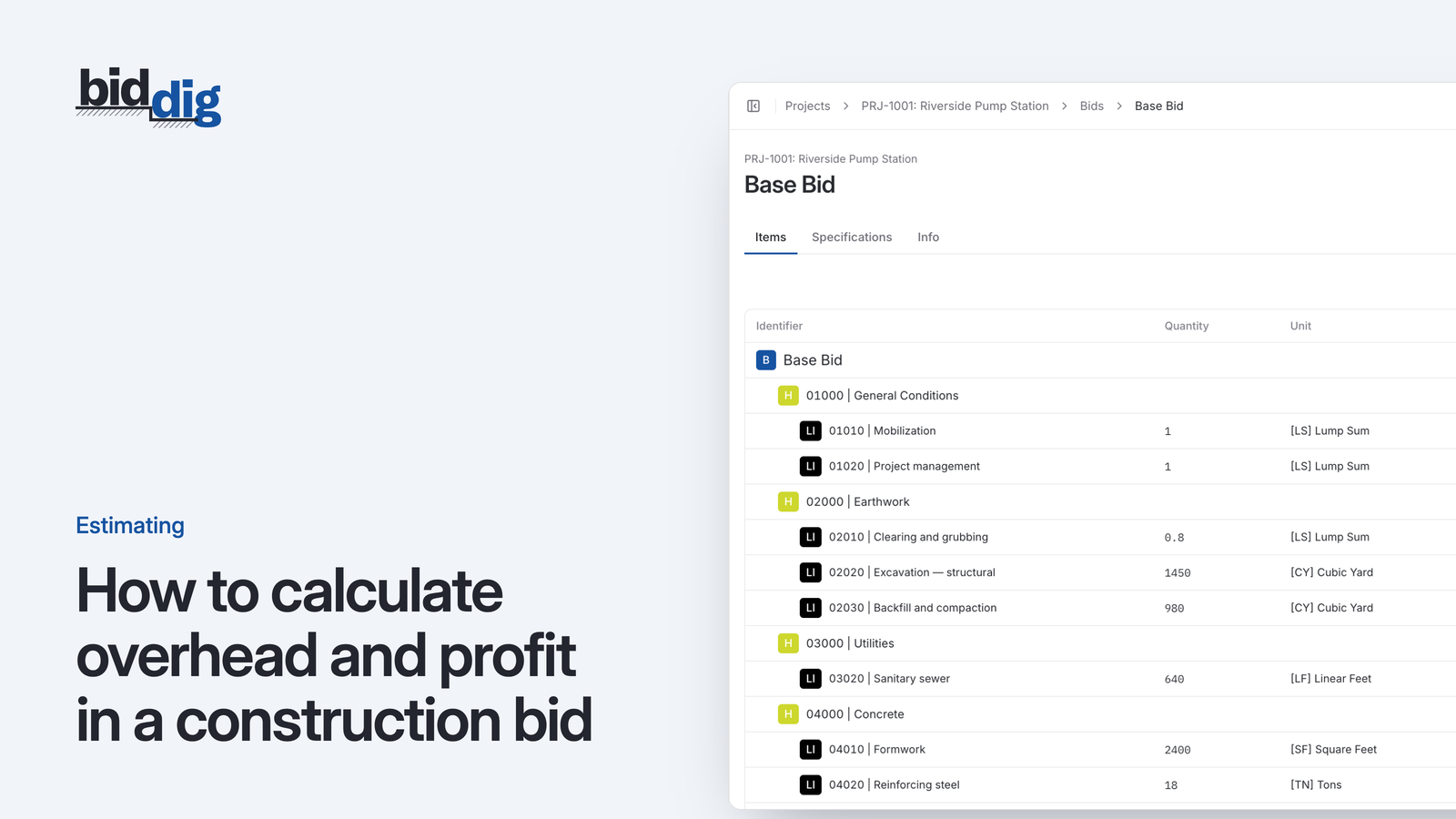
Overhead and profit are two different numbers that do two different jobs. Here is how to find your overhead rate from a year of figures, set a profit rate, and apply both to a bid.
, 5 min read
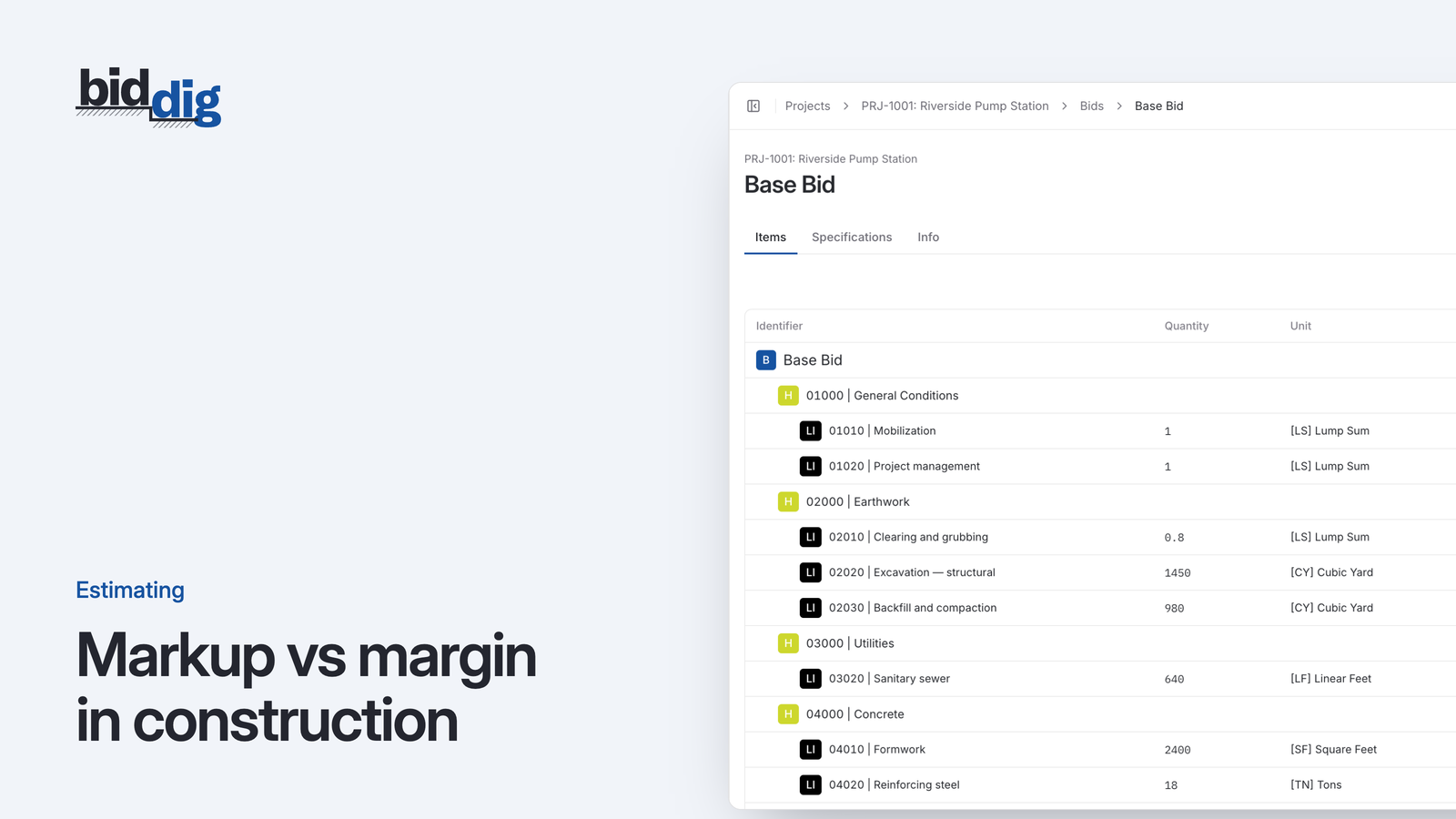
A 20% markup is not a 20% margin. Here is the difference, the formulas for converting one to the other, and a conversion table for pricing a bid.
, 5 min read
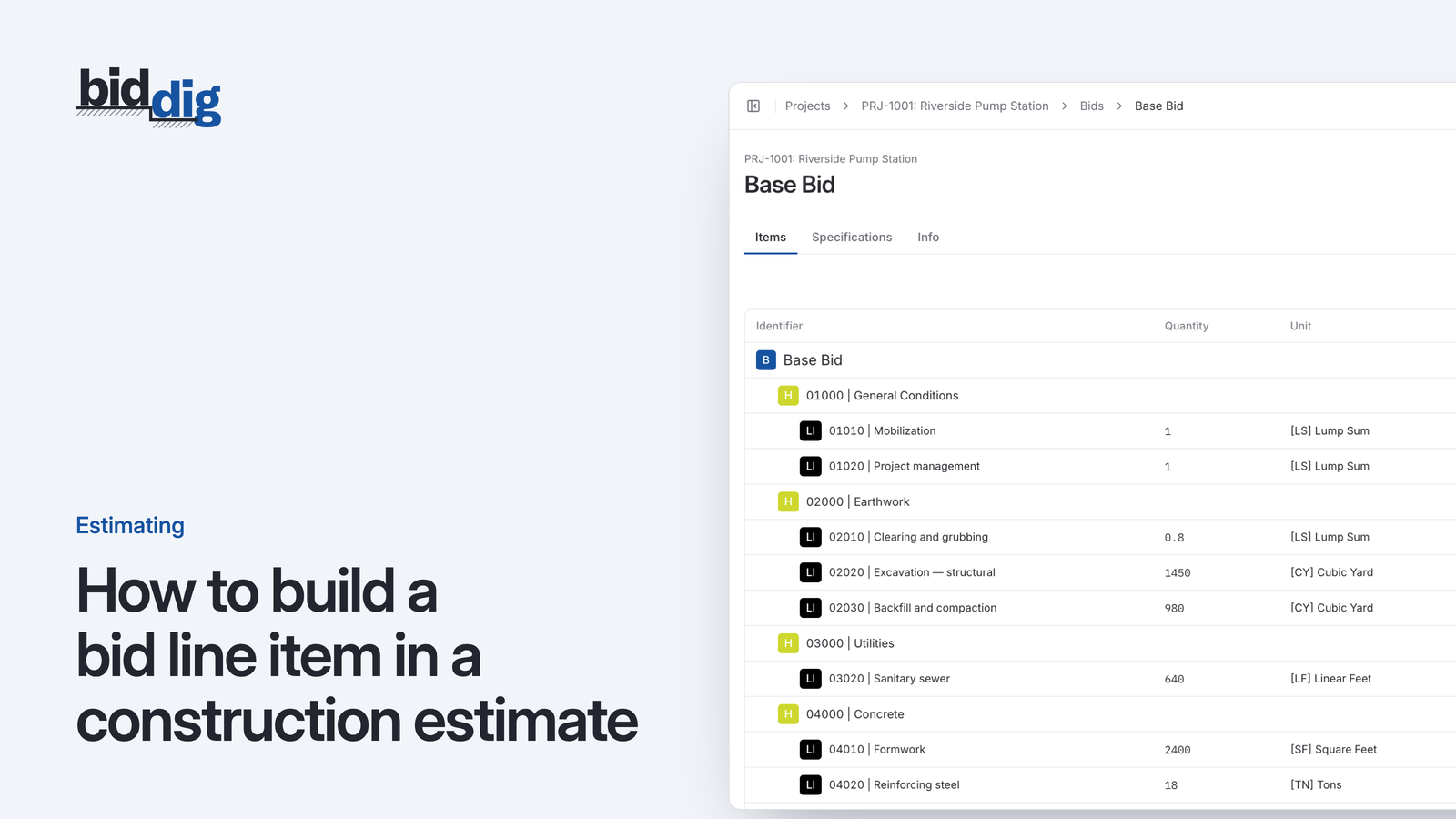
A bid line item is built from five costs. Here is what goes in each, how a production rate drives labor and equipment, and one storm drain line worked through.
, 5 min read
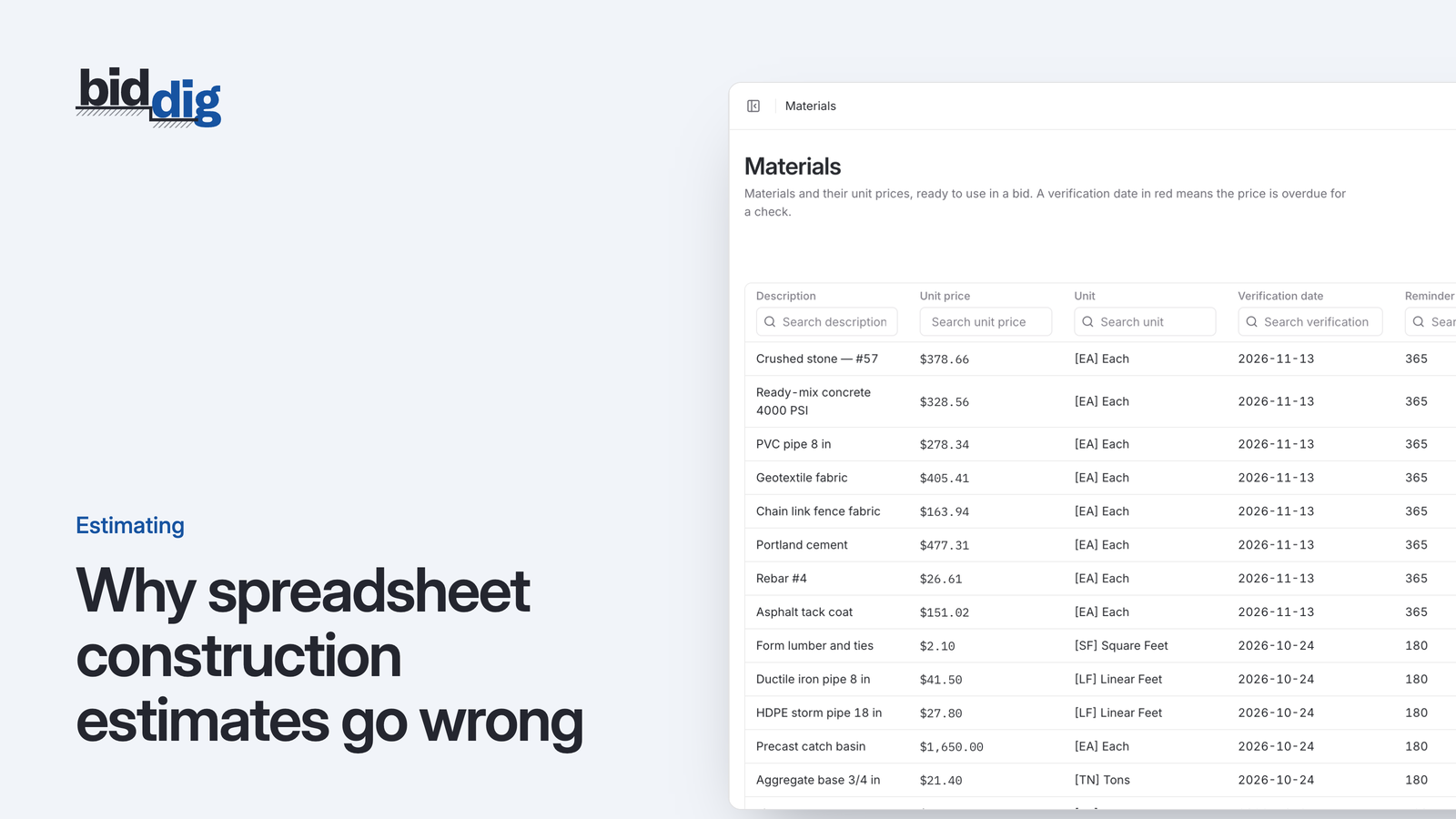
Spreadsheet estimates go wrong because the costs live inside each job file. Copy the file and old rates, broken formulas and one-off adjustments come along unnoticed.
, 5 min read
A material price is only true on the day somebody checked it. Here is a routine for re-verifying prices, and ways to protect a bid when prices move after it is sent.
Set up your catalog, build a bid and send the proposal. Then watch the job against the bid as the costs come in.
60-day free trial. No credit card required.