, 5 min read
Why spreadsheet construction estimates go wrong
Spreadsheet estimates go wrong because the costs live inside each job file. Copy the file and old rates, broken formulas and one-off adjustments come along unnoticed.
The spreadsheet is fine. Until there are two of you.
Most contractors start estimating in Excel, and for a while it is the right tool. This page is an honest look at where it holds up, where it breaks, and what you give up by moving off it.
60-day free trial. No credit card required.
| Estimating in a spreadsheet | BidDig | |
|---|---|---|
| Cost to start | Nothing; you already have it | A subscription, after a free trial |
| Flexibility | Total. Any layout, any formula | A fixed structure: headers, line items, five cost types |
| Rates | Typed into each file, or linked to a sheet that gets copied too | One catalog every bid draws from |
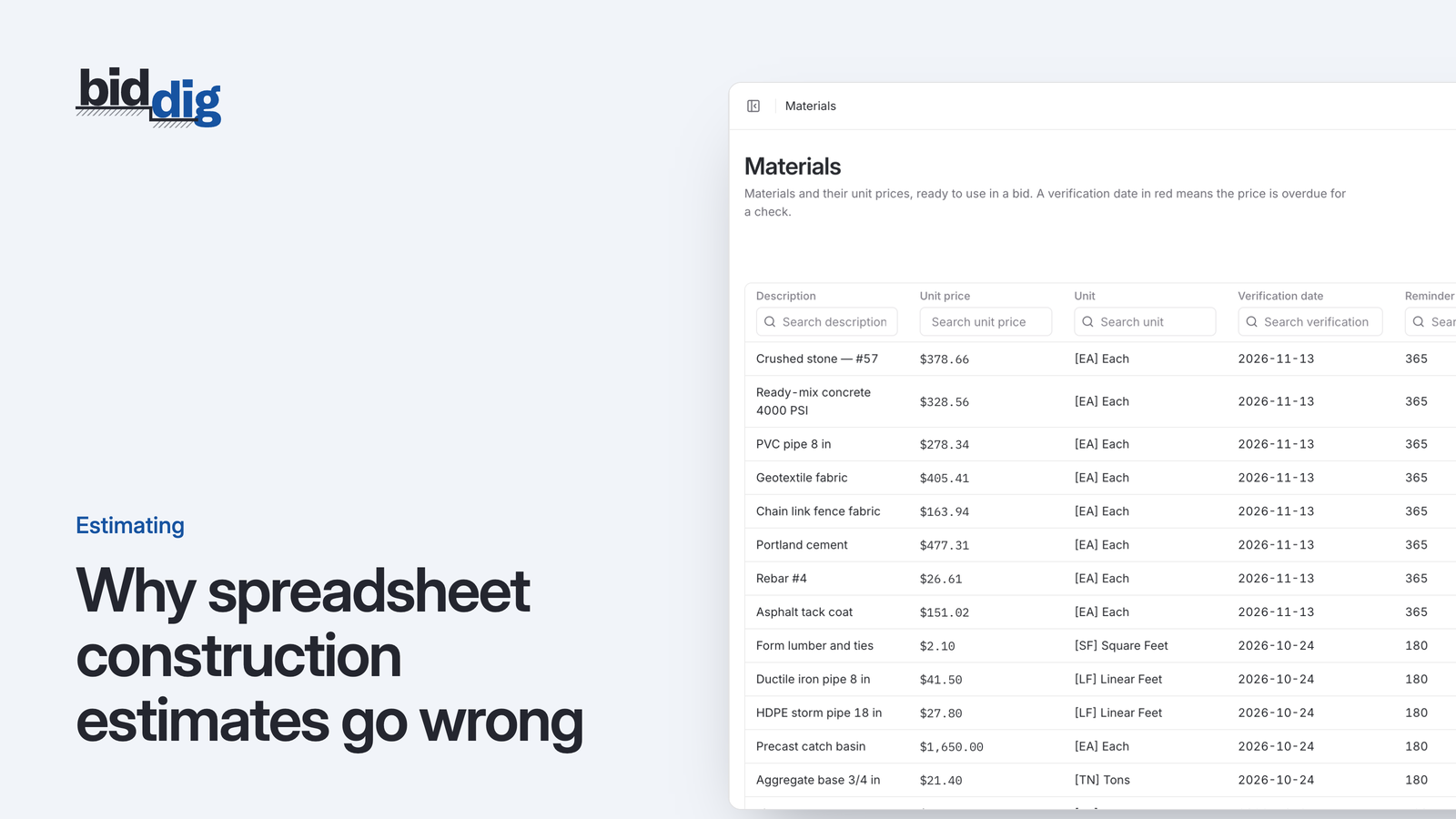
| Material prices | No record of when a price was last checked | A verification date and an overdue notice per price |
| Markup | A formula that can be overwritten without anyone noticing | Calculated from default rates, changeable per bid |
| Two estimators | Two files, two versions of the rates | The same catalog and defaults for everyone |
| The proposal | Retyped or pasted into a document | A PDF generated from the bid, in one of eight styles |
| After you win | The file is archived | The bid’s line items become the job budget |
| Job cost against the bid | A second spreadsheet, kept up by hand | Budget vs actual per line item, fed by timesheets and recorded costs |
| Who sees what | Whoever has the file sees everything | Roles: field staff enter hours without seeing rates or budgets |
More often than software companies admit. If one person prices every job, the jobs are similar, and that person also runs the work and knows from the site whether it is making money, a well-kept spreadsheet does the job. It is free, it bends to any shape, and nobody has to learn anything.
The spreadsheet is not the problem. What goes wrong is what happens around it as the company grows.
At the second estimator. Two people now hold copies of the file, each with their own edits, and the same job priced twice gives two numbers. Nobody can say which labor rate is the current one.
At the second year. Prices typed in long ago are still in the sheet because nothing in a spreadsheet asks whether a number is still true. A formula was overwritten with a typed value on one job and has been copied into every job since.
At award. The estimate is finished the day the job is won, so it is filed. The costs then arrive somewhere else, under different headings, and the comparison between what you bid and what you spent is a project nobody has time for until the job is over.
Freedom of layout. BidDig has a structure: a bid is headers and line items, and each line is costed as material, labor, equipment, subcontractor and contingency. If your pricing does not fit that shape, software built around it will chafe.
You also take on setup. The catalog of classifications, equipment, materials and rates has to be entered before the first bid. That work is the point, since it is what makes every later bid consistent, but it is real work.
Enter the rates you already use: your labor classifications, the equipment you own or rent with an hourly cost for each, and the materials you buy most. Then rebuild one recent bid and compare the totals with your spreadsheet. Where they differ, one of the two has a rate or a formula you should look at, and it is often the spreadsheet.
Bid the next real job in both. After that, the spreadsheet can stop.
No. Bids are built from the catalog you set up in BidDig, so your rates are entered there once and reused. Reports export to PDF and CSV if you need numbers back in a spreadsheet.
It depends on what the spreadsheet is costing you. If one person prices and runs every job, it may not be. Once more than one person prices work, or you cannot tell which jobs made money until they are closed, the consistency is usually worth more than the subscription.
Yes. Every report exports to CSV, which opens in Excel, as well as to PDF.
It depends on the size of your catalog. BidDig starts you with common classifications and units; you add your own rates, equipment and materials. The free trial is there so you can find out with your own numbers.
, 5 min read
Spreadsheet estimates go wrong because the costs live inside each job file. Copy the file and old rates, broken formulas and one-off adjustments come along unnoticed.
, 6 min read
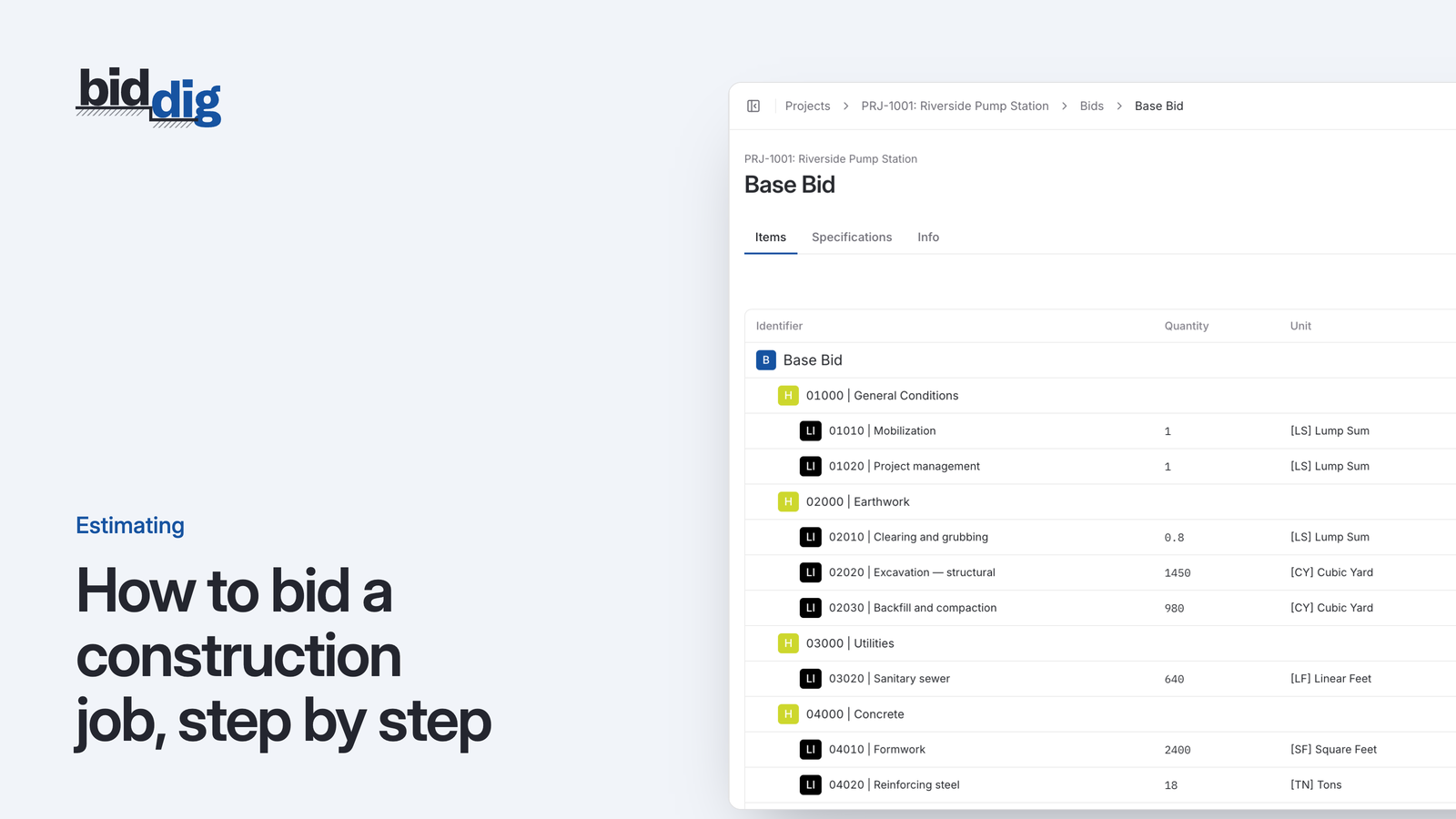
A bid is a cost build-up with markup on top. Here are the steps in order, a worked line item, and the places where bids usually go wrong.
, 5 min read
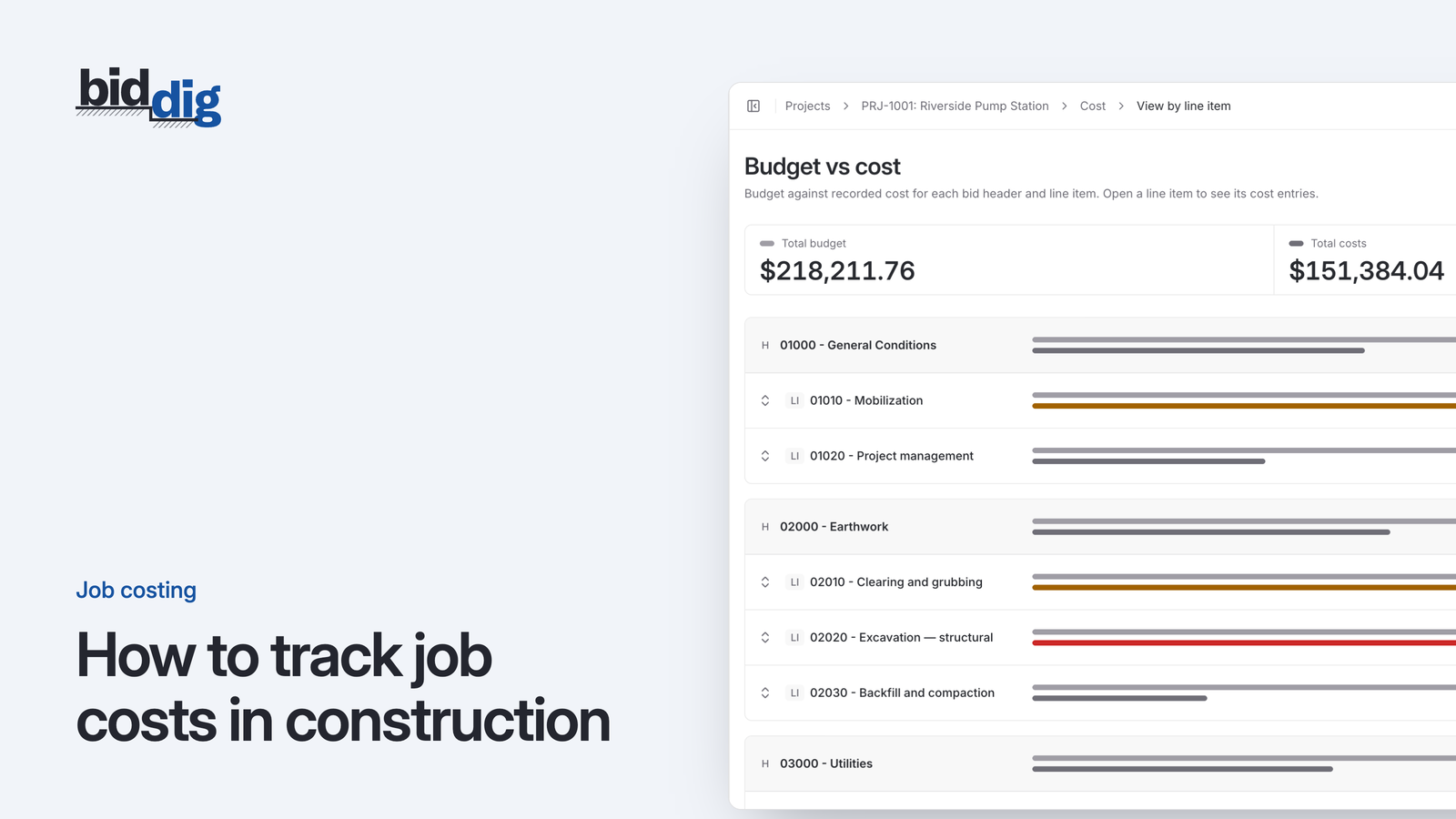
Job costing means comparing what a job was bid to cost against what it is actually costing, line by line, while there is still time to do something about it.
Enter the rates you already use, rebuild a recent bid, and see where the two numbers differ. The trial has every feature and needs no card.
60-day free trial. No credit card required.