Extra work gets agreed on site and priced on the back of a ticket. By the end of the job there are a dozen of them in emails and texts, some approved, some not, and the final bill is an argument about what was said in March.
Built like a bid
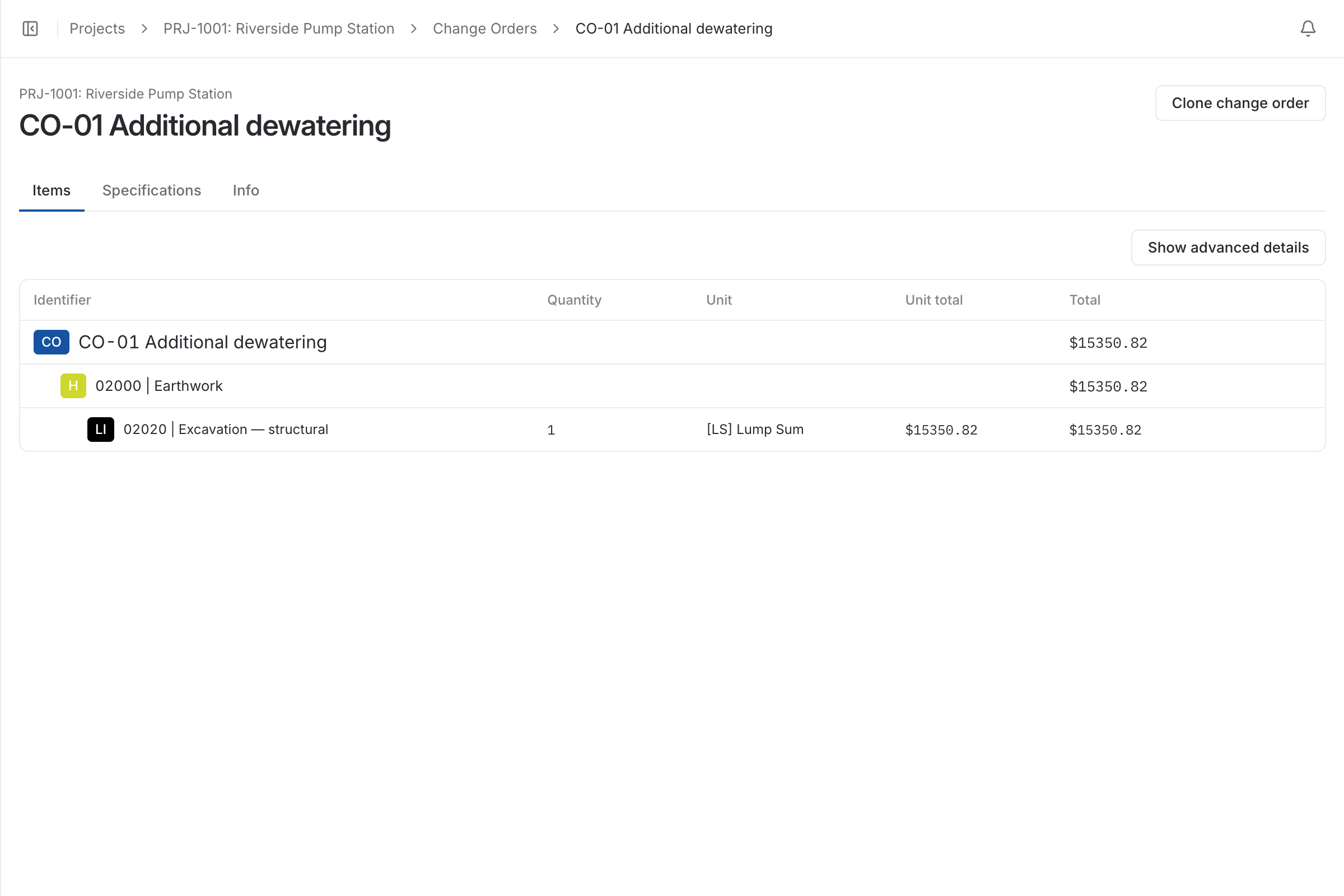
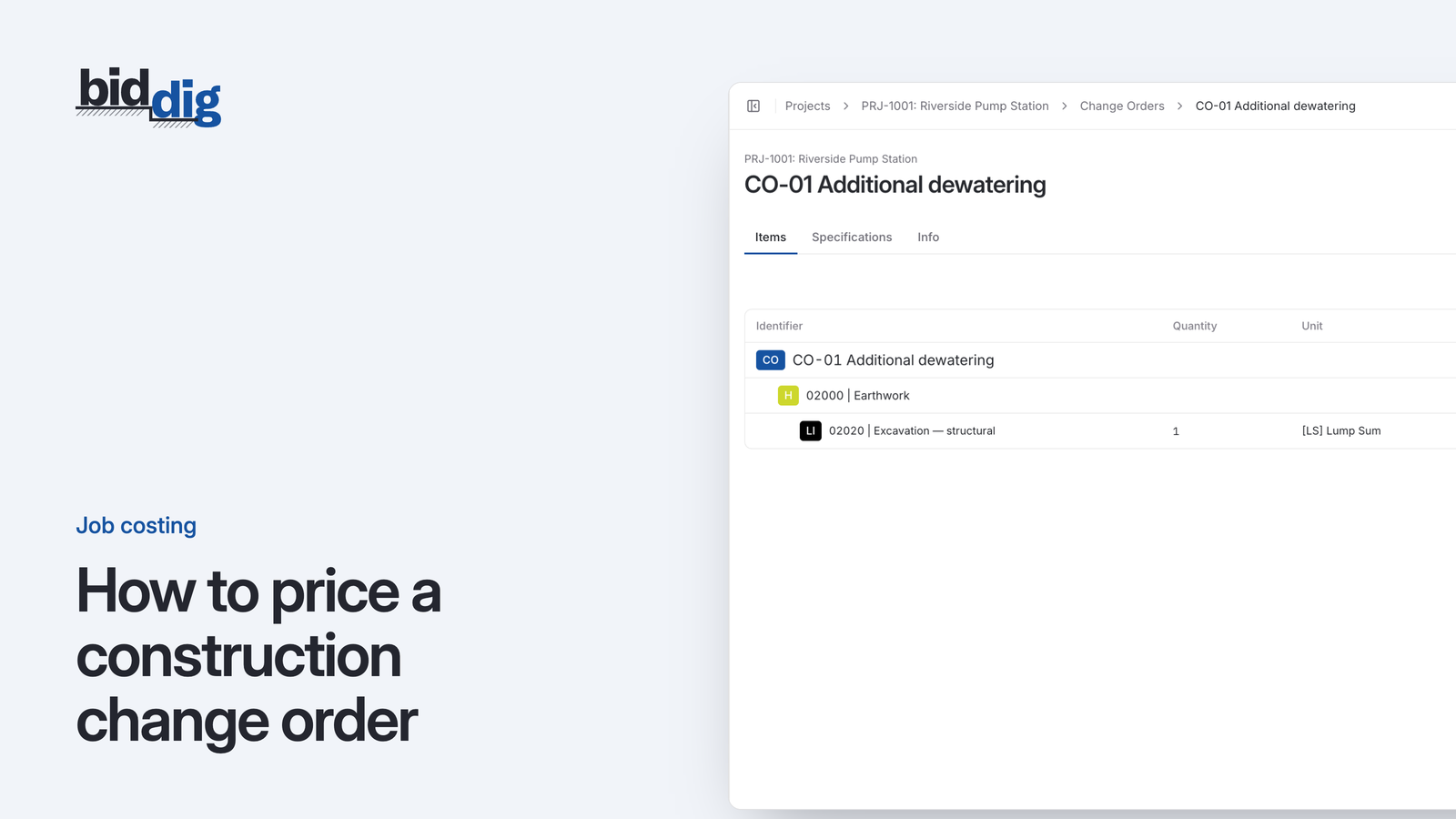
Once a project has an awarded bid you can add change orders to it. Each one uses the same bid items, rates and markup as the original, so extra work is priced as carefully as the base job.
Change orders can only be added to a project with an awarded bid.
The same line item breakdown: material, labor, equipment, subcontractor and contingency.
Each change has its own answer
A change order is awarded or rejected on its own, separately from the base bid. The project lists every one with its status and can send each as a proposal.
Awarded and rejected changes are both kept on the project.
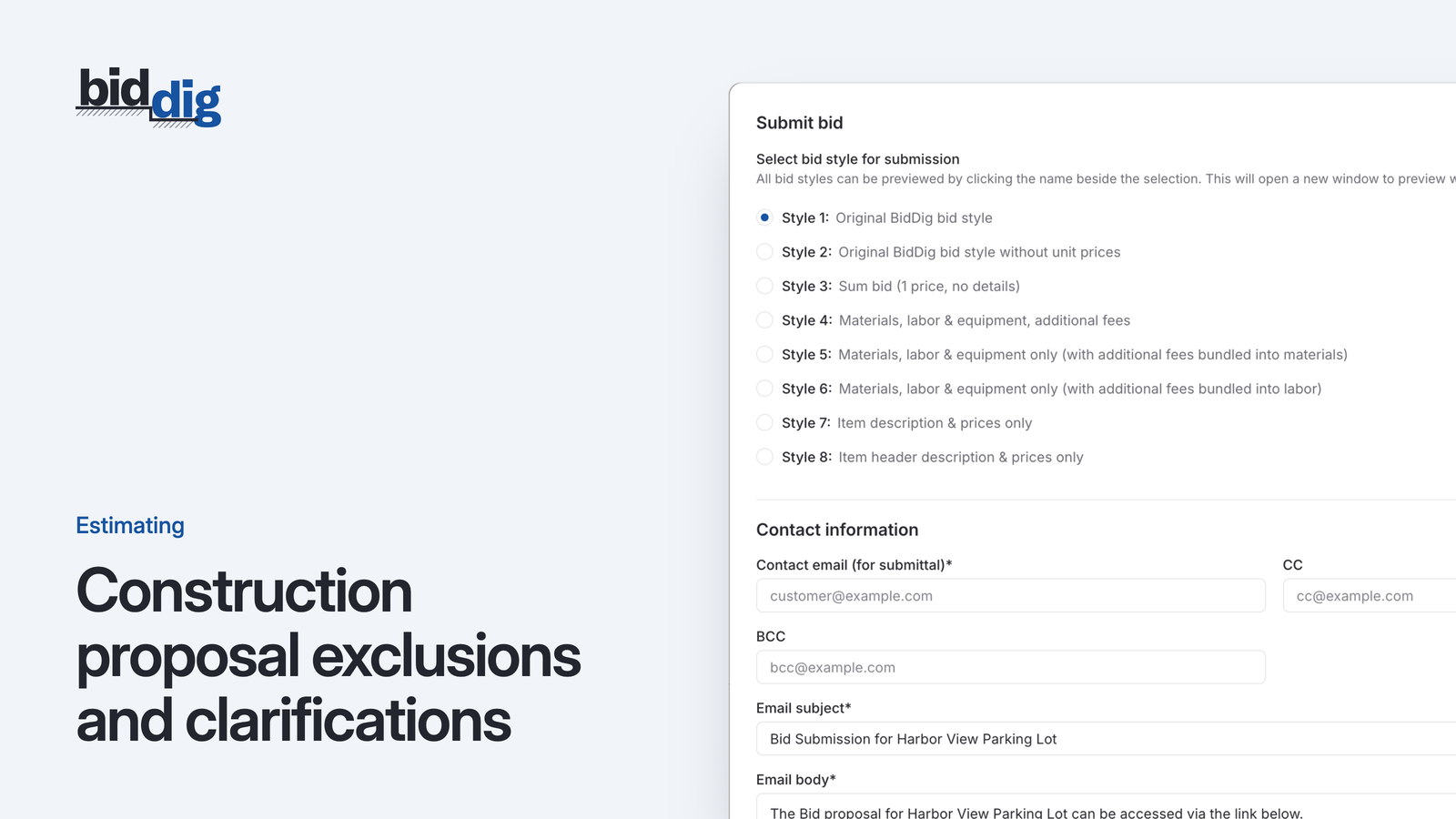
Every proposal style is available for a change order.
A change agreed with a handshake on site becomes an argument at the end of the job. Pricing each change the way you priced the bid, and getting an answer before the work starts, avoids most of it.
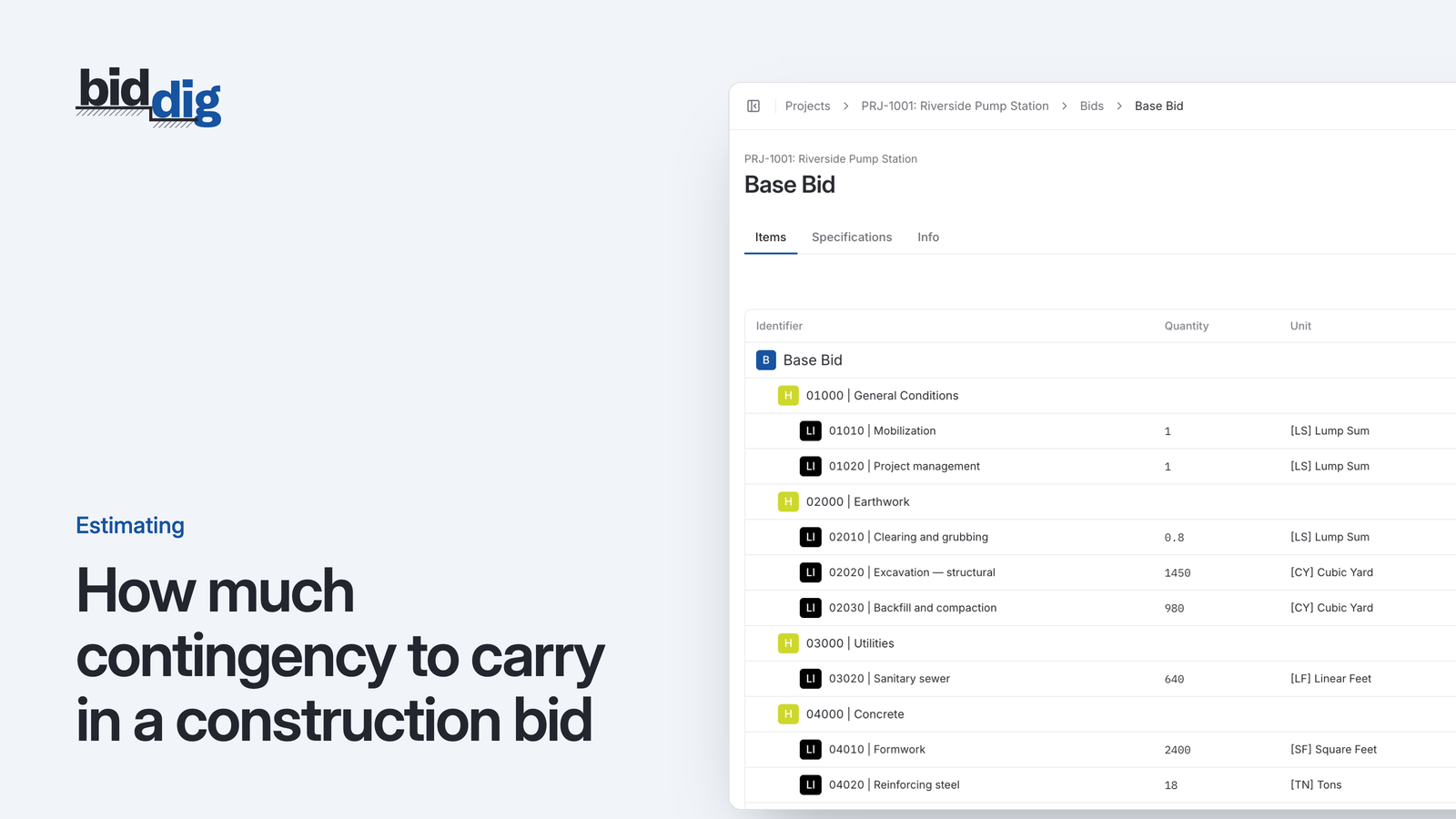
There is no single right percentage. Contingency is a price for specific risks, and the way to size it is to name those risks, price each one and weigh how likely it is.
The price says what the job costs. The exclusions and qualifications say what the price covers. Vague ones are the usual start of an argument about who pays for extra work.