, 6 min read
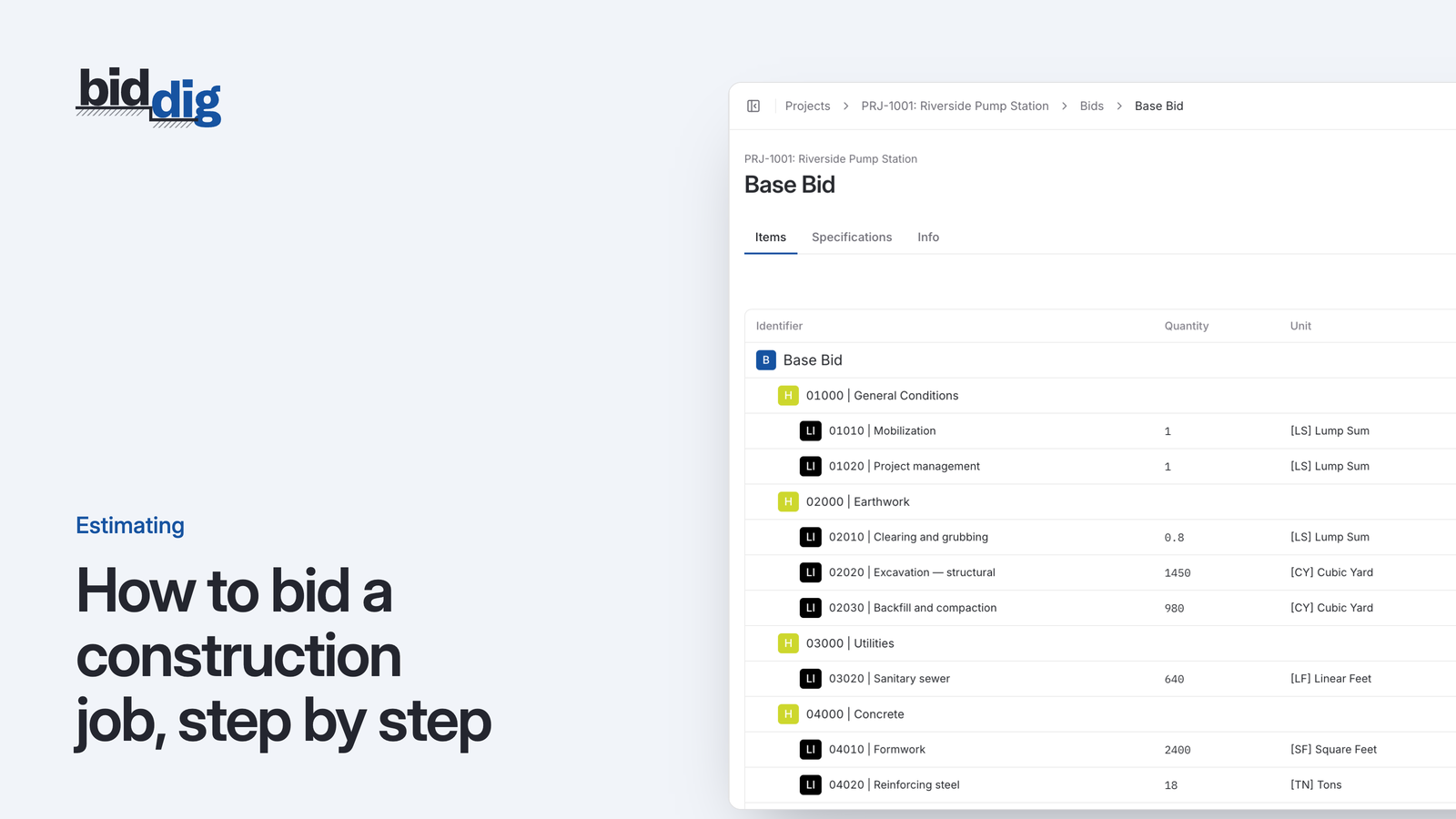
How to bid a construction job, step by step
A bid is a cost build-up with markup on top. Here are the steps in order, a worked line item, and the places where bids usually go wrong.
Bid software that gets the number right, then gets it out the door.
Bid day goes wrong in two places: the number is built from stale rates, and the proposal is retyped from the estimate at the last minute. BidDig builds the bid from your own catalog and sends the proposal from the bid itself.
60-day free trial. No credit card required.
Headers and line items from your catalog, each costed as material, labor, equipment, subcontractor and contingency, with tax, bond, overhead and profit applied the same way every time.
More on estimating and bidding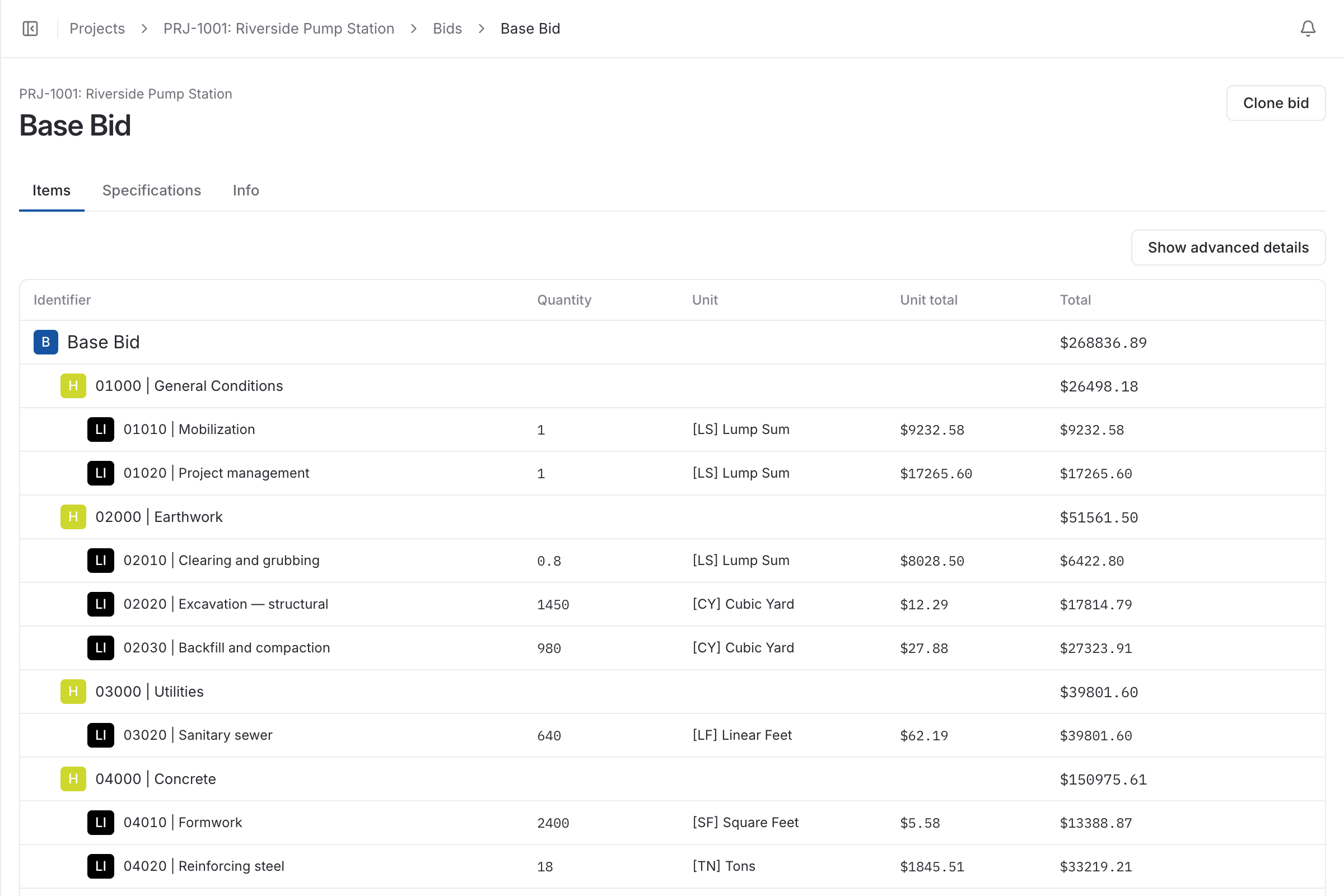
Estimating works out what the job will cost you. Bidding is everything between that cost and a signed job: applying markup, deciding how much of the breakdown the customer sees, writing the exclusions, getting the proposal out before the deadline and knowing where every open bid stands.
Bidding software should make the second half as repeatable as the first. The proposal should come out of the bid, not be typed again beside it.
The slowest hour of bid day is copying totals from the estimate into a proposal document, which is also when numbers get transposed. In BidDig the proposal is a PDF generated from the bid, with your logo on it.
You choose one of eight styles when you send: full detail, detail without unit prices, a single lump sum, breakdowns by materials, labor and equipment, or descriptions with prices by item or by header. Reusable exclusions, qualifications and acceptance text are added to the bid once and print on the proposal.
Each bid has a status: unsubmitted, submitted, awarded or rejected. A project can hold several bids, so a base bid and its alternates stay together, and a bid can be cloned as the starting point for the next one.
When you email a proposal from the project, the bid shows whether it was sent, whether it was delivered and whether the customer followed the link to view it. That is the difference between following up on a bid somebody has read and chasing one that never arrived.
Pick one of eight bid styles, from a single lump sum to full unit prices, and email it to the customer with CC and BCC. The bid shows whether it was sent, delivered and viewed.
More on proposals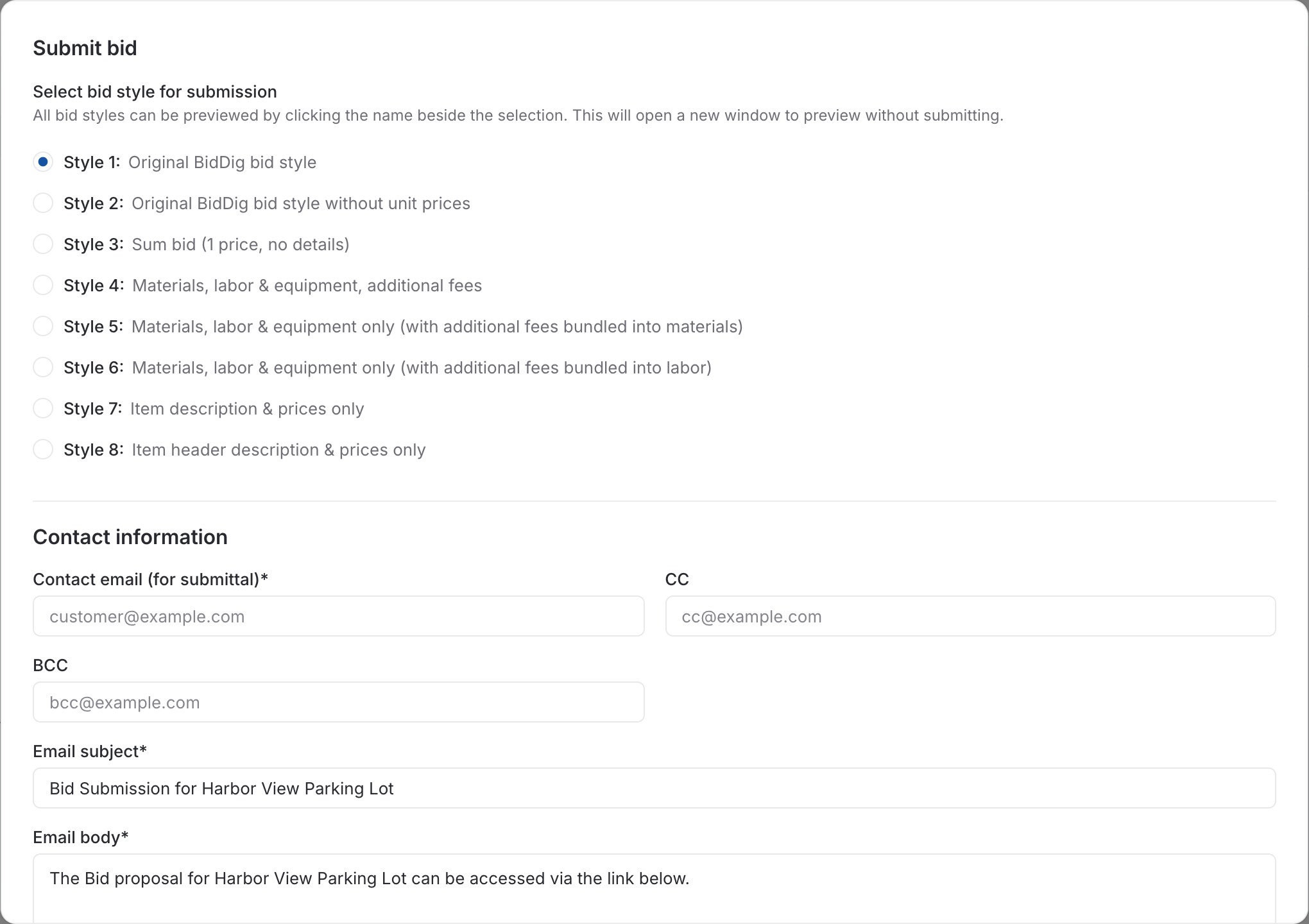
After award, extra work is priced as a change order from the same catalog and markup, and awarded or rejected on its own.
More on change orders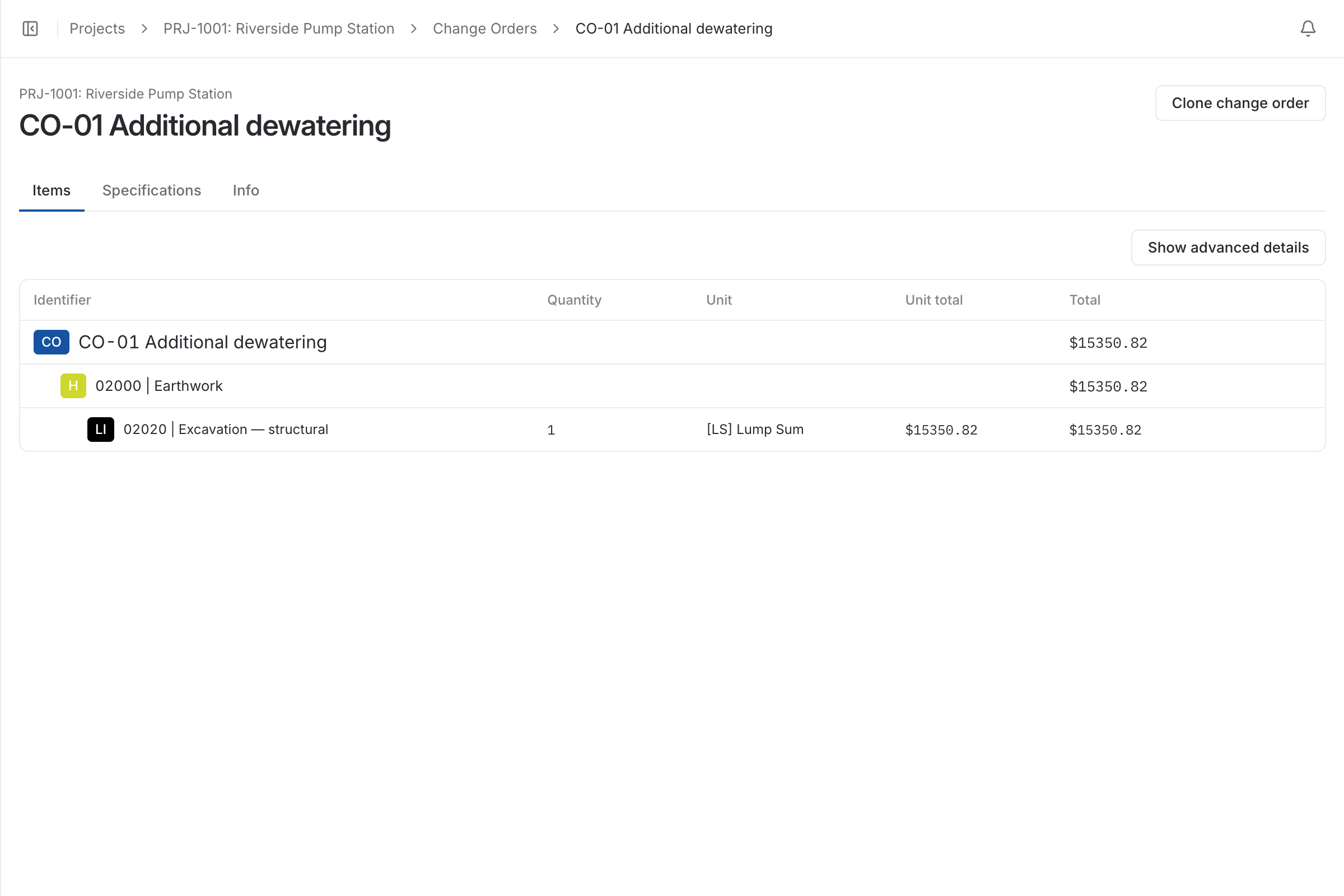
| With a spreadsheet | With BidDig | |
|---|---|---|
| The proposal | Retyped into a document from the estimate | A PDF generated from the bid |
| How much detail to show | A separate version of the file for each customer | One of eight styles, chosen when you send |
| Exclusions and terms | Pasted from the last proposal | Saved once and added to any bid |
| Following up | A guess about whether it arrived | Sent, delivered and viewed shown on the bid |
| Alternates and rebids | Another copy of the spreadsheet | Clone the bid; several bids on one project |
Yes. The bid style is chosen when you send. One style shows a single price with no details, others show descriptions and prices only, and others show the full breakdown.
The bid shows whether the proposal email was sent, whether it was delivered, and whether the customer followed the link to the proposal.
Yes. A bid can be cloned and then changed, and a project can hold several bids with the status of each.
Its line items become the budget for job costing, so the work is tracked against the number you bid.
, 6 min read
A bid is a cost build-up with markup on top. Here are the steps in order, a worked line item, and the places where bids usually go wrong.
, 5 min read
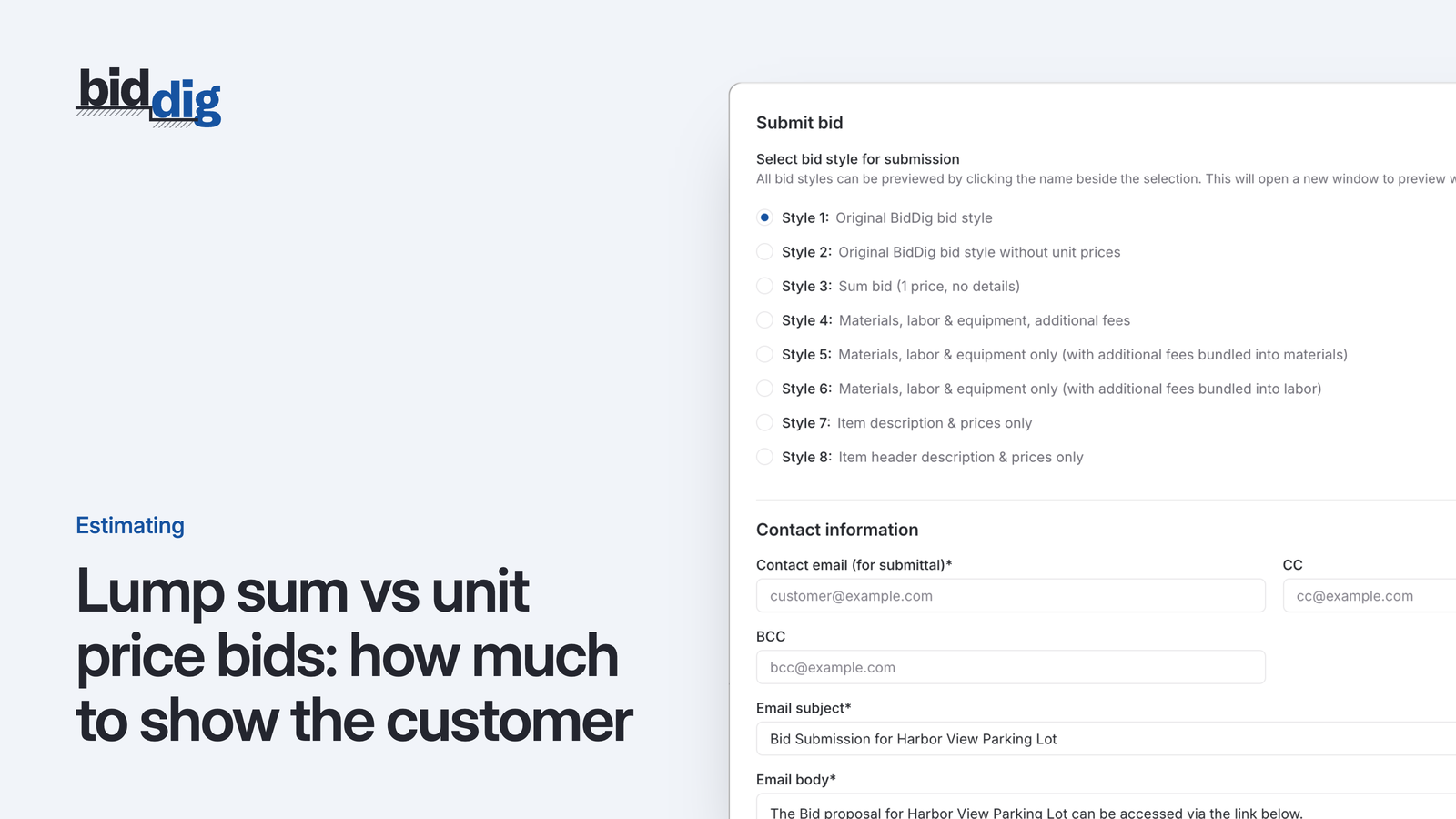
The same estimate can go out as one number or as a page of quantities and rates. Which one you send changes who carries the risk and what the customer argues about.
, 5 min read
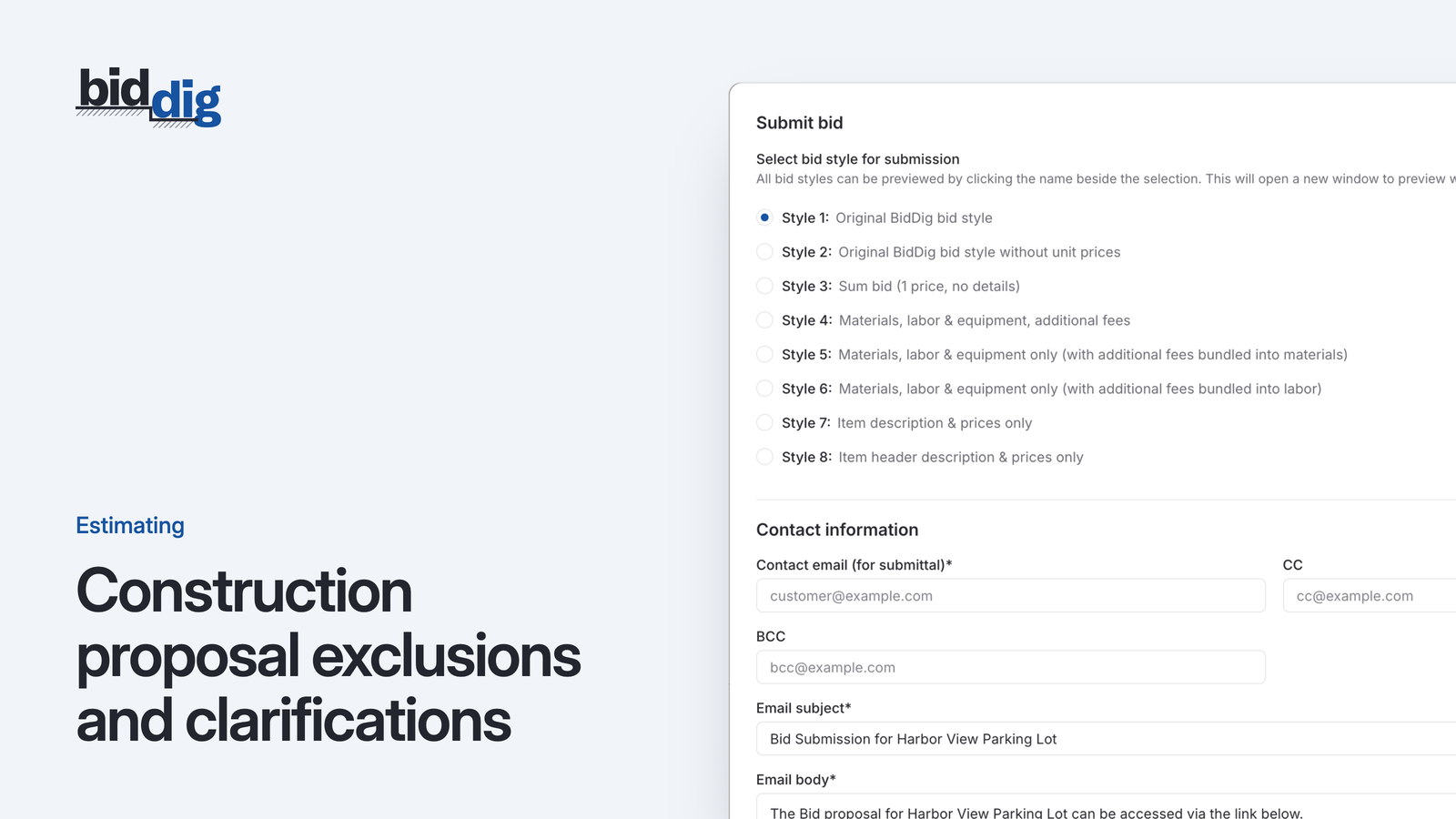
The price says what the job costs. The exclusions and qualifications say what the price covers. Vague ones are the usual start of an argument about who pays for extra work.
, 5 min read
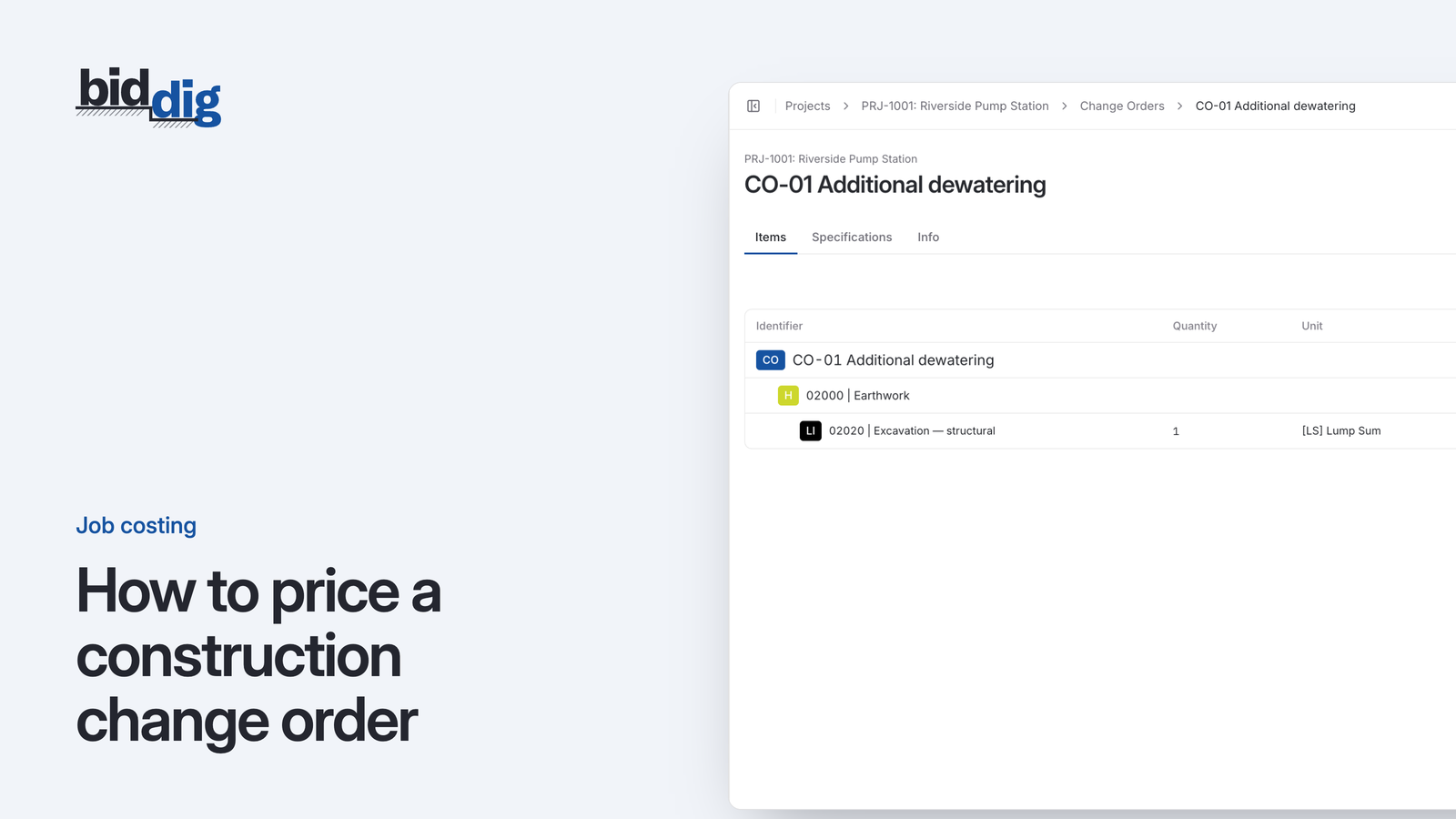
A change agreed with a handshake on site becomes an argument at the end of the job. Pricing each change the way you priced the bid, and getting an answer before the work starts, avoids most of it.
, 5 min read
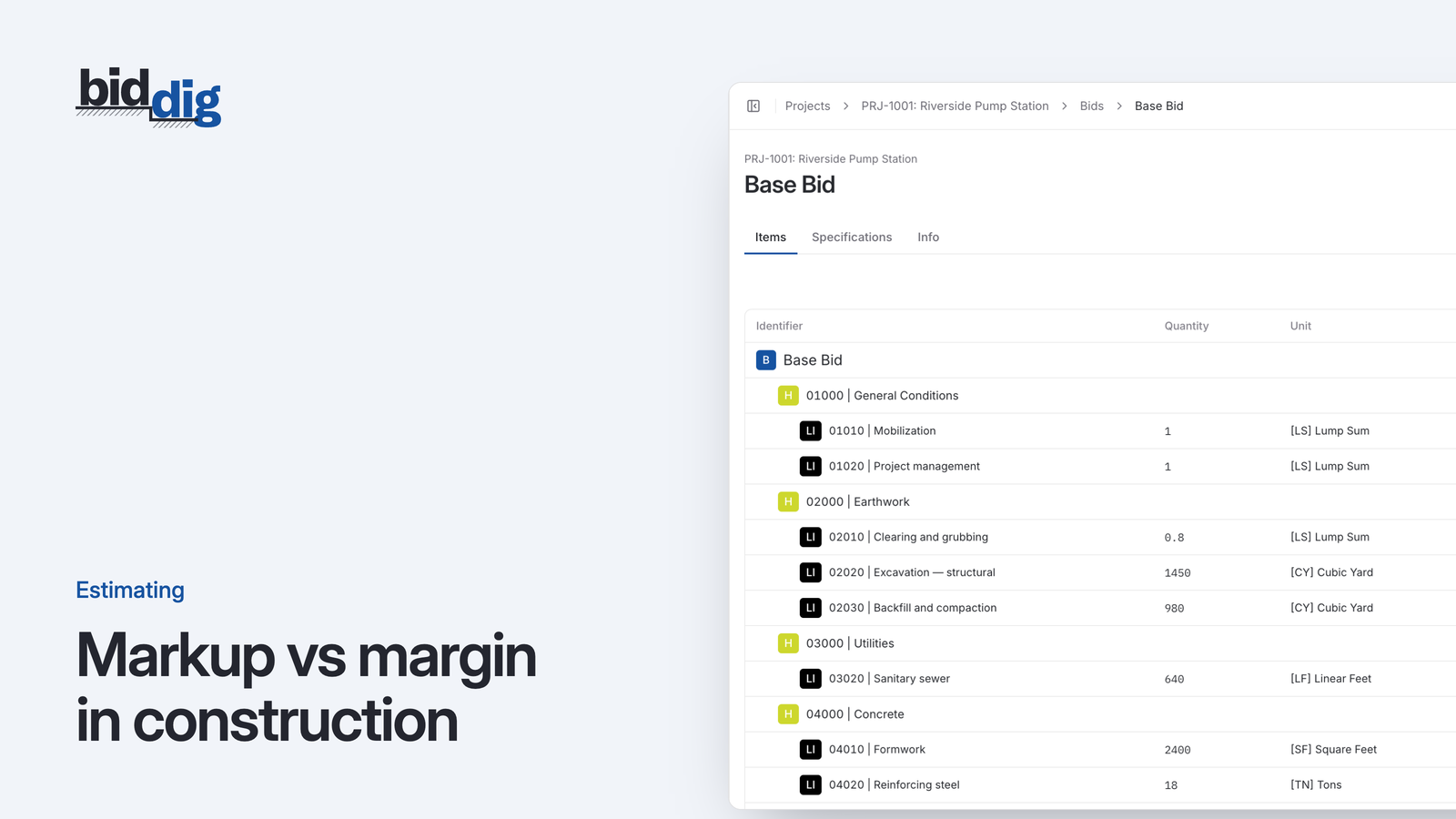
A 20% markup is not a 20% margin. Here is the difference, the formulas for converting one to the other, and a conversion table for pricing a bid.
Set up your catalog, build a bid and send the proposal. Then watch the job against the bid as the costs come in.
60-day free trial. No credit card required.