, 6 min read
How to bid a construction job, step by step
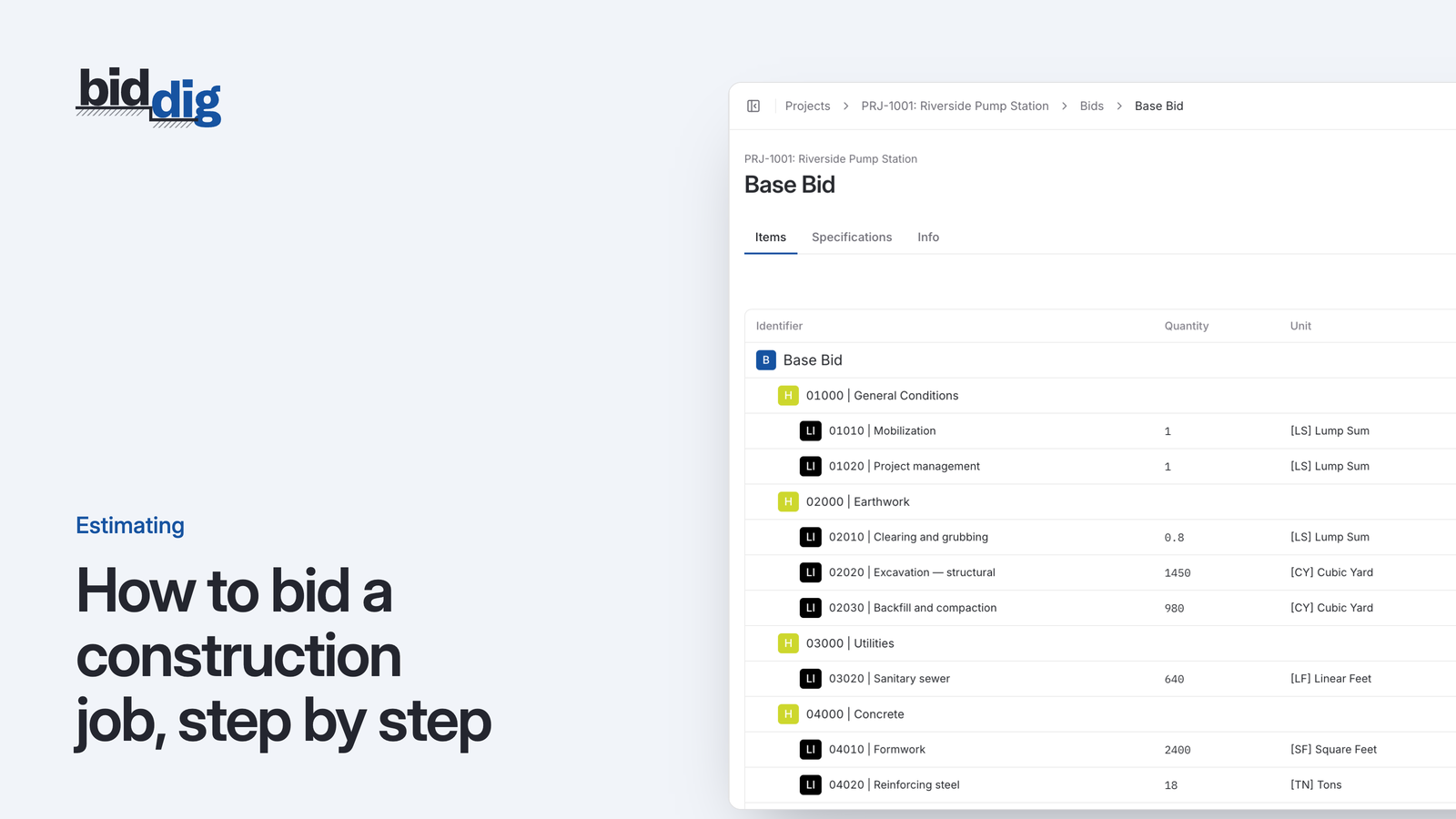
A bid is a cost build-up with markup on top. Here are the steps in order, a worked line item, and the places where bids usually go wrong.
A paving bid is tons, trucks and one good day. Price all three.
Most of a paving bid is material bought by the ton at a price that moves, placed by a crew and a spread of equipment that cost the same whether the day goes well or not. BidDig prices each of those from your own numbers and shows you which one moved after the job.
60-day free trial. No credit card required.
Each line item is costed as material, labor, equipment, subcontractor and contingency, in SY, TN or any unit you add, with tax, bond, overhead and profit applied from your rates.
More on estimating and bidding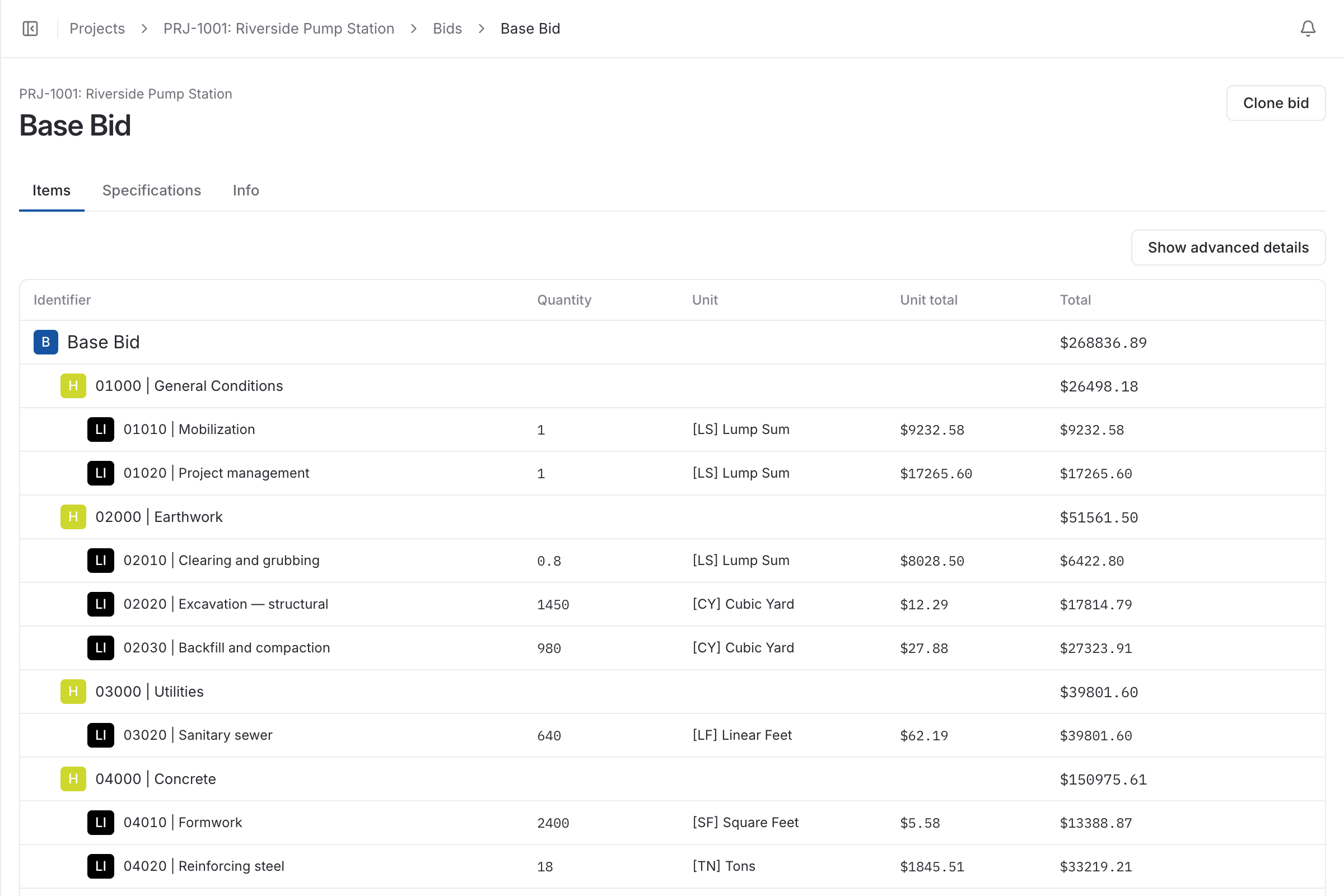
Area and thickness give tons. Tons give the material cost and the trucking. The crew and the equipment spread are priced by the hour for the time the placement takes. Add them, divide by the area, and you have a cost per square yard to put markup on.
Two of those inputs go stale quickly: the price of mix and your own production. Estimating software for paving should keep the first one honest and let you check the second after every job.
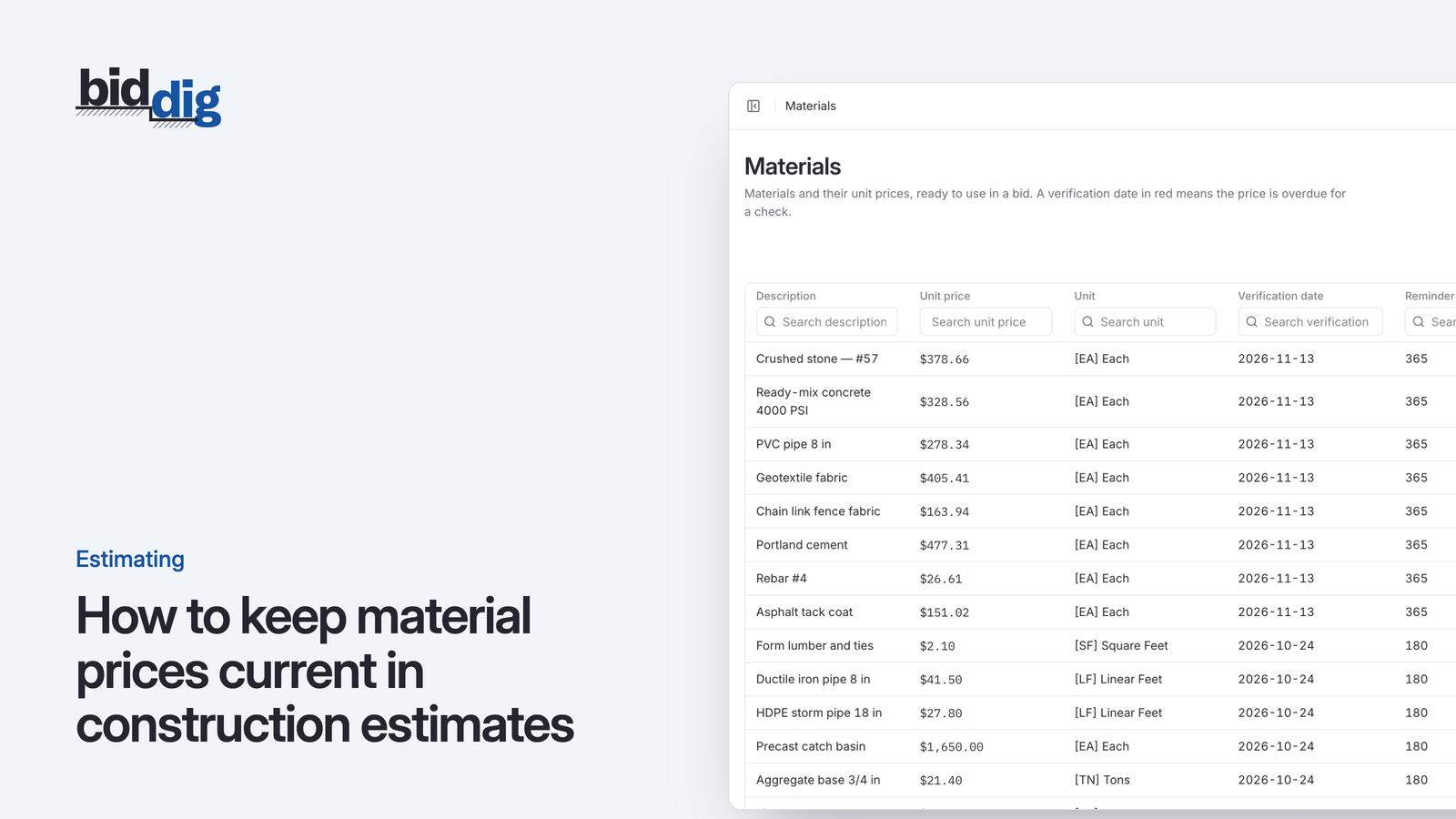
A price per ton from last season, sitting in a spreadsheet, is the most expensive number in a paving bid. In BidDig every material price has a verification date and a window after which it should be checked again, and the app shows a notice when prices are overdue. The estimator sees that the mix price is old before the bid goes out, not after the first invoice.
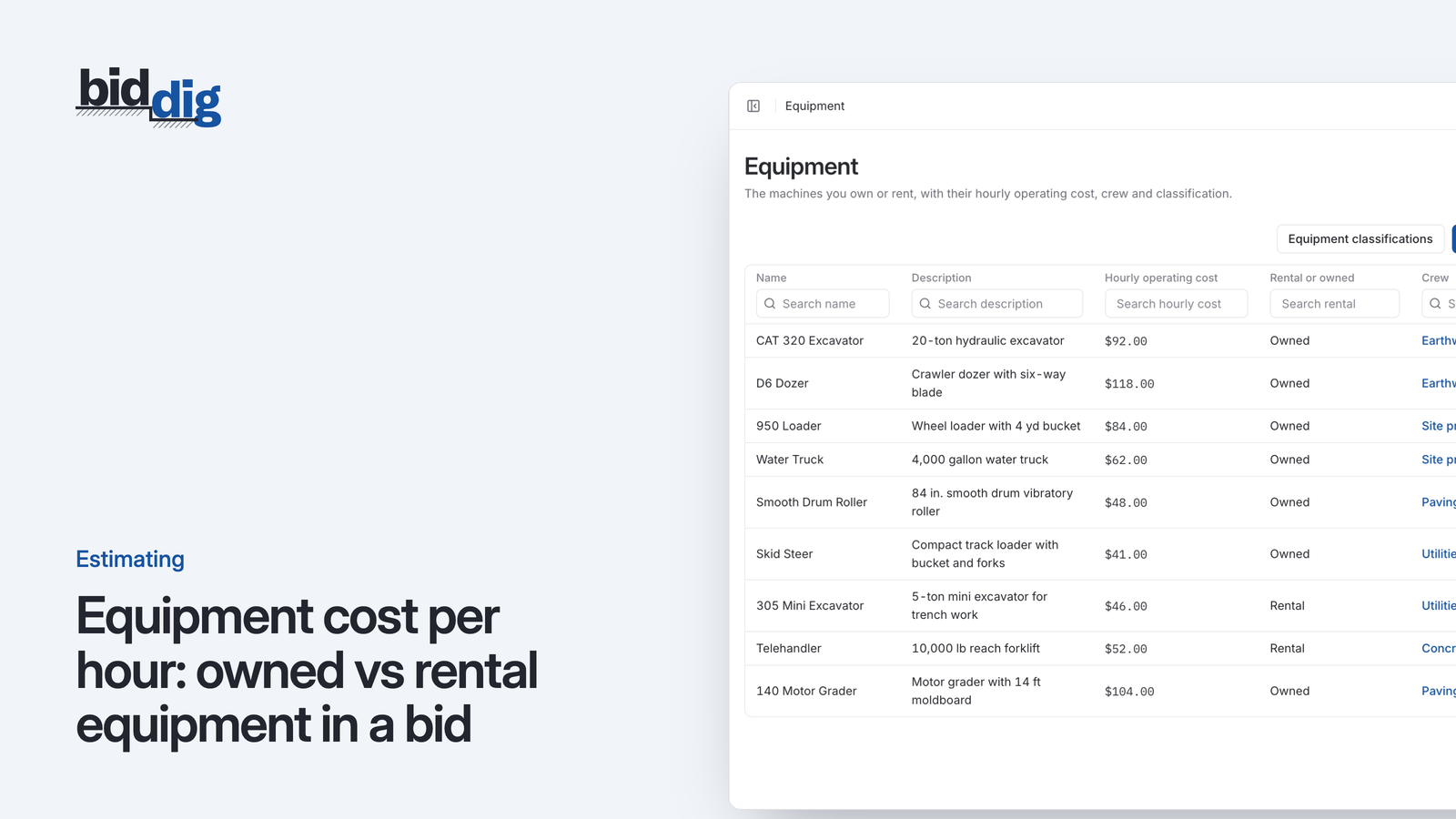
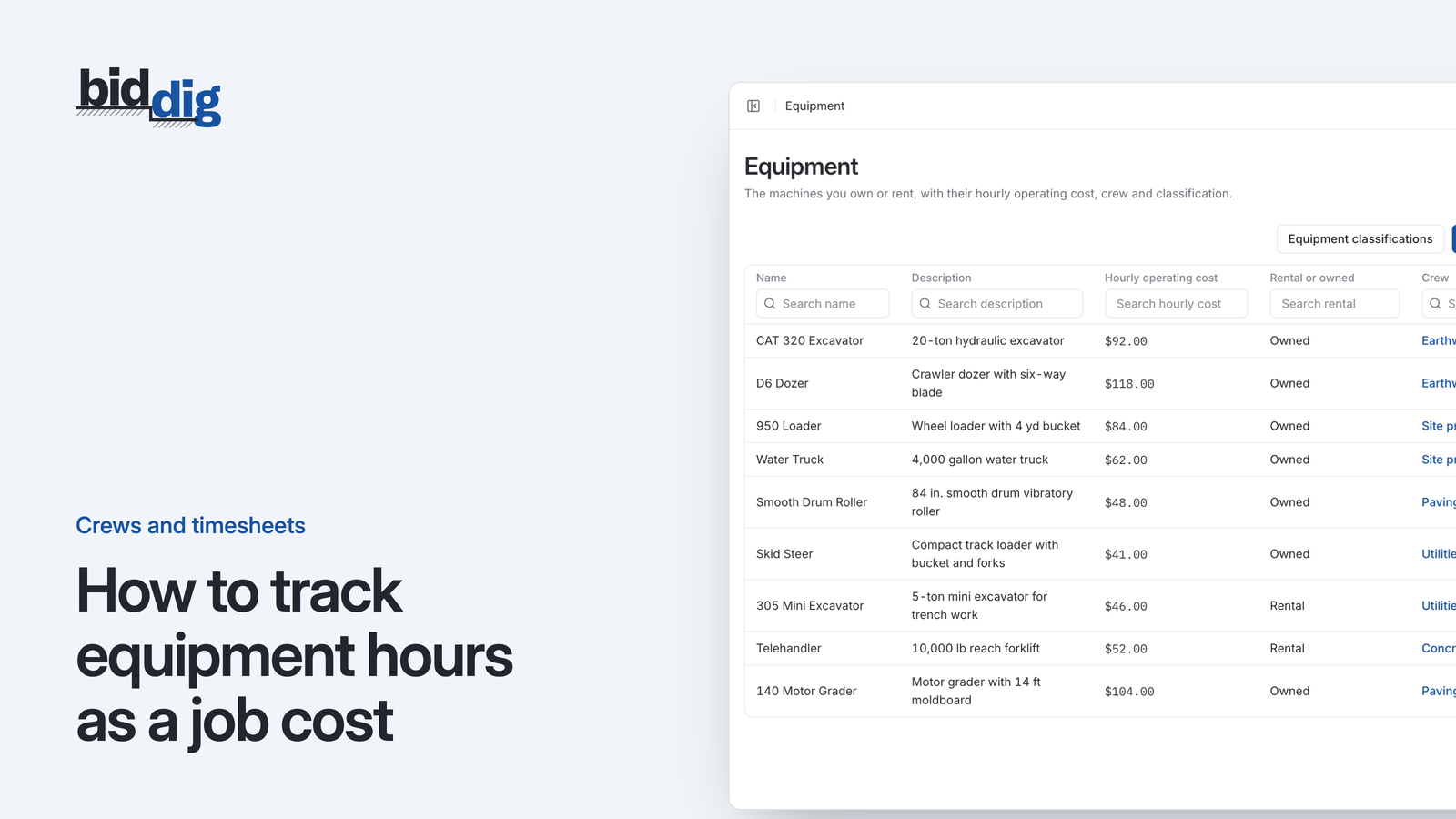
A paver, two rollers and a crew are a fixed cost per hour. Each machine in your catalog carries its own hourly operating cost and is marked as owned or rental. On the job, equipment hours are entered on the timesheet against the line item, so a day lost waiting on trucks shows as equipment and labor cost over budget on that line, not as a mystery at the end.
Say your mix yields 0.165 tons per square yard at 3 inches, so 2,000 SY needs 330 TN, placed in one 10-hour day.
| Cost | How it is worked out | Amount |
|---|---|---|
| Asphalt mix | 330 TN x $78 | $25,740.00 |
| Trucking (subcontractor) | 330 TN x $6 | $1,980.00 |
| Labor | Paving crew at $230 an hour x 10 hours | $2,300.00 |
| Equipment | Paver $140 + two rollers at $60 = $260 an hour x 10 hours | $2,600.00 |
| Cost before markup | $32,620.00 / 2,000 SY = $16.31 per SY | $32,620.00 |
Every figure here is an example, including the yield. Use your own mix, rates and production.
Send a single lump sum to a property manager and full unit prices to a general contractor, from the same bid, and see whether it was delivered and viewed.
More on proposals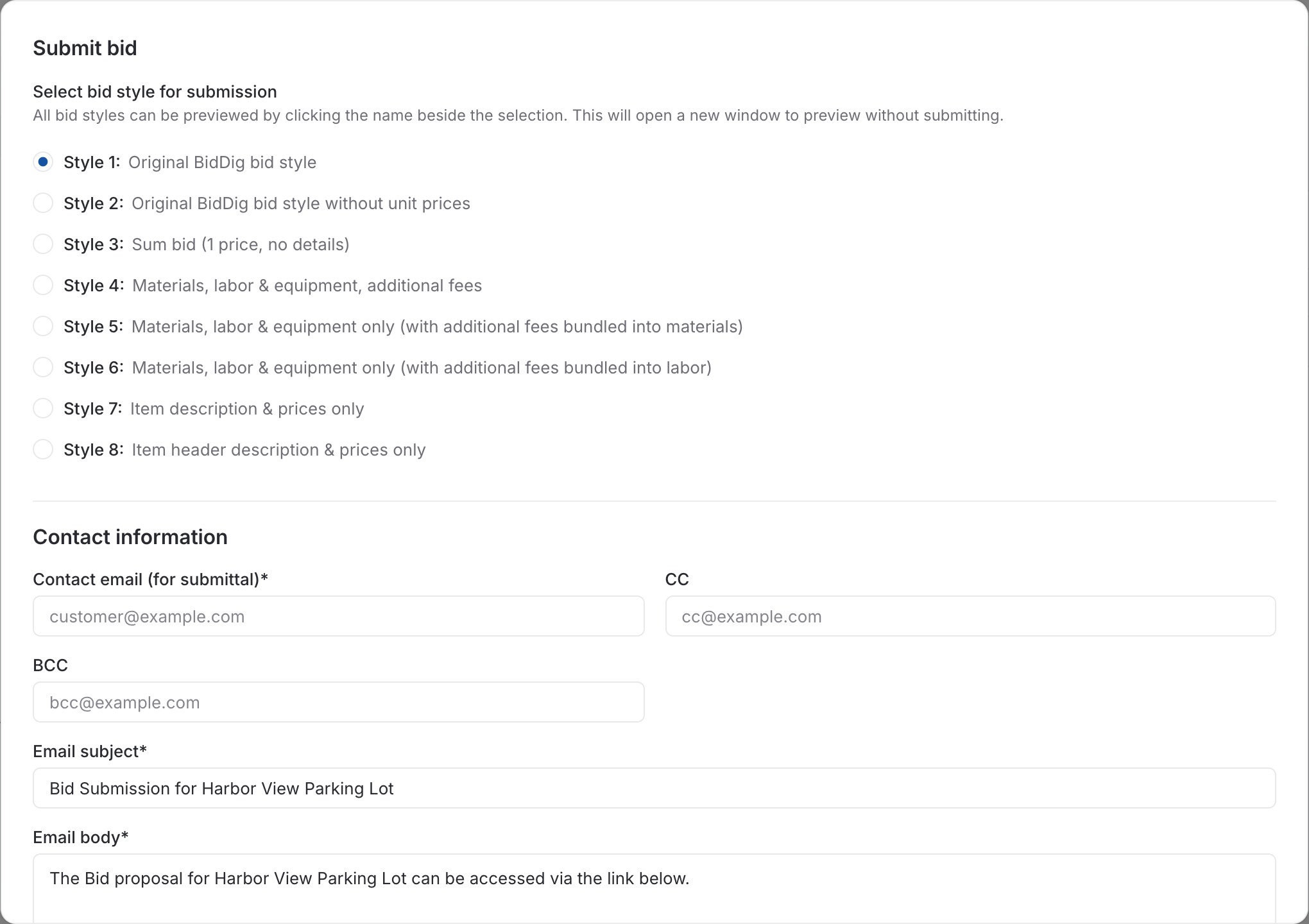
After the job, budget vs actual by cost type shows whether the overrun was mix, trucking, labor or equipment.
More on job costing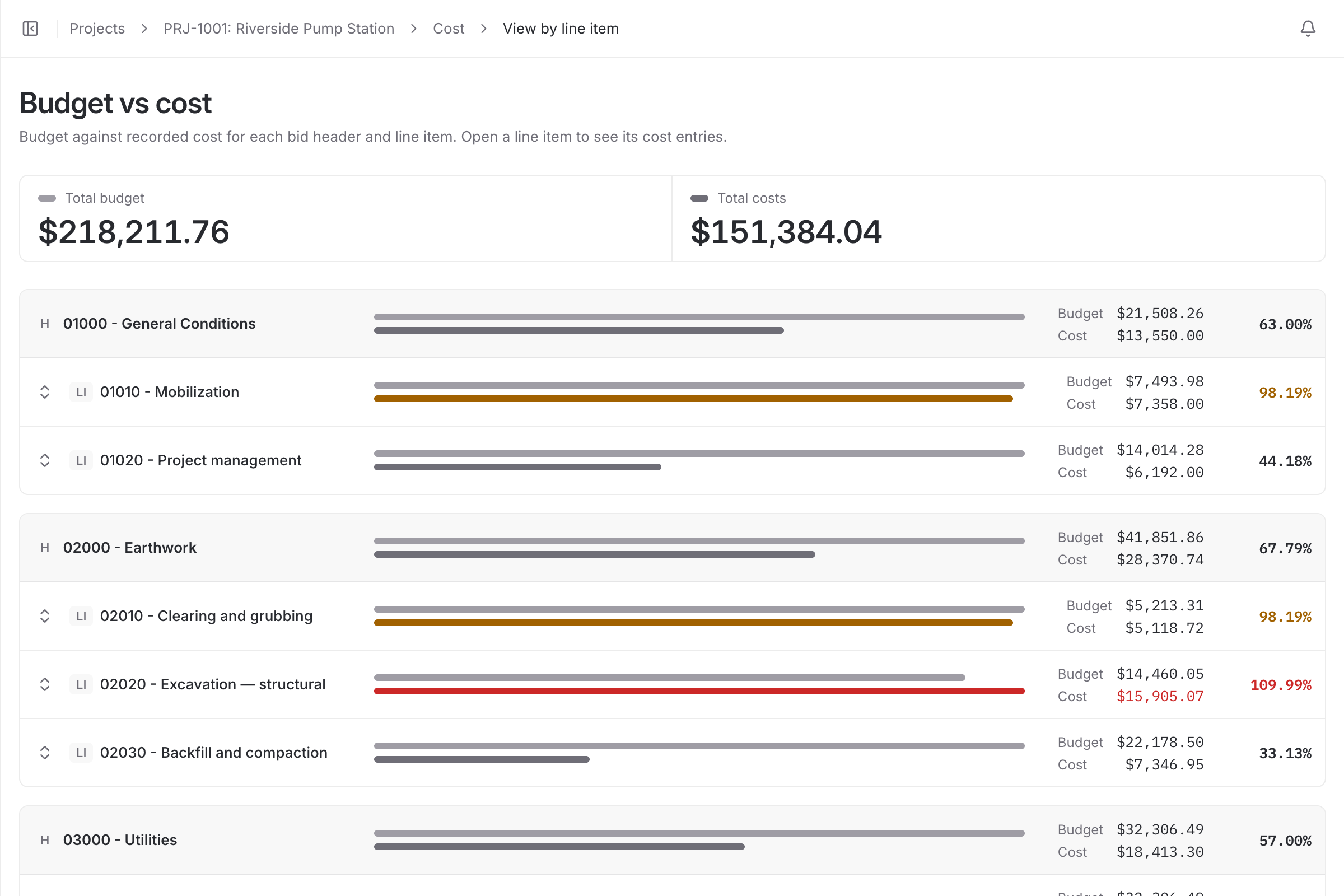
| With a spreadsheet | With BidDig | |
|---|---|---|
| Price of mix | Last season’s number, still in the sheet | A verification date and an overdue notice on every price |
| Paving spread | One daily rate for everything | An hourly cost per machine, owned or rental |
| Trucking | Folded into the material price | Its own subcontractor cost on the line |
| After the job | A feeling about how the day went | Budget vs actual by cost type |
No. You enter the quantity for each line item in the unit you bid it in. BidDig prices that quantity from your rates.
Yes. Each line item has its own material, labor, equipment, subcontractor and contingency cost, so hired trucking can sit as a subcontractor cost beside the material.
Each material price has a verification date and a re-verify window. When a price is overdue for checking, the app shows a notice.
Yes. One of the eight proposal styles shows a single price with no breakdown, and others show descriptions with prices or the full detail.
, 6 min read
A bid is a cost build-up with markup on top. Here are the steps in order, a worked line item, and the places where bids usually go wrong.
, 5 min read
A material price is only true on the day somebody checked it. Here is a routine for re-verifying prices, and ways to protect a bid when prices move after it is sent.
, 6 min read
A machine you own and a machine you rent cost you money in different ways. Here is how to work out an hourly rate for each before you put it in a bid.
, 6 min read
Overhead and profit are two different numbers that do two different jobs. Here is how to find your overhead rate from a year of figures, set a profit rate, and apply both to a bid.
, 6 min read
Owned machines do not send an invoice, so their time quietly drops out of job cost. Here is how to record machine hours on the job and charge them to the work they did.
, 5 min read
A line at 80 percent of its budget is either nearly finished or in trouble. A few questions tell you which, and what you can still do about it.
Set up your catalog, build a bid and send the proposal. Then watch the job against the bid as the costs come in.
60-day free trial. No credit card required.