Using job cost history to bid the next construction job
Every finished job is a record of what your crews and prices actually did. Comparing bid lines with actual costs, and feeding the result into your rates, is how estimates get better.
By the BidDig team, , 5 min read
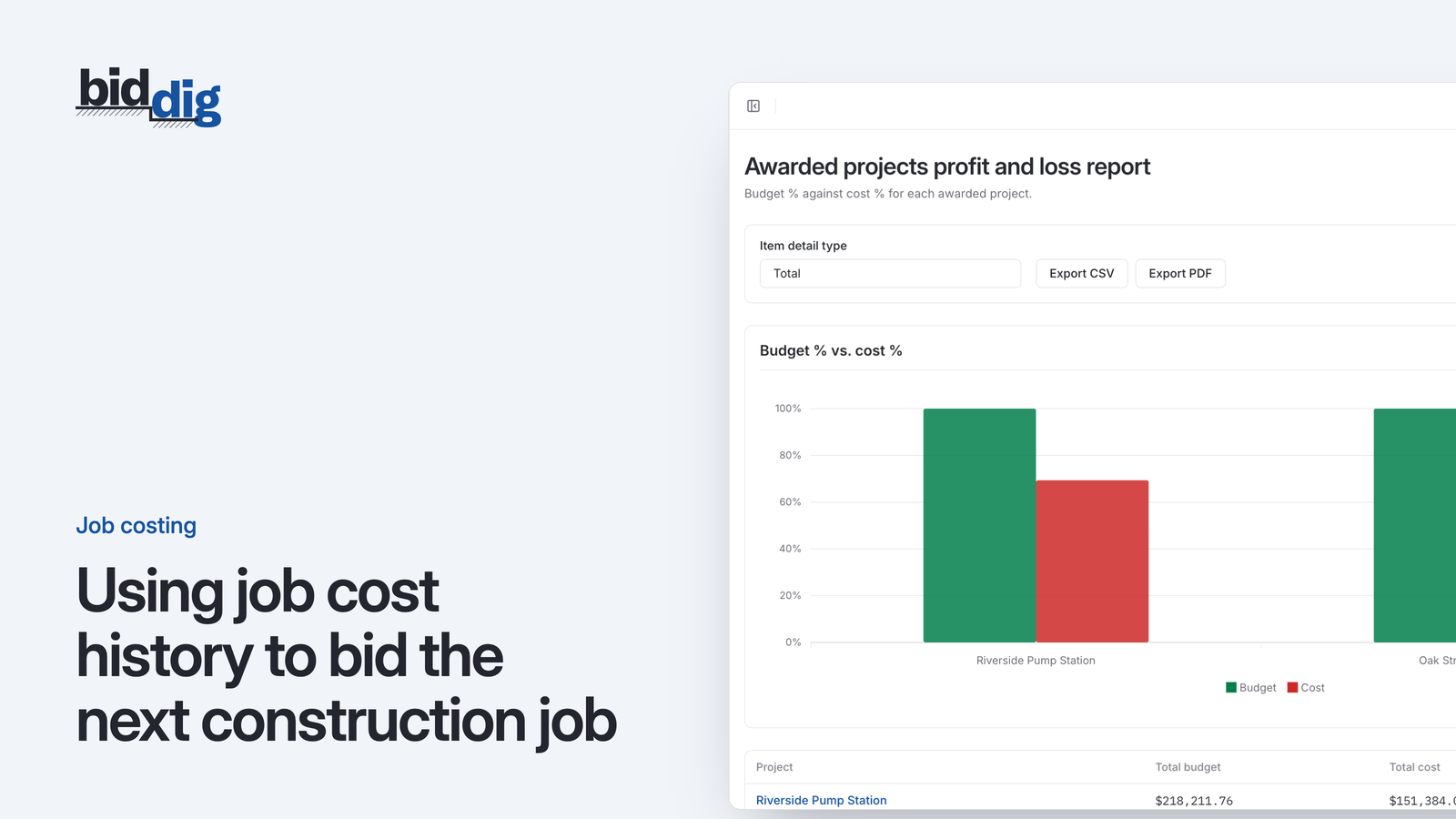
To use job cost history in bidding, set each finished job's bid next to its actual costs, line item by line item and by cost type. Compare hours as well as dollars, work out the production rate the crew really achieved, separate one-off problems from repeating ones, and then change the production rates and prices your next bid starts from.
Many companies skip this. An estimator prices curb at the same production rate used on the last five bids. The rate came from somewhere, years ago. Nobody remembers where. Three of those five jobs have since been built, and on each one the curb crew took longer than the bid allowed.
That information exists. It is sitting in timesheets and cost records for jobs that are closed. It never made its way back to the person pricing the next one, so the sixth bid goes out with the same rate.
A finished job is evidence of what work costs your company, specific to your crews, equipment and suppliers.
What can job cost history tell you about your estimates?
Each line item in a bid rests on a few assumptions:
- A quantity. How much work there is.
- A production rate. How much a crew gets done per hour or per day.
- Rates and prices. What an hour of labor or equipment costs, and what a unit of material costs.
When the job is done, the actual costs test each of those. If labor on a line came in over, either more hours were needed than assumed (production), or the hours cost more than assumed (rate), or there was more work than assumed (quantity). Each has a different fix in the estimate.
This only works if costs were recorded against the same line items as the bid. A job total tells you the estimate was off somewhere. It does not tell you which assumption to change.
How to compare bid vs actual costs line by line
Take the finished job and set the bid next to the actuals, one line at a time, by cost type. For labor and equipment, compare hours as well as dollars. Hours tell you about production. Dollars mix production and rate together.
Example: finding your actual production rate
Production rate = quantity installed divided by hours worked.
Say a line was bid as 2,000 LF of curb with 200 labor hours. The assumed production is 10 LF per labor hour (2,000 divided by 200).
The timesheets for the finished job show 250 hours on that line. Actual production was 8 LF per labor hour (2,000 divided by 250).
Now price the next job, which has 3,000 LF of the same curb:
| Production | Hours for 3,000 LF | Labor cost at $42 per hour | |
|---|---|---|---|
| Old assumption | 10 LF per hour | 300 | $12,600 |
| Actual from last job | 8 LF per hour | 375 | $15,750 |
The difference is 75 hours, or $3,150. At the old rate, that money is missing from the bid before the job starts.
Example: checking a material price
Do the same check on material. Say the bid carried concrete at $110 per CY and the supplier bills on the job averaged $124. That is 124 - 110 = $14 per CY, and 14 divided by 110 is about 13 percent more. If the price in your catalog still says $110, every bid that uses concrete is short by the same amount.
Which cost overruns should change your estimating rates?
Not every overrun should change your rates. Before updating anything, sort the differences into two groups.
One-off causes belong to that job: a week of rain, a machine that broke down, rework after a failed inspection, a site with unusually bad access. These explain the result. They do not mean your standard rate is wrong.
Repeatable causes will show up again: the crew is consistently slower than the rate, a material price has moved, a line always needs a second machine that the bid never includes.
A few checks help tell them apart:
- Look at more than one job. One job at 8 LF per hour is a data point. Three jobs between 7.5 and 8.5 is a rate.
- Ask the people who built it. The superintendent usually knows in one sentence why a line went the way it did.
- Check the records first. A line can look over because hours for another line were written against it. Confirm the coding before trusting the number.
- Take out the changes. If extra work was done on a line and paid as a change order, compare the original bid with the original scope only.
Lines that came in under budget deserve the same attention. A line that beats its estimate on every job is overpriced, and that can cost you work at bid time.
How to update production rates and prices for the next bid
The comparison is only worth doing if something changes afterwards. Lessons kept in someone's head get lost when the next bid is due tomorrow.
Put what you learned where the next bid will pick it up automatically:
- Production assumptions. Change the hours per unit you carry for that kind of work.
- Material prices. Update the unit price to what you are actually paying, and note the date you checked it.
- Labor and equipment rates. If the true hourly cost of a classification or a machine has moved, change the rate.
- What a line includes. If a line always needs something the bid leaves out, such as a second machine or traffic control, add it to the standard build-up. See what belongs in a bid line item.
- Notes for judgment calls. Where a result depended on conditions, write down the condition. "8 LF per hour on tight radius work, 10 on straight runs" is more useful than a single average.
A job closeout review checklist for estimators
The best time to do this is when the job closes and the final costs are in. The work is still fresh, and the people who built it are still available to explain.
It does not need to be long. For each job:
- List the lines that finished more than a set amount over or under their budget.
- For each, name the cost type and the cause in one sentence.
- Decide whether it is a one-off or a pattern.
- Make the change to the rate or price, or note why not.
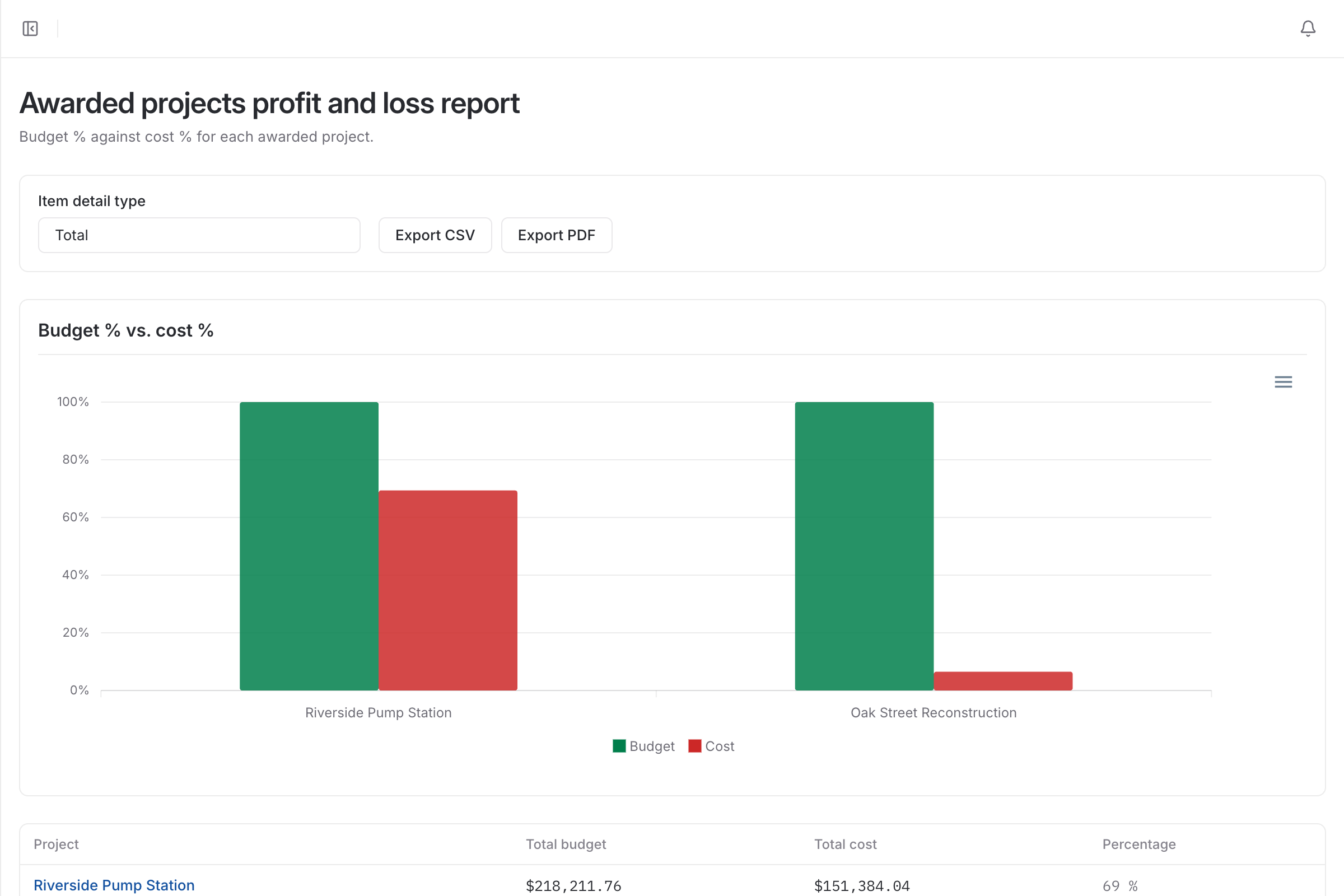
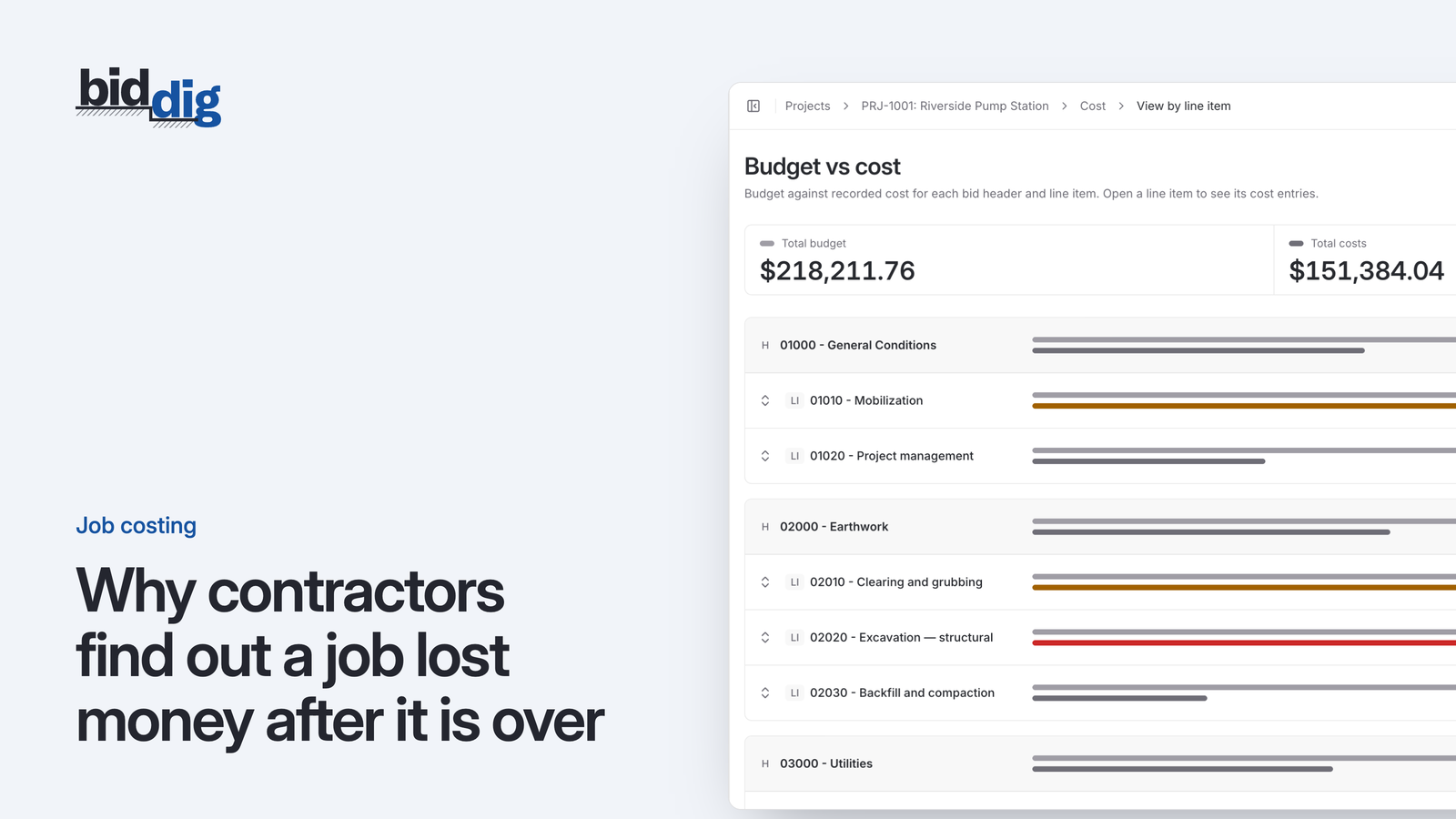
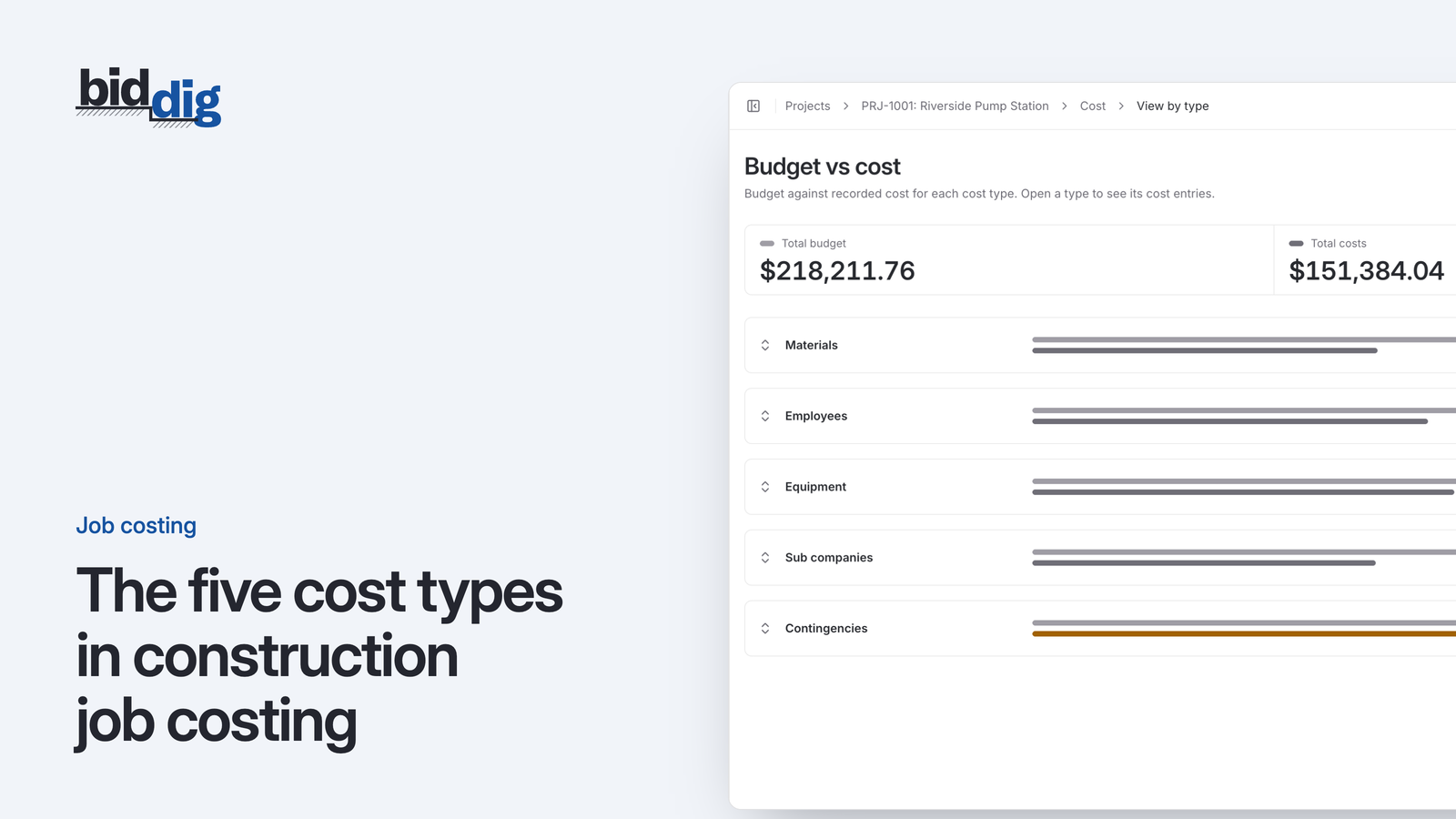
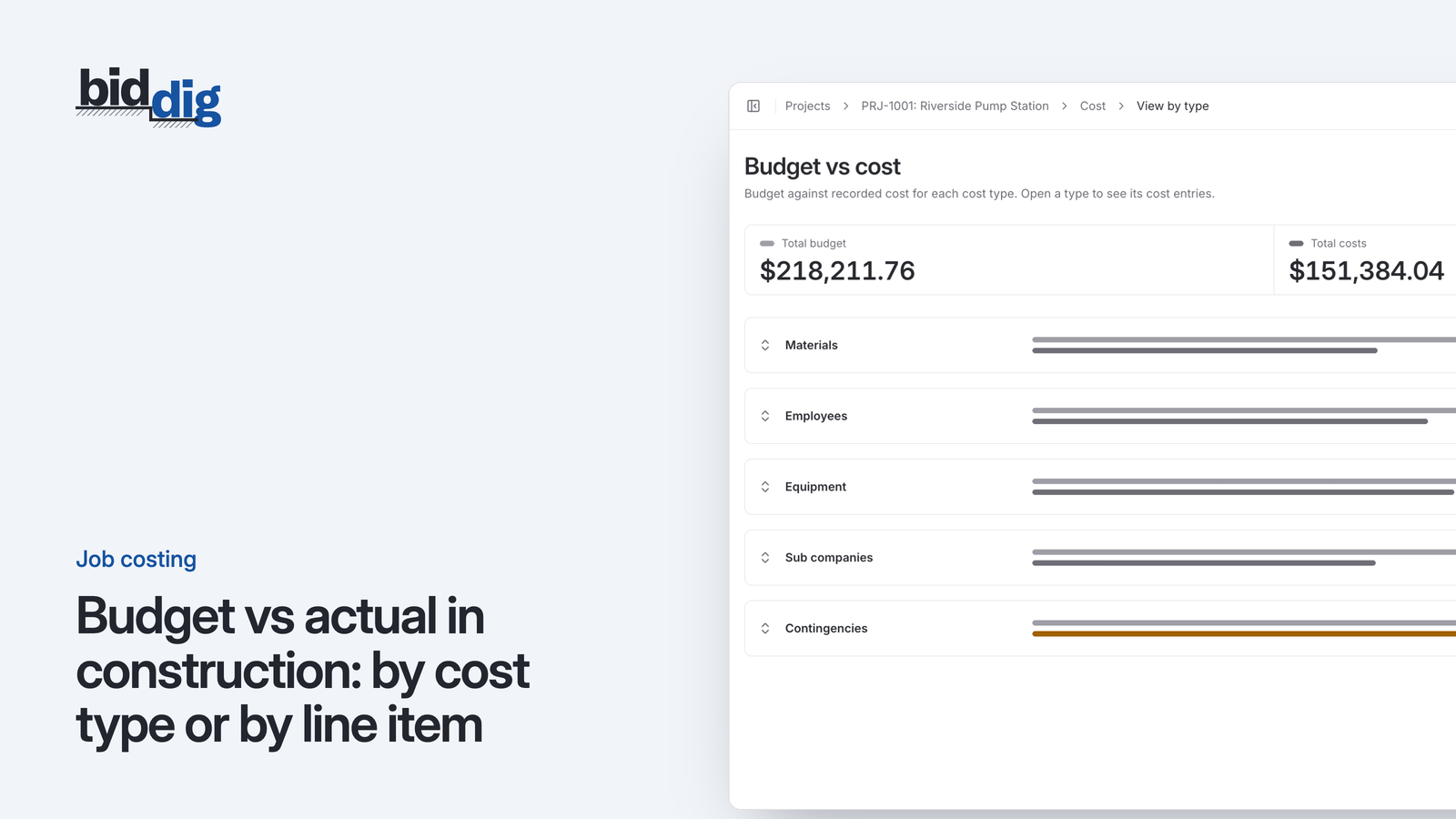
How BidDig keeps bids and job costs on the same lines
In BidDig bids are built from the company's own catalog of line items, materials, labor classifications and equipment, and the awarded bid's line items are the budget that costs are recorded against. That keeps the bid and the actuals on the same lines for comparison. The completed projects profit and loss report and the single project overview export to PDF and CSV. Each material price carries a verification date and a re-verify window. See reports, and read how to read a construction job cost report and construction job costing explained. For how the pieces fit together, see construction job costing software.