How to track job costs in construction
Job costing means comparing what a job was bid to cost against what it is actually costing, line by line, while there is still time to do something about it.
By the BidDig team, , 5 min read
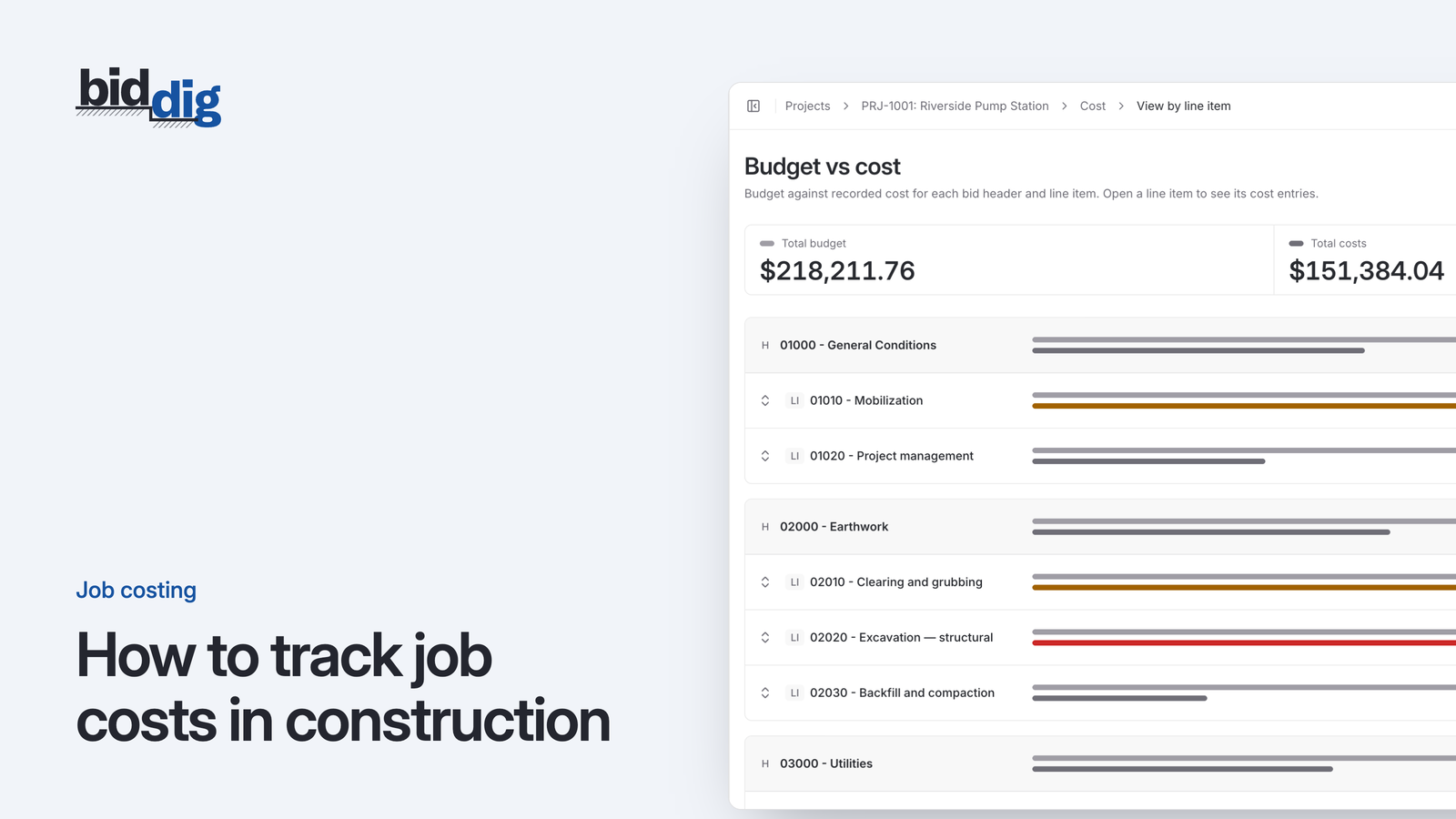
To track job costs in construction, use the bid as the budget, record every cost against the job, the line item and the cost type (material, labor, equipment, subcontractor or miscellaneous), and compare budget vs actual each week against the work in place. That shows which piece of work is running over while there is still time to act.
Here is what happens without it. You win a job. The crew mobilizes, material shows up, hours get worked, invoices come in. Three months later the job is finished, the bank balance is lower than you expected, and nobody can say which part of the work ate the money.
The company books may be perfectly accurate. They tell you what you spent in total. They do not tell you whether the storm pipe on one job cost what you said it would when you priced it. Job costing answers that question. It is not complicated, but it only works if a few things are set up the right way.
What is job costing in construction?
Job costing is tracking cost by job, and inside each job by the piece of work the cost belongs to, then comparing it to what you estimated for that same piece of work.
Three parts make it up:
- A budget. What each part of the job is expected to cost.
- Actual costs. What you really spend, recorded against the same parts.
- The comparison. Budget vs actual, looked at often enough to act on.
General accounting sorts money by kind of expense across the whole company: fuel, wages, materials. Job costing sorts the same money by where it went on a specific job. You need both. Only the second one tells you whether your bids are right and whether a job in progress is in trouble.
How to set a job cost budget from the bid
You already built a budget when you priced the job. Every line item in the bid has a quantity and an estimated cost for material, labor, equipment and subcontractors. That estimate is the budget.
Two points matter here.
First, the budget is cost, not price. The price you gave the customer includes overhead and profit on top of estimated cost. If you compare actual cost to the selling price, every line looks healthy until the profit is gone. Compare cost to cost.
Second, keep the bid's structure. If the bid had a line for "18 inch storm pipe" and another for "catch basins", the budget should have the same two lines. The moment you squash the bid into a single number, or re-sort it into a different set of codes, you lose the ability to say which piece of work went wrong.
How to record actual costs by line item and cost type
This is where job costing usually fails. The costs get recorded, but not against the lines the bid used. Some companies call these lines cost codes. The name does not matter, as long as the bid and the costs use the same set.
Every cost on a job should carry three labels:
- The job it belongs to.
- The line item it was spent on.
- The cost type: material, labor, equipment, subcontractor, or miscellaneous.
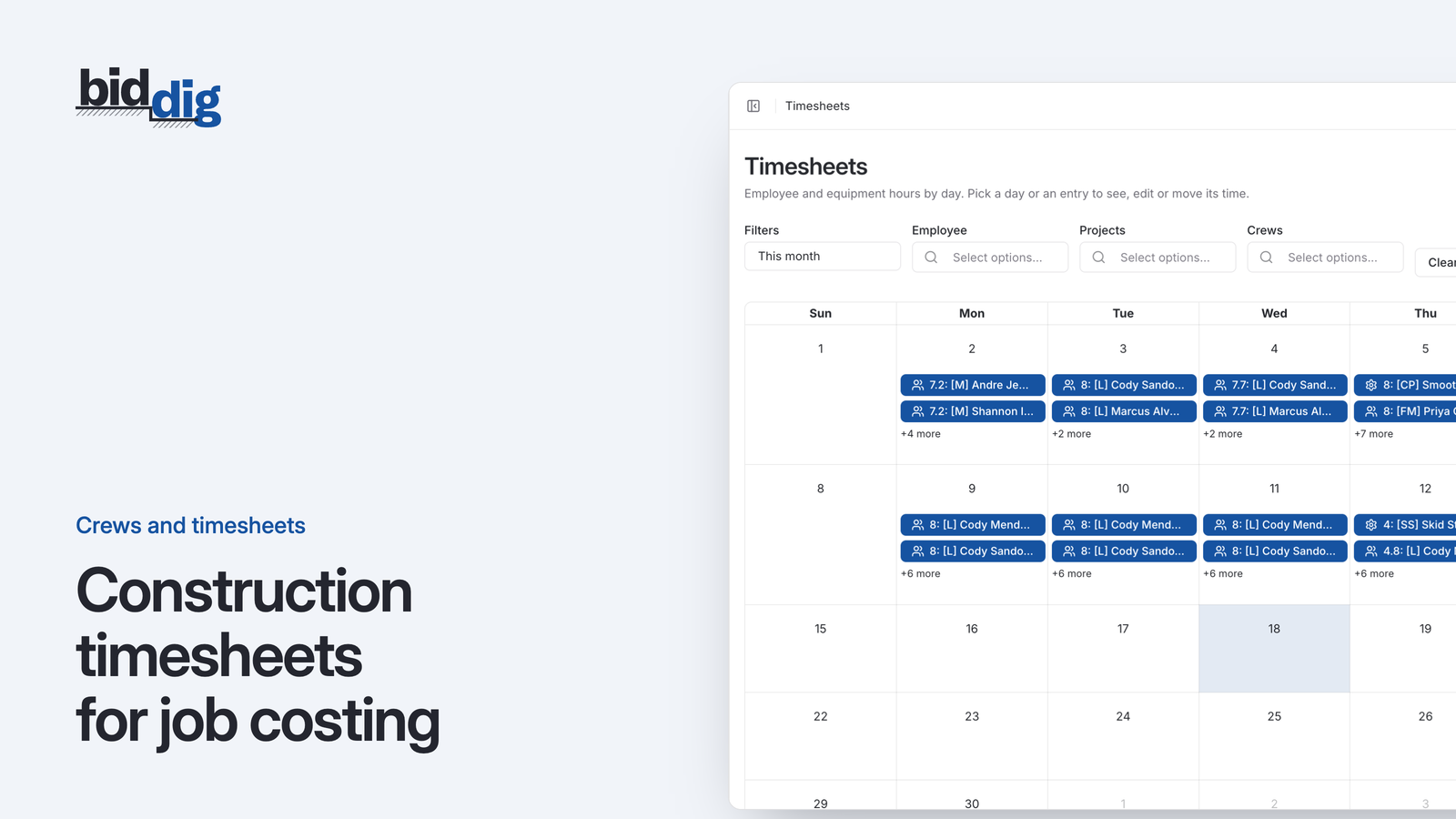
Labor and equipment come from timesheets. The foreman or superintendent records who worked, which machine ran, how many hours, and on which line item. Material and subcontractor costs come from supplier and subcontractor bills, coded to the line they were for.
The discipline is in the line item. "Eight hours, Main Street job" is not enough. "Eight hours, Main Street job, storm pipe" is. It takes a few more seconds per entry and it is the difference between knowing the job is over and knowing why.
Timing matters as well. Costs entered a month late produce a comparison that is a month old. Hours should go in daily or at least weekly. Bills should be coded when they arrive, not at month end.
How to compare budget vs actual: a worked example
With a budget and actuals on the same lines, the comparison is simple subtraction. The skill is in reading it against progress.
Say a line item is 400 LF of storm pipe with this estimated cost:
| Cost type | Estimate | Amount |
|---|---|---|
| Material | 400 LF at $24 | $9,600 |
| Labor | 120 hours at $40 | $4,800 |
| Equipment | 40 hours at $75 | $3,000 |
| Total budget | $17,400 |
That works out to $43.50 per LF ($17,400 divided by 400).
Halfway through, 200 LF is in the ground and the costs recorded on the line are material $4,900, labor $3,400 and equipment $2,100. That is $10,400.
On its own, $10,400 against a $17,400 budget looks fine. You have spent about 60 percent of the budget. But you have installed 50 percent of the pipe. The budget for 200 LF was $8,700, so the line is $1,700 over at the halfway point.
Put another way, the pipe is costing $52 per LF ($10,400 divided by 200) against a budget of $43.50. If the second half goes the same way, the line finishes at $20,800 (400 LF at $52), which is $3,400 over.
Look at the cost types and the cause shows up. Material is close to plan ($4,900 against $4,800 for half). Labor is $3,400 against $2,400 and equipment is $2,100 against $1,500. The crew is taking longer than the bid assumed. That is a production problem, and with 200 LF still to go there is time to look at the crew, the method or the ground conditions.
That is the whole point of job costing. You have a specific line, a specific cost type, a dollar figure and work remaining.
Why track job costs by line item?
Done consistently, it gives you three things:
- Early warning. A line running over shows up while the work is still under way.
- A basis for change orders. When the work changes, you can see what the original line was budgeted to cost and price the difference.
- Better bids. Finished jobs tell you what your crews actually produce, and that goes into the next estimate.
None of this needs a large system. It needs the bid kept as the budget, costs recorded against the same lines, and someone looking at the comparison every week.
How BidDig tracks job costs
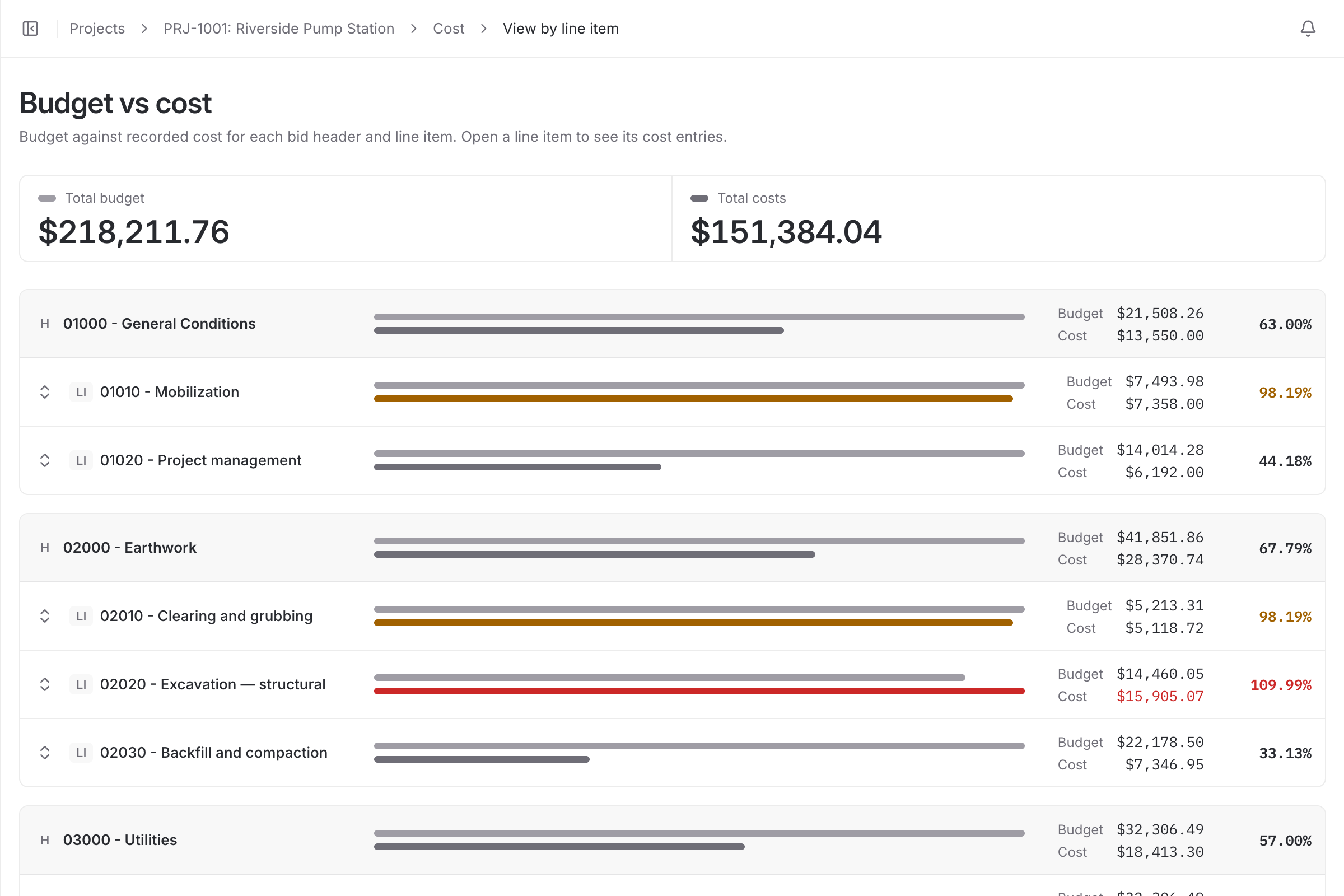
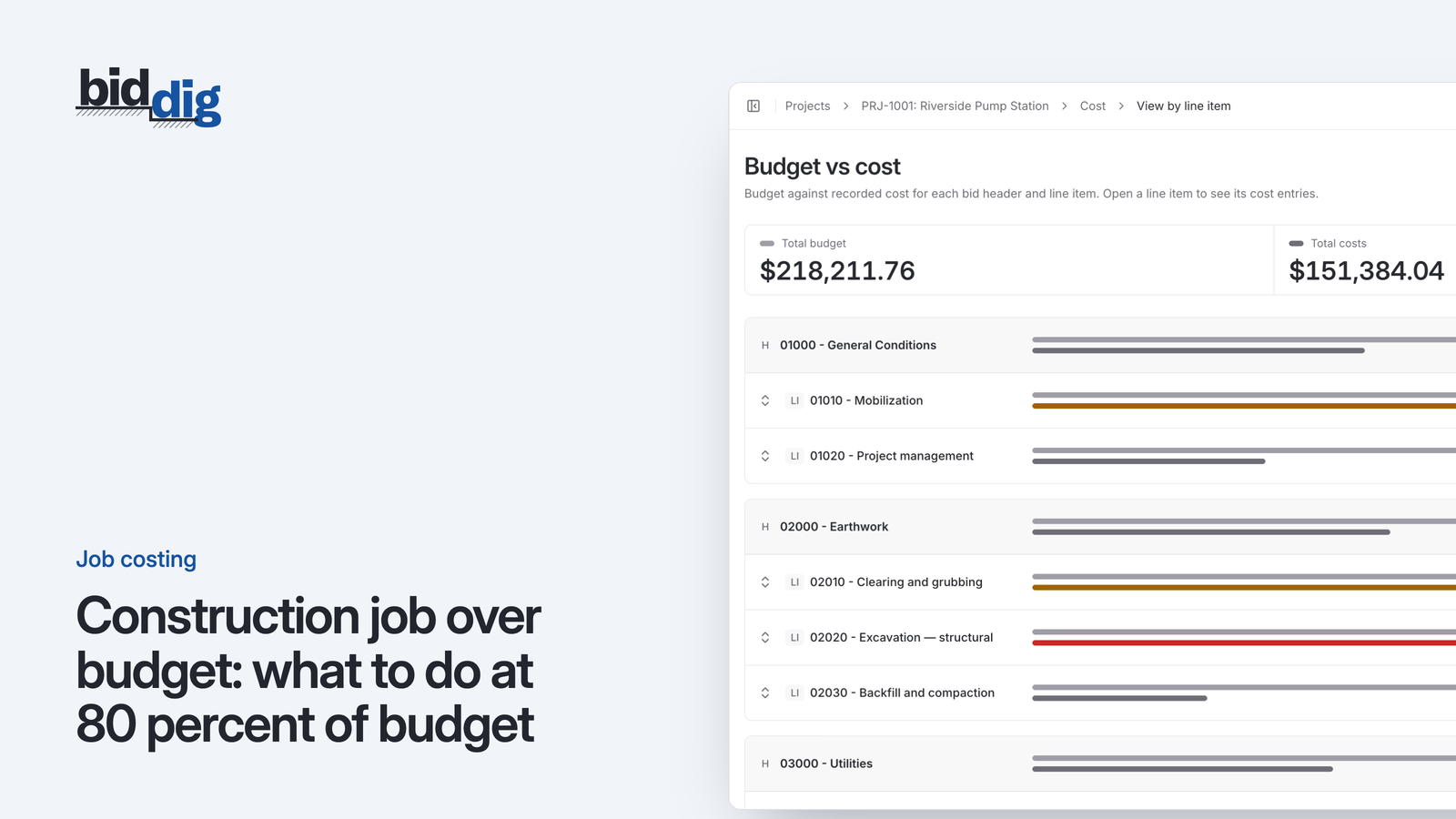
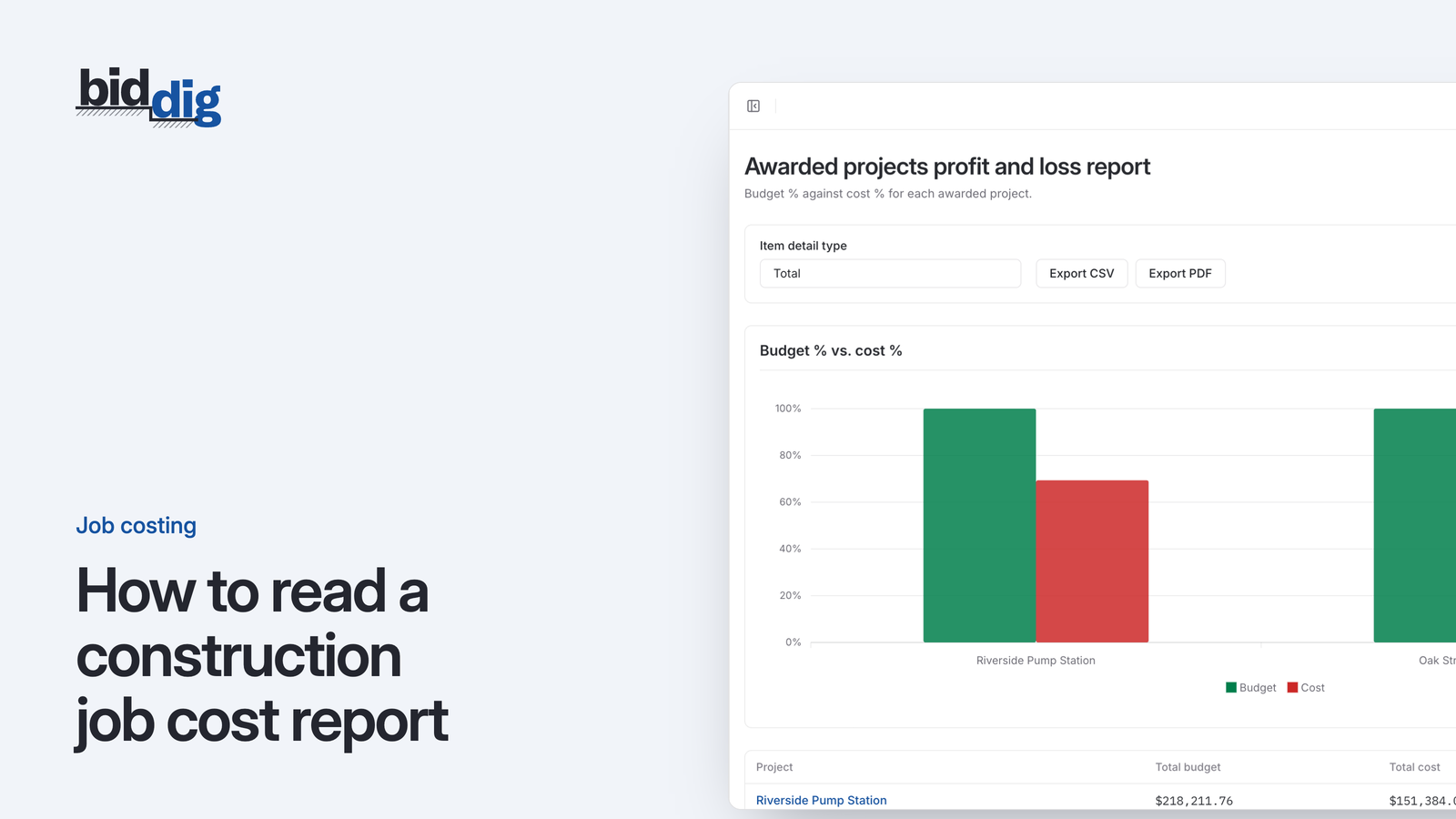
In BidDig, the line items of the awarded bid become the budget, at estimated cost before markup. Costs are recorded against those same line items as material, labor, equipment, subcontractor and miscellaneous. Budget vs actual is shown by cost type and by line item, and a line turns orange from 80 percent of budget and red above 100 percent. See job costing for how it works. For more, read why you find out a job lost money after it is over and the five cost types on a construction job. For how the pieces fit together, see construction job costing software.