Budget vs actual in construction: by cost type or by line item
The same job costs can be cut two ways. One tells you what kind of money is going out, the other tells you which piece of work is taking it. You need both, and here is why.
By the BidDig team, , 5 min read
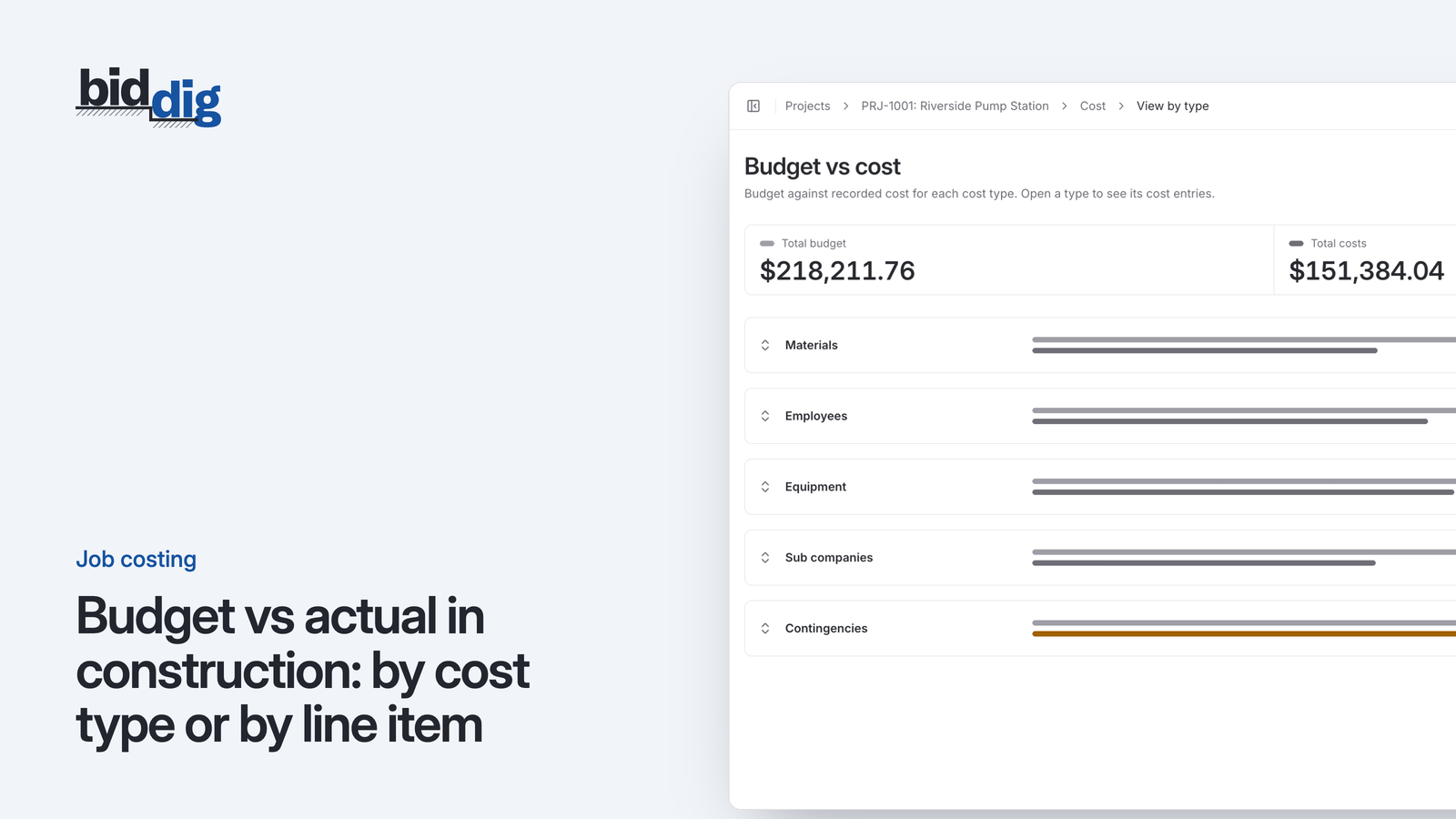
Budget vs actual compares what a job was estimated to cost with what it has cost so far. In construction it is read two ways: by cost type (material, labor, equipment, subcontractor) to see what kind of cost is over, and by line item to see which piece of work is over. Start with line items, then open the line by cost type.
Here is why the breakdown matters. A project manager looks at a job and sees total cost a little under total budget. Material is fine. Labor is close. The job gets a green tick in the Monday meeting and nobody looks at it again.
Inside that job, one piece of work has gone a third over its budget. Other lines happened to come in under, so the total hides it. The same piece of work is in the next two bids at the same price.
What is budget vs actual by cost type and by line item?
Every cost on a job has two labels. It has a cost type (what kind of cost it is) and a line item (which piece of work it was for).
A load of concrete is material, and it belongs to the footings. Eight hours for a laborer is labor, and it belongs to whichever line that laborer was working on.
Because each cost has both labels, you can add the same costs up in two directions:
- By cost type: all the material on the job, all the labor, all the equipment, all the subcontractor cost.
- By line item: everything spent on site prep, everything spent on footings, everything spent on the slab.
Both views add up to the same job total. They answer different questions.
What does budget vs actual by cost type tell you?
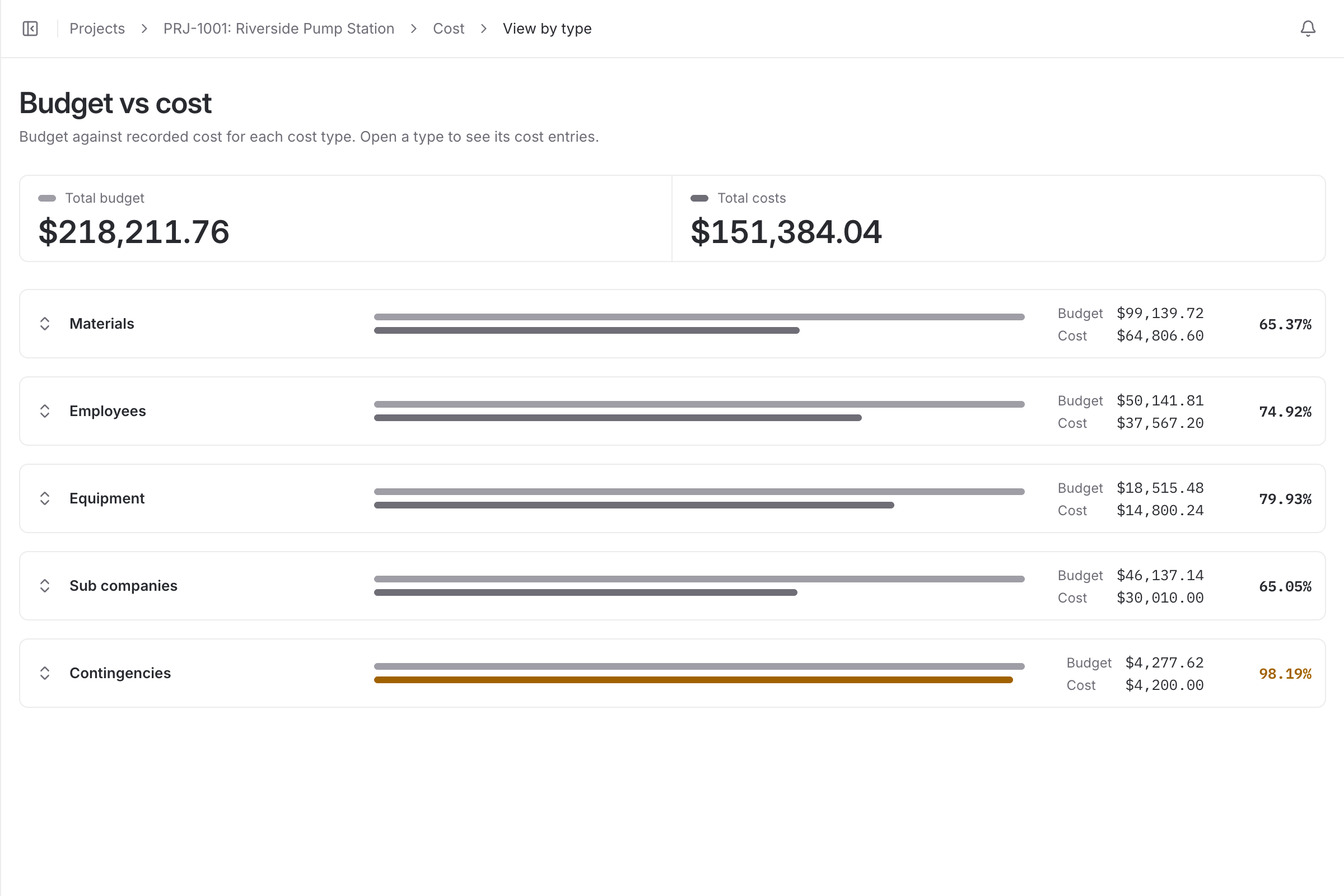
The cost type view is about the kind of problem.
If material is over across the job, think about prices, waste or quantities. If labor is over, think about production, crew size or rework. If equipment is over, think about idle machines or rental periods that ran long. If subcontractor cost is over, look for extra work that was agreed without a change order.
It is a quick read, four or five numbers, and it is good for spotting something systematic. If labor runs over on every job you do, that is not about one job. Your labor rates or production assumptions are off in the estimate.
What it cannot do is tell you where on the job the problem is. "Labor is $800 over" could be every line slightly over, or one line badly over and the rest under.
What does budget vs actual by line item tell you?
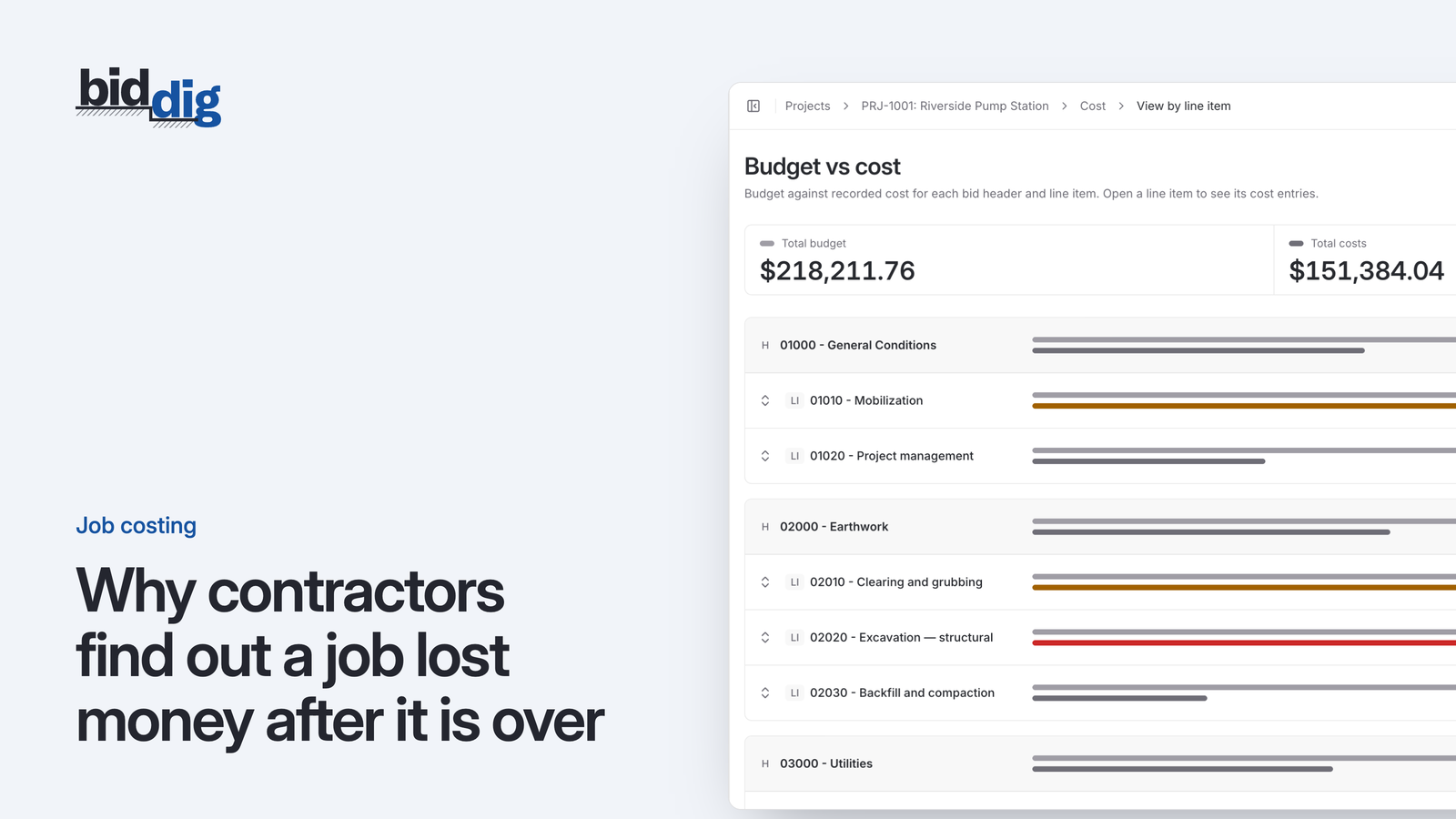
The line item view is about location. It lines up each piece of work in the bid with what that piece of work has cost.
This is the view that matches how the job was priced and how it is built. A superintendent can do something with "the footings are over". Nobody can do much with "the job is over".
It is also the view that feeds estimating. An estimator prices line items. To know whether the price for a line was right, you need the actual cost of that line.
The limit of this view is that a line being over does not say why. For that you go back to cost type, inside the line.
Budget vs actual example: a job under budget with one line over
The figures here are made up for the example. Say a job has a budget of $160,000 in estimated cost and the work is complete. Here it is by cost type.
| Cost type | Budget | Actual | Difference |
|---|---|---|---|
| Material | $60,000 | $58,500 | $1,500 under |
| Labor | $45,000 | $45,800 | $800 over |
| Equipment | $30,000 | $29,200 | $800 under |
| Subcontractor | $25,000 | $25,000 | None |
| Total | $160,000 | $158,500 | $1,500 under |
Nothing here asks for attention. The job finished $1,500 under. Labor is $800 over on $45,000, which is less than 2 percent.
Now the same $158,500 by line item.
| Line item | Budget | Actual | Difference |
|---|---|---|---|
| Site prep | $28,000 | $25,000 | $3,000 under |
| Footings | $22,000 | $29,500 | $7,500 over |
| Slab | $40,000 | $37,500 | $2,500 under |
| Underground utilities | $45,000 | $42,500 | $2,500 under |
| Paving | $25,000 | $24,000 | $1,000 under |
| Total | $160,000 | $158,500 | $1,500 under |
The footings cost $29,500 against a budget of $22,000. That is $7,500 over, or 34 percent ($7,500 divided by $22,000). The other four lines came in $9,000 under between them, and $9,000 less $7,500 is the $1,500 the job finished under.
The job was fine. The footings estimate was not. If the same footings price goes into the next bid and the other lines do not happen to come in under, that job loses money on a number you already had evidence was wrong.
Worse is the same pattern in the middle of a job. If the footings are running over while later lines have not started, the total still looks healthy because the unstarted lines have a full budget and no cost.
Which view to read first: line item or cost type?
The two views work best as a sequence:
- Start with line items. Which lines are over, or spending faster than the work is progressing?
- Open the line by cost type. Is it the material, the labor, the equipment or the subcontractor on that line?
- Check cost type across the job. Is the same cost type over on other lines too? If so, the cause may be a rate or assumption used throughout the bid, not something particular to one line.
This only works if costs are recorded with both labels. Hours written against the job but not the line give you the cost type view and nothing else. For where each cost belongs, see the five cost types on a construction job.
How BidDig shows budget vs actual
BidDig shows budget vs actual both ways for every awarded project: by cost type and by line item. The budget is the awarded bid's line items at estimated cost before markup, and each cost is recorded against a line item as material, labor, equipment, subcontractor or miscellaneous, so both views come from the same entries. A line turns orange from 80 percent of budget and red above 100 percent. See job costing, and read what to do when a line item reaches 80 percent of budget. For how the pieces fit together, see construction job costing software. For the basics, read how to track job costs in construction.