Construction timesheets for job costing
A timesheet that records only the job tells you what payroll will be. One that also records the line item, on the day the work was done, tells you whether the job is making money.
By the BidDig team, , 6 min read
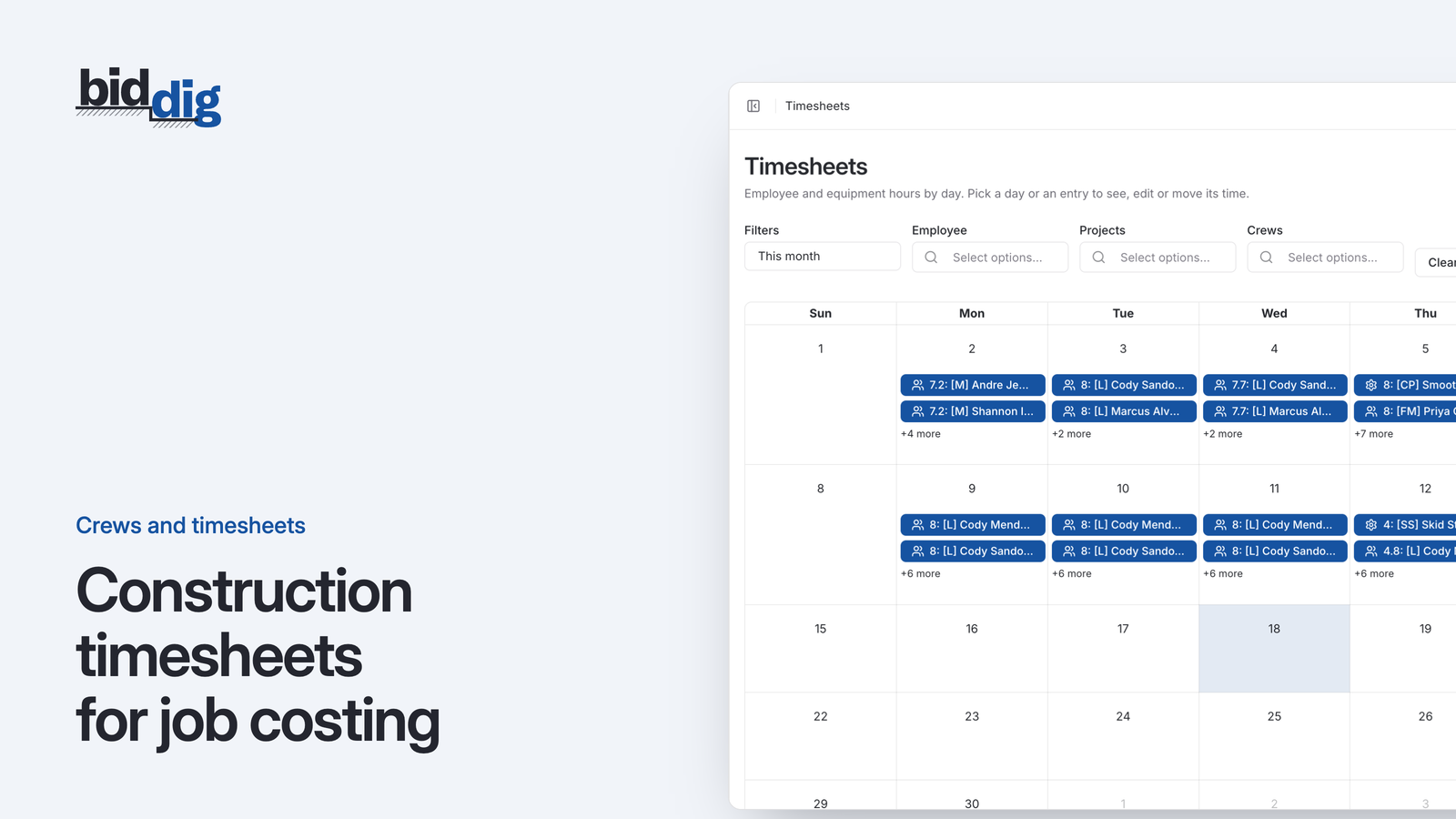
A construction timesheet for job costing records, for every person and every machine, the date, the hours, the project and the line item (cost code) the hours were worked on, entered the day the work is done. The line item is the part a payroll timesheet leaves out. It is what lets you compare hours used with the hours the bid allowed.
What should a construction timesheet include for job costing?
Five things per entry are enough.
| Field | Why job costing needs it |
|---|---|
| Who or what worked | A person or a machine, so the right rate is applied |
| Date | So the cost lands in the right week and can be checked while the work is still going on |
| Hours | The quantity being measured |
| Project | Which job pays for the hours |
| Line item | Which part of the bid the hours belong to |
The first four are on almost every timesheet already. The fifth is the one that turns a payroll record into a job cost record.
Leave pay rates off the form. The person entering hours does not need to see them, and the rate should be applied by the office or the system, not typed in the field.
Payroll timesheet vs job costing timesheet
A foreman hands in a sheet on Friday. It lists six names, five days and a job number. Every hour on it is correct. Payroll is run from it and nobody is shorted.
Three weeks later the owner asks why the pipe work looks like it is running over, and nobody can answer. The hours are all there, booked to the job. But the bid did not price "the job". It priced clearing, excavation, pipe, structures, backfill and paving, each with its own labor hours.
A job-level timesheet answers a payroll question: how much do I owe each person this week. It cannot answer the questions that decide whether the job makes money:
- Which part of the work is using more labor than we bid?
- Is an overrun on one line item hidden by an underrun on another?
- Is the crew slower than estimated, or did the scope grow?
- Should the next bid for this kind of work carry more hours?
Total labor on a job can look fine while one line item is badly over. Say grading finished 60 hours under and pipe is 60 hours over with half the pipe still to lay. At the job level the two cancel out. At the line item level you can see that the pipe is in trouble and the good news from grading has already been spent.
How do you track labor hours by cost code or line item?
Record the line item with each entry, and use the same line items as the bid. A separate list of cost codes that somebody has to map back to the estimate later adds a step where hours get lost or guessed.
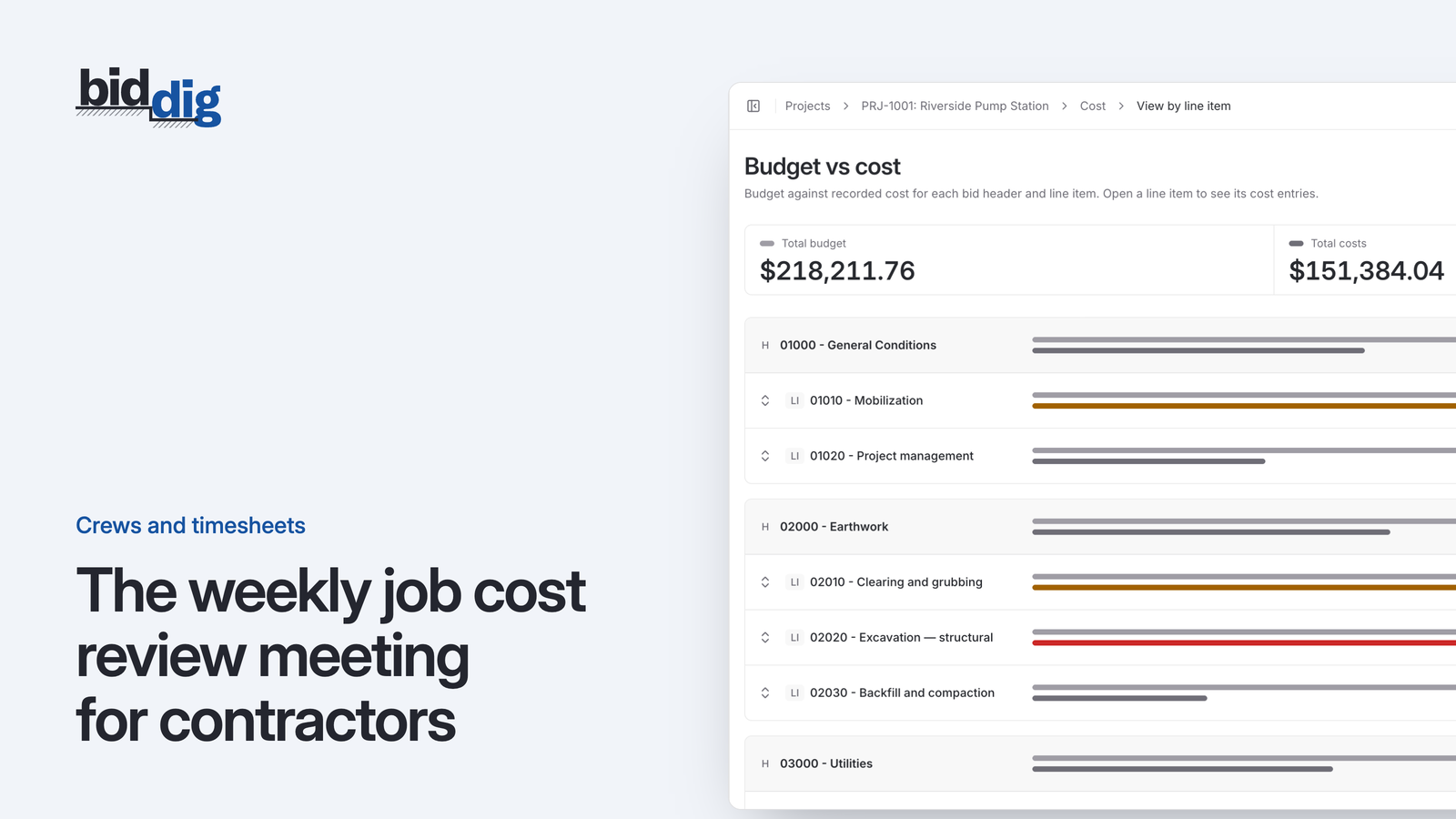
This works because the awarded bid already contains a labor budget for every line item. If the foreman books hours to those same lines, the comparison is direct and nobody has to reconstruct anything.
Three rules make it workable in the field:
- Keep the list short. A foreman should be choosing from the handful of line items active on that job this week, not scrolling through hundreds.
- Allow a split day. If the crew set structures in the morning and backfilled in the afternoon, that is two entries. Rounding to the hour or the half hour is fine.
- Do not create a "general" line. A catch-all fills up fast, because it is always the easiest choice. If time truly belongs to no line item, that is worth a conversation, not a default.
Worked example: labor budget vs actual on one line item
The figures here are an example. Say a line item for storm pipe was bid with 320 labor hours at an average cost of $42 an hour.
- Labor budget: 320 × $42 = $13,440
After two weeks, the timesheets show 210 hours booked to that line. The superintendent says half the pipe is in the ground.
- Hours the bid allowed for half the work: 320 × 50% = 160
- Hours used: 210
- Over so far: 210 − 160 = 50 hours
- Cost of the overrun so far: 50 × $42 = $2,100
If the second half goes at the same pace, the line will use another 210 hours and finish at 420.
- Projected overrun: 420 − 320 = 100 hours
- Projected cost of the overrun: 100 × $42 = $4,200
That is $4,200 of labor that was never priced, and you can see it with half the pipe still to lay. You can only do the sum if the 210 hours were booked to the pipe line item. Booked to the job, the 210 is somewhere inside a bigger number and the question never gets asked.
Daily or weekly timesheets: which is better for job costing?
Daily is better, because line item detail is only as good as the memory behind it.
On Friday afternoon a foreman can tell you who worked each day, because people remember who was missing. He cannot reliably tell you whether Tuesday was six hours of pipe and two of backfill or the other way around.
When the detail is rebuilt from memory at the end of the week, it drifts toward whatever is simplest: eight hours to the biggest line item, every day. The sheet still adds up for payroll. The job cost is fiction.
At the end of the shift the foreman knows exactly what the crew did, because he just watched it. Entering it then takes a few minutes.
Same-day entry also changes how soon you can act. With weekly paper, a problem that starts Monday is visible, at best, the following Tuesday after someone keys in the sheets. With daily entry, the overrun on the pipe line shows up while the pipe crew is still on site and something can be done: a different approach, another machine, or a change order if the cause is a changed condition.
Should equipment hours go on the timesheet?
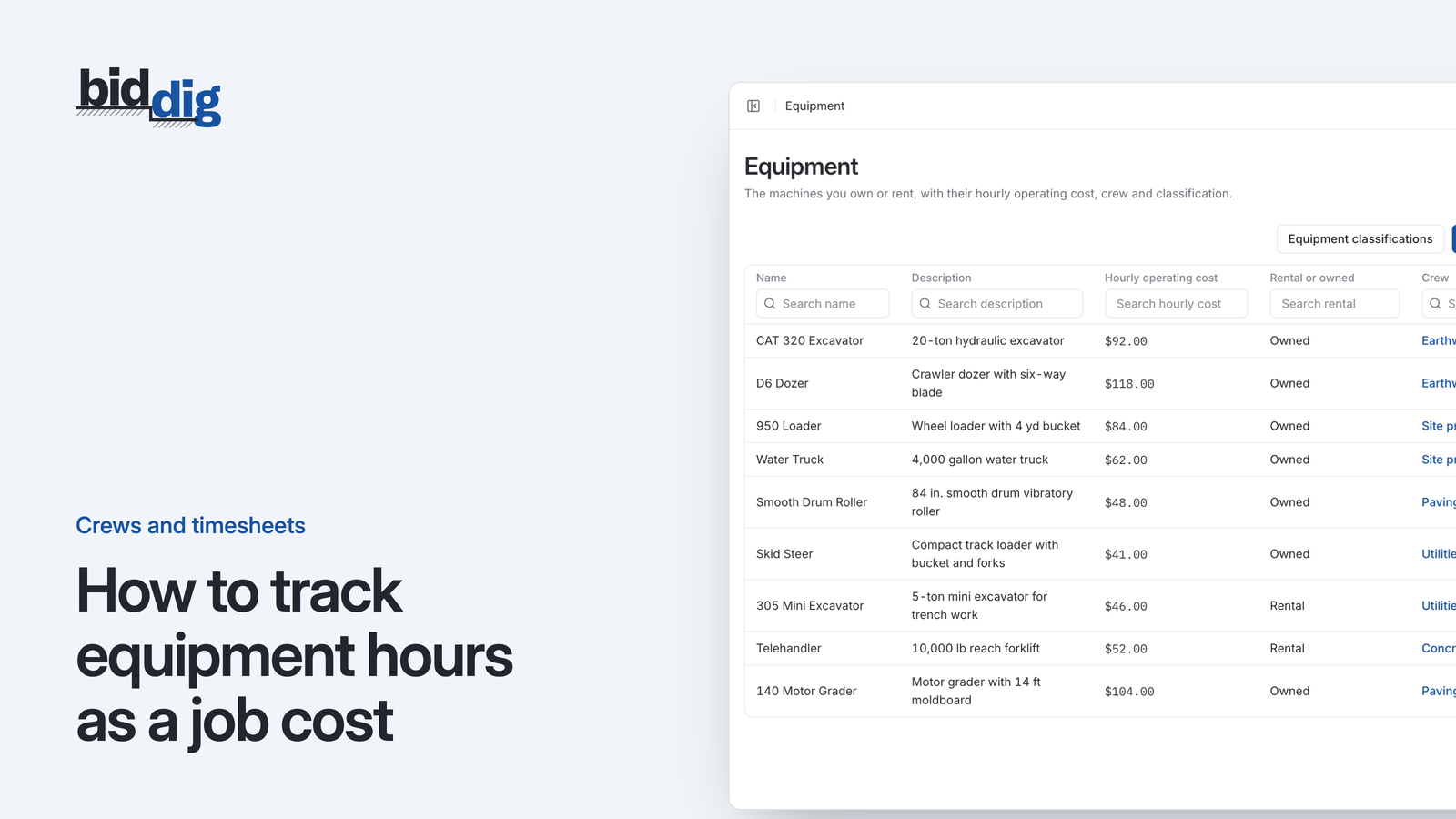
Yes. Labor is only part of what a crew costs. If an excavator and a loader worked with that pipe crew for two weeks, their hours belong on the same line item for the same days.
Otherwise the labor side of the line shows an overrun and the equipment side shows nothing at all, which makes the line look healthier than it is.
Record equipment hours the same way as people: which machine, which day, how many hours, which line item. The post on tracking equipment hours as a job cost goes through how those hours become a cost.
How BidDig handles timesheets
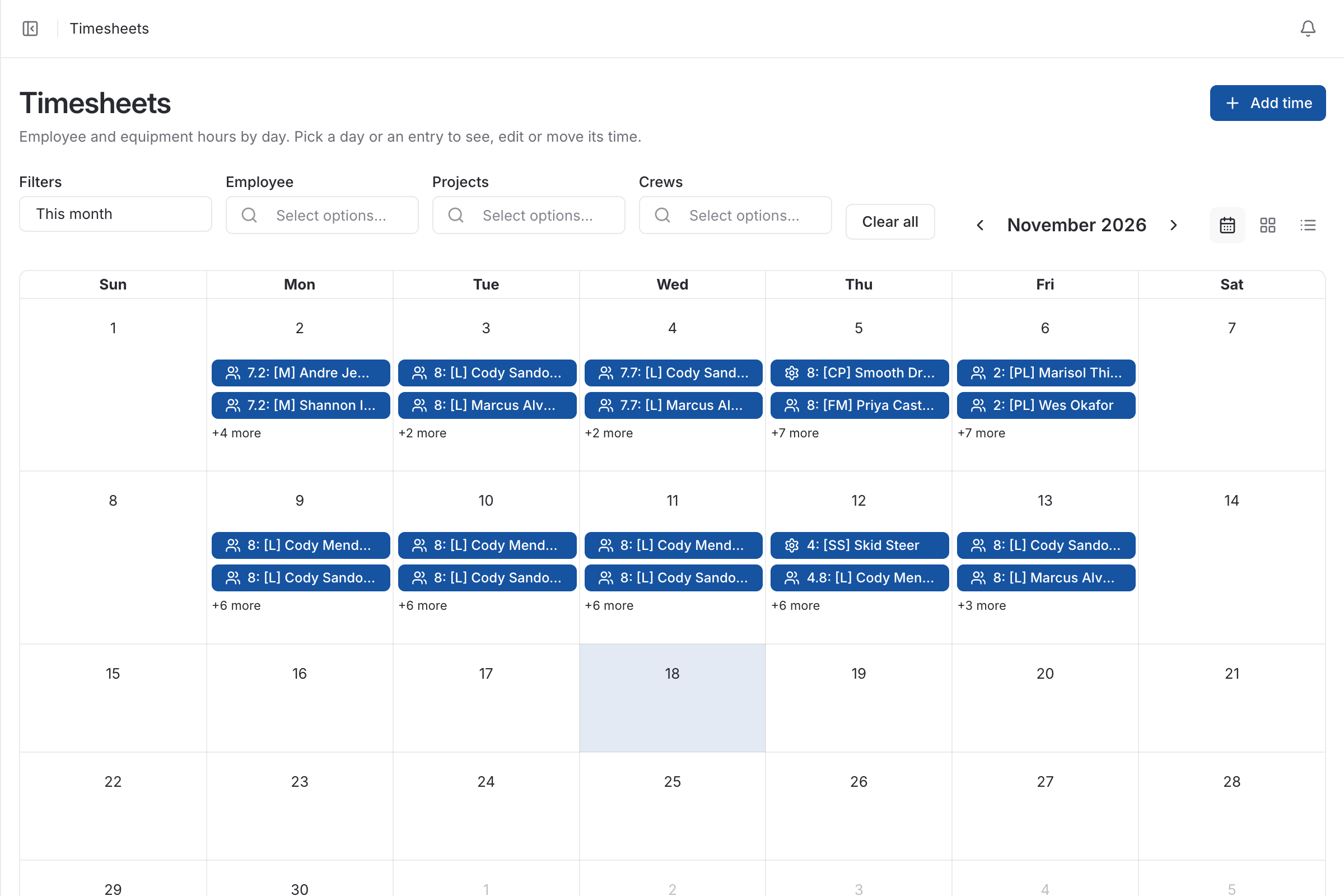
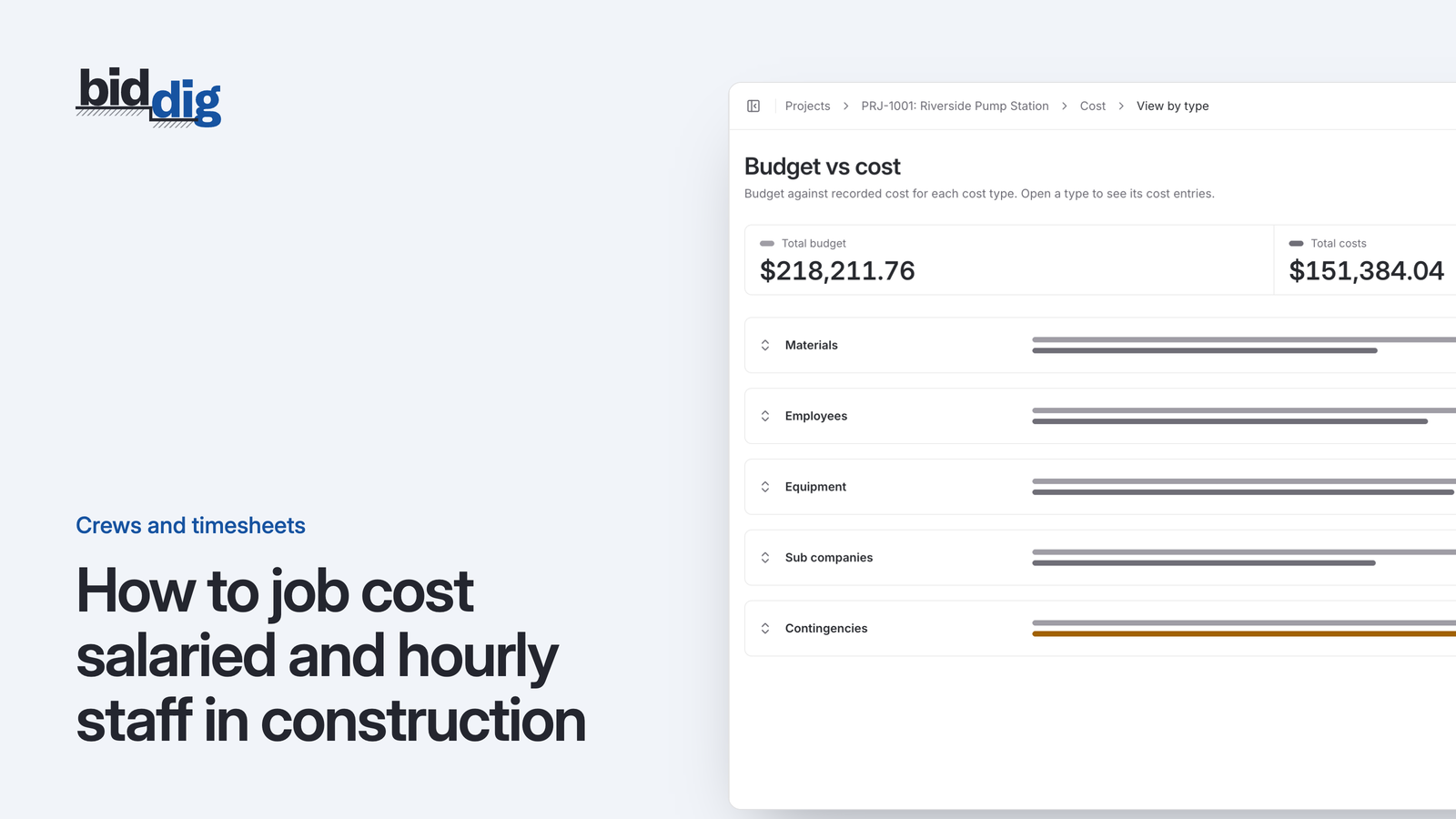
In BidDig, the timesheet is a calendar of employee and equipment hours that can be filtered by employee, project or crew. Each entry is made against a project and a line item, and it is job cost when it is saved. The awarded bid's line items are the budget, so budget vs actual is shown by cost type and by line item without rekeying. Entries can be edited or deleted if a day was booked wrong. It is not a time clock: hours are entered, not punched.
See timesheets and crews, or read how to track job costs in construction for the wider picture. For how the pieces fit together, see construction timesheet software.