How to track equipment hours as a job cost
Owned machines do not send an invoice, so their time quietly drops out of job cost. Here is how to record machine hours on the job and charge them to the work they did.
By the BidDig team, , 6 min read
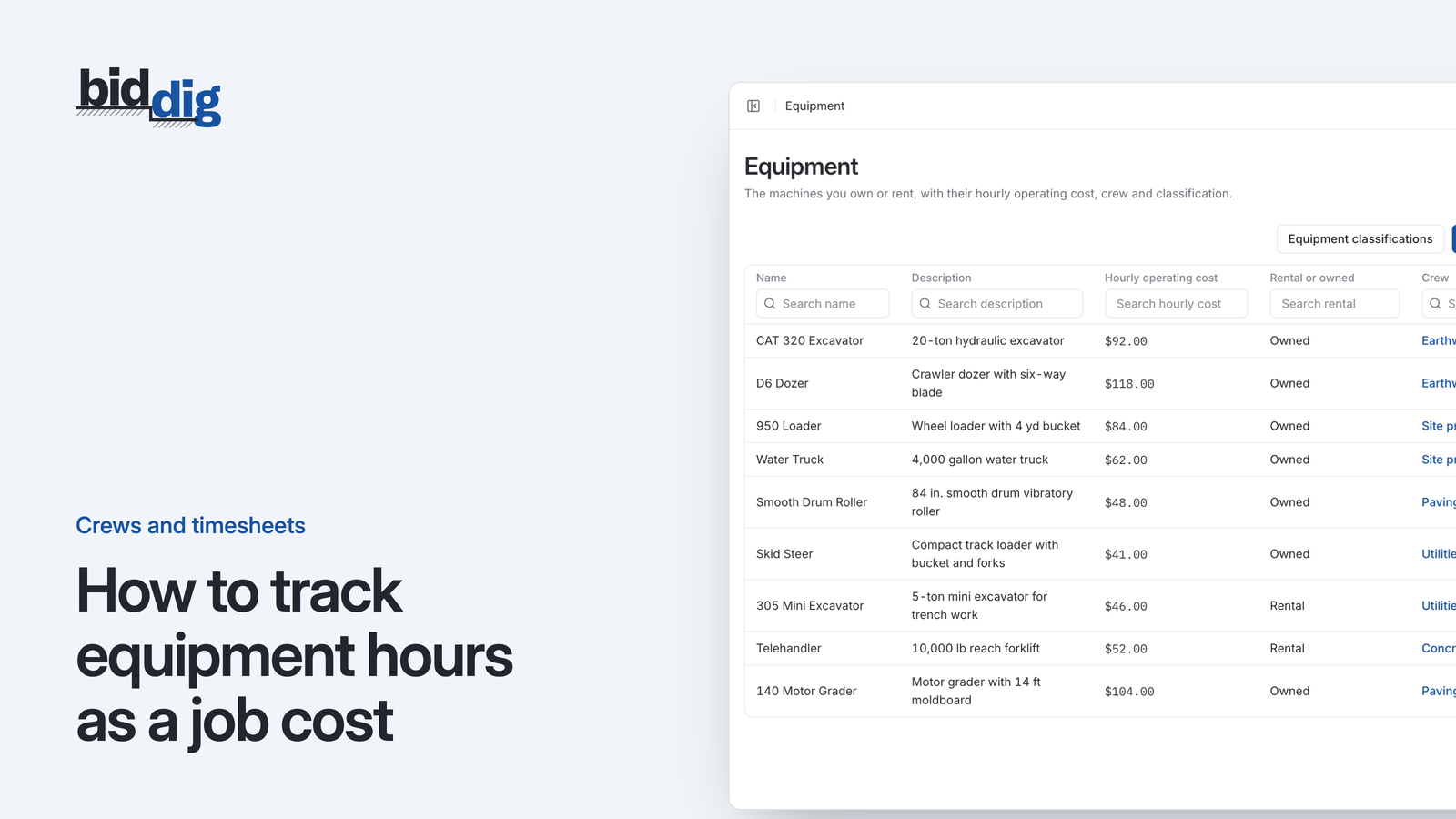
To track equipment hours as a job cost, record each machine's hours every day against the project and the line item it worked on, on the same timesheet as the crew. Then multiply those hours by the hourly rate you used in the bid. Hours times rate is the equipment cost of that line item, and it can be compared with what the bid allowed.
How do you track equipment hours on a job?
Five steps.
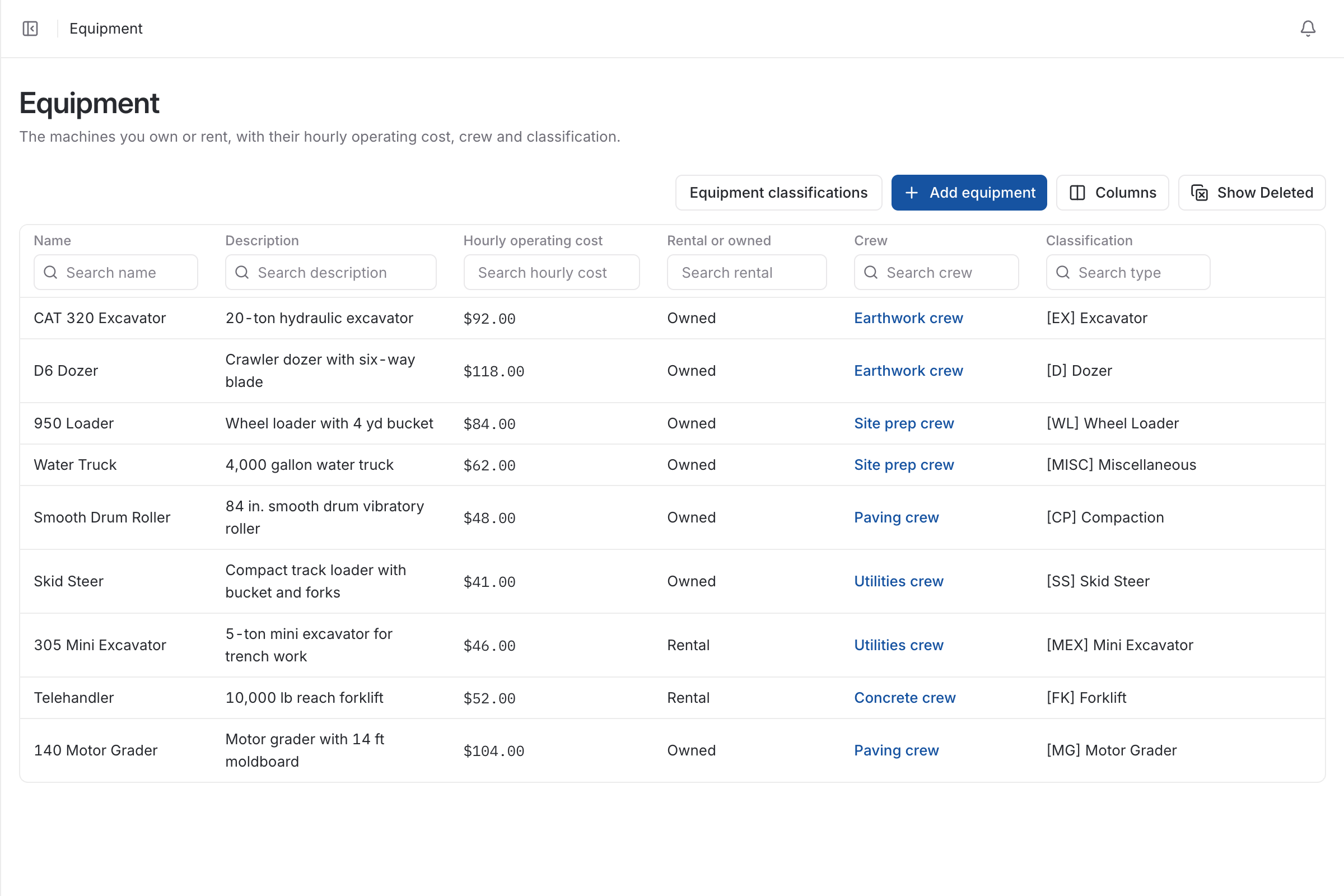
- Give every machine an hourly rate. Use the same rate the bid used. Working that rate out is a bid-time job, covered in equipment cost per hour: owned vs rental.
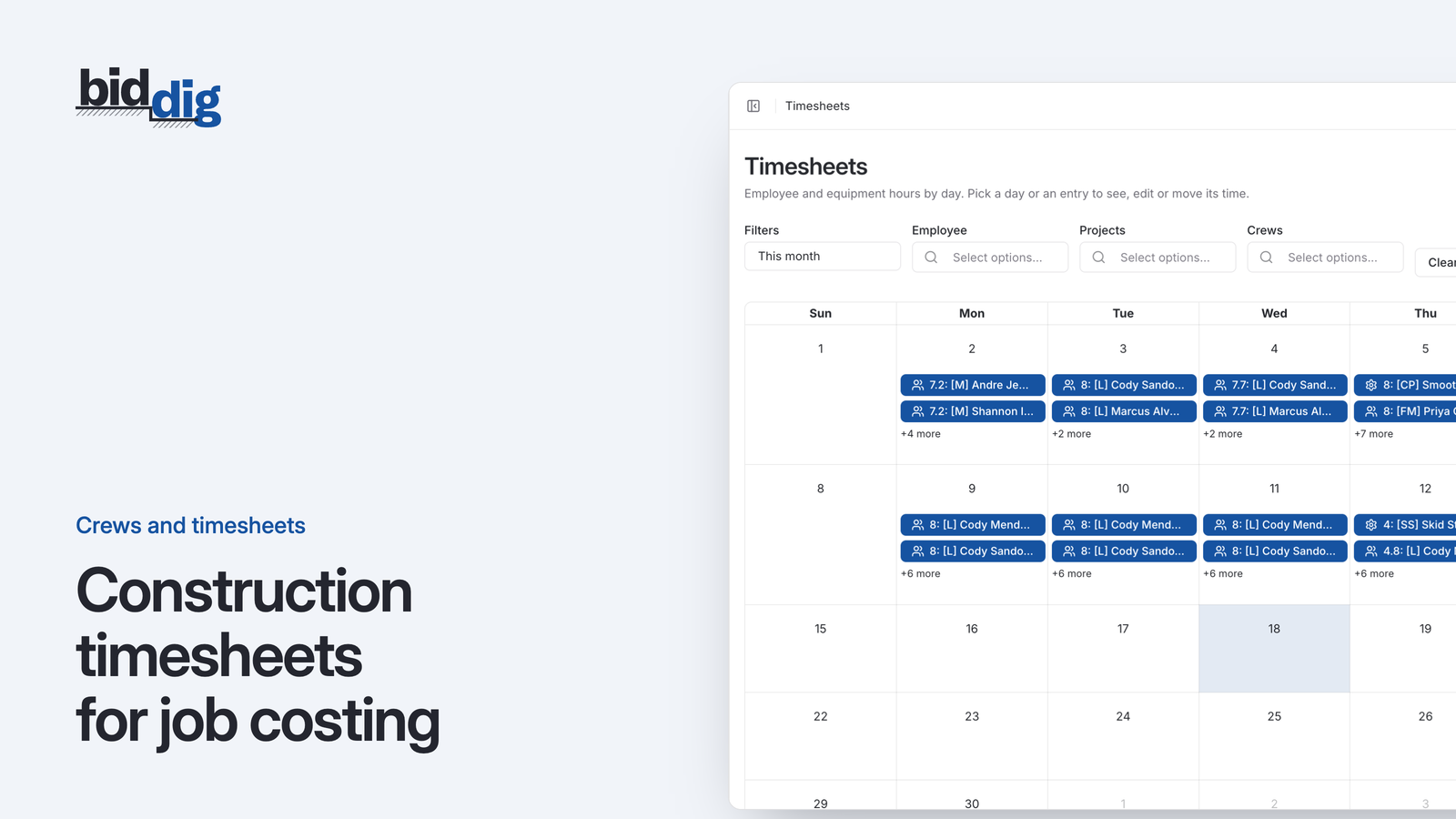
- Put machines on the timesheet. A row for the excavator next to the rows for the people who worked with it.
- Record four things per entry. Which machine, which day, how many hours, which line item.
- Enter it the same day. The foreman who enters the crew's hours enters the machines' hours at the same moment.
- Compare with the bid each week. Equipment hours used against equipment hours allowed, line item by line item.
Why does owned equipment get left out of job cost?
A site job finishes and the cost report shows a healthy margin. Labor came in close to the bid. Materials were on budget. Then the year-end numbers arrive and the company as a whole made much less than its jobs said it did.
The difference is often sitting in the yard. The excavator that spent five weeks on that job was paid for years ago. No invoice arrived for its time, so no cost was recorded against the job. The fuel went on a company card. The repair bill went to the shop. All of it was real money, and none of it reached the job that caused it.
Labor has a natural trigger: people have to be paid every week, so hours get collected. Materials and subcontractors arrive with an invoice. Owned equipment has neither, and the foreman's timesheet often has a row for each person and no row for a machine.
The result is a bid that charges the customer for equipment and a job cost report that treats equipment as free. Every job looks better than it was, and the jobs that used the most iron look best of all.
What hourly rate do you charge equipment to a job at?
The rate in the bid. If the excavator went into the estimate at $57 an hour, its hours on the job are costed at $57 an hour.
Using one rate on both sides is what makes the comparison mean something. When the rate is the same, a difference between budget and actual can only be hours: the machine worked more or fewer of them than the estimate allowed. That is the thing you want to learn.
Three points on the rate:
- Do not rebuild it on the job. The rate is set once, at bid time, per machine. The field records hours and never has to think about dollars.
- The operator is not in it. The person in the seat is labor and is booked as labor. Keeping them apart lets you see each cost type on its own.
- Check it once a year. Compare what the rate recovered (hours recorded × rate) with what the machine actually cost you that year. If they are far apart, change the rate for next year's bids and next year's job cost together.
Worked example: equipment budget vs actual by line item
The figures here are an example. Say an excavator is carried at $57 an hour, and the bid allowed it 80 hours on excavation and 60 hours on backfill.
- Excavation budget: 80 × $57 = $4,560
- Backfill budget: 60 × $57 = $3,420
- Total budget: 140 × $57 = $7,980
The timesheets show it worked 104 hours on excavation and 52 on backfill.
| Line item | Hours bid | Hours worked | Difference | Cost at $57 |
|---|---|---|---|---|
| Excavation | 80 | 104 | 24 over | 104 × $57 = $5,928 |
| Backfill | 60 | 52 | 8 under | 52 × $57 = $2,964 |
| Total | 140 | 156 | 16 over | 156 × $57 = $8,892 |
- Excavation overrun: 24 × $57 = $1,368
- Backfill underrun: 8 × $57 = $456
- Net overrun: 1,368 − 456 = $912, which is also 8,892 − 7,980
Without the entries, the job cost is short by the whole $8,892 and the margin is overstated by the same amount.
With hours booked only to the job, you would see 16 hours over and nothing else. Booked to the line item, you can see that excavation ran 24 hours over and backfill gave 8 back, which is what the next estimate needs.
How do you job cost rental equipment?
A rented machine does come with an invoice, so it is harder to forget. It has its own trap: the invoice covers a period, and the job cost should follow the work.
Say an excavator is rented for $7,500 a month and you supply the fuel.
- If it works 150 hours that month: $7,500 ÷ 150 = $50 an hour
- If it works 100 hours: $7,500 ÷ 100 = $75 an hour
The rent is the same either way. What changes is how much work it was spread over. A rental that sits is the most expensive machine on the site.
So record a rented machine's hours against line items in the same way as an owned one. The invoice tells you what the month cost. The hours tell you which line items used the machine. If the bid assumed 150 working hours and the timesheets show 100, you know the rental line is over before the next invoice arrives.
Keep owned and rental machines as separate items in your catalog. They recover money differently and can be treated differently for tax and bond.
Working hours, meter hours or hours on site: which do you record?
Pick one basis and use it in both the bid and the job cost.
- Working hours. The hours the machine was doing the line item's work. This is the usual choice, because it matches how the estimate was built: so many machine hours to dig so much trench.
- Meter hours. What the hour meter shows. Useful as a check, but it counts idling and travel and says nothing about which line item the hours belong to.
- Hours on site. Every hour the machine was available, working or not. This suits a rental priced by the period, where a parked machine still costs money.
A workable rule: bid and cost owned machines on working hours, and read the meter at the start and end of each job as a sanity check on the timesheets. If the meter moved 160 hours and 156 were booked, the entries are sound. If it moved 160 and 90 were booked, somebody is not writing machine time down.
How BidDig handles equipment hours
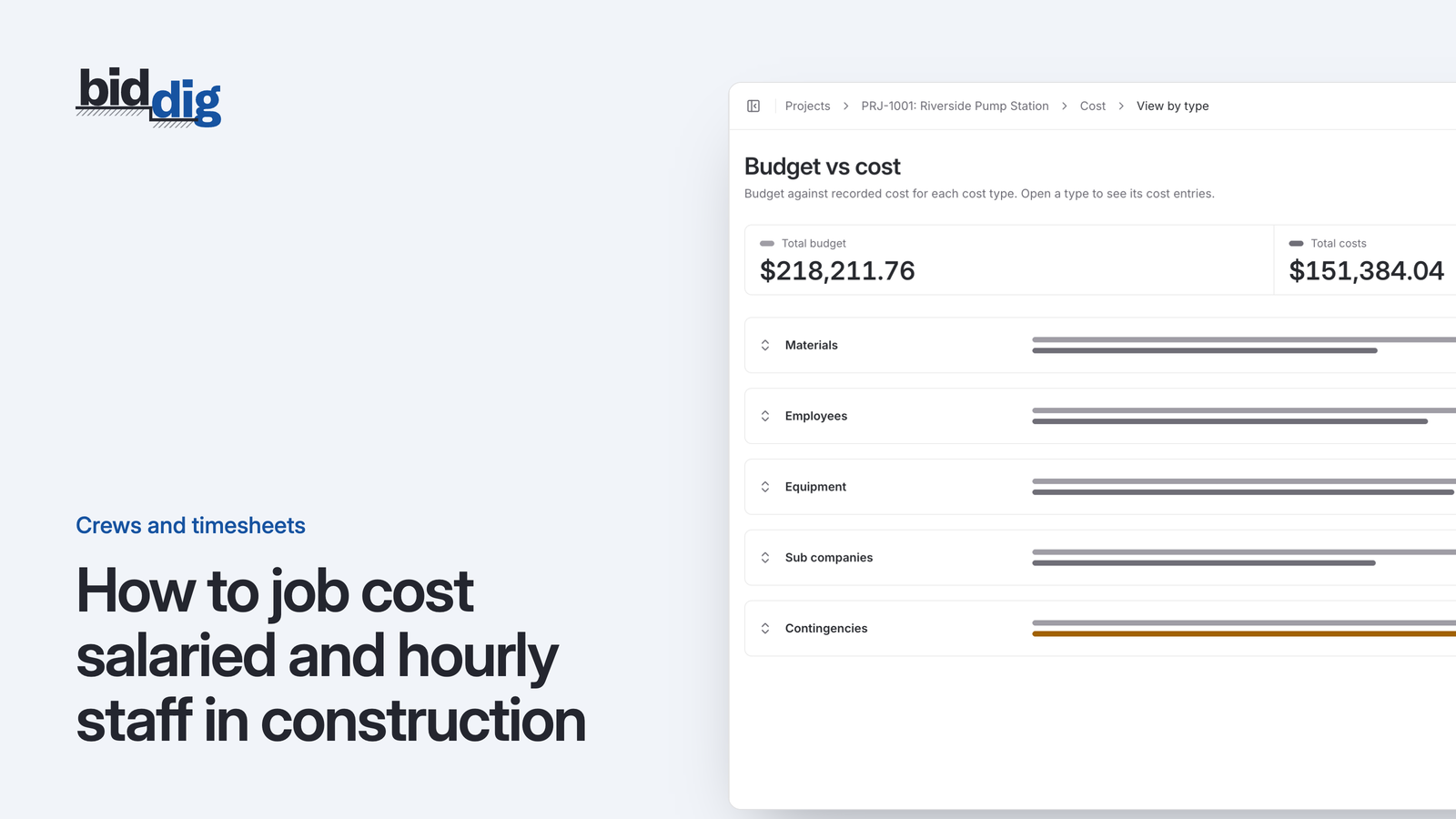
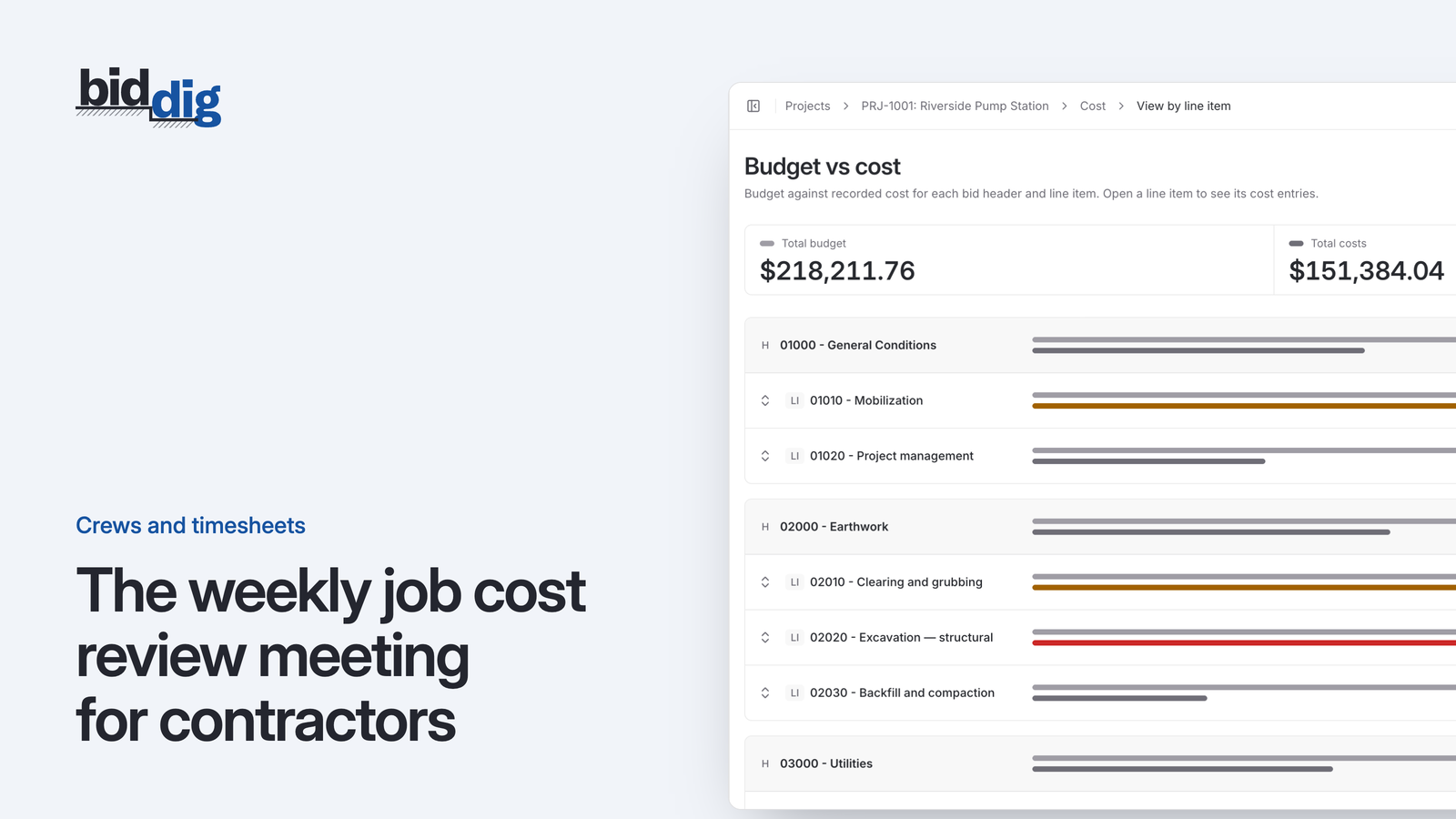
In BidDig, each piece of equipment in your catalog is marked owned or rental and carries an hourly operating cost. Bids cost equipment on each line item, and owned and rental equipment are treated differently for tax and bond. On the job, equipment hours go on the same timesheet calendar as employee hours, entered against a project and line item, and they are job cost when saved. Equipment then shows as its own cost type in budget vs actual.
See timesheets and crews, and the post on timesheets that feed job cost. For how the pieces fit together, see excavation estimating software.