How to get foremen to turn in timesheets every day
Foremen turn in timesheets on time when the entry is short, tied to a fixed moment in the day, checked every morning and visibly used. Here are the steps.
By the BidDig team, , 6 min read
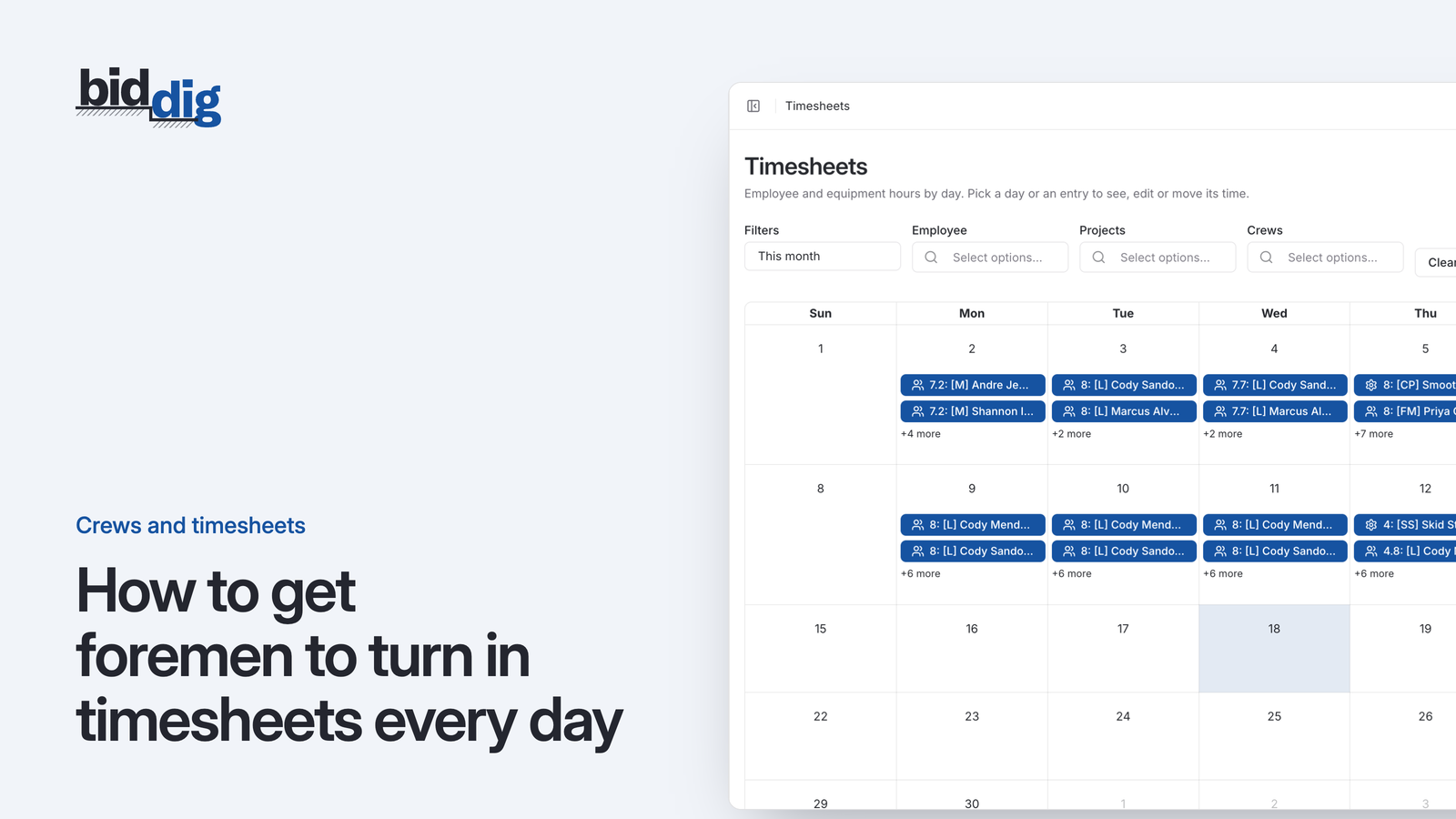
To get foremen to turn in timesheets every day, make the entry take a few minutes, tie it to a fixed moment such as before leaving the site, and ask only for who worked, which machines, how many hours and on which line item. Then check for missing entries every morning and show foremen each week what their hours were used for.
How do you get foremen to turn in timesheets on time?
Seven steps, in the order to do them.
- Cut the form to four questions. Who worked, which machines worked, how many hours, and on which project and line item. Everything else comes off.
- Put the entry where the foreman already is. On the phone in his pocket, at the site, not on a laptop at home or a sheet dropped at the office.
- Name the moment. "Before you leave the site" is a rule people can keep. "Daily" is not, because it has no deadline until the day is over.
- Name one person per crew. One foreman enters the hours for his people and machines. If two people could do it, each will assume the other did.
- Check yesterday every morning. Someone in the office looks at what came in and calls whoever is missing, the same morning.
- Make corrections easy. A wrong entry gets fixed the next day without a lecture. A foreman who fears that mistakes are permanent puts the entry off.
- Show what the hours did. Once a week, tell each foreman what his hours showed about the job, in hours and quantities.
Steps 1 to 4 make it easy to do. Steps 5 to 7 make it worth doing. An attempt that does the first half and skips the second tends not to last.
Why are weekly paper timesheets always late?
It is Friday at four. A foreman sits in his truck with a paper timesheet, trying to remember Tuesday. He knows who was there. He does not remember whether the crew spent the morning on structures or on pipe. He writes eight hours next to each name and drops the sheet at the office.
He did his job. The process is what failed, in four ways:
- Memory. People remember who worked. They do not remember what each person worked on four days ago. The detail job costing needs is the first thing lost.
- Delay. Monday's hours reach the office on Friday and the report the following week. An overrun has a week or more to grow before anyone sees it.
- Double handling. Every hour is written once by hand and typed once by someone else. Each step adds errors.
- No feedback. The foreman hears nothing back unless payroll is wrong. From where he sits the sheet is a payroll form, so he fills it in to payroll standards.
The last one matters most. If the only consequence of a timesheet is a paycheck, total hours per person is all that will ever be accurate.
What should a foreman's daily timesheet ask for?
Ask for what the foreman knows better than anyone else at the end of the day:
- Who worked. Each person in the crew that day.
- Which machines worked. The equipment that ran with the crew.
- How many hours. For each person and each machine.
- On which project and line item. Split across two lines if the day was split.
Three things keep that quick:
- Show only his jobs. He picks from the projects he is assigned to, not the whole company.
- Show only the lines in play. The line items on that project, in words the crew uses.
- Work by crew. Entering the crew's day should not mean starting from a blank list of everyone in the company.
Splitting a day to the nearest hour or half hour is enough. Asking for fifteen-minute accuracy on every task gets you invented numbers that look precise.
What should you leave off a daily timesheet?
Entry gets long, and then gets skipped, when the office uses the timesheet to collect everything it would like to know. Leave these out:
- Pay rates and costs. The foreman enters hours. The dollars are worked out elsewhere, and he should not see them.
- Cost codes he has to look up. If he has to translate "set the headwall" into a six-digit code, he will pick the one he remembers.
- Start and stop times for every person. If payroll or local rules require time-of-day records, keep them in the system built for that. Job costing needs how many hours went to which line item.
- A narrative of the day. Notes are useful when something unusual happened. Required paragraphs turn into the same sentence copied forward.
- Percent complete on everything. Progress is better agreed once a week between the superintendent and the project manager than typed in nightly by a tired foreman.
Each extra field is a small tax on every entry, every day, for every foreman. Add one only if someone will act on it.
What do you do when a foreman misses a timesheet?
Deal with it the next morning, every time, and keep it small.
- Call before the day gets going. Yesterday is still fresh at seven the next morning. By Thursday it is a guess.
- Take the hours over the phone if you have to. The first goal is a complete record. Enter them, then ask him to enter today's himself.
- Ask what got in the way. No signal on site, a line item missing from the list, a crew member not showing up to pick. These are fixable, and fixing them removes the excuse.
- Bring in the superintendent on a pattern. One missed day is a busy day. Several in a row is a conversation, the same as any other part of running a crew.
What not to do:
- Do not let it slide until Friday. Missed entries that are chased at once stop happening. Missed entries that are tolerated become the norm, and you are back to weekly paper.
- Do not make pay the lever. Threatening paychecks turns the timesheet back into a payroll form and gets you payroll-quality detail.
- Do not punish honest numbers. If booking hours to the line that is over gets a foreman a hard time, he will learn to spread them around. Accurate bad news is worth more than tidy fiction.
How do you roll out daily timesheets to the crews?
Changing the habit for everyone on one Monday is the hard way. A calmer order:
- Start with one foreman. Pick the one most likely to make it work, and fix what he trips over before anyone else sees it.
- Explain what the hours are for. The line item detail shows which parts of a job are over while there is still time to act.
- Run the morning check hardest at the start. The office checks daily for the first few weeks. Once entries arrive on their own, a glance is enough.
- Hold the weekly conversation. For example: the pipe line used 210 hours against 160 allowed for the work done. When foremen see the detail is read, they take care over it.
- Then stop accepting paper. Two systems running side by side means the old one wins.
How BidDig handles it
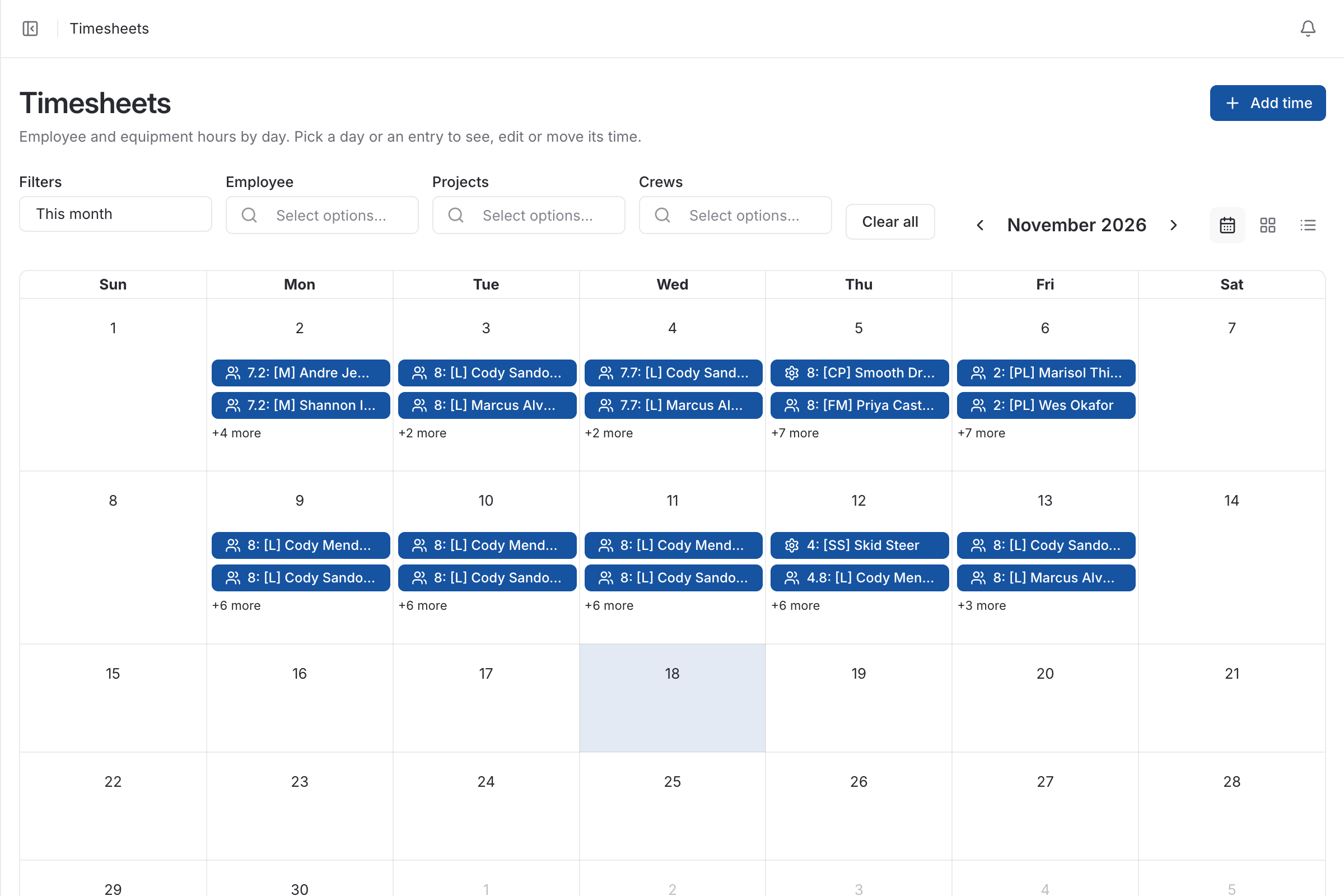
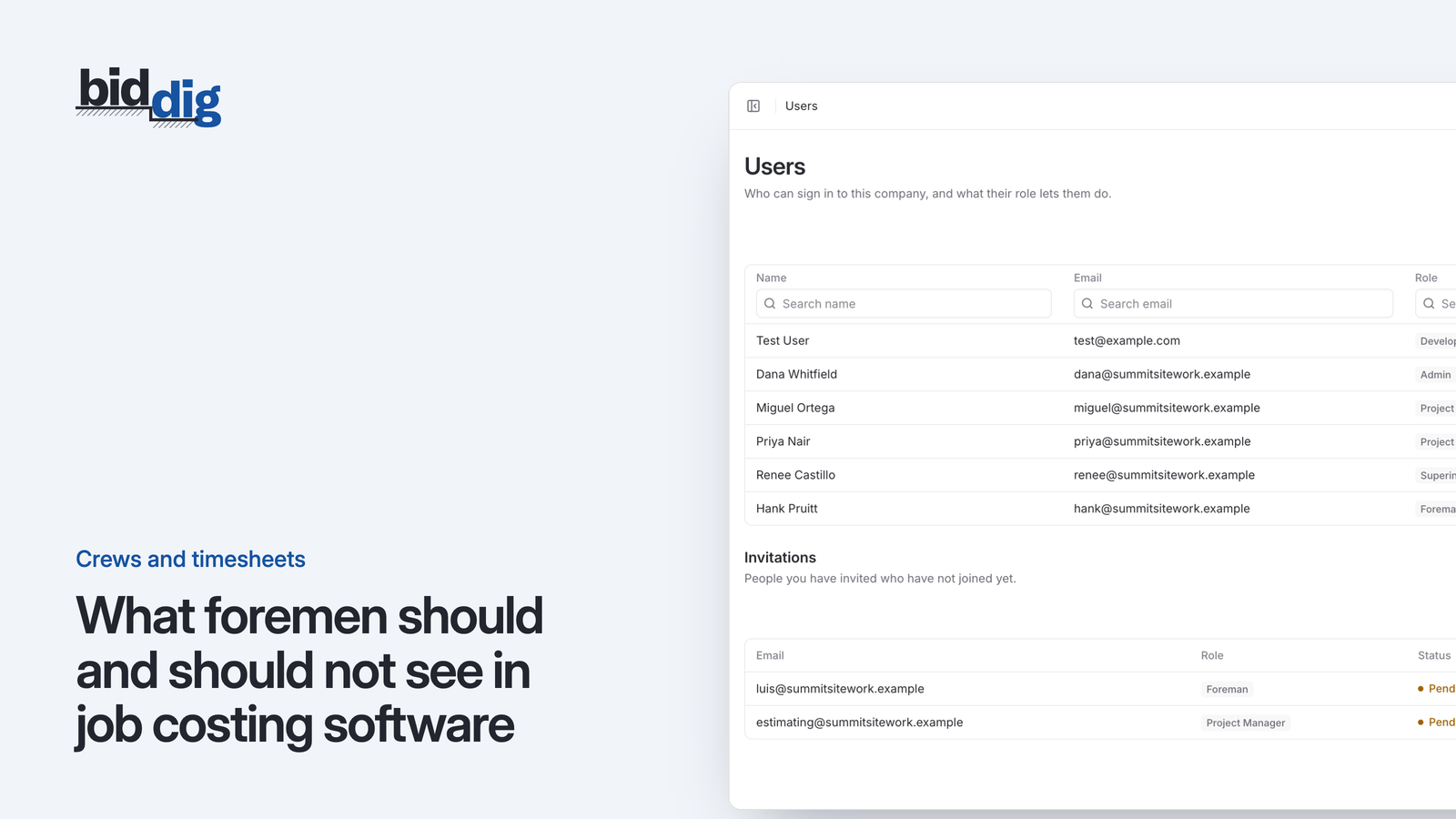
BidDig runs in the browser, including the browser on a phone, so a foreman signs in and enters hours with nothing to install. It is not a time clock. He enters employee and equipment hours against a project and line item on a timesheet calendar, and the entry is job cost when saved. Foremen see only their assigned projects and timesheets, with no hourly rates, and entries can be edited or deleted.
See timesheets and crews, and the related posts on timesheets that feed job cost and what foremen should and should not see. For how the pieces fit together, see construction timesheet software.