What foremen should and should not see in job costing software
The field needs to know what to build and where to book the hours. It does not need pay rates, margins or the contract file. Here is how to draw that line.
By the BidDig team, , 6 min read
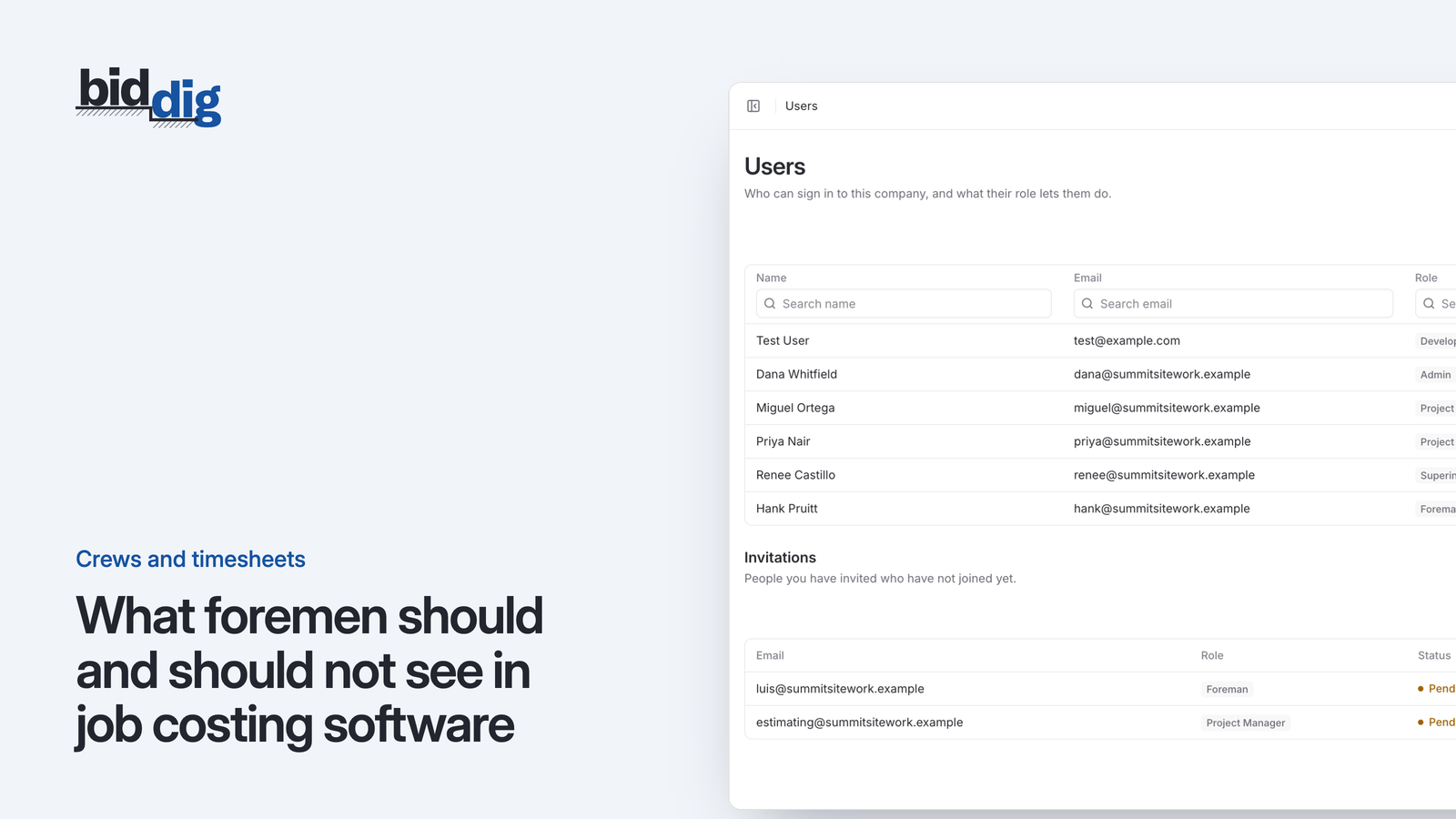
A foreman should see the projects he is assigned to, their line items, quantities and scope, field notes and documents, and a place to enter hours. He should not see pay rates, costs and margins in dollars, administrative documents such as the contract, or other people's jobs. Set those limits by role, not person by person, so they survive promotions and new hires.
What should a foreman see in job costing software?
A foreman runs a crew on a piece of work. To do that well, and to give the office good information back, he needs:
- The projects he is assigned to. Not every job the company has, only the ones he works on.
- The line items on those projects. Described in words the crew uses, so hours land in the right place.
- Quantities and scope. How much pipe, how many yards, what is included and what is not.
- Field notes and documents. Drawings, site contacts, access instructions, anything that helps build the work.
- A place to enter hours. For his people and for the machines working with them.
A superintendent needs the same across more jobs, and usually also needs to see how crews are made up so people and machines can be moved between projects.
None of that requires a dollar sign. A foreman can be told that the bid allowed 320 hours for the pipe without being shown what those hours cost.
What should a foreman not see?
Some information does no good in the field and can do harm.
Pay rates. What each person earns is between that person and the company. A timesheet that shows a rate next to every name turns the foreman's phone into the payroll file.
Costs and margins. Budget vs actual in dollars shows what the job was sold for and what is left. That is the project manager's and owner's working material. In the field it tends to be read without context, where a line item that is over looks like blame and one that is under looks like money the company is keeping.
Administrative notes and documents. The contract, the insurance certificates, correspondence about a dispute, a note that the customer pays slowly. These belong to the job, but they are for the people managing the commercial side.
Other people's jobs. A foreman on one project has no use for the bid on another.
This is not about distrust. Most foremen would rather not carry that information. It puts them in the middle of conversations they cannot resolve.
Why not share the job spreadsheet with the field?
A contractor decides to get the field off paper. The quickest way is to share the job spreadsheet with the foremen so they can type their hours straight in. It works for about a month.
Then a laborer mentions, in front of the crew, what the operator next to him makes an hour. He saw it on the foreman's phone. By the end of the week two people have asked for a raise, and the foreman has worked out the margin on the project and has opinions about it.
Nobody did anything wrong. The spreadsheet showed everything to everyone, because that is what a shared file does.
Contractors usually respond in one of two ways, and both cost money.
The first is to keep sharing everything and hope. Pay rates, bid prices, markup and the owner's notes about the customer all travel to the field along with the timesheet. Sooner or later something is read by someone it was not meant for.
The second is to lock the field out completely. Foremen go back to paper, somebody in the office keys the sheets in on Monday, and the job cost is a week behind and full of guesses. The information is safe and also late.
The better answer is in between: give each role what it needs to do its job, and nothing that only creates risk.
Should foremen see the job budget?
In hours and quantities, yes. In dollars, no.
Keeping dollars in the office does not mean keeping the field in the dark about performance. Hours and quantities are the foreman's own units, and they carry almost everything he needs.
Here is an example. Say a line item was bid with 320 labor hours and the crew has used 210 with half the work done.
- Hours allowed for half the work: 320 × 50% = 160
- Hours used: 210
- Over so far: 210 − 160 = 50 hours
Telling the foreman "we allowed 160 hours for this half and used 210" gives him a clear picture and a fair question to answer. He may know exactly why: rock, a late delivery, a short crew. That conversation needs no pay rates and no margin.
The project manager can turn the same 50 hours into dollars back at the office. A weekly check-in in hours and quantities, with the dollars handled separately, gets most of the benefit with none of the exposure.
How do you set up user roles and permissions for a construction company?
Deciding visibility one person at a time does not last. Somebody gets promoted, somebody new starts, a file gets forwarded. Define a small number of roles and attach the rules to the role.
| Role | Sees | Does not see |
|---|---|---|
| Owner or admin | Everything | Nothing held back |
| Project manager | Assigned projects with bids, costs and reports | Other managers' projects |
| Superintendent | Assigned projects, timesheets, crews | Rates, dollar comparisons, administrative documents |
| Foreman | Assigned projects, timesheets | Rates, dollar comparisons, administrative documents |
To put it in place:
- List the roles you actually have. Four or five is plenty. A role for every individual is the spreadsheet problem again.
- Decide what each role does. Enters hours, manages a job, runs the company. What a role sees follows from what it does.
- Give each person one role. If someone seems to need two, give the one that fits the work they do most days.
- Assign people to projects separately. The role says what kind of thing someone can see. The assignment says on which jobs.
- Tell the field what they can and cannot see, and why. People are more comfortable entering hours when they know the screen in their hand is not showing the crew's pay to anyone who glances at it.
How do you keep access right as jobs and people change?
Role-based access is only as good as the housekeeping behind it. Three habits hold it up:
- Mark documents when you file them. If the contract is uploaded as a general document, it is visible to whoever can open the project. Decide at the moment of filing whether a note or document is administrative.
- Review assignments when jobs change. A foreman who moved off a project three months ago should not still be able to open it.
- Change the role on the day of a promotion. A foreman who becomes a project manager needs costs and reports from that day, and a project manager who leaves needs nothing.
How BidDig handles roles
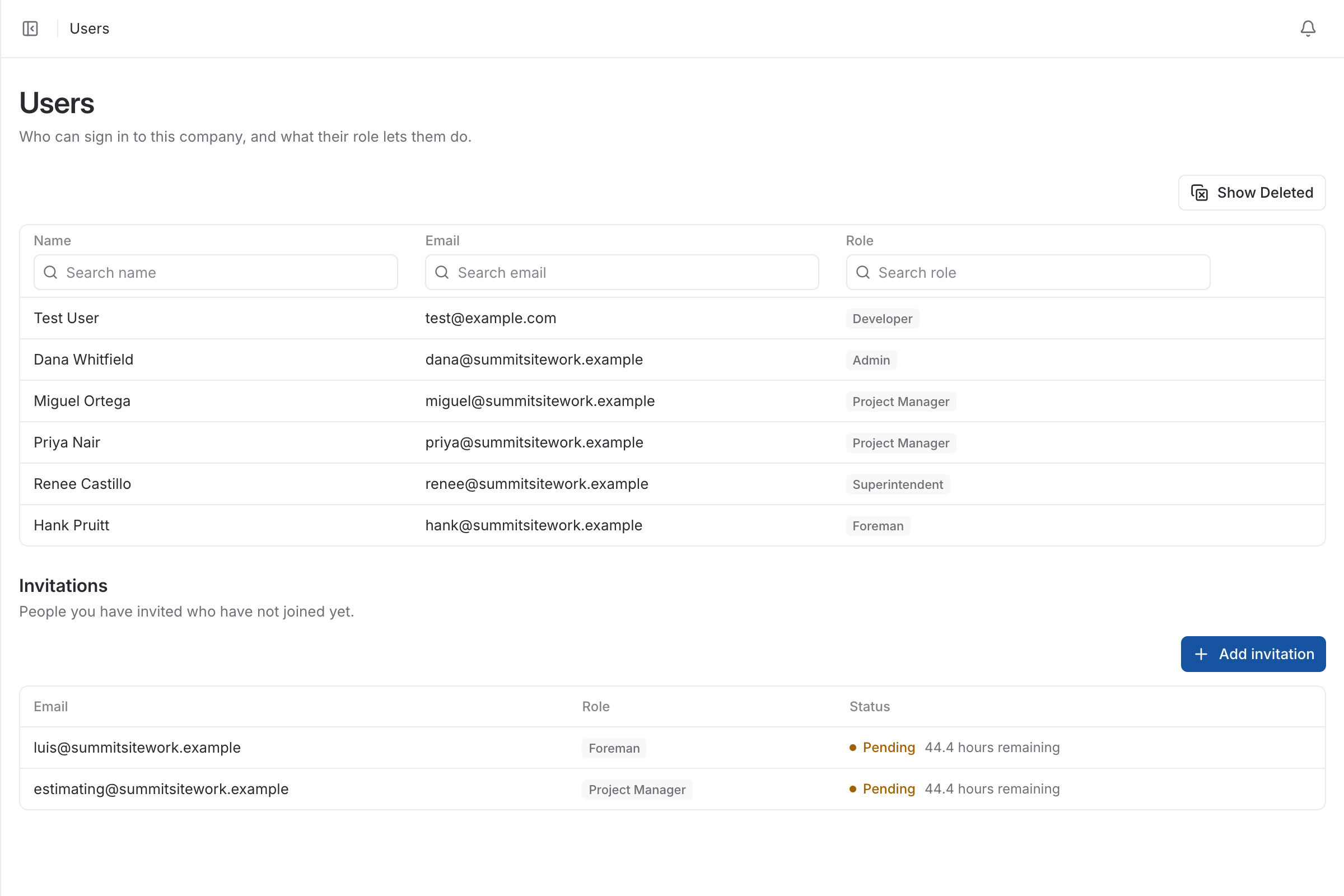
BidDig sets access by role. Admins see everything. Project managers see their assigned projects with bids, costs and reports. Superintendents and foremen see their assigned projects and timesheets and can enter hours, but they do not see hourly rates, budget vs actual, or notes and documents marked administrative. Superintendents also see crews. People are assigned to projects individually.
See timesheets and crews. Related reading: getting foremen to turn in hours every day and how to structure a construction crew. For how the pieces fit together, see construction timesheet software.